

Skip to content
View in the app

A better way to browse. Learn more.

Gear Crushers

A full-screen app on your home screen with push notifications, badges and more.

To install this app on iOS and iPadOS
  1. Tap the Share icon in Safari
  2. Scroll the menu and tap Add to Home Screen.
  3. Tap Add in the top-right corner.
To install this app on Android
  1. Tap the 3-dot menu (⋮) in the top-right corner of the browser.
  2. Tap Add to Home screen or Install app.
  3. Confirm by tapping Install.

UMTR South Announces 2026 Schedule

(0 reviews)

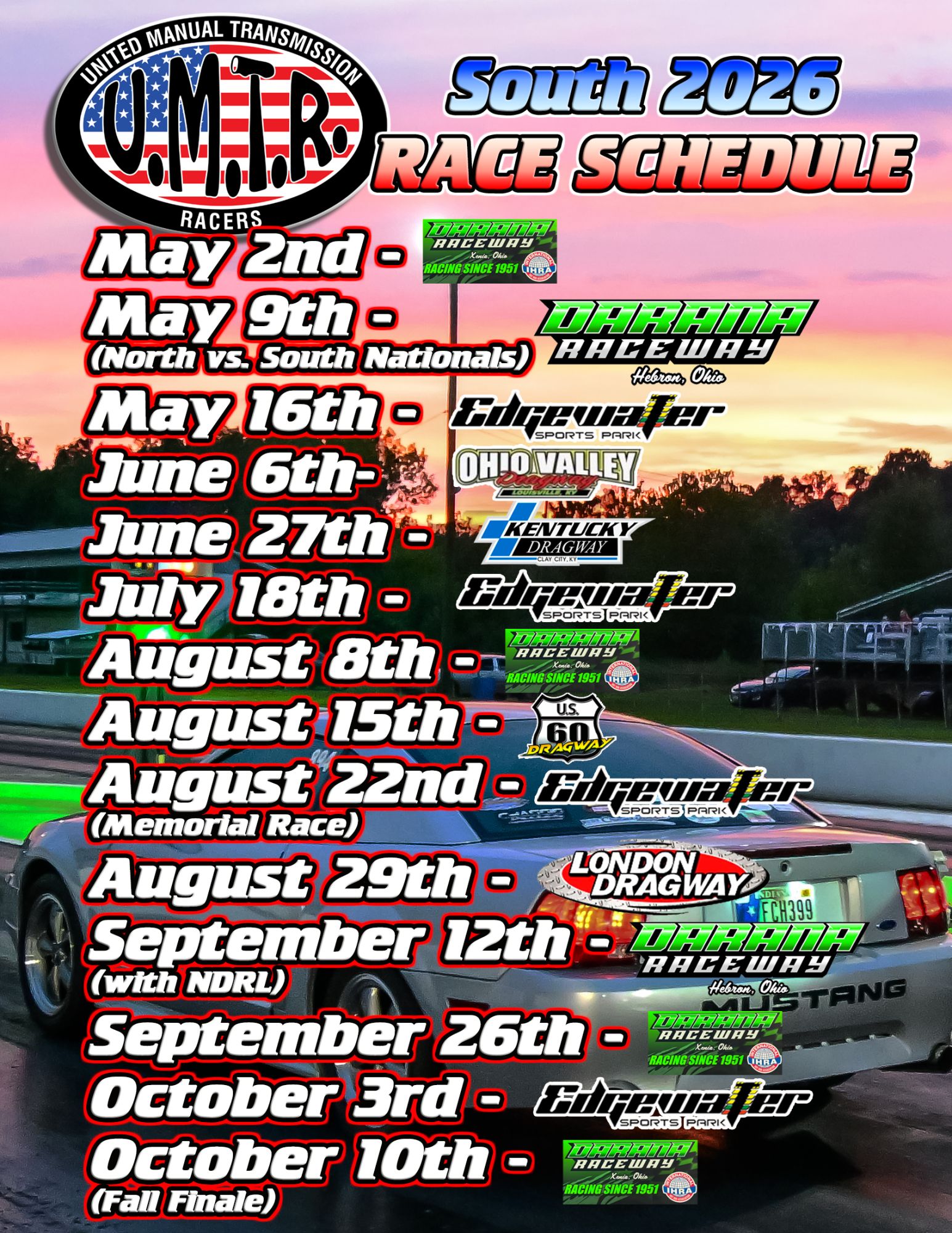
The stick-shift-focused racers of the UMTR South are gearing up for a full slate of events in 2026. The series recently announced its 2026 schedule for the Quick Stick and Street Stick classes.

2026 UMTR South Schedule

  • May 2 – Darana Raceway, Xenia, OH
  • May 9 – Darana Raceway, Hebron, OH (North vs. South Nationals)
  • May 16 – Edgewater Sports Park, Cleves, OH
  • June 6 – Ohio Valley Dragway, West Point, KY
  • June 27 – Kentucky Dragway, Clay City, KY
  • July 18 – Edgewater Sports Park, Cleves, OH
  • August 8 – Darana Raceway, Xenia, OH
  • August 15 – U.S. 60 Dragway, Hardinsburg, KY
  • August 22 – Edgewater Sports Park, Cleves, OH (Memorial Race)
  • August 29 – London Dragway, London, KY
  • September 12 – Darana Raceway, Hebron, OH (with NDRL)
  • September 26 – Darana Raceway, Xenia, OH
  • October 3 – Edgewater Sports Park, Cleves, OH
  • October 10 – Darana Raceway, Xenia, OH (Fall Finale)
2026-race-schedule-1545x2000.jpg

This story was originally published on February 3, 2026. Drag Illustrated

The post UMTR South Announces 2026 Schedule first appeared on Drag Illustrated.

View the full article

User Feedback

There are no reviews to display.

Street Clubs

Important Information

By using this site, you agree to our Terms of Use.

Account

Navigation

Search

Search

Configure browser push notifications

Chrome (Android)
  1. Tap the lock icon next to the address bar.
  2. Tap Permissions → Notifications.
  3. Adjust your preference.
Chrome (Desktop)
  1. Click the padlock icon in the address bar.
  2. Select Site settings.
  3. Find Notifications and adjust your preference.