




For years now, Mazda has set itself apart from mainstream rivals with vehicles that feature more premium designs and upscale interior materials. Mazda’s premium aspirations have also been evident in the brand’s use of vehicle colors. The gorgeous Soul Red Crystal is Mazda’s signature color, but there are several others that bring the brand’s vehicles to life. A new one has just been introduced, that being Navy Blue Mica. Launching on the new generation of the CX-5, it’s yet another beautiful addition to Mazda’s color palette.
Mazda and Iconic Blues Go Way Back

Mazda
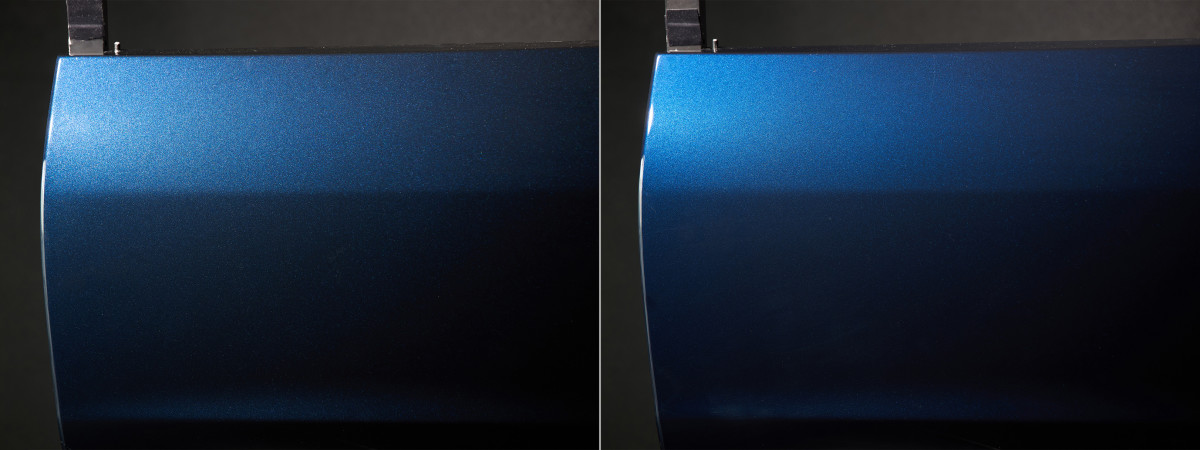
Whether the CX-5 is parked directly in the light or in the shadows, Navy Blue Mica has been designed to create a gorgeous visual effect. Many mica particles of different kinds have been blended horizontally, delivering color, precision, and contrast in any light condition. Navy Blue Mica evolved from Deep Crystal Blue Mica, which is still available on the outgoing CX-5.
While the Soul Red shade has become Mazda’s signature color, it has a long history of using blue hues. In the 1960s, Mazda’s first passenger car, the R360 kei car, was offered with an Impulse Blue finish. Around a decade later, Mazda Blue was the choice for the company’s corporate symbol. Over 150 colors with the word “blue” in it have been used for various Mazdas through the decades, and it was a blue shade that was used when the first-generation CX-5 was originally launched over a decade ago.
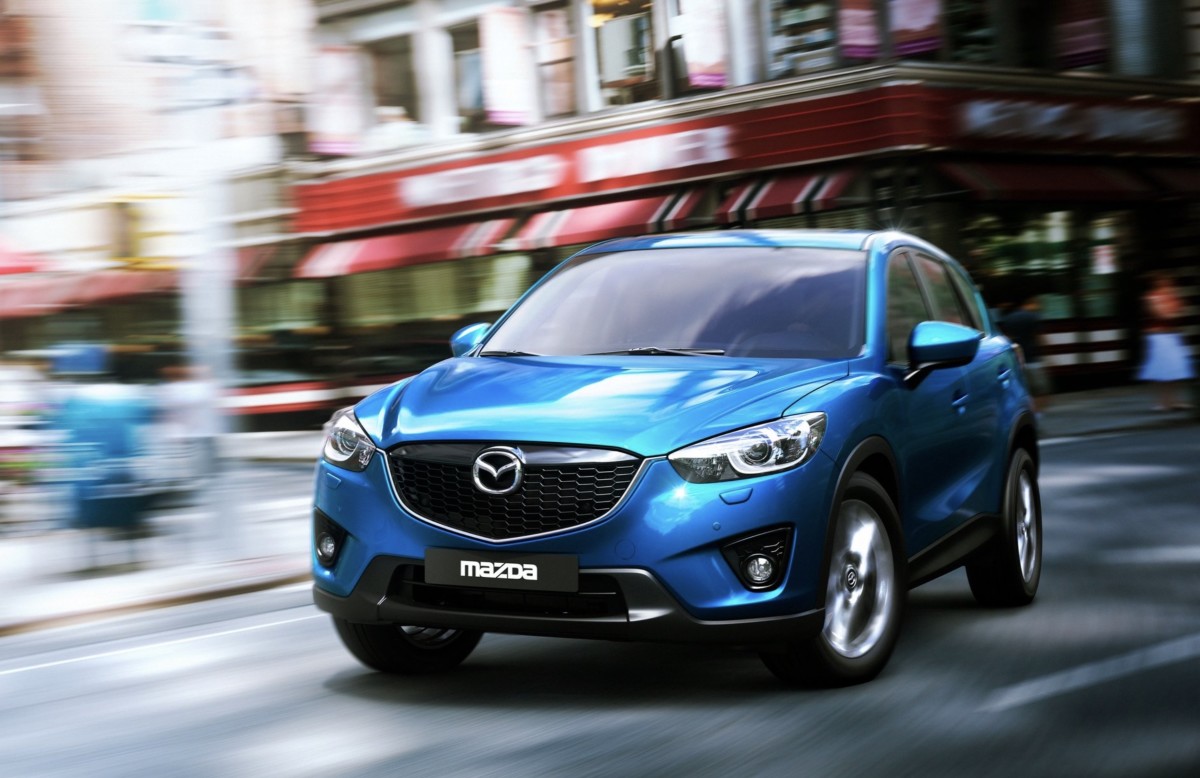
2013 Mazda CX-5
M
Other stunning colors available for the current CX-5 include Zircon Sand Metallic, an earthy shade that is inspired by nature and evokes a more rugged look. A more contemporary finish is Polymetal Gray Metallic, which appears as a blend of gray, silver, and blue.
Related: Funky or Fun? Automakers and Their Interesting Names for Colors
New CX-5 Expected Imminently
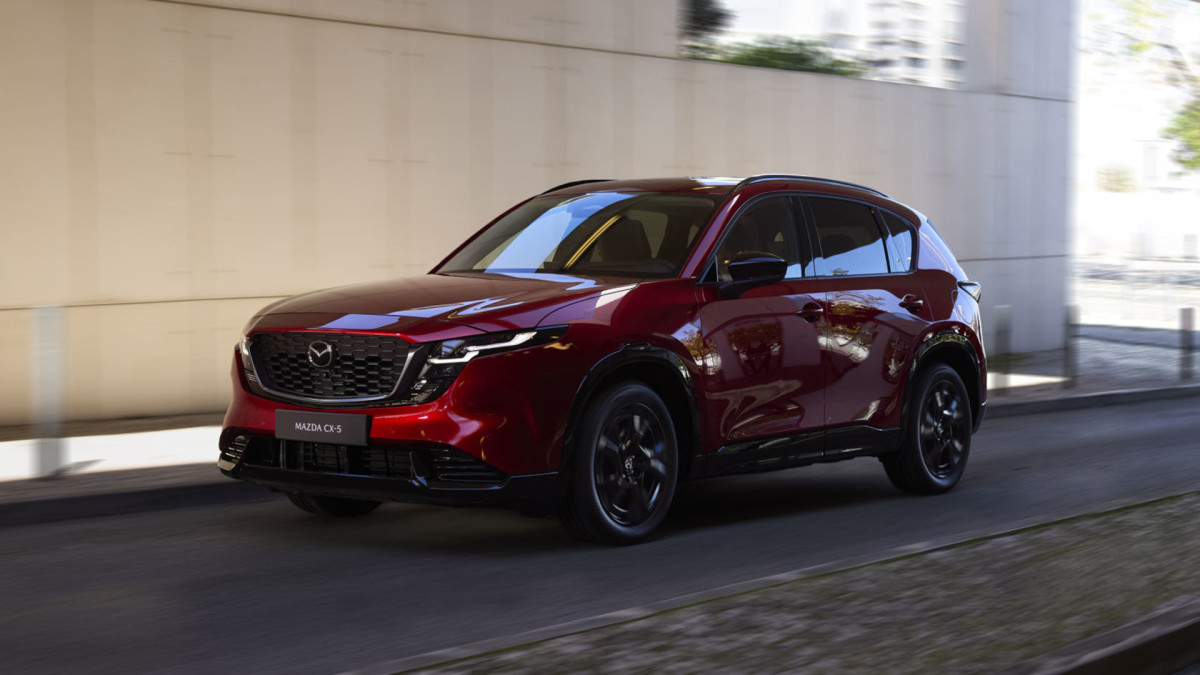
The 2026 Mazda CX-5 will go on sale imminently in the United States. The evolutionary design isn’t a massive departure from the outgoing model, but the interior is completely different. It substitutes Mazda’s traditional physical controls with a large touchscreen that manages almost all functions.
Mazda hasn’t confirmed the exterior and interior colors of the 2026 model, but we expect options like black, red, and Terracotta inside. Lighter interior shades should contrast especially well with the new Navy Blue Mica paint, should that color be offered in this market.
The new CX-5 will initially be offered with a familiar 2.5-liter naturally aspirated four-cylinder engine producing 187 horsepower, but a hybrid will become available in 2027. Mazda has not mentioned the return of the potent turbocharged model, and it has also stuck with the reliable six-speed automatic transmission.
Although its mechanicals don’t break new ground, the new CX-5 will likely be a more upscale offering than most rivals, just as the outgoing model was.
Related: 3 Reasons To Buy The Current Mazda CX-5 Before The New One Arrives


There are no reviews to display.