


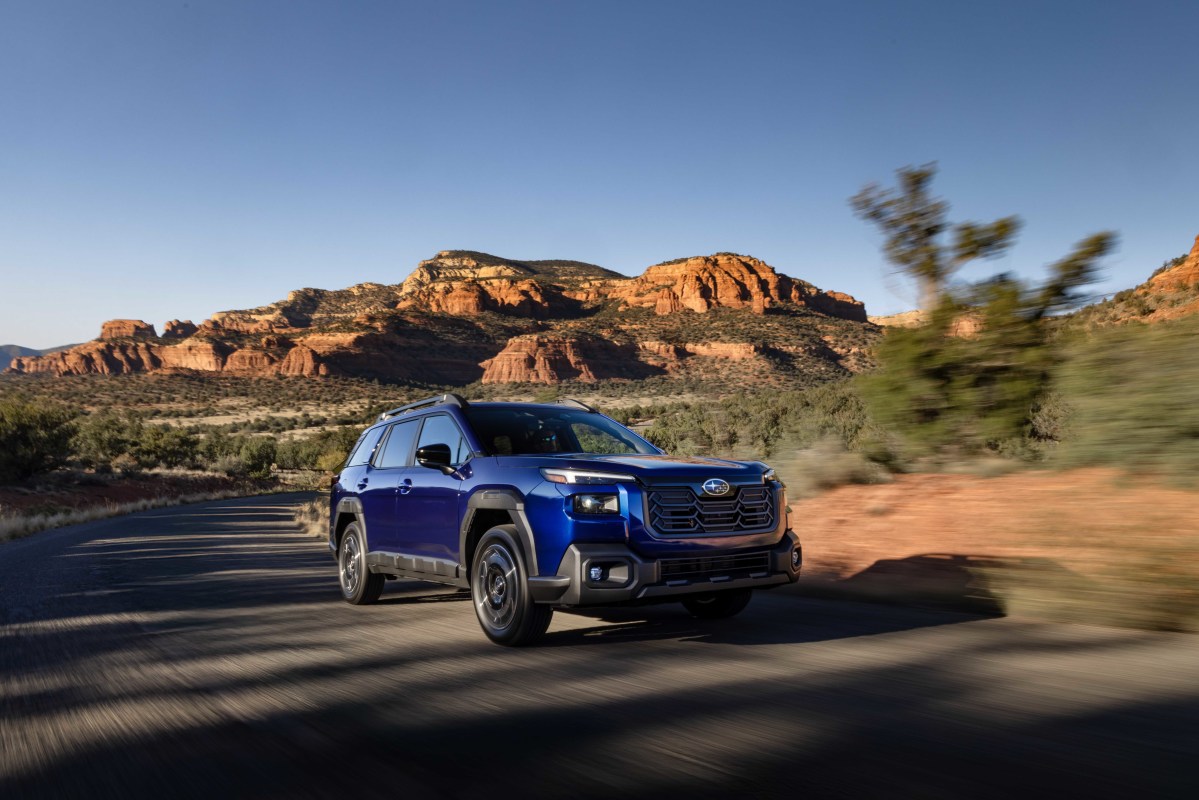
Subaru has announced its first foray into the hands-free driving era. The first model to benefit is the Outback, which recently entered a new generation. The automaker’s EyeSight driver-assistance suite has already been available across Subaru’s lineup, but the Outback’s new Hands-Free Assist Driving system is far more advanced. As with other hands-free systems like Ford’s BlueCruise, Subaru’s system supports hands-free driving on most interstate highways. It can be used at speeds of up to 85 mph (5 mph higher than BlueCruise), which exceeds the speed limit in most states across the country.
Related: Hands-Free Driving Is Surging — Even After High-Profile Crashes
How Highway Hands-Free Assist Works
S
Subaru’s system uses a combination of GPS, HD maps, radar sensors, and cameras for its hands-free system. The automaker says it has been refined through 100,000 miles of testing, ensuring the system’s accuracy.
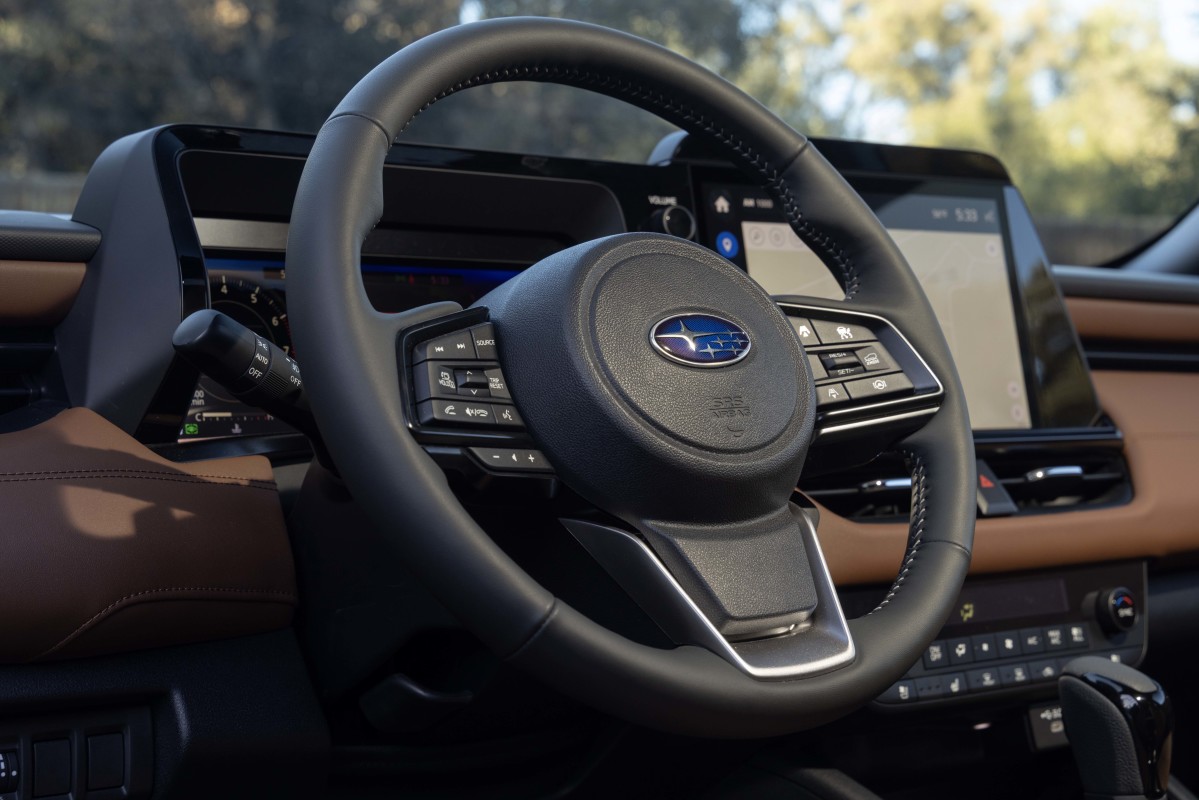
Hands-free operation can be engaged once the adaptive cruise control system is active. Still a Level 2 system, this means the driver needs to pay attention to the road at all times, which is monitored by the Subaru DriverFocus Distraction Mitigation system. If this notices a distracted driver, the hands-free system will disengage and the driver will be prompted to resume manual control. A wider-angle, higher-resolution camera and infrared LEDs can detect a driver’s eye gaze, even through sunglasses.
S
Active lane change assist, automatic resume assist, and pre-curve speed control on highways also form part of the highway system’s capabilities. Emergency stop assist and safe lane selection are also offered, while easily identifiable green and blue icons in the digital gauge cluster communicate the status of the system.
The new Highway Hands-Free Assist system is available as a no-cost update on the Touring and Touring XT trims for the 2026 Outback. Any models sold after January 19, 2026, will already have the update installed.
Related: 2026 Subaru Outback Debuts With New Tech, New Look, and Higher Prices
What It Means
S
Subaru, a brand better known for its Symmetrical all-wheel-drive system and rugged dependability, has finally entered the hands-free race. It joins Ford’s BlueCruise, GM’s Super Cruise, and Mercedes-Benz’s Drive Pilot system. Tesla, of course, is a prominent presence in this arena, as its Full Self-Driving (Supervised) suite can handle point-to-point hands-free driving, even through urban areas.
You’ll need to pay for Subaru’s system, though, as the cheapest model it’s offered on is the Outback Touring at $45,395. We expect the capability to eventually make its way into other Subaru models. Moreover, we hope to see more Subarus transition to the Outback’s redesigned user interface, as the Forester Wilderness we drove alienated us with some of its controls.
The new functionality broadens Subaru’s appeal—as more models receive the hands-free system and the Outback’s latest user interface, it can grow into a brand that can compete in tech and not just rugged capability.
Related: Hands-Free Showdown: BlueCruise, Super Cruise, Autopilot. Which One Owns the Highway?


There are no reviews to display.