


There aren’t that many affordable EVs available in the United States, and that’s a shame. Actually, currently there are only two models that start below $30,000 (before the destination charge is applied): the 2027 Chevrolet Bolt LT and 2026 Nissan Leaf S Plus.
The Bolt LT is the cheaper one, with a starting MSRP of $28,995 (including a $1,395 destination freight charge). Those who prefer the longer-range 2026 Nissan Leaf S Plus have to fork out $2,500 more as the Japanese electric crossover starts at $31,485 (including $1,495 destination).
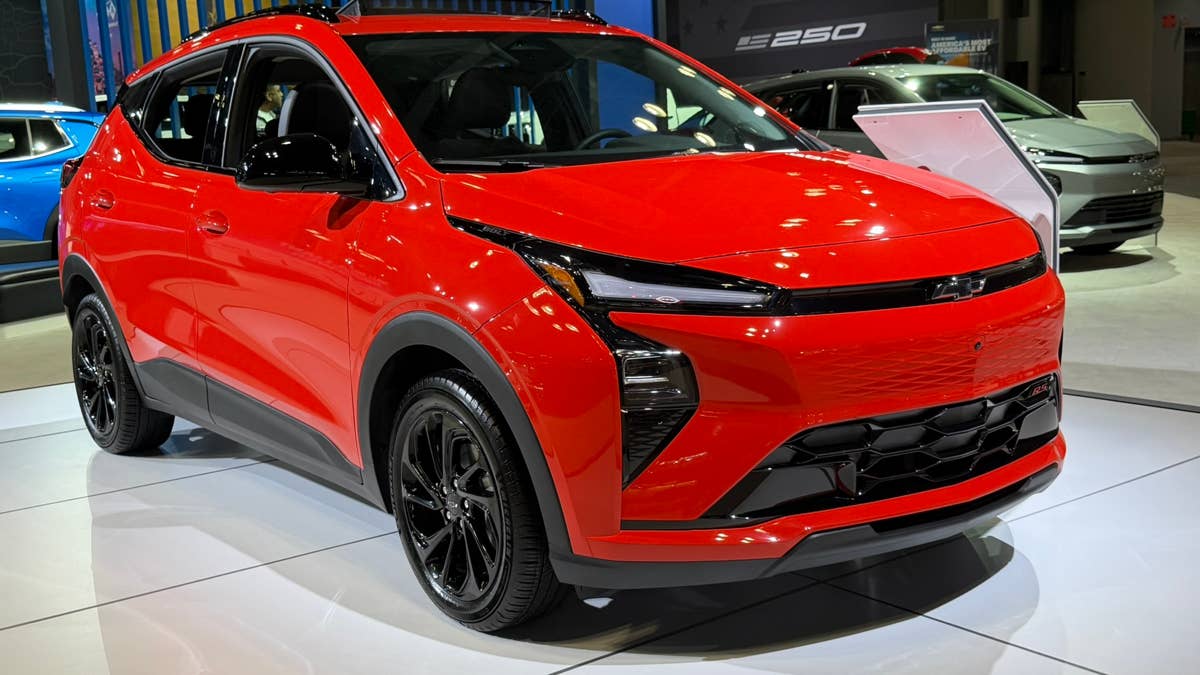
Up to $1,250 Off the 2027 Chevy Bolt With Costco
Adam Lynton/Autoblog
Now, if you’re too frugal to pay retail (and who isn't these days?), there’s a pretty good deal available on the 2027 Chevy Bolt LT, but you have to be a Costco member to get it.
The retail giant’s Costco Auto Program offers a $1,250 discount for the new Bolt for Executive Costco members, or $1,000 for Gold Star and Business members, InsideEVs reports. Executive Costco members can therefore purchase a 2027 Chevy Bolt LT for just $27,745, while Gold Star and Business members can get it for $27,995.
Customers who want to claim this deal, which runs until June 30, must register at Costco to become members. An Executive Costco membership costs $130 a year, while Gold Star and Business memberships cost $65 a year each.
America's Cheapest EV Is a Massive Improvement Over Its Predecessor
Adam Lynton/Autoblog
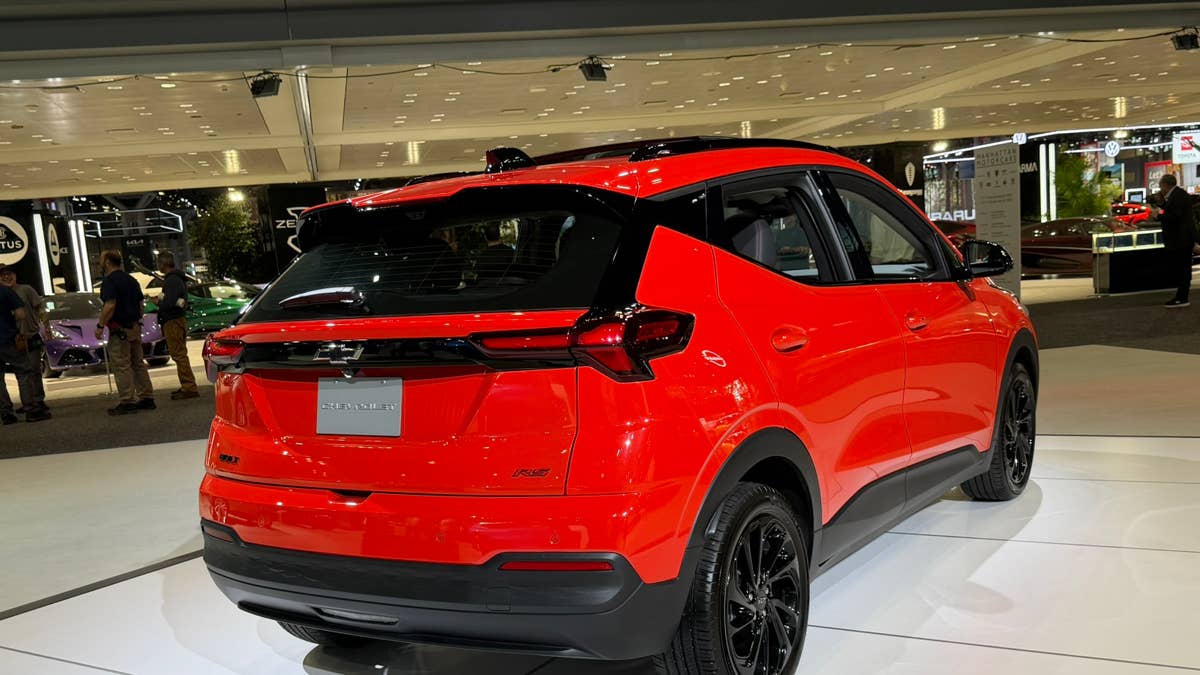
The 2027 Chevrolet Bolt has received significant upgrades over its predecessor, chief of which is the new lithium-iron-phosphate (LFP) battery pack, which enables it to cover an EPA-estimated 262 miles of range on a full charge.
While the range difference is not that big compared to the previous-gen Bolt EV, the LFP chemistry enables frequent charging at 100% capacity, allowing users to enjoy the vehicle’s full range all the time. In comparison, the previous model’s NMC chemistry required a regular charging limit of 80% to ensure battery longevity.
Chase Bierenkoven
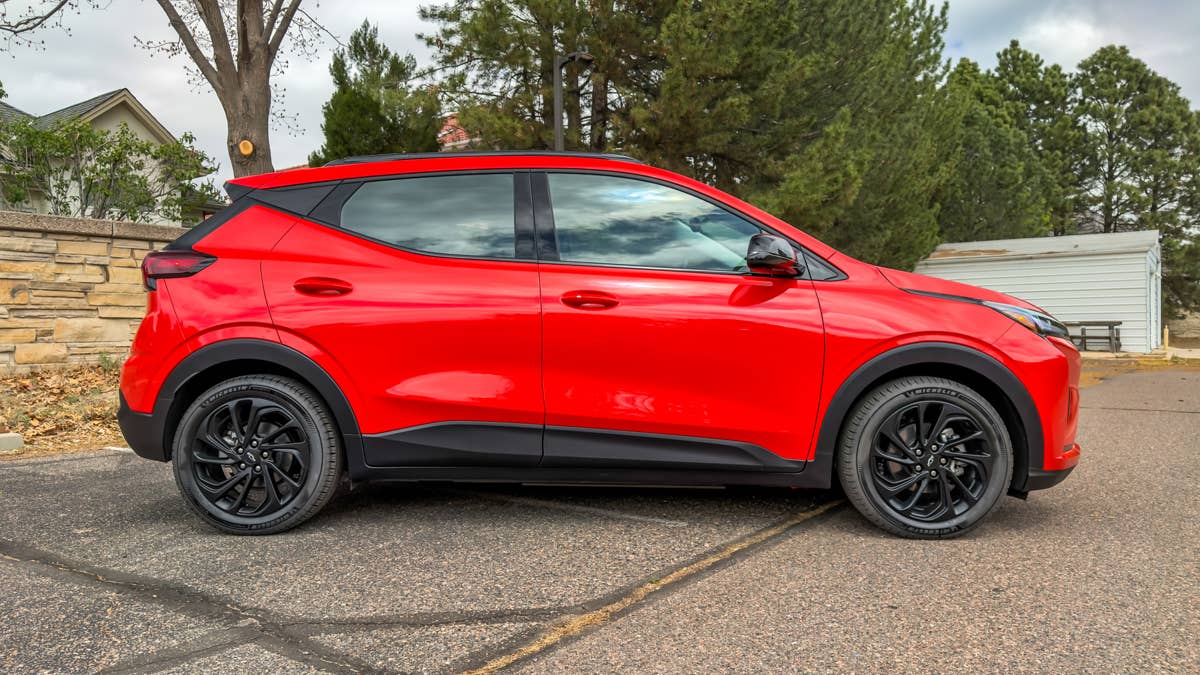
The 65-kWh pack supports DC fast charging up to 150 kW, allowing a 10% to 80% charge in about 25 minutes, according to Chevrolet; previous generation Bolt EVs maxed out at a peak DC fast-charging speed of 55 kW and needed well over an hour to complete the same charging cycle.
The new Bolt also comes with a standard NACS port that allows it to use Tesla’s Supercharger network of DC fast chargers; previous-gen Bolt EVs only offered the CCS1 (Combined Charging System 1) port for DC fast charging, which needed an adapter to work at Tesla Superchargers.
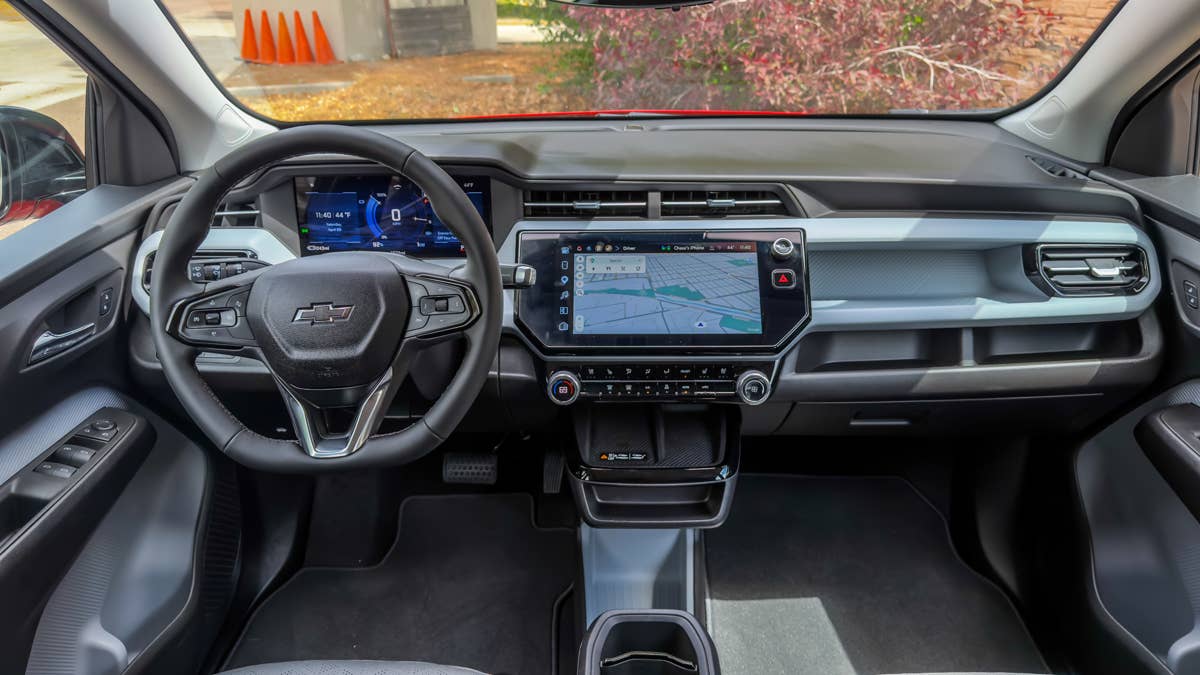
The previous Chevy Bolt (2017-2023 model years) used an NMC (Lithium Nickel Manganese Cobalt Oxide) battery chemistry with liquid-cooled pouched cells manufactured by LG Energy Solution. This specific chemistry and pouch-cell design were at the center of multiple 2021-2022 battery recalls due to manufacturing defects.
Chase Bierenkoven


There are no reviews to display.