


Here’s Something for the “Essential Economy”
Ford Super Duty trucks have always played a different role in the truck world. These are the rigs you see hauling excavators, towing race trailers across state lines, or carrying the weight of a business – sometimes literally.
Contractors, fleet managers, tradespeople, and owner-operators are the core audience Ford listens to when updating the Super Duty. Ford calls them the ‘Essential Economy' – the people who keep construction, logistics, and services moving.
For 2027, Ford says most of the changes came straight from job-site feedback and what owners are saying online. Rather than a full overhaul, the updates focus on capability – especially off-road features for trucks that still have to earn their keep Monday to Friday.
Ford
More Off-Road Hardware Straight from the Factory
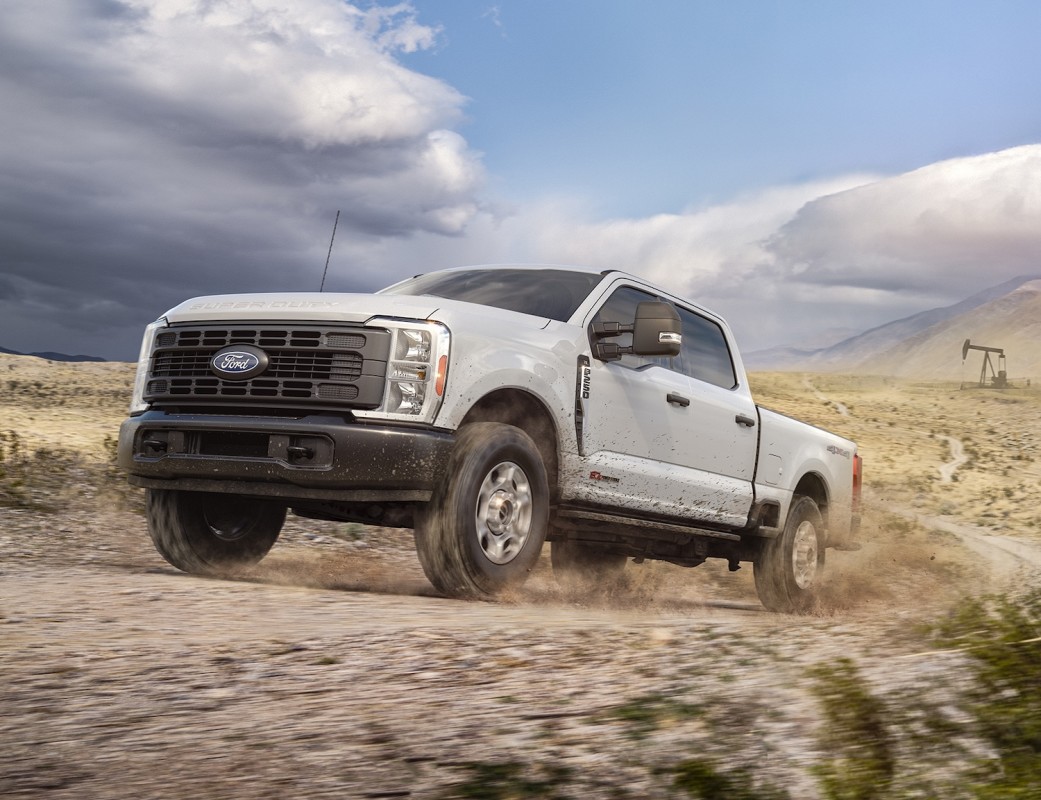
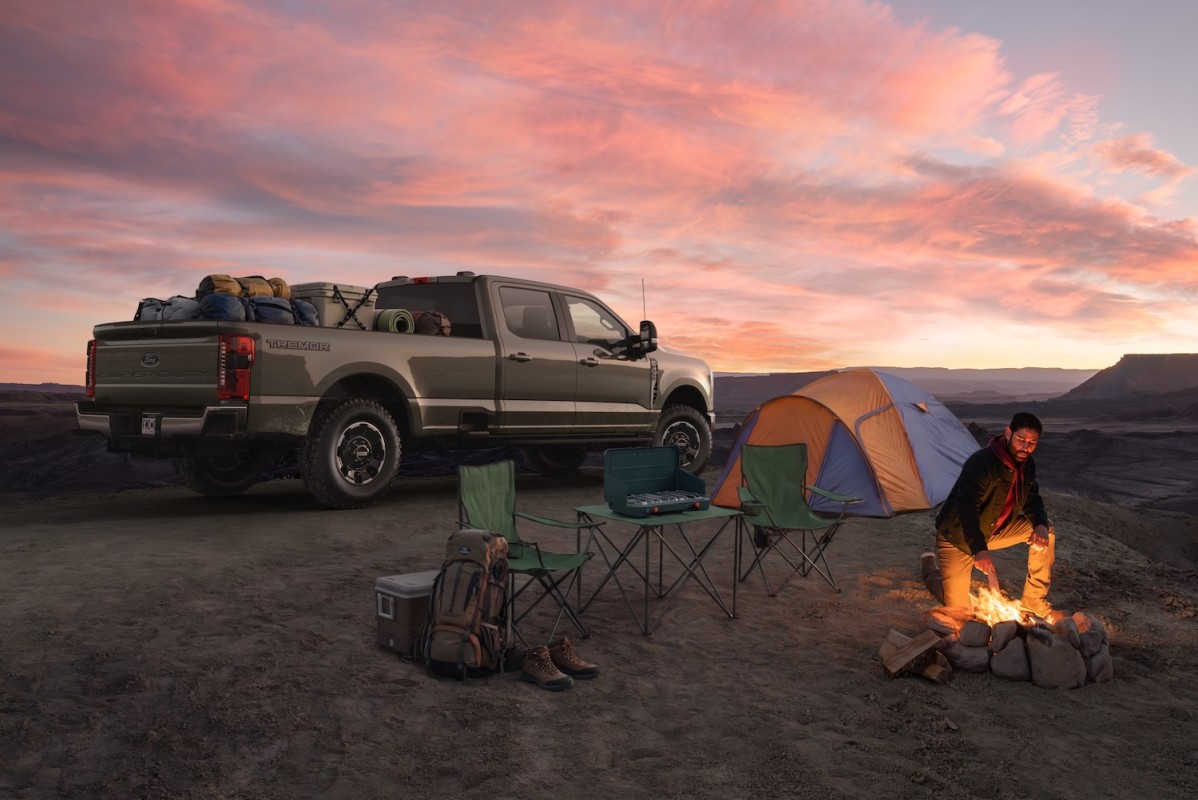
The Tremor Off-Road Package is the biggest change for 2027 as it is no longer exclusive to higher trims. Now, even XL models with the STX Appearance Package can get it. The package includes the hardware that defines the Tremor name: 35-inch Goodyear Wrangler DuraTrac tires, a factory lift, electronic locking rear differential, limited-slip front differential, skid plates, and off-road driving features like Trail Control, Trail Turn Assist, and Rock Crawl Mode.
Ford also finally answers a long-standing request: you can now get the Tremor package with a Crew Cab and 8-foot bed. That setup rides on a 176-inch wheelbase and can be optioned with a massive 48-gallon fuel tank – the biggest you’ll find on a Super Duty.
Meanwhile, work truck buyers can opt for the new XL Off-Road 35-Inch Tire Package, which adds bigger tires and more ground clearance to the base XL. It skips the flashy graphics, though – so fleets can keep things simple.
This package is aimed at industries like forestry, mining, and utilities. It comes with a factory lift, upgraded shocks, a locking rear diff, a limited-slip up front, and skid plates for the transfer case and fuel tank. The exterior stays clean, so fleets and agencies can add their own branding.
The old XL off-road setup sticks around, now called the XL Off-Road 33-Inch Tire Package. That means there are now two levels of off-road capability for entry-level buyers.
Ford
Platinum Luxury Reaches the Chassis Cab
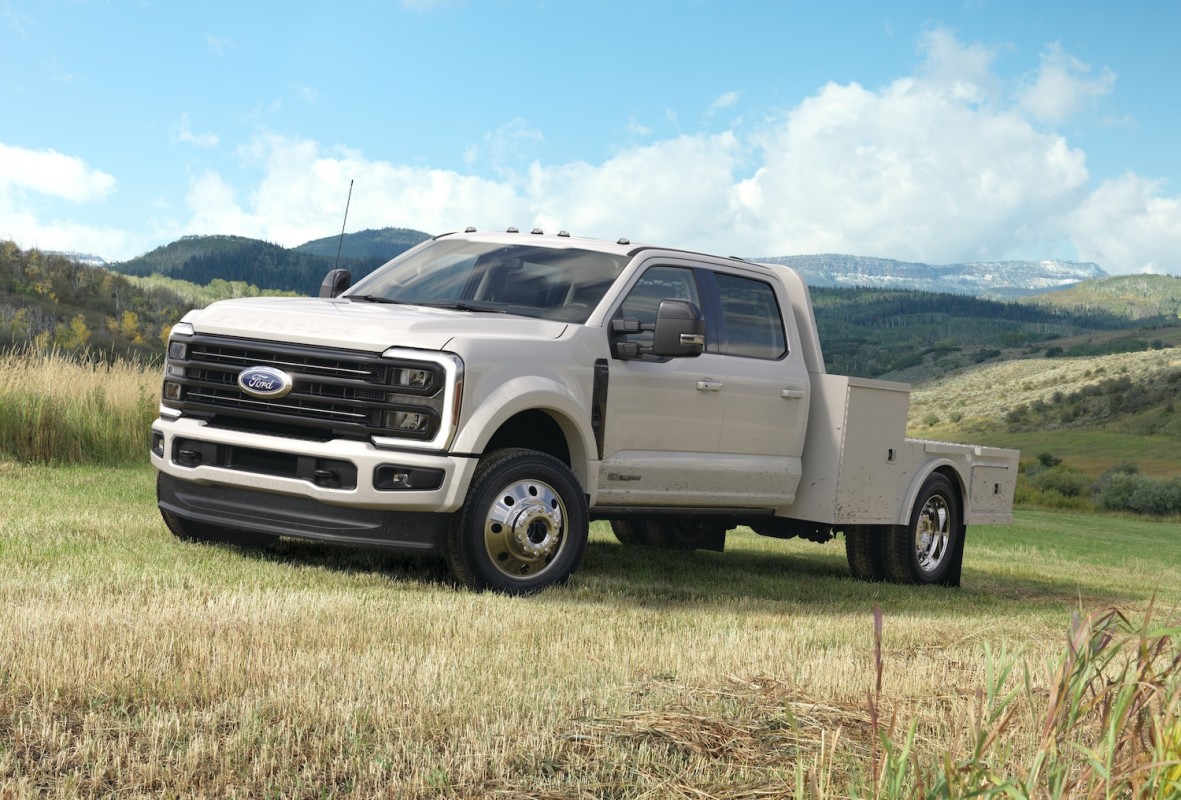
For 2027, you can finally get Platinum trim on F-350, F-450, and F-550 chassis cab trucks. These are the models that end up as tow rigs, horse haulers, expedition builds, or utility trucks. Up until now, if you spent big on the gear behind the cab, you didn’t have many choices for a nicer interior. The new Platinum trim finally fills that gap.
Inside, you get Platinum-level touches: leather seats and Ford’s SYNC 4 system. The thinking is straightforward – if you’re spending six figures on a custom build, the cab should feel just as premium as the rest of the truck.
Order banks for the 2027 Super Duty open in May. Pricing and full specs will follow as launch gets closer.
Ford


There are no reviews to display.