


Repo Practices Face Federal Action
Car repossession rates have approached Great Recession levels in recent years, driven in part by post-pandemic economic factors. Military servicemembers, however, receive certain protections under the Servicemembers Civil Relief Act – protections that CarMax Inc. allegedly violated and will now pay at least $420,000 in compensation to 28 affected servicemembers.
According to Automotive News, the U.S. Department of Justice alleged that CarMax failed to verify whether borrowers were active-duty servicemembers before repossessing their vehicles. The aforementioned act prohibits lenders from repossessing vehicles from active-duty military personnel and activated reservists without a court order if the vehicles were leased or financed before the borrower entered military service. The used-car retailer cooperated with the DOJ but maintained that the settlement does not necessarily reflect “an admission of wrongdoing by CarMax Auto Finance.”
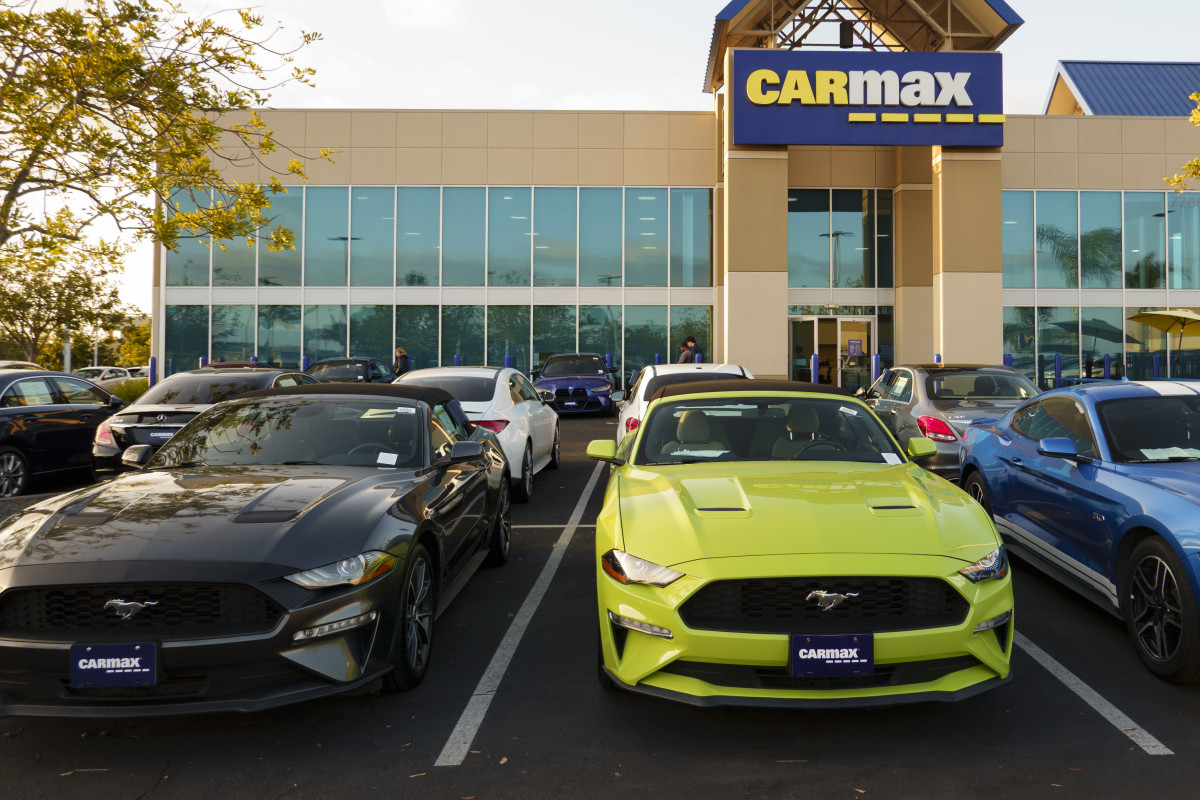
A Retail Giant in the Spotlight
The report did not mention which models were owned by the 28 servicemembers whose vehicles were repossessed. However, CarMax offers a wide range of used vehicles, including luxury EVs such as the Porsche Taycan. The company operates more than 250 stores nationwide, competing with rivals such as Carvana.
What the report did state is that CarMax must pay each servicemember $15,000 in compensation, along with any lost equity and interest. The used-car retailer must also pay $79,380 to the U.S. government as a civil penalty for violating the Servicemembers Civil Relief Act, violations that allegedly occurred between March 1, 2018, and October 24, 2023.
New Safeguards for Servicemembers
The settlement also requires CarMax to check borrowers’ military status within two days before initiating a repossession, within two days before selling any repossessed vehicle, and no more than two days after a vehicle is seized. In response, CarMax vowed to improve its practices and said it has initiated additional training for its employees.
In a statement, the used-car retailer said, “Consistent with CarMax Auto Finance’s commitment to continuous improvement and supporting those who serve, we have enhanced our SCRA processes, expanded proactive screening and outreach, and reinforced employee training to help ensure all eligible servicemembers and their dependents receive the protections they deserve.”
The case also raises questions about whether similar improper repossession practices may have affected regular car owners who are not protected by laws such as the Servicemembers Civil Relief Act. The issue becomes even more relevant as auto loan delinquencies continue to rise in the U.S., putting pressure on lenders and retailers. Average new-car prices in the U.S. have also climbed to around $50,000, making vehicle financing increasingly common.
Kevin Carter/Getty Images


There are no reviews to display.