


Cheaper LiDAR Makes Mass Adoption Possible
A decade ago, LiDAR was mostly limited to experimental autonomous vehicles. Early systems, such as those mounted on Waymo robotaxis, could cost as much as $50,000 per unit. These sensors were large and were often installed on the vehicle's roof. They also required significant computing power to process the detailed data they produced. At the time, lidar was considered essential for autonomy research but far too expensive for production vehicles.
China changed that equation quickly. According to Automotive News, automakers there began installing LiDAR in production EVs and pushed suppliers to scale manufacturing. Companies such as Hesai and RoboSense increased output and drove prices down dramatically. Some compact units now cost roughly $200. Millions of sensors are produced each year. As a result, a growing share of Chinese EVs now feature LiDAR as part of their advanced driver-assistance systems.
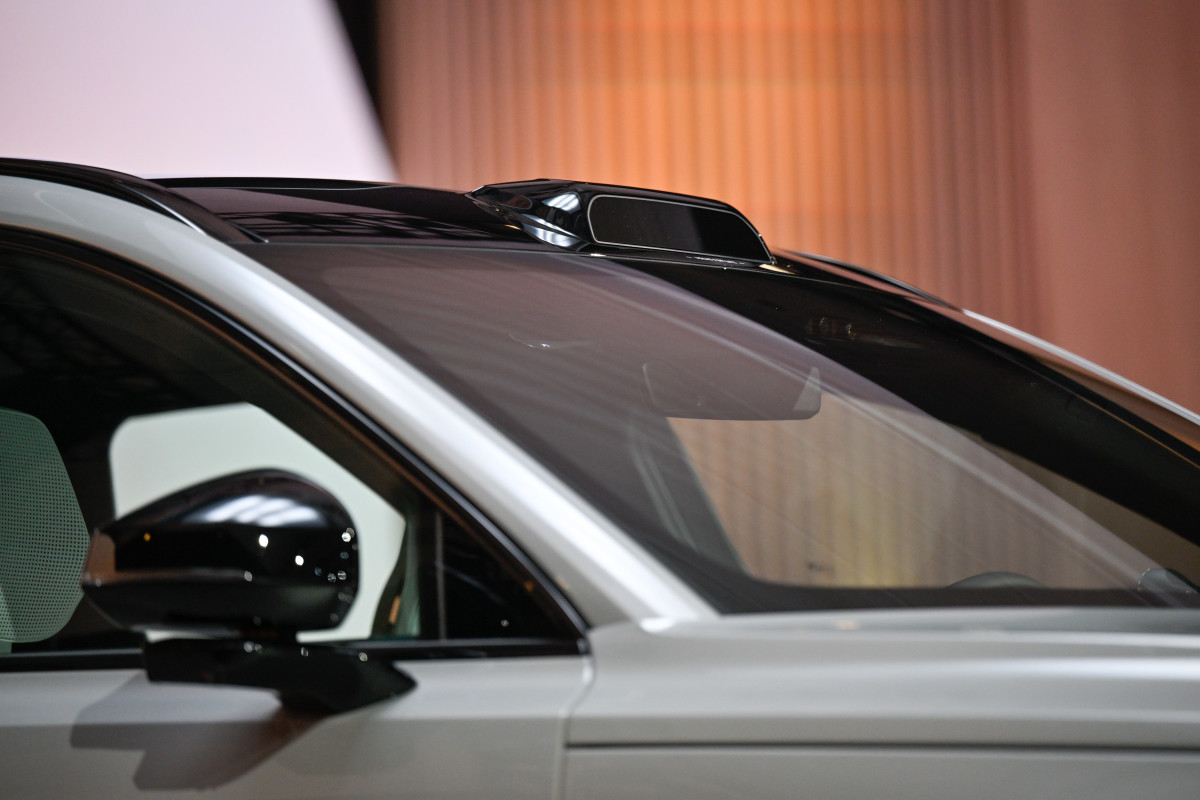
Why Automakers Are Suddenly Embracing LiDAR
LiDAR prices are falling while vehicle computing power continues to improve. This combination is pushing Western automakers to reconsider the technology. LiDAR stands for light detection and ranging. The system uses laser pulses to create a detailed 3D map of a vehicle’s surroundings. Cameras rely heavily on lighting conditions and visual contrast. LiDAR works reliably in darkness, glare, and poor visibility. It also measures distance with high precision.
Several automakers now see LiDAR as a key step toward more advanced driver assistance and future automation. Rivian plans to introduce LiDAR on its upcoming R2 crossover. Ford Motor Company and General Motors are developing systems designed to support Level 3 automated driving later this decade. Lucid Motors already offers LiDAR as part of its driver-assistance package. Automakers see it as an added layer of redundancy alongside cameras and radar.
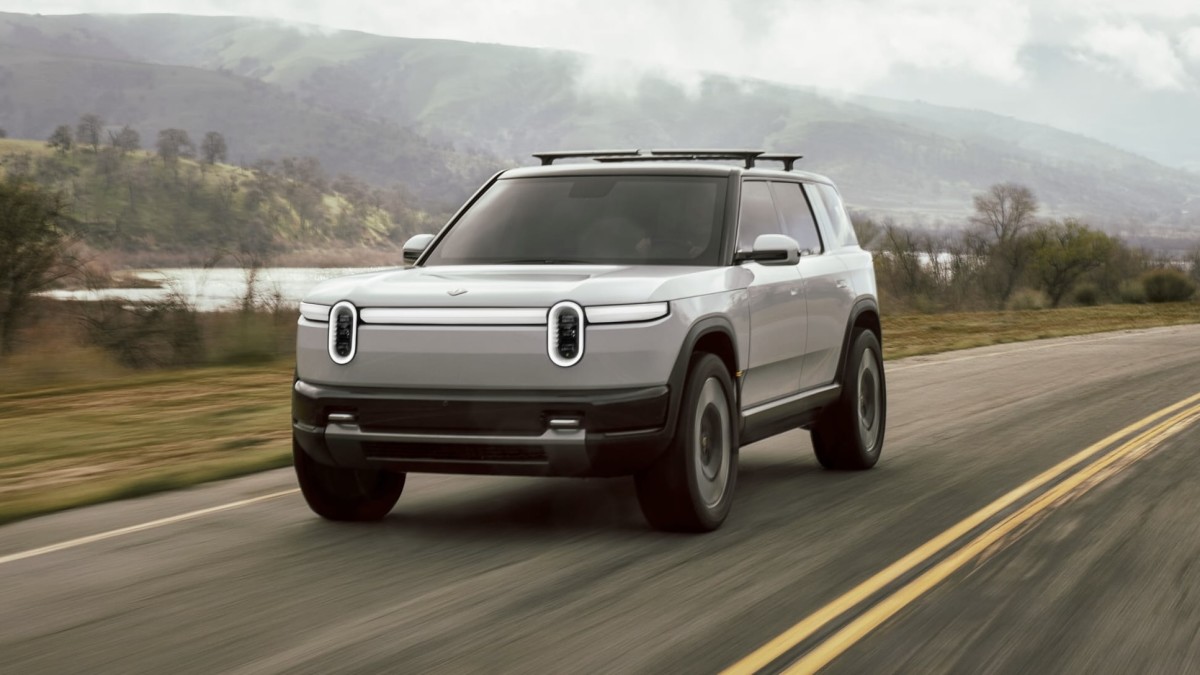
Rivian
Tesla’s Skepticism and the Road Ahead
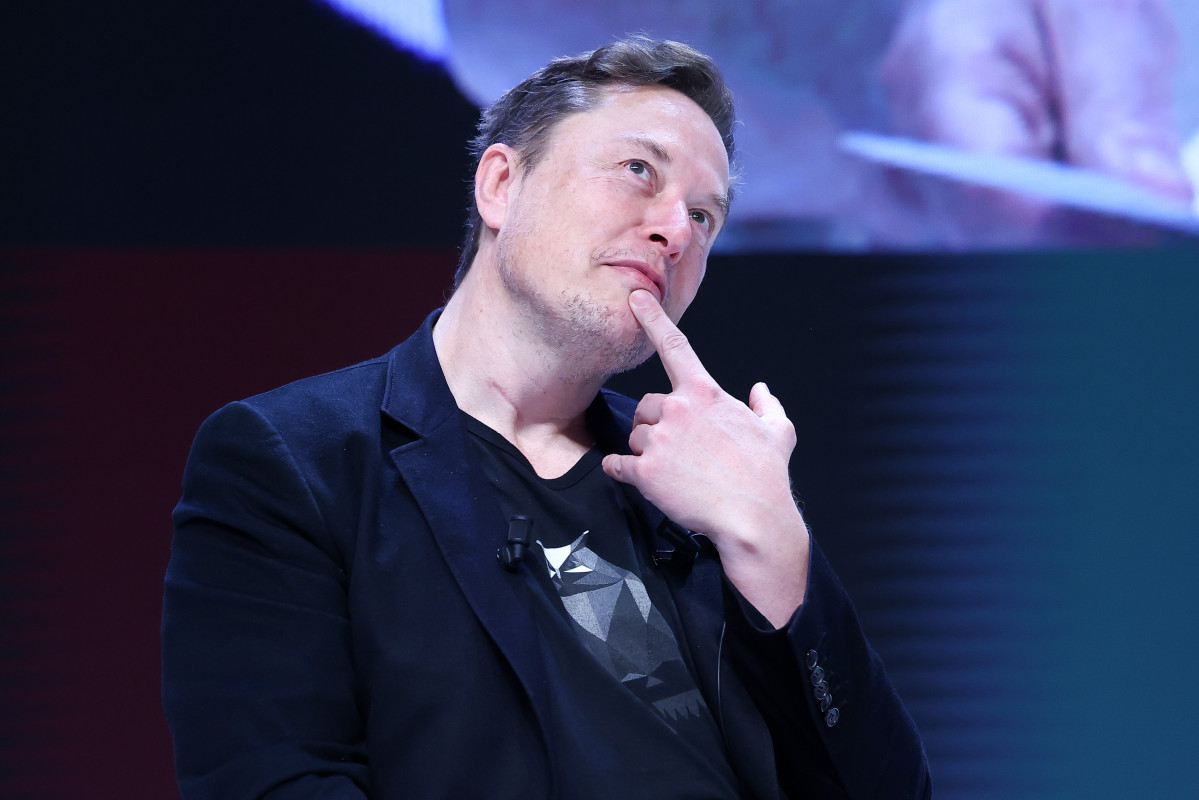
One of the most prominent critics of LiDAR is Elon Musk. His company, Tesla, relies on a camera-based system for its driver-assistance technology. Musk has repeatedly argued that advanced artificial intelligence and cameras are enough to achieve autonomy. In his view, LiDAR adds unnecessary cost and complexity to the system.
Recent developments highlight the uncertainty surrounding autonomy technology. Tesla acknowledged that many vehicles may require upgrades to support future unsupervised, self-driving capability. This could affect customers who already purchased the Full Self-Driving package. The situation reflects the larger industry debate. Some companies continue to pursue camera-focused systems. Others believe that LiDAR's falling costs and precise environmental mapping will play a major role in building safer, more capable automated vehicles.


There are no reviews to display.