


More Than Just Texting
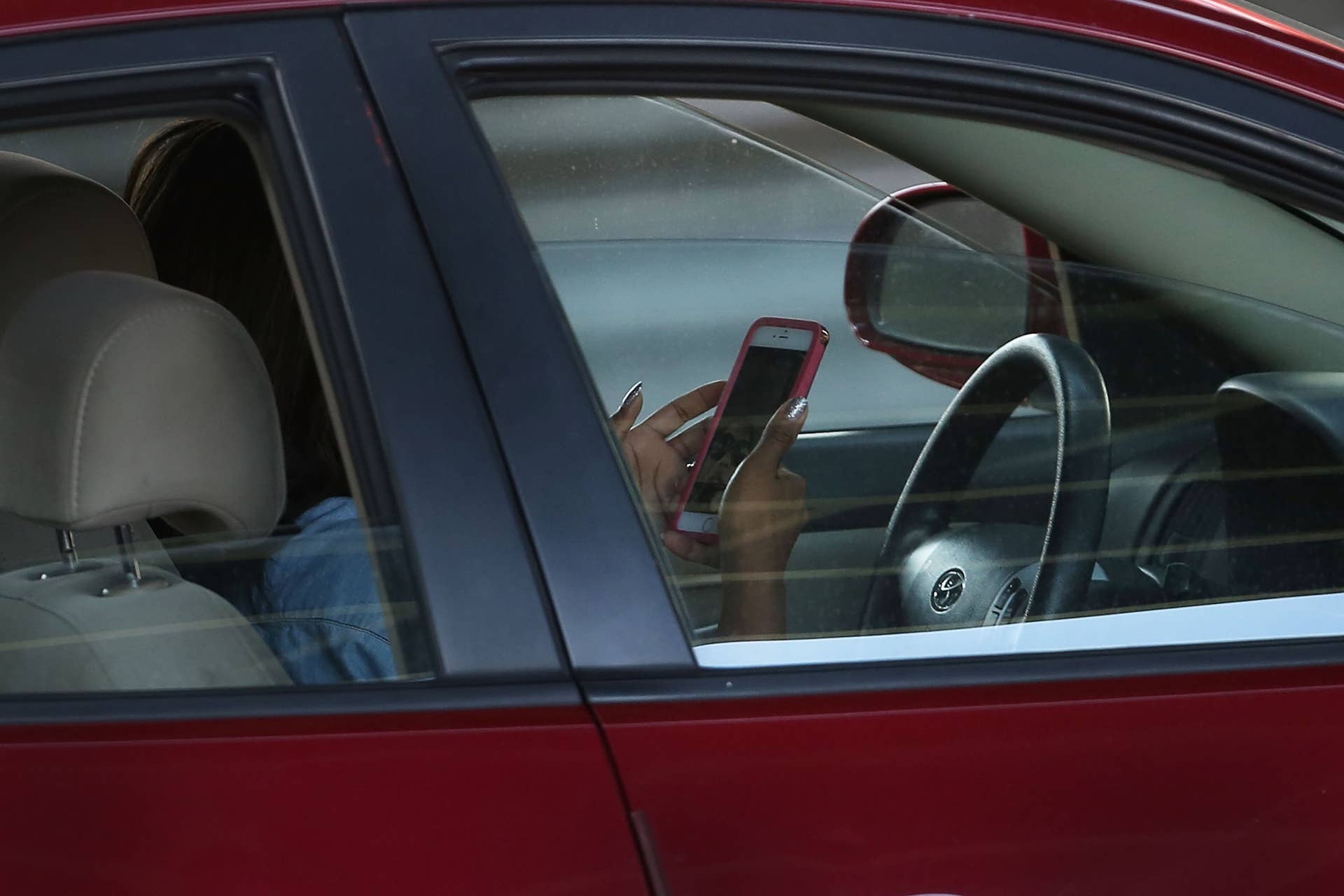
Streaming has made content easier to access, adding a layer of convenience for users. However, The Guardian reports that it is also increasing road risk, as more drivers use apps like TikTok behind the wheel – a clear form of distracted driving.
TikTok is built around short-form content, with some videos lasting only a few seconds, while others, such as dance challenges, run a bit longer. That means users can consume a full clip and get a quick dose of entertainment almost instantly, unlike longer-form videos that often come with extended intros or outros. The downside is that this makes apps like TikTok an especially tempting distraction for drivers, as it can feel like an easy excuse to sneak in a quick video while on the road.
Some drivers – such as the Uber driver cited in the publication’s report – even watch longer videos, typically sports broadcasts that can last for hours. Others even livestream themselves or make content while driving, adding yet another distraction instead of focusing solely on the road.
A Growing Safety Concern
According to 2023 data from the National Highway Traffic Safety Administration (NHTSA), 3,275 road fatalities and more than 300,000 injuries in the United States were linked to distracted driving, though the agency did not specify the exact sources of distraction. Drivers ages 15 to 20 had the largest proportion of those involved in fatal crashes who were reported as distracted.
Charlie Klauer, a research scientist and associate professor at Virginia Tech, also noted the rise in distracted driving as smartphones have become more advanced. “The progression has gone from texting to browsing and looking and watching, which we now see a lot of. It’s Instagram, Snapchat, TikTok, and a wide range of things,” she said.
Forty-nine states and Washington, D.C., have already banned texting while driving, but the rise of streaming platforms suggests lawmakers may need to consider new regulations to address them.
James Ochoa
The Push for Solutions
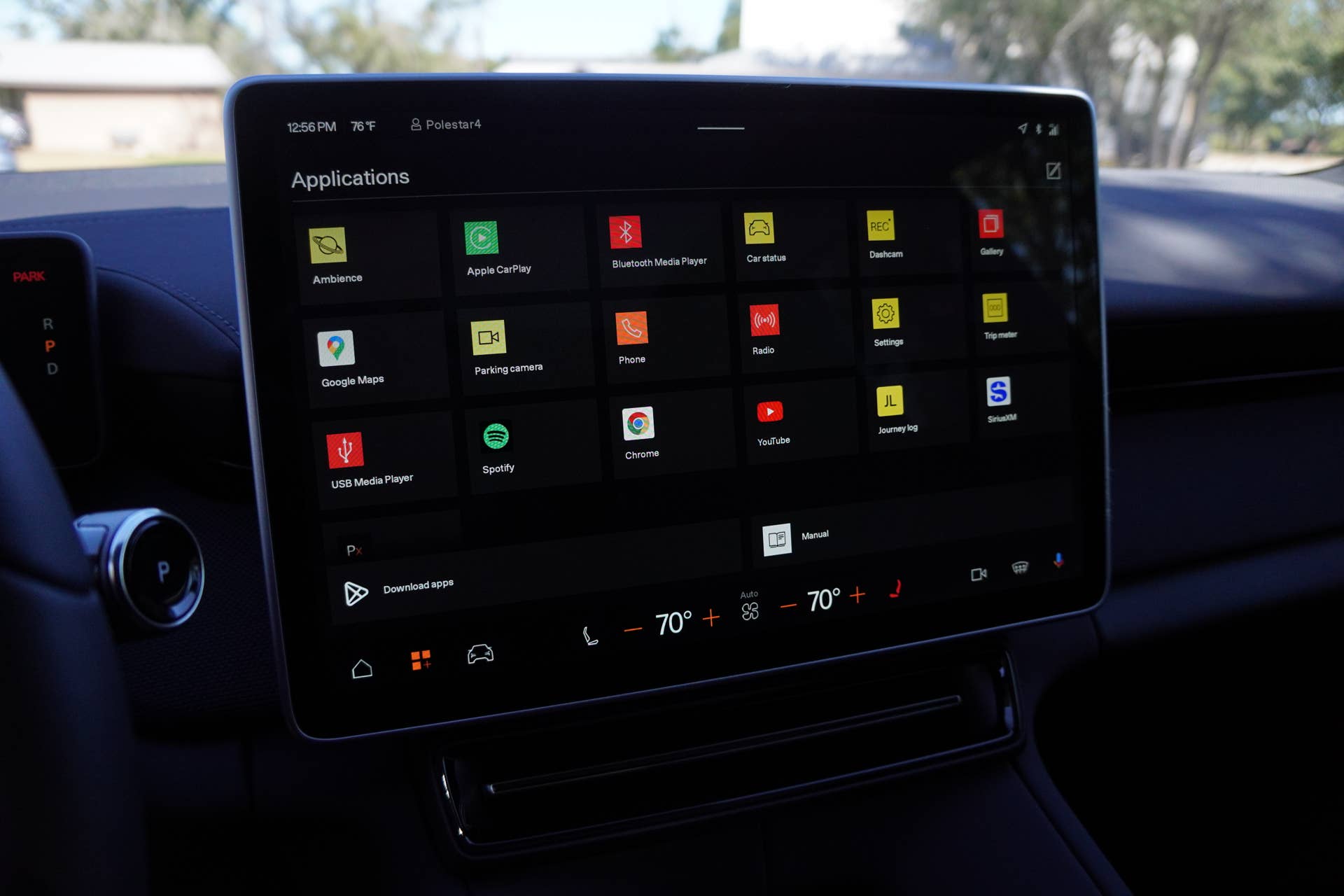
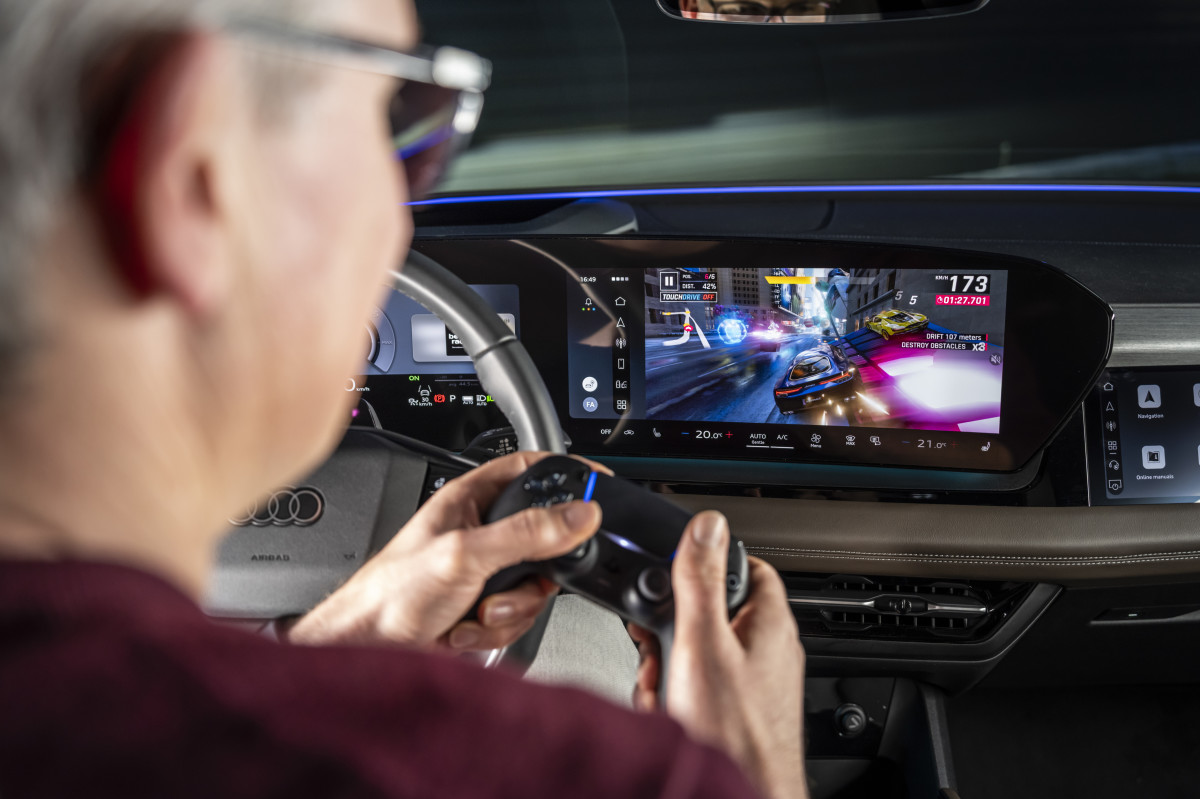
Automakers are also doing their part to help curb crashes caused by distracted driving. For example, EVs such as the Tesla Model 3 only allow streaming apps like YouTube and in-car games to be used while parked, which is especially useful for drivers waiting during charging stops. Some automakers, such as Volkswagen, are even bringing back physical buttons to reduce distraction when adjusting settings on large screens. After all, using Apple CarPlay and Android Auto is believed to impair reaction time even more than alcohol or drugs.
While stronger measures to address modern distracted driving are still catching up, the safest approach is to stay fully alert behind the wheel and watch for others who may not be. It may also help not to support creators who film while driving, as discouraging that behavior could ultimately save lives.
A


There are no reviews to display.