


The End of Touchscreen-Only Controls
After banning yoke-style steering wheels and flush door handles, China is moving to control the heavy use of screen-embedded controls in modern cars.
Draft rules from the Ministry of Industry and Information Technology (MIIT) would force automakers to use real, physical buttons for key functions, CarNewsChina reports. The goal? To reduce distractions and ensure drivers can operate essential functions without taking their eyes off the road. If approved, these rules will apply to all new vehicles built after July 1, 2027.
China’s move follows Europe's announcement of a similar regulation last year. Effective this year, cars will need physical controls for certain core features to qualify for a five-star Euro NCAP safety rating. Automakers in the Old Continent have three years to redesign their interiors to meet the new standard.
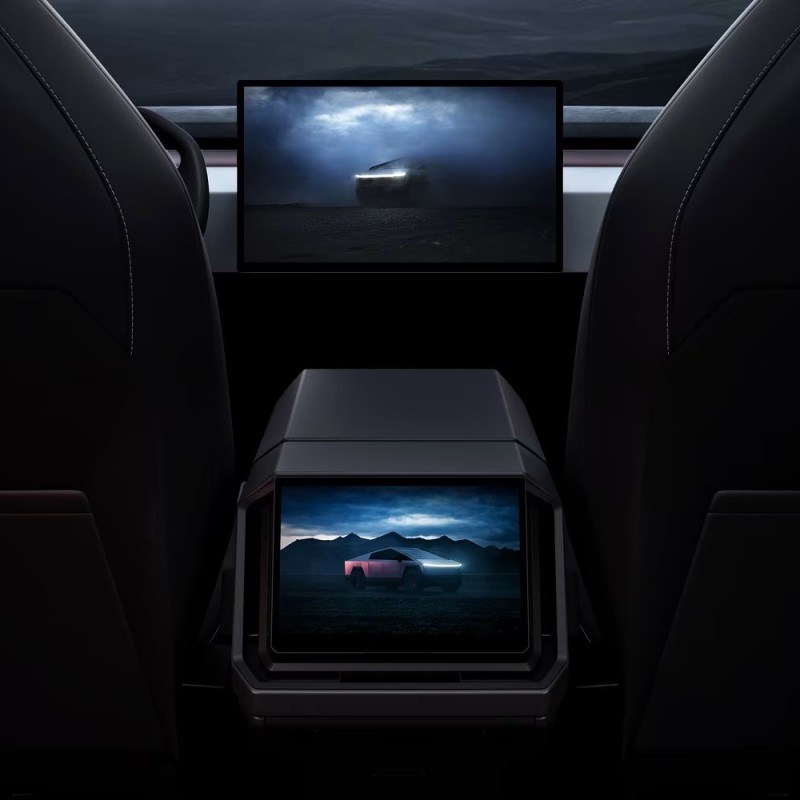
Some Brands Are Already Ahead
Europe’s list of required physical buttons covers the basics: turn signals, hazard lights, horn, wipers, and the emergency SOS button. China’s draft rules go even further, adding gear selection, ADAS activation, defrosters, power windows, and an EV power-off switch. Chinese regulators also want these buttons to be fixed in place and easy to find by touch, so drivers do not have to hunt through a screen to use them.
This change comes after years in which automakers moved in the opposite direction. Inspired by Tesla, many brands spent the last decade stripping out buttons and putting more features on big central screens. BYD and Xiaomi followed the same playbook.
Now, the trend is reversing. Volkswagen has brought back real buttons for climate and audio after admitting that too many touch controls made things harder for drivers. Mercedes-Benz swapped out touch sliders on the steering wheel for proper switches, while Hyundai never gave up on using real knobs for the features people use most.
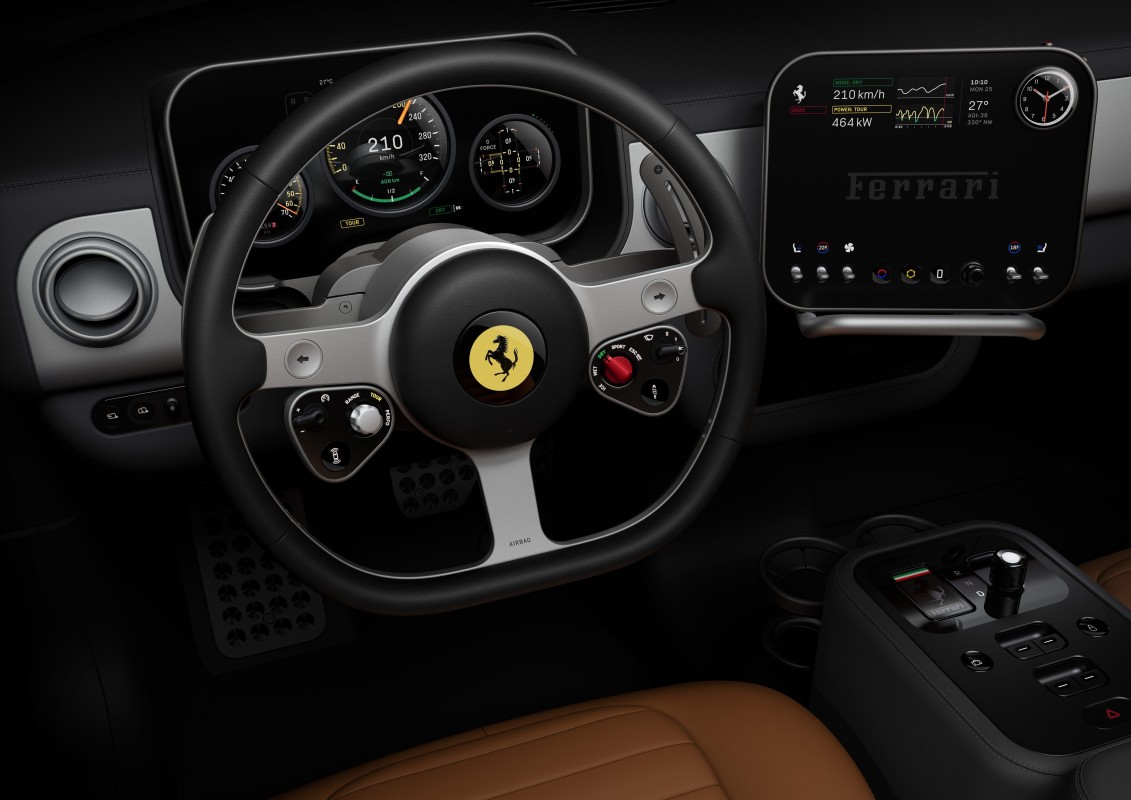
This is not about ditching digital cabins entirely. Automakers still use big screens for navigation, media, and apps. The difference now is that regulators want the basics to have their own buttons, not just a spot in a menu.
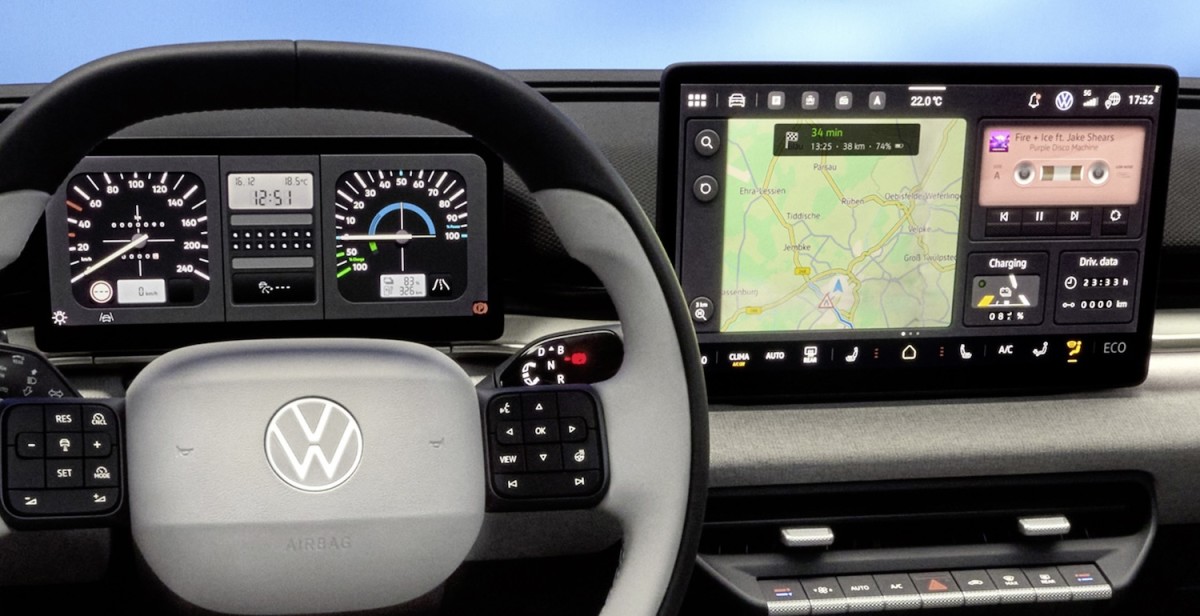
Volkswagen
What This Could Mean for America
Right now, the US does not require physical buttons for top safety scores. But car development is global. With Europe and China making these changes, automakers may decide it is easier to design a single interior for all markets rather than separate versions for each region.
That means US buyers could see more real buttons return, even if local rules do not change. After all, concerns about driver distraction and complicated screens are already part of the conversation here.
Of note, we are not going back to dashboards covered in switches – although, wouldn’t that be great? Instead, the industry is settling on a mix: big screens for advanced features, and real buttons for the things drivers use all the time without thinking or looking away from the road.


There are no reviews to display.