


Not a Carryover From 2025
It almost seemed like Ford would let the Bronco coast through 2026 without any real changes. The current model is still selling well, so a bigger update closer to 2027 would have made sense. We actually thought the 2026 model year would just be a carryover.
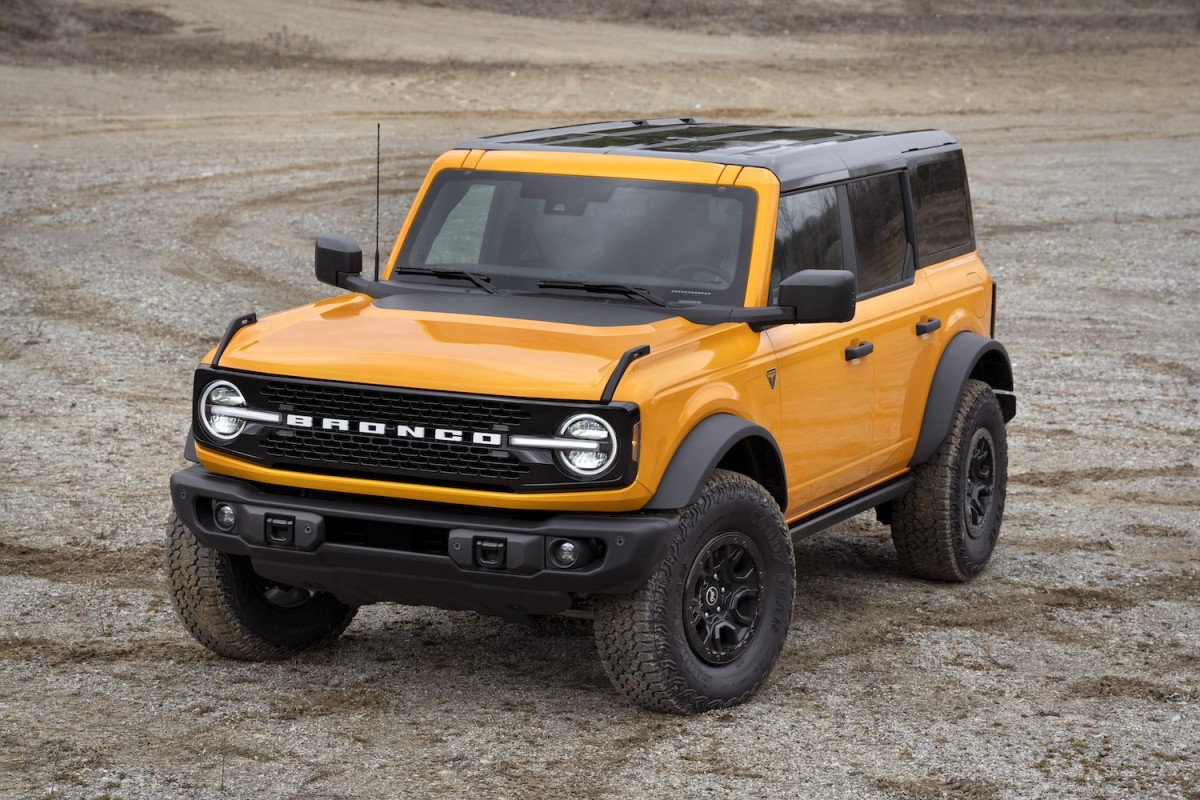
But Ford didn’t stick to that plan. Instead, the 2026 Bronco gets a round of updates that keep it fresh. The big news is the Wildtrak’s return, though it comes back in a different way.
Discontinued last year, the Wildtrak isn’t its own trim anymore. Now, it’s an equipment package you can only get with the Bronco Badlands. This move keeps the lineup simpler but still gives buyers the off-road features Wildtrak is known for.
Ford
What’s Actually New for 2026
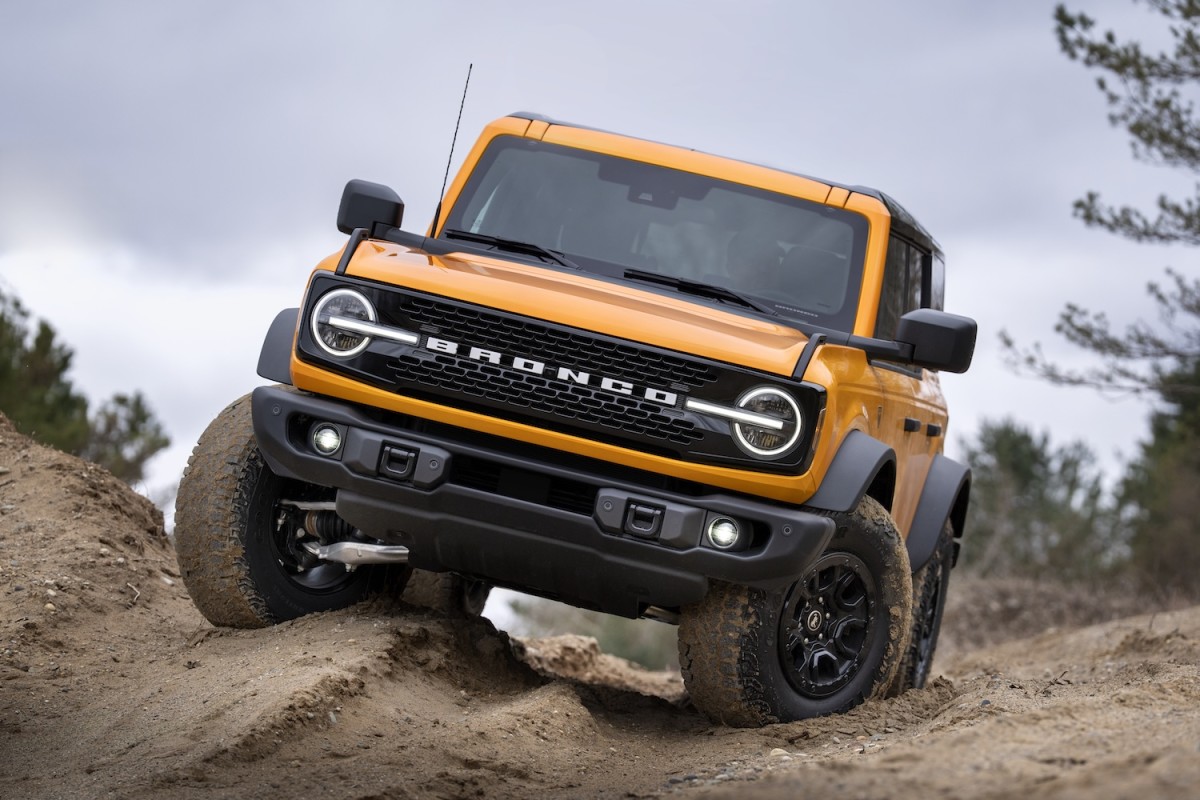
The Wildtrak package is the main update. It combines the 2.7-liter EcoBoost V6, 10-speed automatic, and the Sasquatch off-road kit with HOSS 3.0 suspension and FOX internal bypass dampers. Instead of picking through a long list of options, you now get all the key upgrades in one go.
You also get a Black Appearance Package, so the Bronco looks more aggressive right from the factory – no need to hunt for extra accessories.
Ford also brought back some features that make a difference in daily use. The SecuriCode keypad returns, letting you unlock the Bronco with a code. It’s an old-school Ford touch, but it comes in handy when you’re out on the trail and want to leave your keys behind.
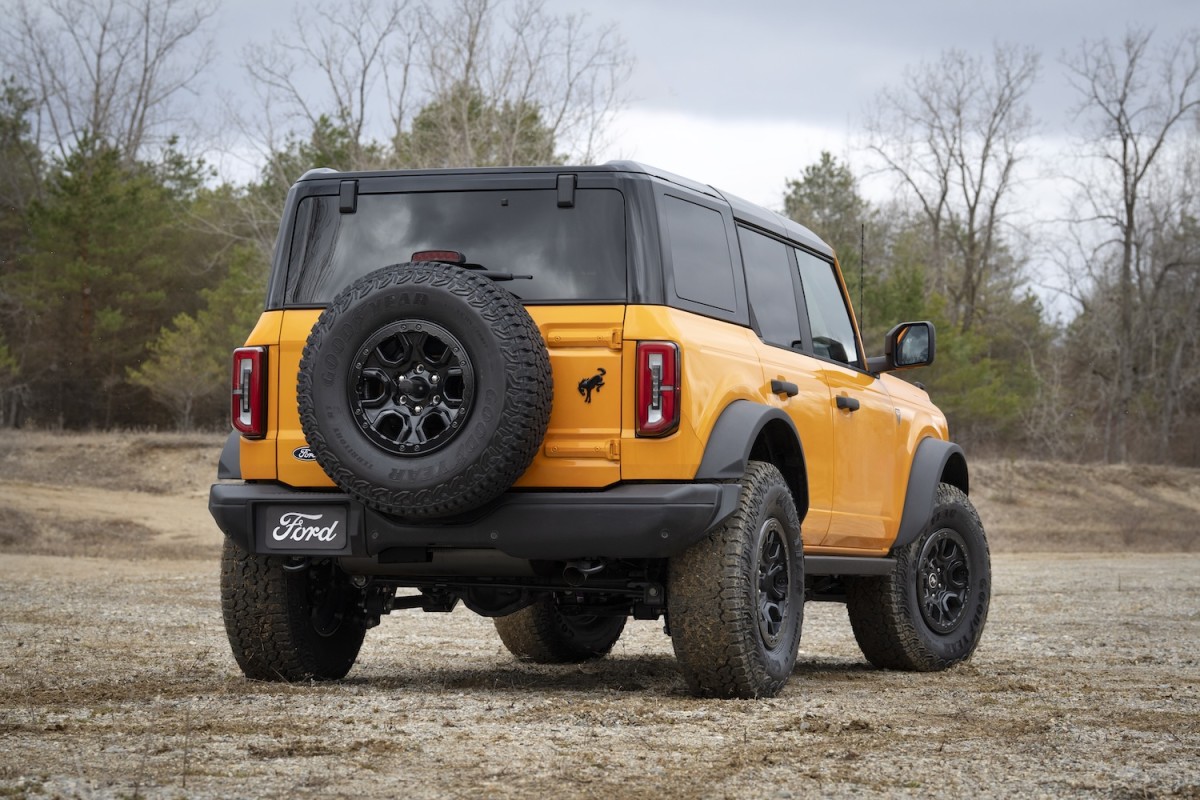
Customization gets a boost, too. Orange Fury, a color Mustang fans will recognize, joins the lineup later in the year. Painted roof options are now available for Outer Banks and Raptor, giving buyers more ways to make their Bronco stand out.
Ford is putting more focus on the ownership experience. If you buy a 2024 or newer Bronco, you get access to the Bronco Off-Roadeo event. There’s also a partnership with onX, so you get a year of off-road navigation tools. The idea is to help owners actually use the Bronco’s capabilities, not just read about them.
Ford
2026 Pricing: Up and Down
Ford hasn’t released full pricing for 2026 yet, but most numbers are already live in the configurator. The two entry-level trims are still missing official prices as of now.
Trim | 2025 MSRP | 2026 MSRP |
Base | $39,995 | — |
Big Bend | $40,845 | — |
Outer Banks | $47,940 | $48,090 |
Badlands | $49,585 | $48,890 |
Heritage Edition | $51,475 | $51,625 |
Stroppe Edition | $75,635 | $69,995 |
Raptor | $81,900 | $79,995 |
Of note, the prices here don’t include destination charges, priced at $1,995. As you can see, there are some notable price changes. The Bronco Raptor drops by a good margin, and the Stroppe Edition comes down too. Badlands is a bit cheaper as well, which makes sense now that it’s the base for the Wildtrak package.
Overall, the 2026 Bronco isn’t a total overhaul. It’s a smart refresh that brings back a familiar name, adds useful features, and adjusts pricing to keep the Bronco competitive.
Ford


There are no reviews to display.