




Part Deliveries Matter
A major part of automotive manufacturing is parts delivery. In a global manufacturing world, brands must ensure that parts are manufactured and delivered to the multitude of production and assembly facilities worldwide.
Given this, it's vital that the parts are delivered safely without any damage, compromising not just the integrity of the part but the whole assembly process itself. Ford is one brand taking this very seriously, and as proof of just how serious it is, the Blue Oval showcased a weird way it ensures part delivery safety.
Ford
Ford's Bouncy Balls Test
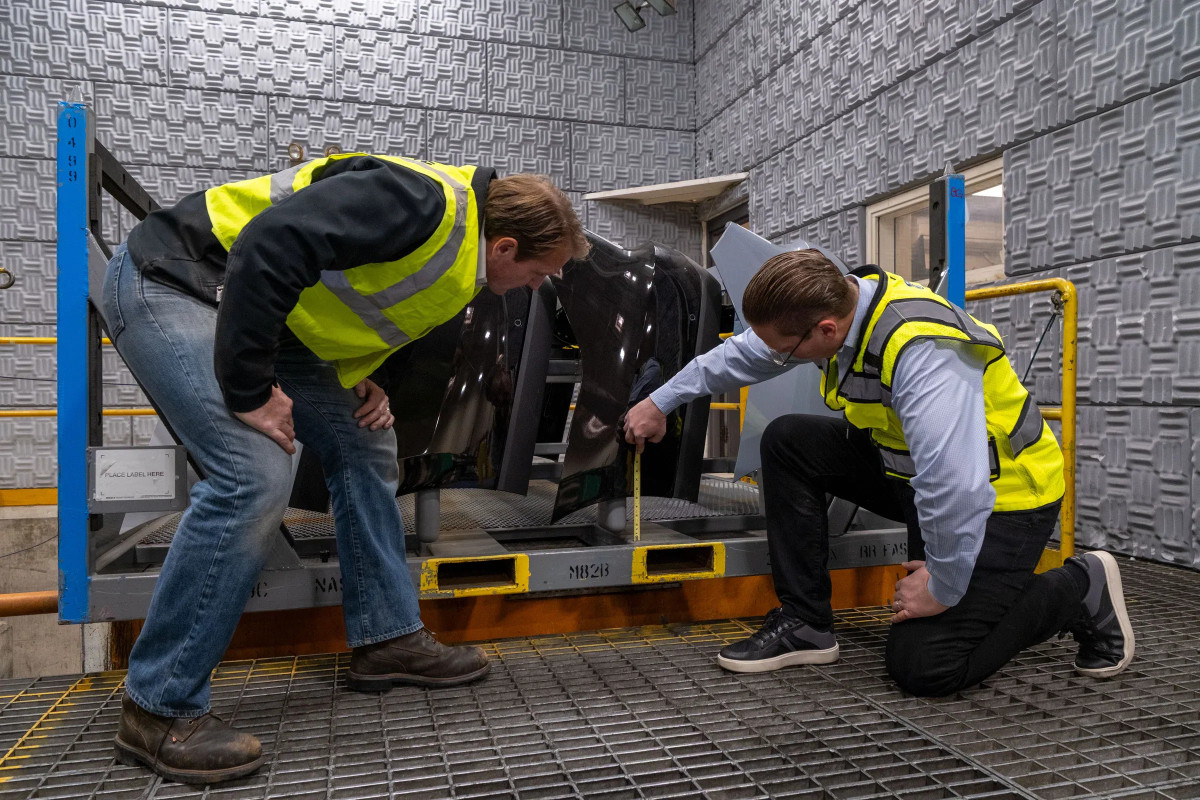
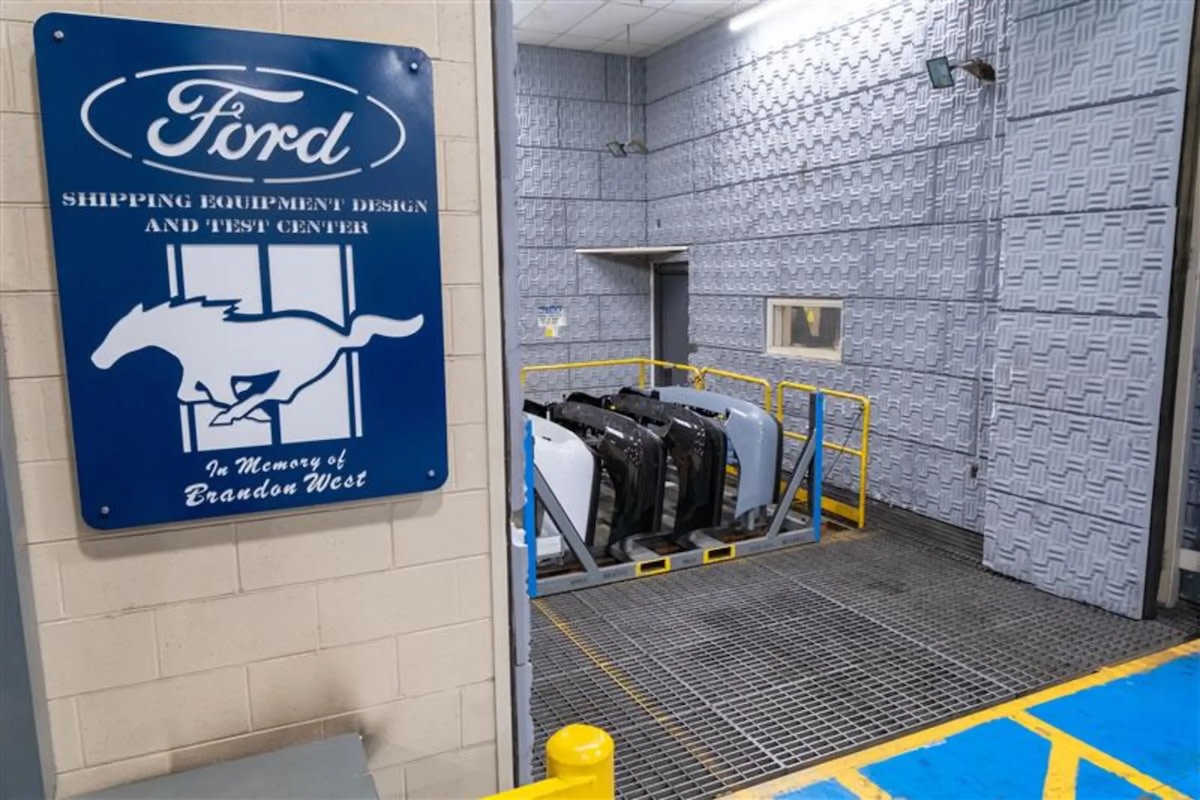
As a major manufacturer, Ford recognizes that moving parts around the world isn't as simple as it seems. They built a 19,000-square-foot facility where shipments of various parts and components are tested on a five-axis, large-platen vibration table or a 40-foot horizontal impact sled. This facility is dubbed the Shipping Equipment Design and Test Center, located on the east side of Ford’s hometown.
There are two of these testing devices, and both can simulate conditions for land, sea, and air transit. With these simulations, Ford claims it can ensure the parts are delivered properly across the globe.
As a highlight of this facility, they showcased how, by using small "bouncy balls" in an experiment. They put 1,000 of these "toys" in the machine to show off exactly what parts go through while they're in transit.
Ford
Cost Efficiency and Durability
Part of this facility is the Material Planning and Logistics department, which is responsible for ensuring freight costs are affordable and the quality of the parts being moved.
“I like to say we solve design, manufacturing, and supply chain challenges using packaging as a language,” said Packaging Engineering Manager Todd Chesna, noting that his team plays a significant role in Zero Waste to Landfill and other corporate initiatives in Manufacturing. “We don’t always have packaging problems, but we have enterprise challenges that need packaging solutions.”
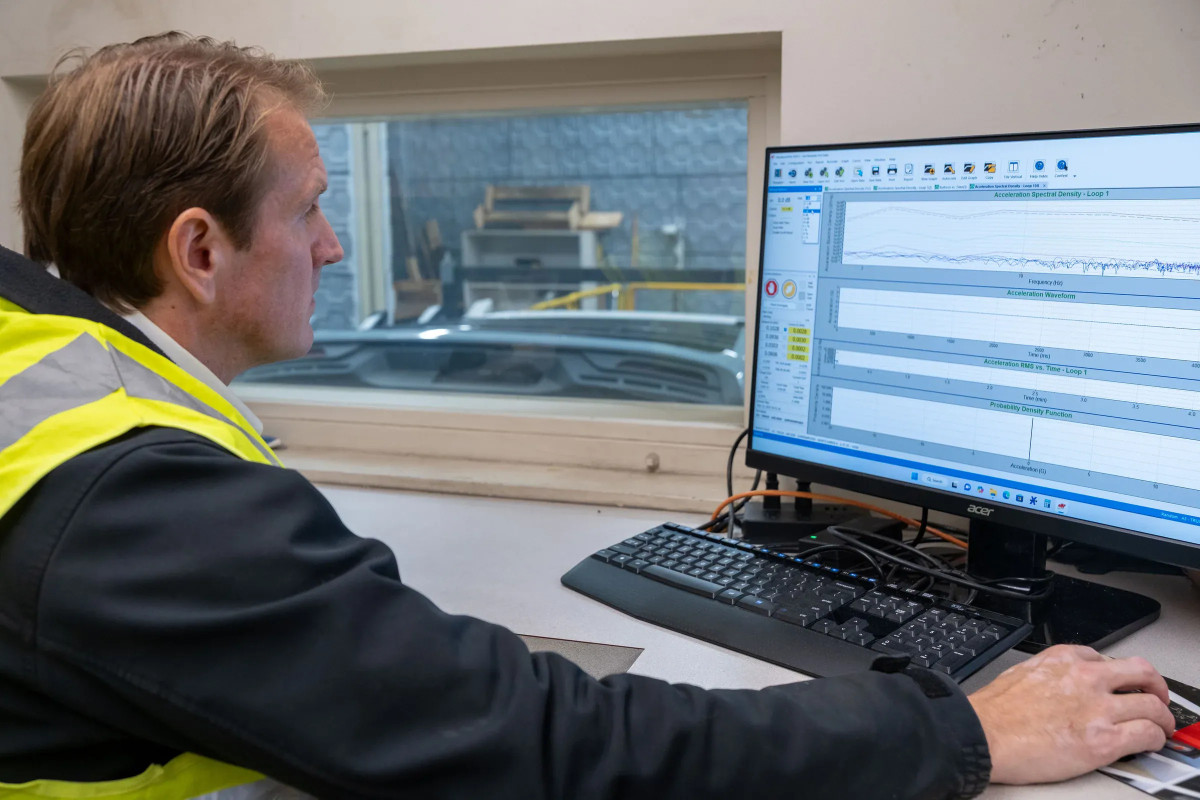
Another highlight of this interesting facility is a massive archive of route data, including real-time files from vehicle data recorders capturing actual trips. These files condense multiday trips into just minutes of simulation.

Ford
Data Driven Improvements
Within these data recordings are what the brand calls "damage-causing events." Ford runs simulations using the data, which includes the specific road conditions along the routes delivery trucks travel. This enables the team to consider how best to ensure the truck and the parts are safe when passing through that section of road.
The company was also an early adopter of superimposed testing, which adds real-world hazards like curb strikes and potholes to routes. It has also recently begun including electronic, over-the-air-enabled tags to monitor and track container movement. With Ford trying to improve the quality of its products, showing how it does the work should shed some light. Then again, knowing is one thing, but results matter.
Ford


There are no reviews to display.