




New-Age HUD?
Modern cars are generally dominated by tech, which has become the new barometer for how special, safe, or cool a car is. There are some technological features, though, that are not only cool but also convenient and safe.
Head-Up Displays (HUDs) were invented as a means to help drivers keep their vision straight on the road without any impediments to their vision. First used in Fighter jets, HUDs display all the relevant information through a projection in the windscreen that the driver can see. It shows speed, vehicle condition, and, in some cases, even map settings.
But it appears that Ford wants to take HUD tech to another level. Alongside an adjustable HUD from last year, the Blue Oval has invented another one – and it's as ridiculous as it looks.
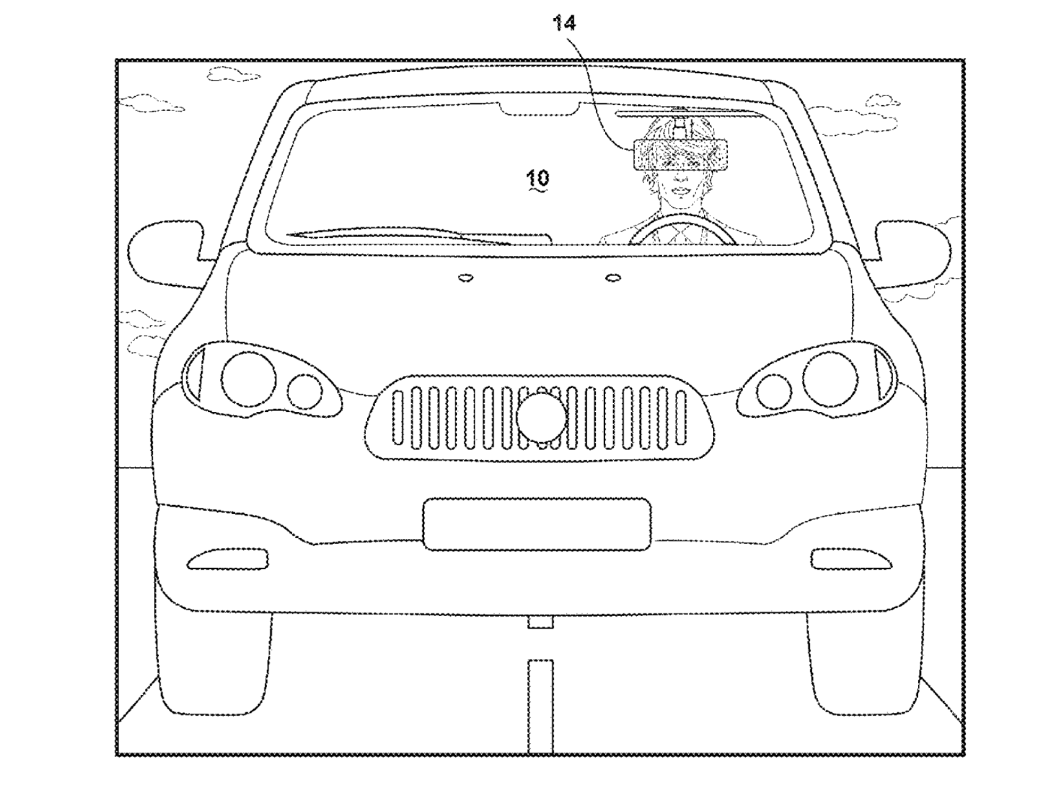
Ford's Taking It Literally
Ford has just filed a patent for its own definition of the HUD, specifically patent no.20260001397 filed with the United States Patent and Trademark Office (USPTO) on January 1, 2026.
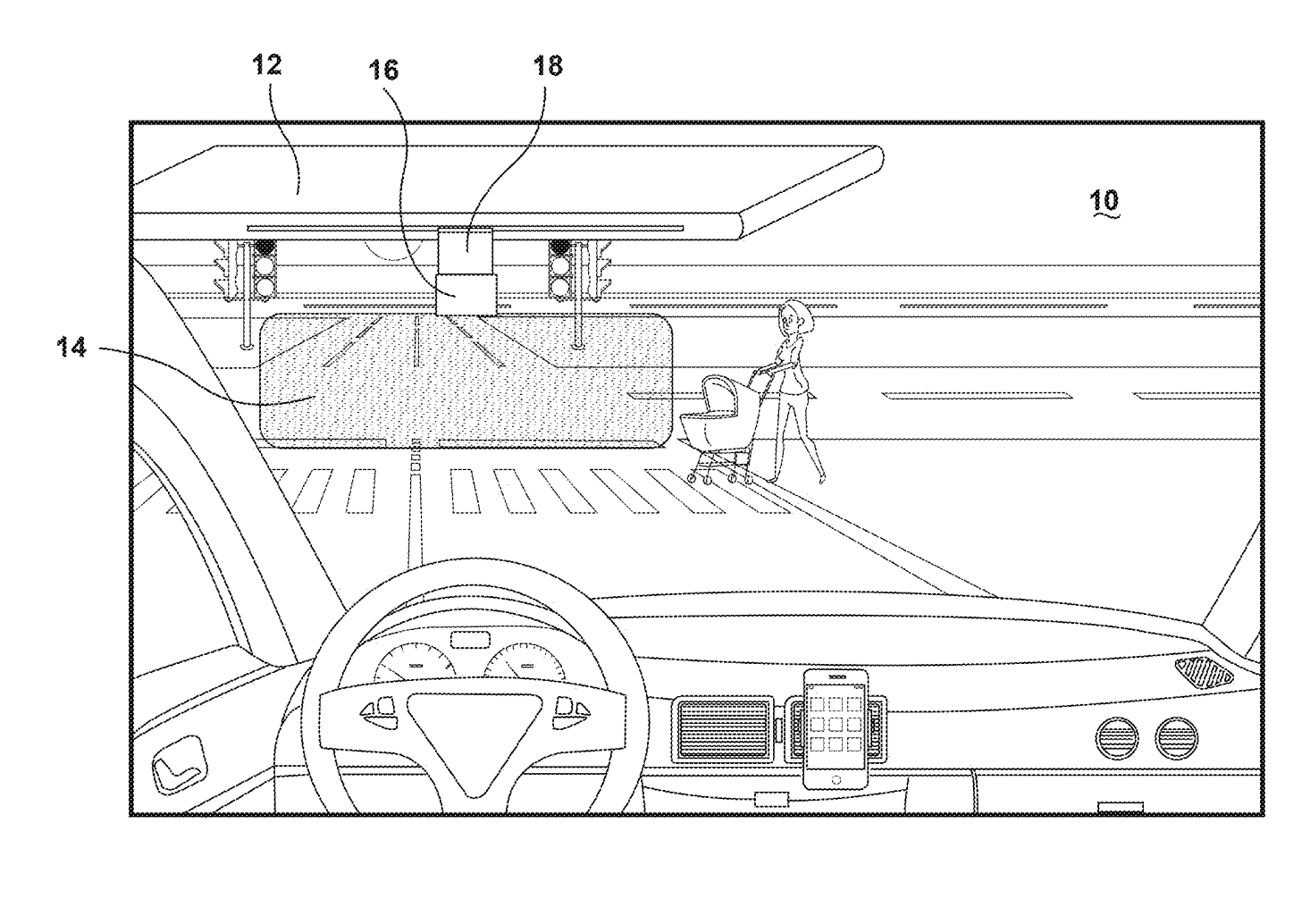
Looking through the patent, Ford's new version of the HUD will be implemented through the sun visor of the vehicle, meaning drivers will be able to deploy the HUD by lowering or attaching it directly...in their line of sight.
The patent filing itself says that the whole idea of this visor HUD is "to eliminate the need to project images onto the windshield and/or to have a projector located on the vehicle dashboard. In certain embodiments, the head-up display visor is portable and is affixed to the driver's conventional sun visor by a clip, thereby allowing a driver to move the device from one vehicle to another."
Looking deeper into the patent, Ford's visor HUD is trying to compress all the relevant information a driver needs and is feeding it directly into the driver's eyeline. Furthermore, this Visor HUD will come with a boatload of features, including a motion detector that detects movement outside the driver's peripheral vision, Bluetooth connectivity, a microphone, a digital camera, and a UV detector that darkens the visor when it detects increased UV light.
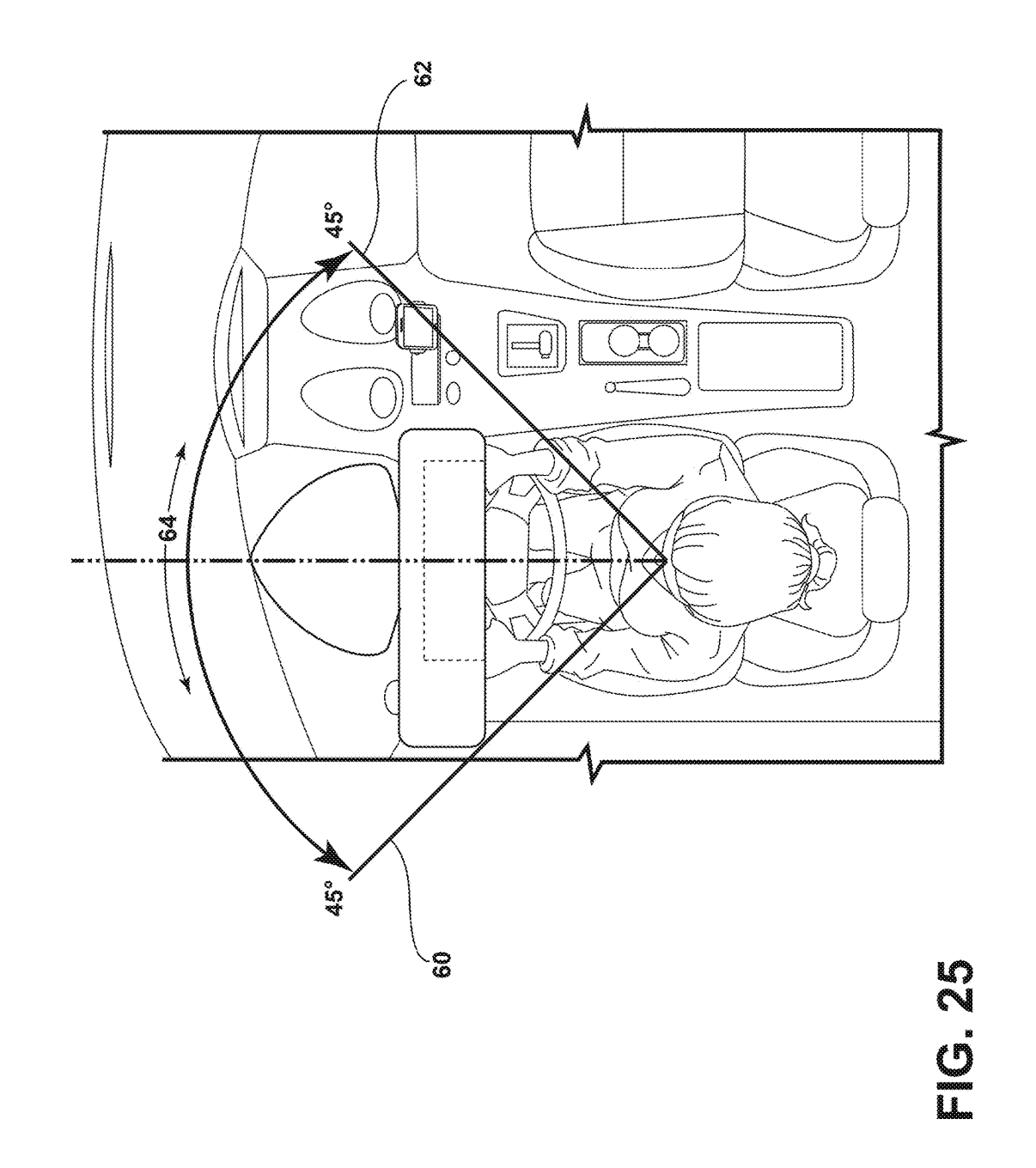
Made to Address Current HUD Issues
While the idea of a visor HUD may seem absurd, Ford claims in the patent that there are specific reasons as to why it decided to look into this:
"However, all such prior art systems and devices known to the present inventor have considerable drawbacks and disadvantages. For example, some drawbacks and disadvantages of various prior art systems include that they are: (a) dashboard-mounted and intended to reflect onto the glass of a windshield; (b) cumbersome and complicated to build and use; (c) not portable and not able to be moved from vehicle to vehicle. HUD systems that project onto a windshield can be difficult to read if the windshield is dirty or if there is strong glare."
Another benefit of their project is the visor HUD's portability for owners with multiple vehicles. It must be noted, though, that while a patent has been filed, this is merely Ford's way of protecting its own intellectual property. There is no guarantee that this (novel idea) will ever make it into production.


There are no reviews to display.