


Heavy-Duty Trucks Under the Microscope
No matter how robust they are, heavy-duty trucks aren’t immune to problems. The segment has seen a string of recalls lately, including a recent one for thousands of Ford Super Duty trucks over a driveshaft issue that could cause failure.
Now, it’s GM’s turn. Another recall has emerged, this time affecting heavy-duty pickups from Ford’s cross-town rival. The problem isn’t a classic mechanical failure like a driveshaft or axle, but it can still change how the truck performs out on the road.
The affected trucks come with a dual fuel tank setup – a feature many buyers choose for longer range. The idea is simple: the system automatically transfers fuel between tanks to keep you going farther between fill-ups. But federal safety filings show that the system isn’t always working as planned.
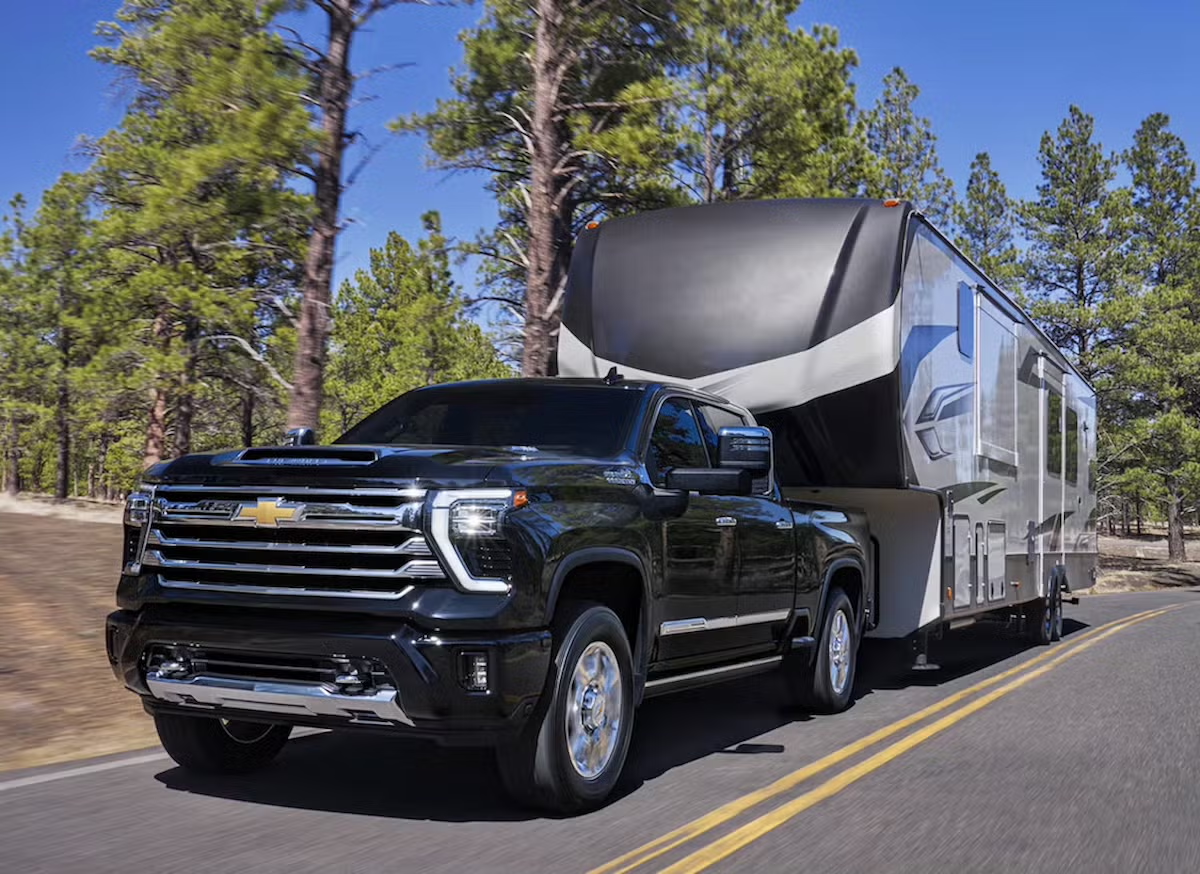
Chevrolet
The Problem: Fuel Transfer Stops Working
According to a safety recall report filed with the US National Highway Traffic Safety Administration (NHTSA), the issue stems from an incorrect software calibration in the truck’s engine control module.
In affected trucks, the control module may incorrectly trigger diagnostic trouble codes during normal fuel transfer between the secondary and primary fuel tanks. When those codes appear, the system can disable further fuel transfers until the vehicle is restarted.
At first glance, this might not seem like a big deal. But for drivers, the side effects can be confusing and potentially inconvenient.
Since the system reads fuel levels from both tanks, the gauge might still show the total amount of fuel, even if the secondary tank isn’t actually supplying fuel to the engine at that moment. So, you could be driving along thinking you have plenty of fuel left, when in reality, the usable tank is nearly empty.
If that happens while you’re on the road, the truck could stall without warning. There haven’t been any reported crashes or injuries so far, but a sudden stall at highway speeds is never ideal and could raise the risk of an accident.
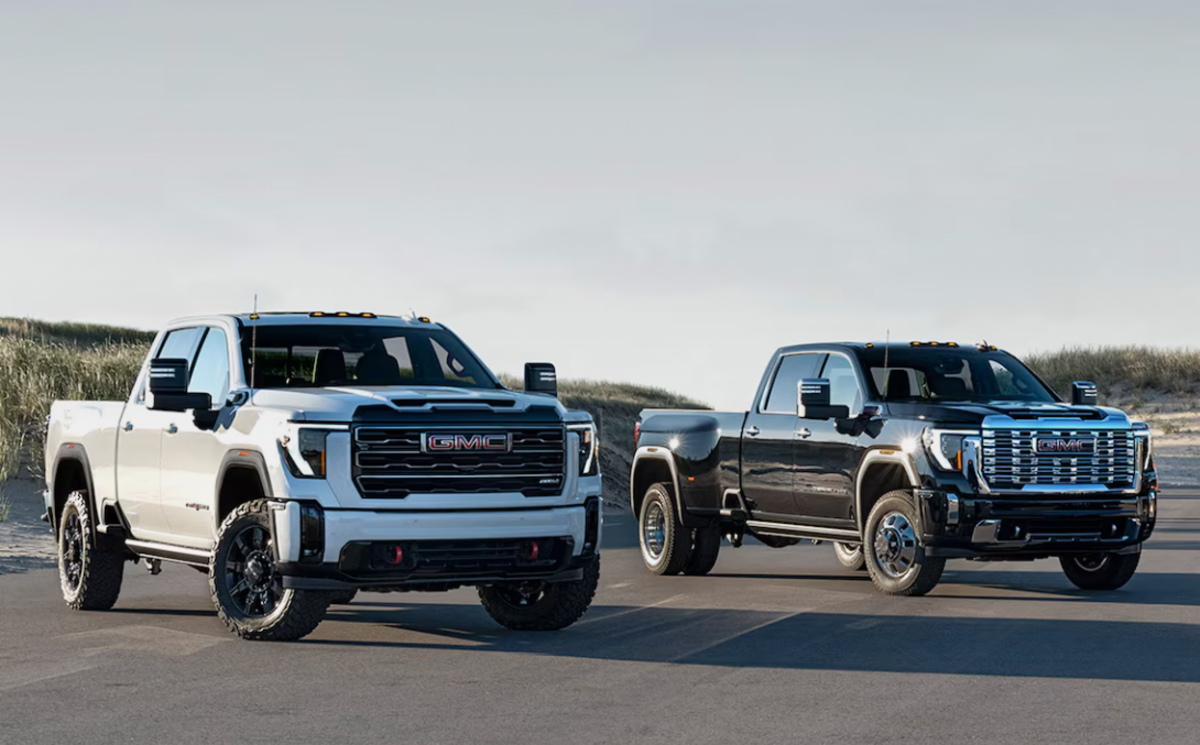
GMC
How GM Will Fix It
GM traced the problem to the way the control module reads certain diagnostic signals during normal fuel transfers. About 11,787 trucks in the US are affected, specifically the 2025–2026 Chevrolet Silverado 3500 and GMC Sierra 3500 models with gasoline engines and dual fuel tanks. Diesel versions aren’t part of this recall.
The fix is quite a cinch: update the software calibration in the engine control module. Some owners will get the update over the air, while others can visit a dealership to have it installed. The updated software stops the diagnostic codes from triggering by mistake and keeps fuel transferring between tanks as it should.
Owners should start receiving notifications around April 20, 2026. Dealers are already in the loop about the recall. Often, recalls are about fixing potential issues before they turn into real problems. Here, the solution is simple – a software update, not a hardware replacement.
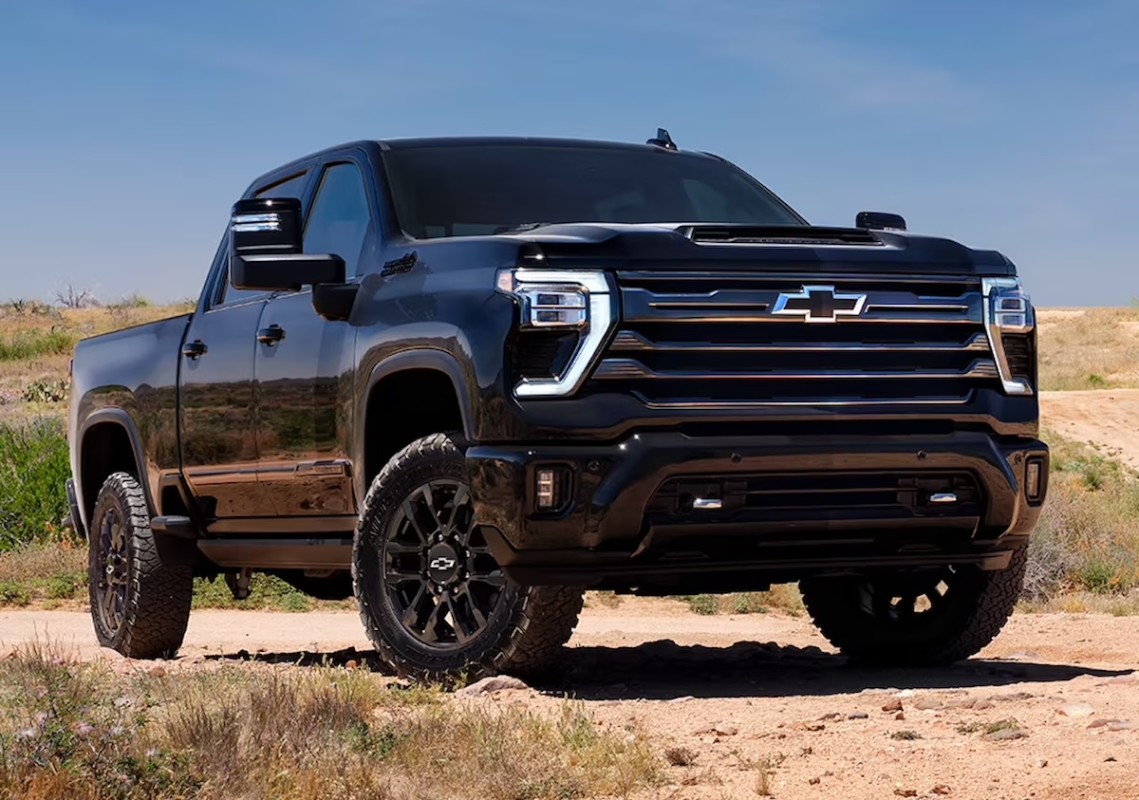
Chevrolet


There are no reviews to display.