




The Training Wheels Come Off
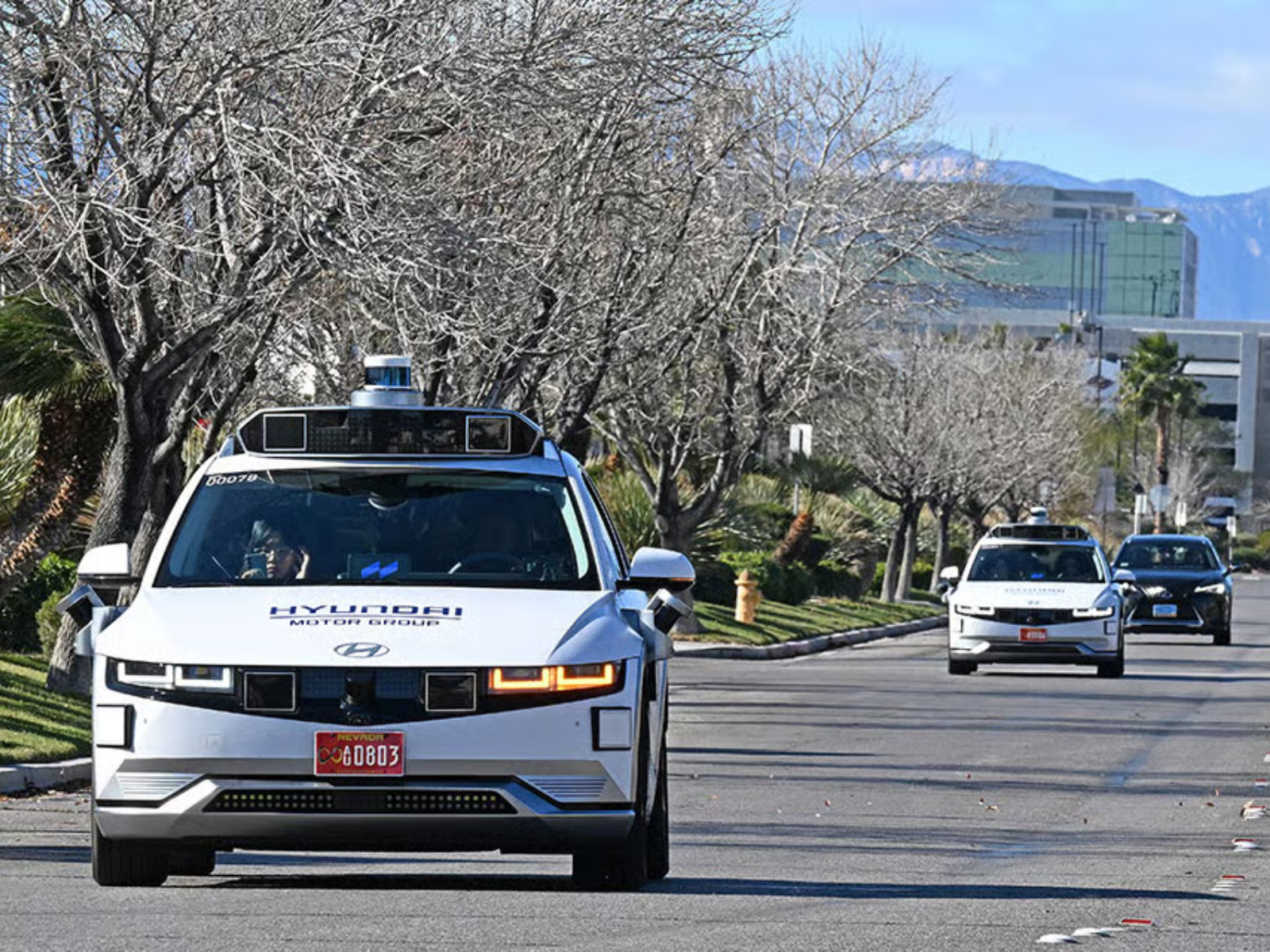
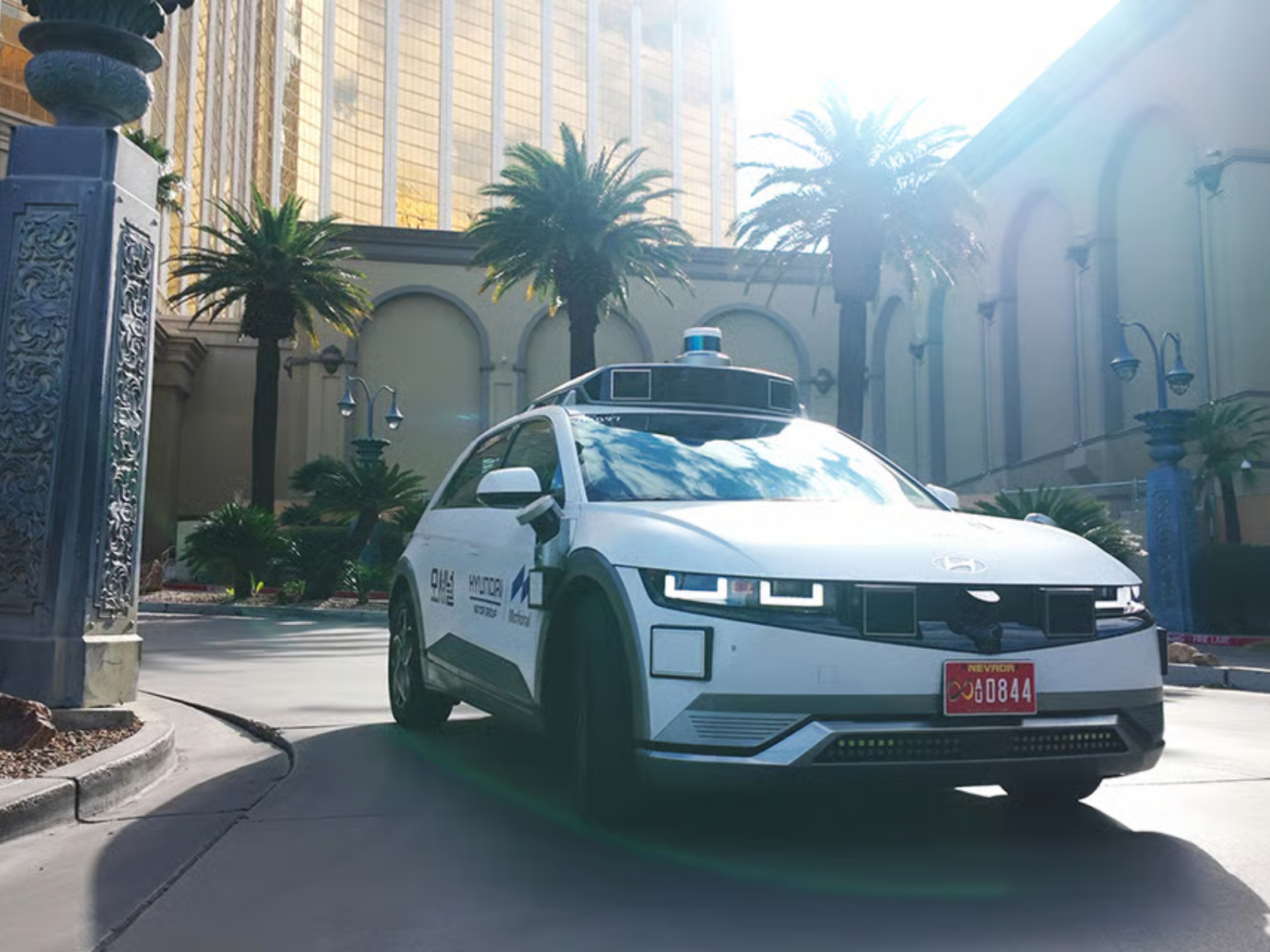
Hyundai, together with its autonomous driving joint venture Motional, said its Ioniq 5-based fully driverless Level 4 robotaxi service in Las Vegas is targeting commercial operation by the end of this year. The move marks a clear step beyond the supervised pilot program that began earlier this year.
This positions the joint venture—established in 2020—to compete more effectively in the robotaxi market against established rivals such as Waymo, which currently operates a fleet largely made up of Jaguar I-Pace EVs. Tesla is also expected to enter the segment with its two-seat Cybercab, although the trademark for the name remains on hold due to an ongoing dispute involving a prior-filed application.
Safety Before Scale
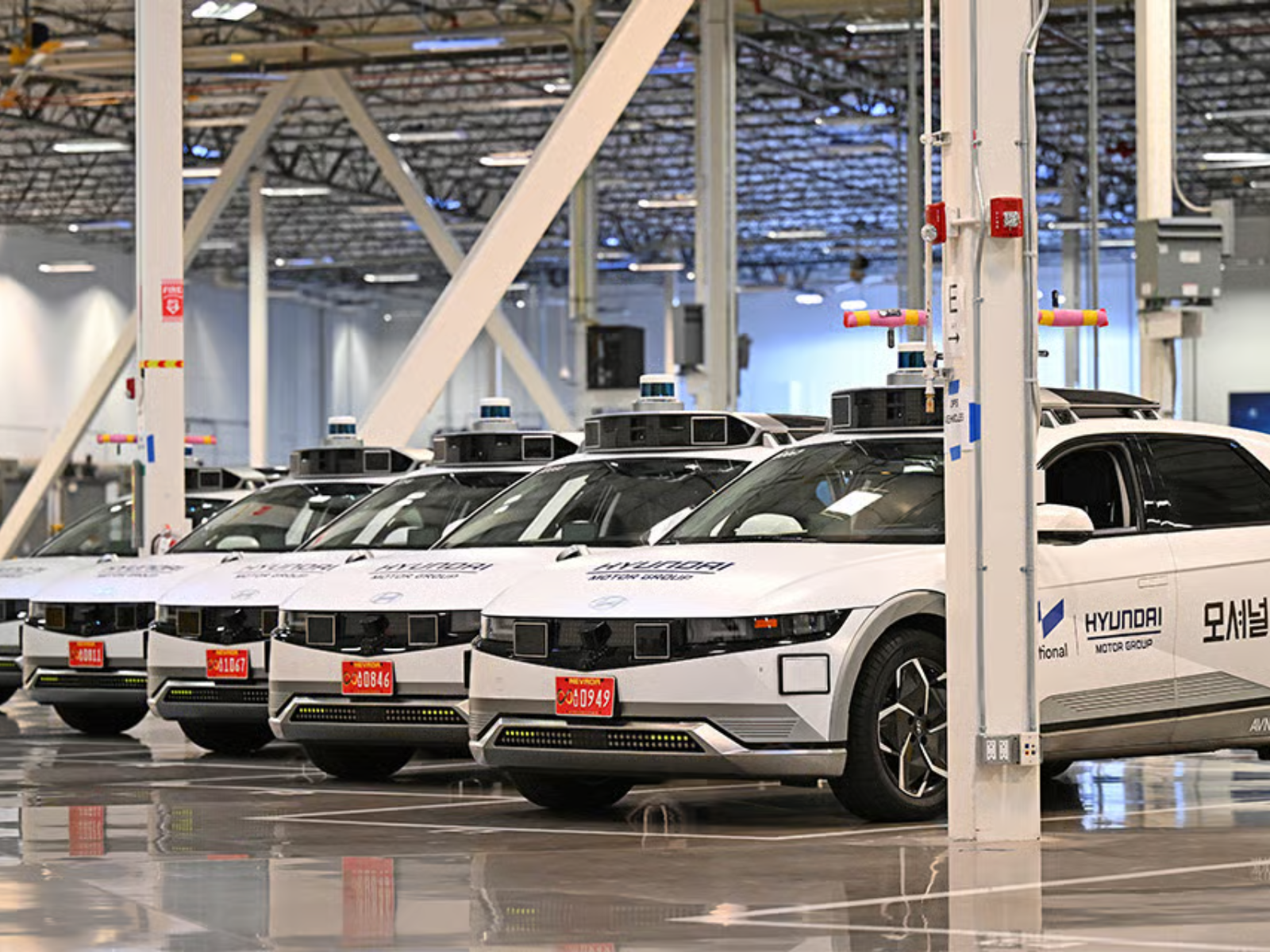
Hyundai also emphasized that the Ioniq 5 robotaxi – produced at its Singapore facility – has been developed to comply with U.S. Federal Motor Vehicle Safety Standards (FMVSS). According to the company, the program has undergone extensive validation, including large-scale simulations, repeated testing in controlled environments, and a carefully staged expansion onto public roads.
While the Ioniq 5 may look like a compact hatchback in photos, its overall footprint is comparable to that of the Toyota RAV4. Its all-electric architecture allows for more efficient packaging – particularly of the battery system – resulting in additional usable cabin space for passengers. As with most EVs, the absence of an internal-combustion engine also contributes to a smoother and quieter ride, with significantly reduced vibration compared with combustion-powered alternatives.
The Korean automaker further highlighted the joint venture’s use of an end-to-end (E2E) AI motion-planning system, which refers to a unified machine-learning framework designed to replace the traditional modular self-driving software stack. In practical terms, this approach is intended to reduce software complexity while enabling faster system updates and improved scalability as operations expand.
The Hard Part Starts Now
Commenting on the technology, Motional CEO Laura Major said, “Motional does not place safety behind technological progress.” She added that the company remains focused on “accelerating our ability to scale the technology and operations in a sustainable way, from development through the commercialization stage.”
Notably, the latest press release did not explicitly indicate where Hyundai and Motional plan to commercially expand their robotaxi network next. The company only hinted that “what happens in Vegas, this time, won’t stay in Vegas,” suggesting broader geographic ambitions as the program gains momentum. California could be a plausible candidate, given Motional’s prior testing footprint that includes Los Angeles.
Whatever the future plans may be, the challenge will be avoiding the kind of setbacks that led to the collapse of General Motors’ Cruise program.


There are no reviews to display.