


Hyundai’s Button Promise, Then This
Buttons, as simple as they are, have become a surprisingly heated topic in the auto industry. As touchscreen infotainment systems grew more advanced, many automakers steadily removed tactile physical controls in favor of glass panels.
That naturally backfired, with customers arguing that burying key functions inside menus made cars harder to use on the move. In response, several automakers publicly walked back their all-screen approach, and Hyundai was among them. Company executives previously emphasized the importance of keeping physical switches for critical functions, especially climate controls, citing usability and safety concerns.
That makes this latest prototype a bit of a head-scratcher.
A prototype Ioniq 5 was recently spotted, and if the spy shots are anything to go by, it’s almost completely buttonless inside. Nearly every physical control has been stripped away. Hyundai hasn’t said what this setup is for, but one thing is obvious: buttons are now a rare sight in this cabin.
A Vertical Screen and a Clean-Slate Dashboard
The images, first published by The Korean Car Blog, show an interior that looks more like a production car than an early test mule. The exterior is unchanged, but inside, it’s a different story.
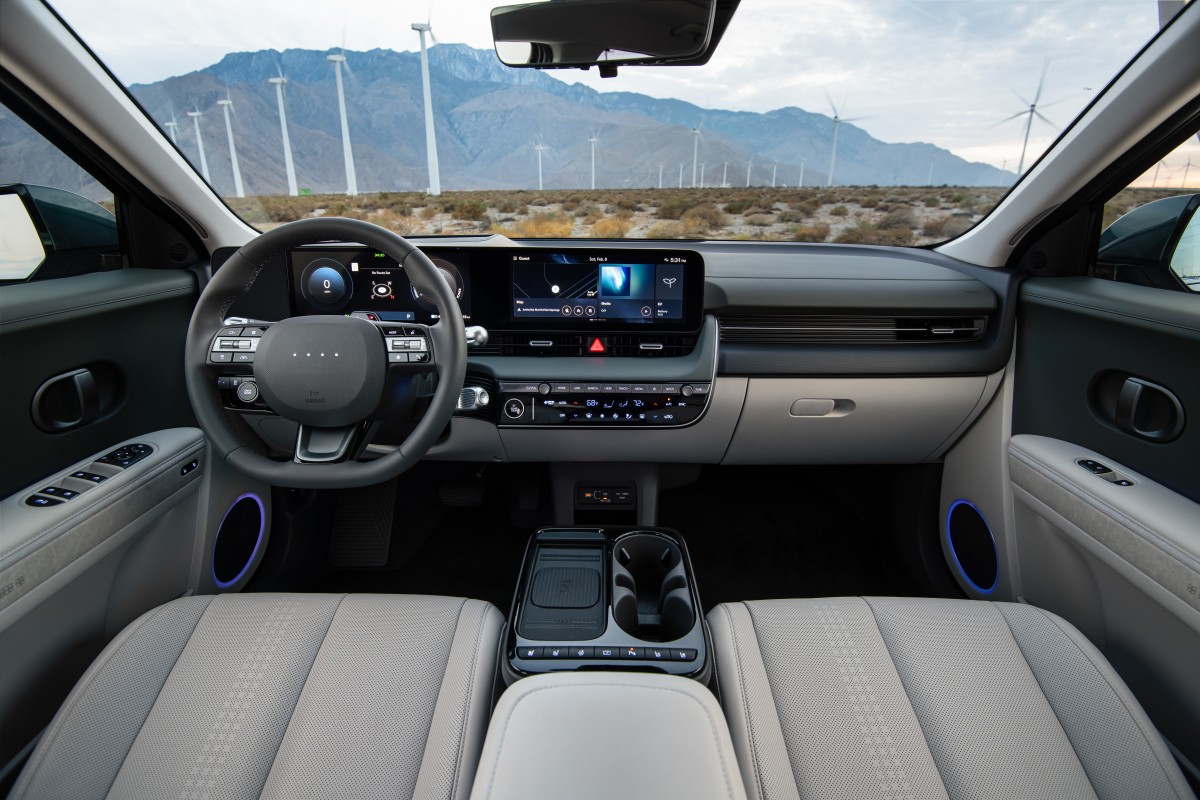
The biggest change is the dashboard. Gone is the familiar pair of 12.3-inch horizontal screens. In their place sits a single, towering 17- or 18-inch vertical touchscreen. The look is more Tesla Model S or Mustang Mach-E than what we’ve come to expect from Hyundai’s EVs.
Even more interesting, the traditional instrument cluster is missing. Like in some recent Hyundai prototypes, driver info might now be handled by the main screen or a new head-up display. The center console is now a minimalist island, with climate controls fully absorbed into the touchscreen. There are no physical A/C switches in sight. Even the door handles have been replaced by electronic push-buttons.
Related: Kia EV5 Spied With Major Interior Redesign and Tougher Styling
The steering wheel keeps the same minimalist approach. Instead of a cluster of buttons, there’s a central roulette-style scroller and just two tactile buttons. It looks like Hyundai wants drivers to rely more on voice commands and touch inputs without looking down.
Facelift Experiment or Next-Gen Preview?
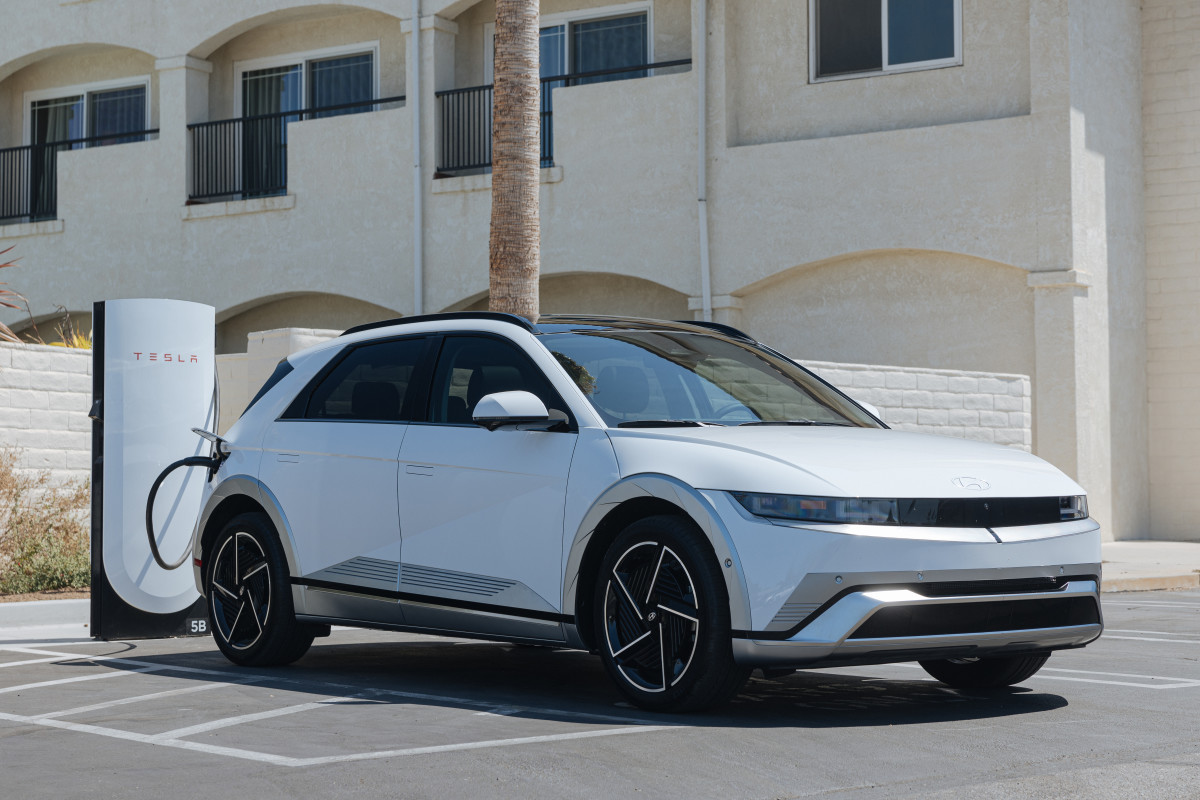
So what’s Hyundai up to with this Ioniq 5 prototype? One theory is that it’s a premium facelift or a new interior option to help the Ioniq 5 keep pace with new and updated rivals. Another is that Hyundai is using the current body as a test bed for its next-generation interior, which could arrive as soon as next year.
If the latter's true, this prototype could signal a bigger shift in Hyundai’s EV design – from retro-futuristic charm to ultra-minimalist luxury. Whether that fits with Hyundai’s earlier promise to keep physical controls is still up in the air. With more markets pushing to ban buttonless interiors, we hope Hyundai sticks to its word.


There are no reviews to display.