


For some reason, automakers believe that pumping fake, synthesized gas engine sounds through the speakers somehow increases the appeal and driving engagement of their electric vehicles.
It’s quite telling that pure-play EV companies, such as Tesla, Rivian and Lucid, do not offer artificial gas engine sounds in their vehicles; legacy automakers are the ones that have started this trend. The reasoning behind it is that fake engine sounds replace the emotive feedback of combustion engines and help bridge the gap for buyers transitioning from gas vehicles.
Whether that’s accurate or not, it’s for buyers to decide, as in the end, it all comes down to personal preference. But while artificial gas engine sounds seem reasonable to have in a performance EV like the Dodge Charger Daytona, it looks like Lexus is trying to “democratize” that feature and offer it in EVs that have no performance credentials whatsoever.
Just What Your Fancy Lexus 3-Row Electric SUV Needed
https://www.youtube.com/live/BKB-OoniEVc?si=SOMeb79pybbX8Gvl&t=1093
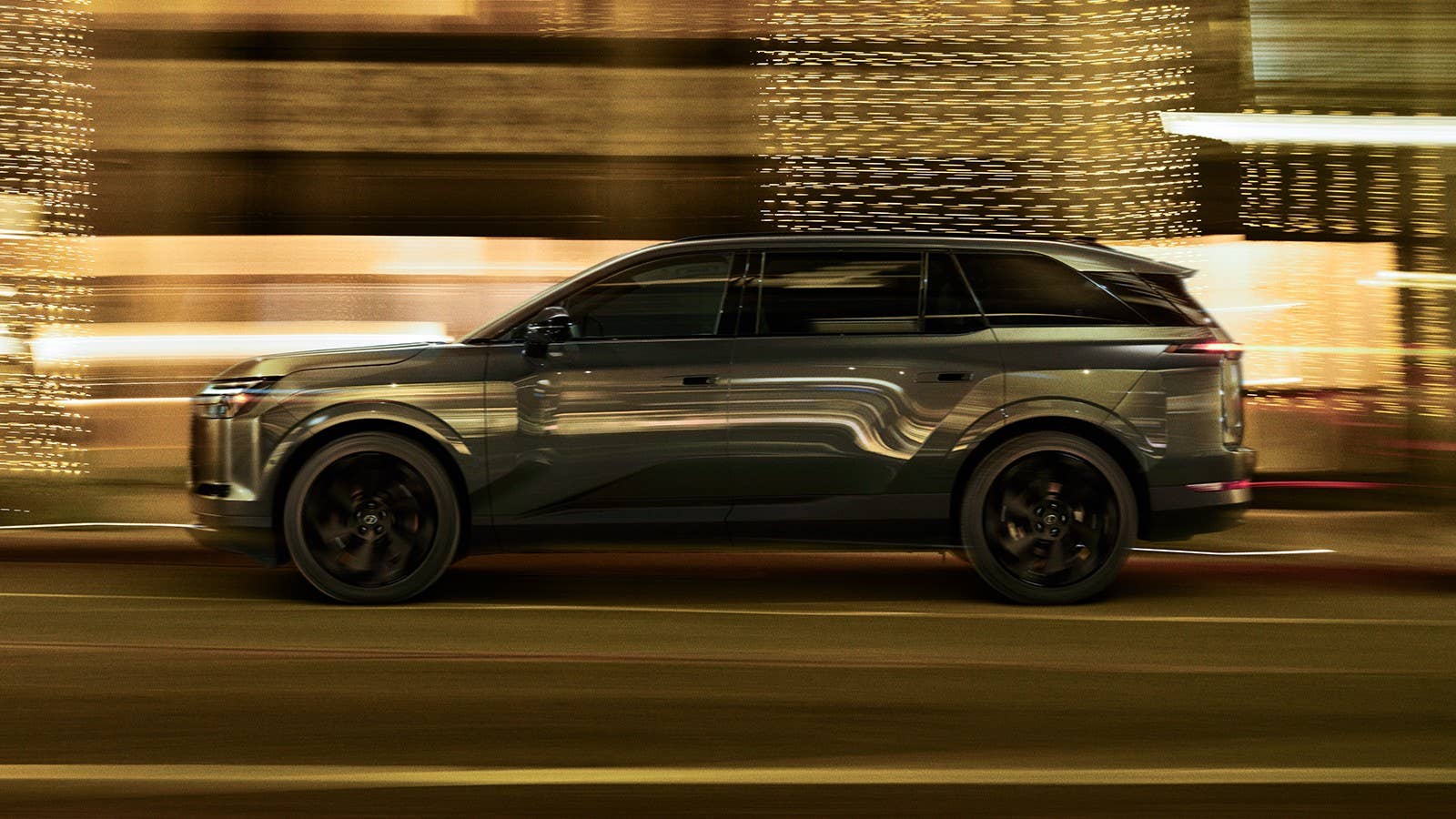
During the presentation of the all-new Lexus TZ three-row electric SUV earlier today, Toyota Motor Corporation’s Chief Branding Officer Simon Humphries revealed a surprise feature of the vehicle: a sound simulation feature that imitates the legendary Lexus LFA’s V10 engine note and gearshifts of the 6-speed automated sequential gearbox (the video above offers a snippet from the 18:38 timestamp).
“And it's not only in the way it moves, but in the way it sounds. With the paddles, interactive manual drive adds a familiar note and a little mischief,” Humphries said on stage as the sound of the LFA’s V10 engine started to be heard. “Yes, the Lexus LFA V10 sound simulation available on-demand: the perfect match for effortless lane changes,” he added.
While no gearhead will ever criticize the engine note of a Lexus LFA, its presence in an all-electric, three-row SUV is sure to raise some eyebrows. Is it necessary? Obviously not. Does it sound good? Well, yes, but will a gimmick like this ever trick anyone into thinking that they’re driving a V10-powered supercar while riding comfortably with five other passengers in the cabin? Of course not.
Thankfully, You Can Turn It Off

Lexus
To Lexus’ credit, the Active Sound Control (ASC) system, which mimics the LFA’s V10 sound through the speakers, is an on-demand feature that can be turned on or off from the menu.
That said, it’s quite a silly feature on a luxury electric SUV that focuses on cabin comfort and is described as Lexus’ quietest SUV yet. Well, now we know what the all-electric Lexus LFA's fake engine noise will sound like.
Besides the LFA V10 note, the TZ's ASC system can also produce synthesized soundscapes tied to throttle inputs, including “musical chord sequences,” according to Lexus.
Performance-wise, the 2027 Lexus TZ does 0-62 mph in 5.4 seconds, which is not bad at all for a three-row EV, but cannot compare to the LFA’s 3.7-second sprint. At least it’ll sound (almost) the same when you floor it.
Lexus


There are no reviews to display.