




That Just Escalated
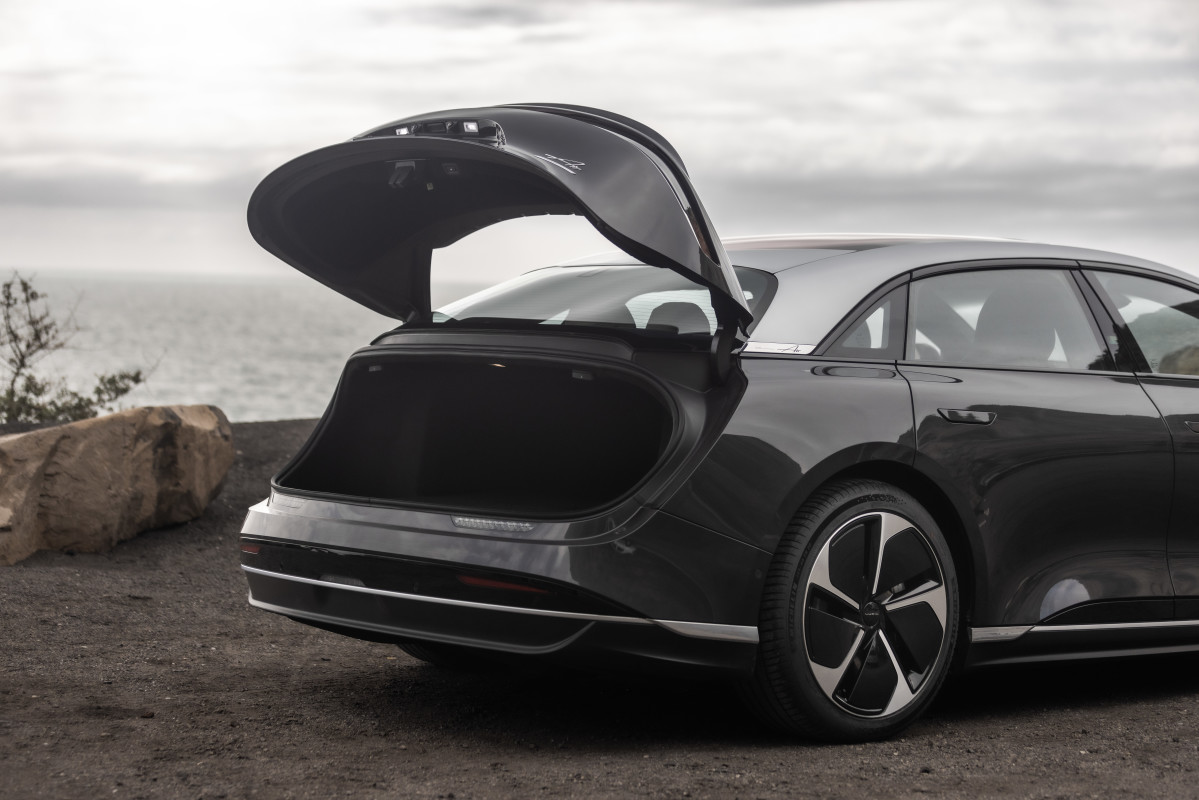
Electric vehicles aren’t exactly new to the market anymore, yet incidents like this one from a Lucid owner on Reddit highlight the unexpected problems future EV buyers might still face. In a post on r/LUCID, user raging_onyx shared how a simple water spill inside their 2026 Lucid Air’s trunk escalated into a $15,000 repair bill.
The owner explained that they hit a pothole, causing a water container in the trunk to tip over and spill. Almost immediately, the EV threw a barrage of warnings: the car dropped into low-power mode, regenerative braking was disabled, and the system urged them to pull over. What made the situation worse was that neither the insurance (Progressive) nor Lucid’s warranty initially wanted to cover the repair.
Content Thief gets called out in vivid detail.
by u/Shibaglock in reddit.com
The Blame Game Starts
According to the insurer, the damage didn’t fall within the typical comprehensive categories, such as natural disasters, fire, or theft. Meanwhile, although not explicitly stated, the warranty likely didn’t apply because the Lucid service center believed a manufacturing defect didn’t cause the issue. Faced with a massive repair bill, the owner described hearing the estimate as a “punch in the gut,” especially since they had only been leasing the EV for about two months.
EVs are generally engineered to be highly water-resistant, with automakers testing their models against ingress standards (IP ratings), especially for critical electrical equipment. Because of this, an instant system meltdown from a spill could raise eyebrows, unless other pre-existing issues were already present. But without official diagnostics or documentation, it’s impossible to know for sure what exactly triggered the failure.
What we do have is the repair order, which includes a replacement of the wiring harness – a job that can quickly become expensive. Water may have seeped into high-voltage components or connectors, leading to moisture intrusion, electrical faults, and potential corrosion if not addressed immediately.
Some Good News
A few days after outlining the ordeal, the owner updated the thread, saying they had received an email from a Progressive representative confirming that the repair would be covered under comprehensive coverage. The insurer had negotiated the cost with Lucid, and the adjuster told them they’d need to visit the shop to pay their deductible.
This isn’t an isolated case either. A Hyundai Ioniq 5 owner went viral recently for a similar issue that climbed to a $12,000 repair bill, only for the insurance company to eventually step in after public attention.
As EV adoption grows, stories like this may become more common – not necessarily because the technology is flawed, but because newer systems reveal issues only real-world use can uncover. The best thing automakers can do now is pay attention to these incidents, address vulnerabilities quickly, and strengthen future EV models so their customers don’t face unexpected, wallet-draining repairs.
Ryan Brackin


There are no reviews to display.