Skip to content
View in the app

A better way to browse. Learn more.

Gear Crushers

A full-screen app on your home screen with push notifications, badges and more.

To install this app on iOS and iPadOS
  1. Tap the Share icon in Safari
  2. Scroll the menu and tap Add to Home Screen.
  3. Tap Add in the top-right corner.
To install this app on Android
  1. Tap the 3-dot menu (⋮) in the top-right corner of the browser.
  2. Tap Add to Home screen or Install app.
  3. Confirm by tapping Install.

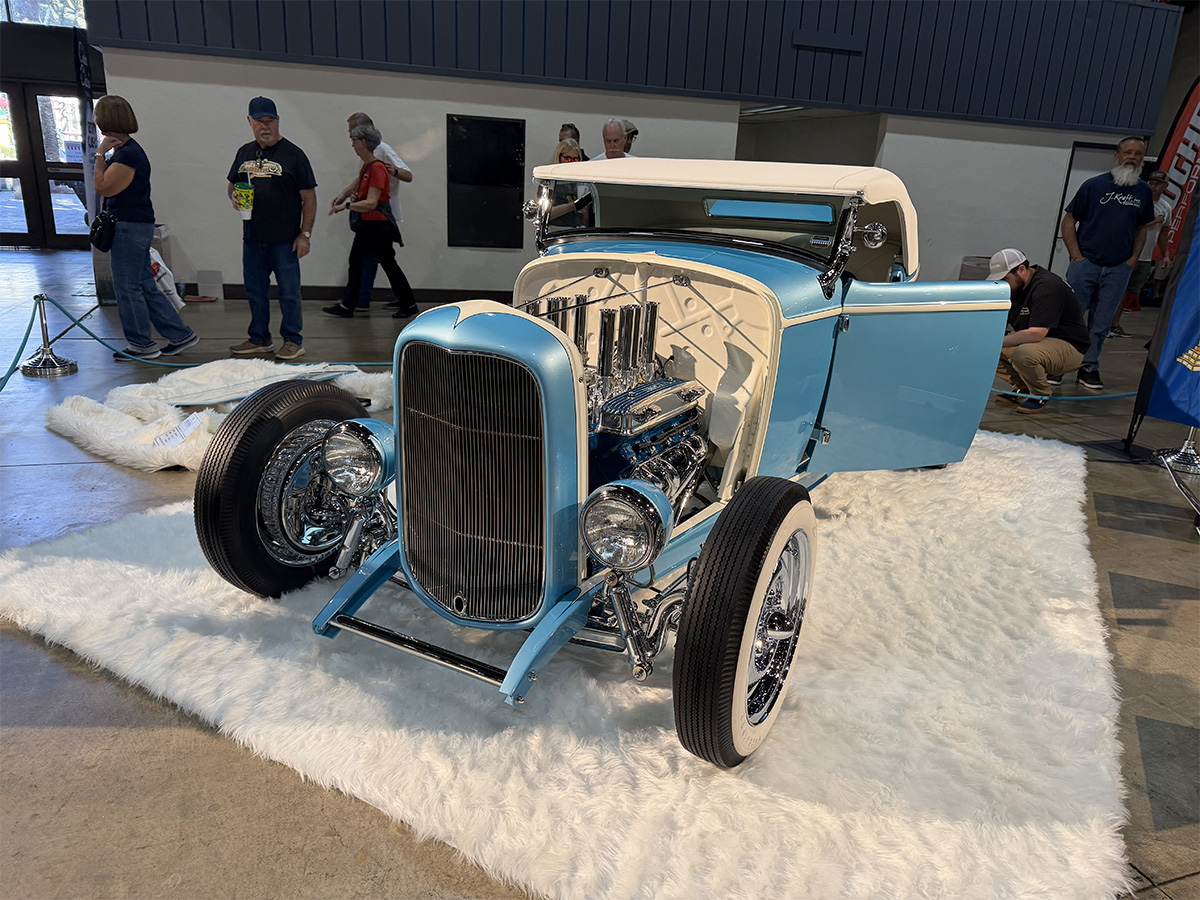
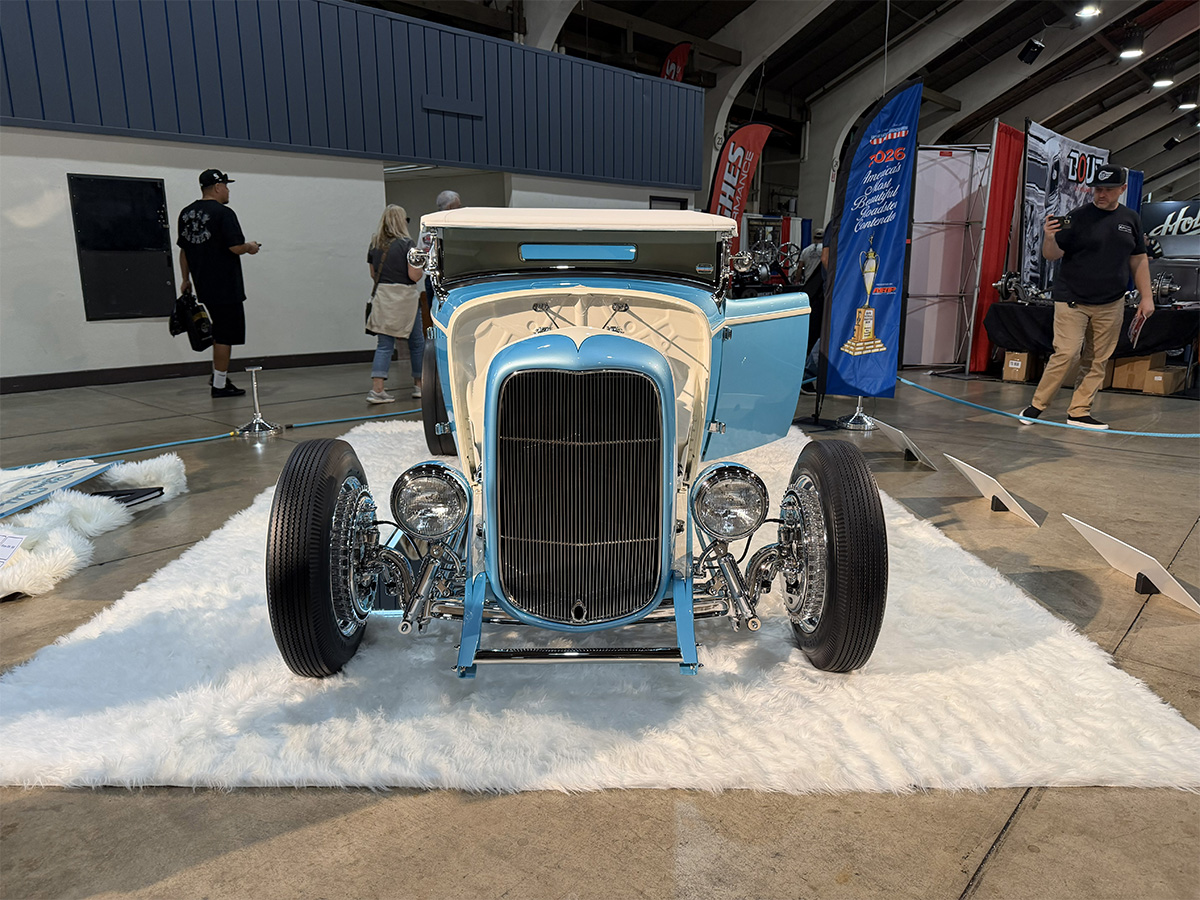
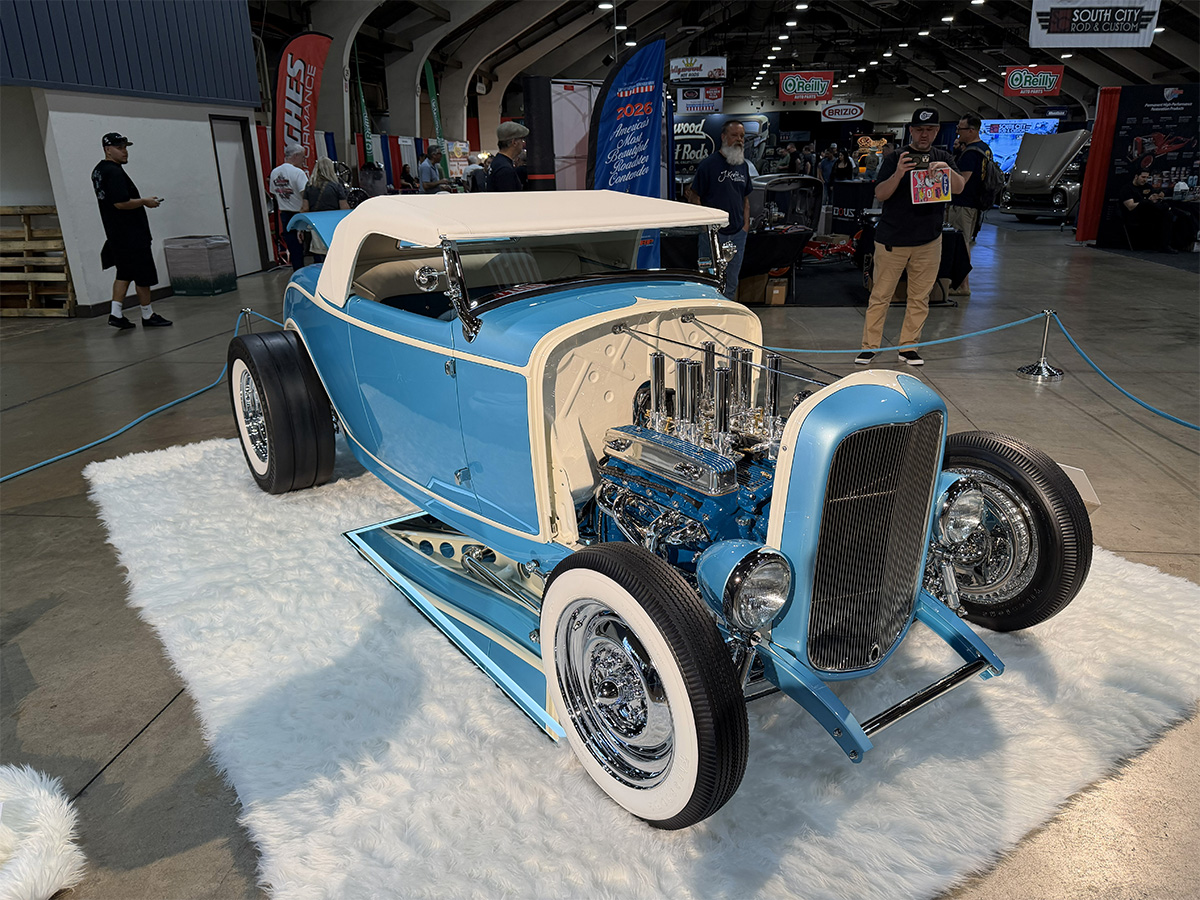
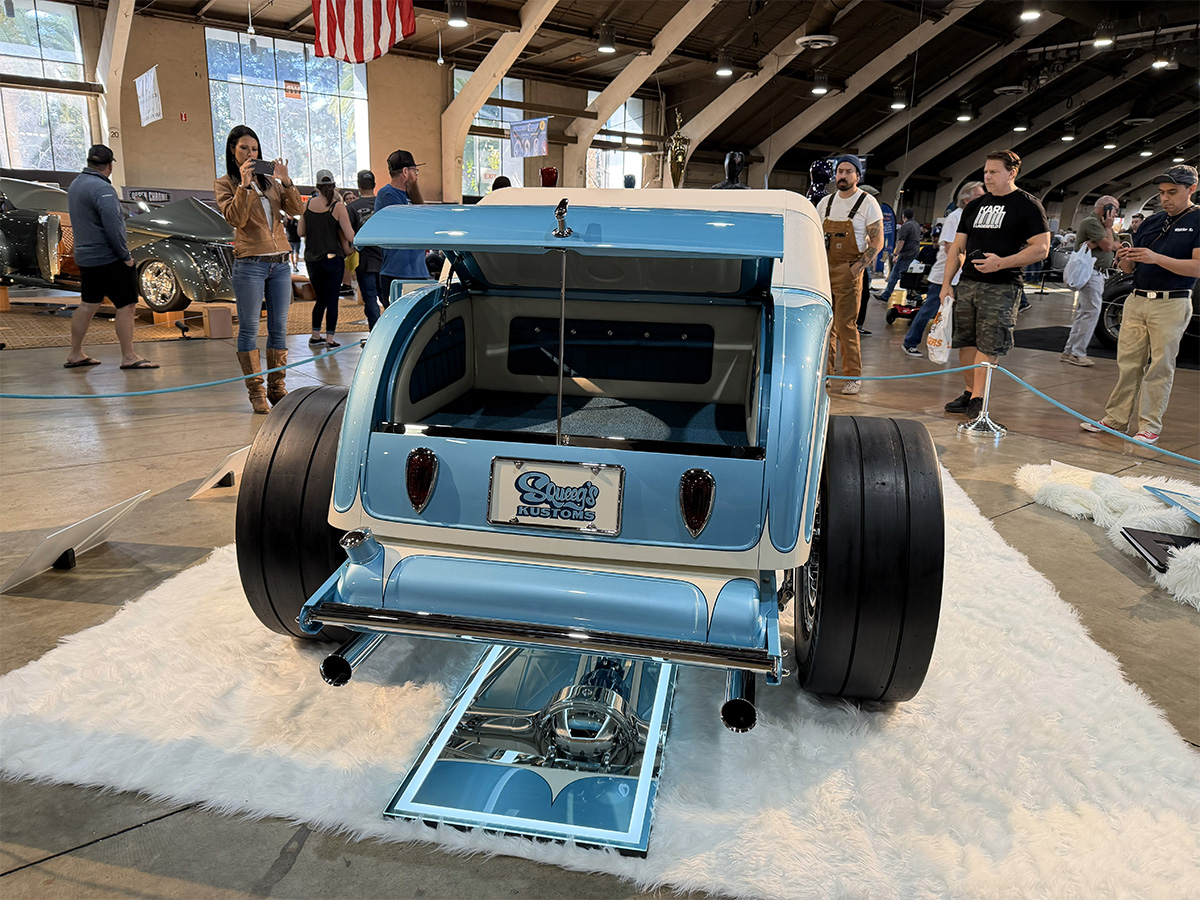
Nicole Baird’s Blue Ribbon 1932 Ford Roadster built by Squeeg’s Kustoms Win’s America’s Most Beautiful Roadster At GNRS 2026!

(0 reviews)

This year’s cars that were competing for America’s Most Beautiful Roadster were as diverse as I’ve ever seen, and while I thought all of them were beautifully done cars, there were a couple that kind of spoke to me. And then there was Nicole Baird’s Squeeg’s Kustoms built 1932 Ford. This thing immediately hit me and I love it. To be honest, I didn’t look at it super close because I didn’t want to find flaws that might make me question my favorite. So instead I just let it hit me and make me smile and apparently it did the same thing for the judges, because this right here is your 2026 AMBR Winner!

If you missed the other contenders for the 2026 America’s Most Beautiful Roadster award, use the following link to check them out!

CLICK HERE TO SEE ALL THE CONTENDERS FOR AMERICA’S MOST BEAUTIFUL ROADSTER 2026
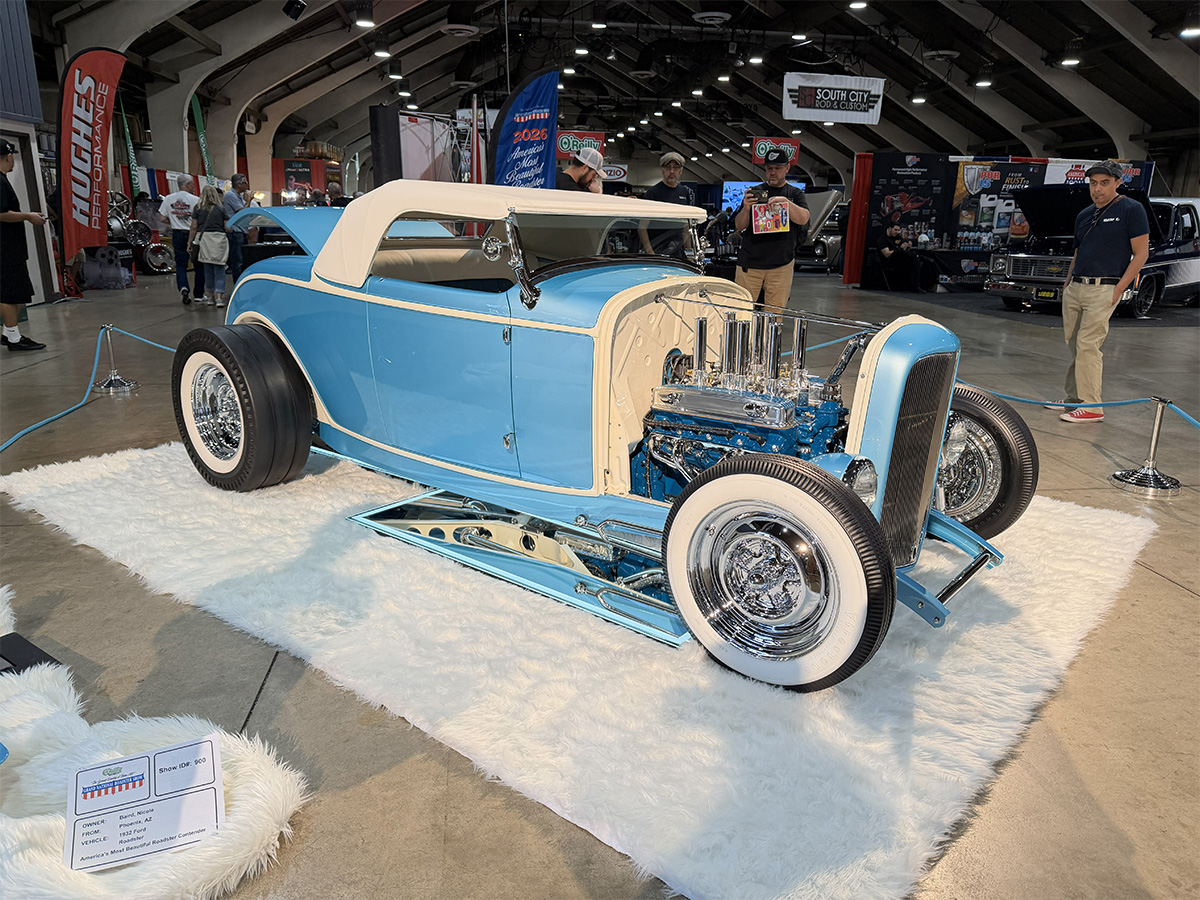
Grand-National-Roadster-Show-2026-AMBR-C Grand-National-Roadster-Show-2026-AMBR-C Grand-National-Roadster-Show-2026-AMBR-C Grand-National-Roadster-Show-2026-AMBR-C Grand-National-Roadster-Show-2026-AMBR-C Grand-National-Roadster-Show-2026-AMBR-C Grand-National-Roadster-Show-2026-AMBR-C Grand-National-Roadster-Show-2026-AMBR-C

The post Nicole Baird’s Blue Ribbon 1932 Ford Roadster built by Squeeg’s Kustoms Win’s America’s Most Beautiful Roadster At GNRS 2026! appeared first on BangShift.com.

View the full article

User Feedback

There are no reviews to display.

Street Clubs

Important Information

By using this site, you agree to our Terms of Use.

Account

Navigation

Search

Search

Configure browser push notifications

Chrome (Android)
  1. Tap the lock icon next to the address bar.
  2. Tap Permissions → Notifications.
  3. Adjust your preference.
Chrome (Desktop)
  1. Click the padlock icon in the address bar.
  2. Select Site settings.
  3. Find Notifications and adjust your preference.