


A Strong Start, With One Big Problem
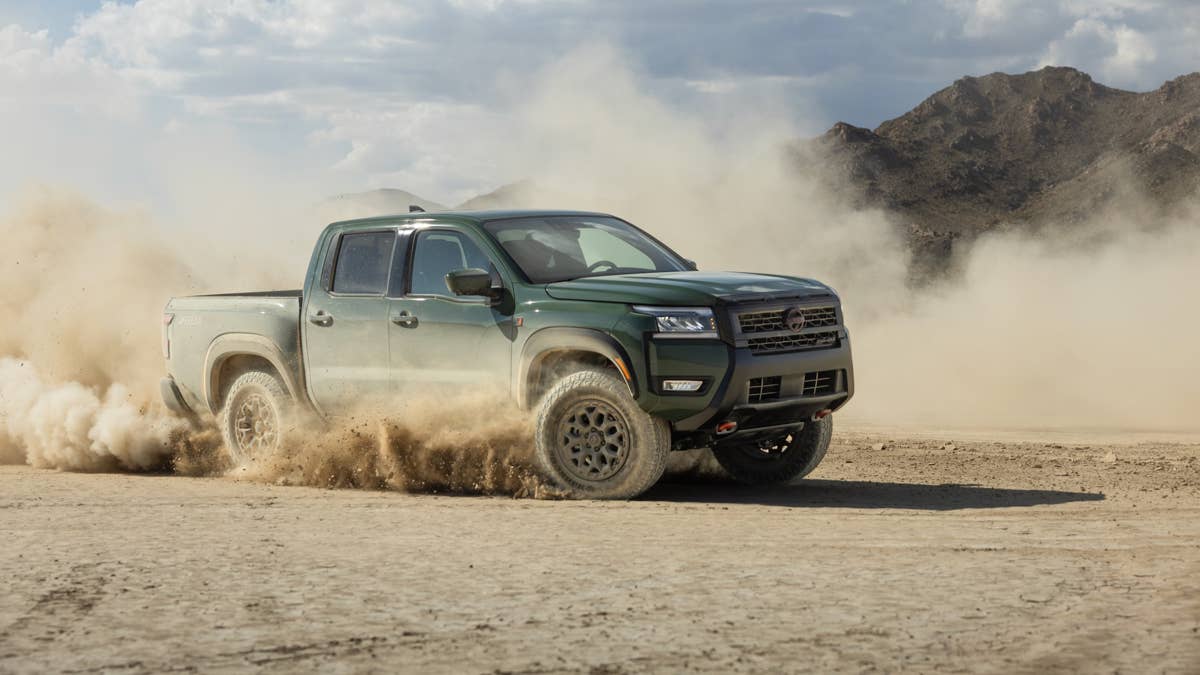
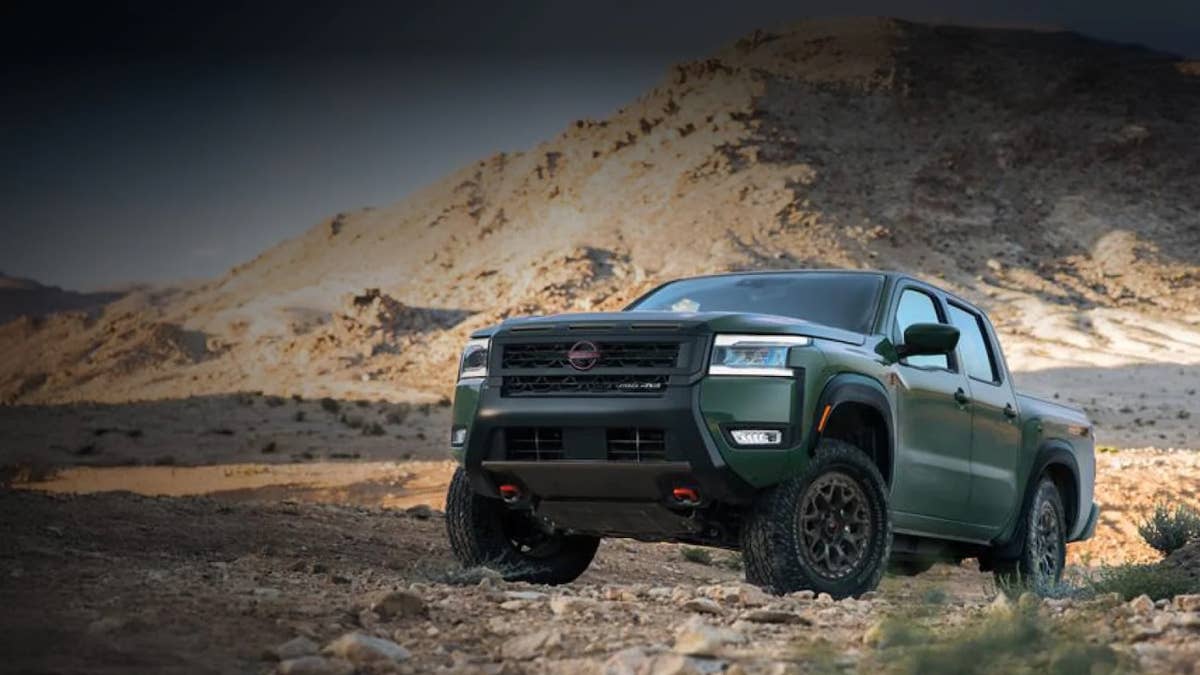
The 2026 Nissan Frontier landed this year with a handful of updates – nothing radical, but enough tweaks and new features to keep it in the midsize truck game. The real headline, though, was the arrival of the Pro-4X R by Roush: a factory-backed special with American tuner upgrades straight from Roush Performance.
This version was meant to be the tougher, more off-road-focused Frontier, with beefed-up suspension and bolder looks to take on trucks like the Colorado ZR2. On paper, it seemed like a smart move.
But there’s a catch. More than 1,200 trucks that already rolled out of Roush’s shop now have to head back.
According to a newly filed recall, 1,217 units of the Pro-4X R are affected, covering vehicles produced between late September 2025 and early March 2026. That effectively includes every example built before a key quality control fix was introduced.
Nissan
What Went Wrong at the Factory
The problem isn’t complicated, but what can happen because of it definitely is.
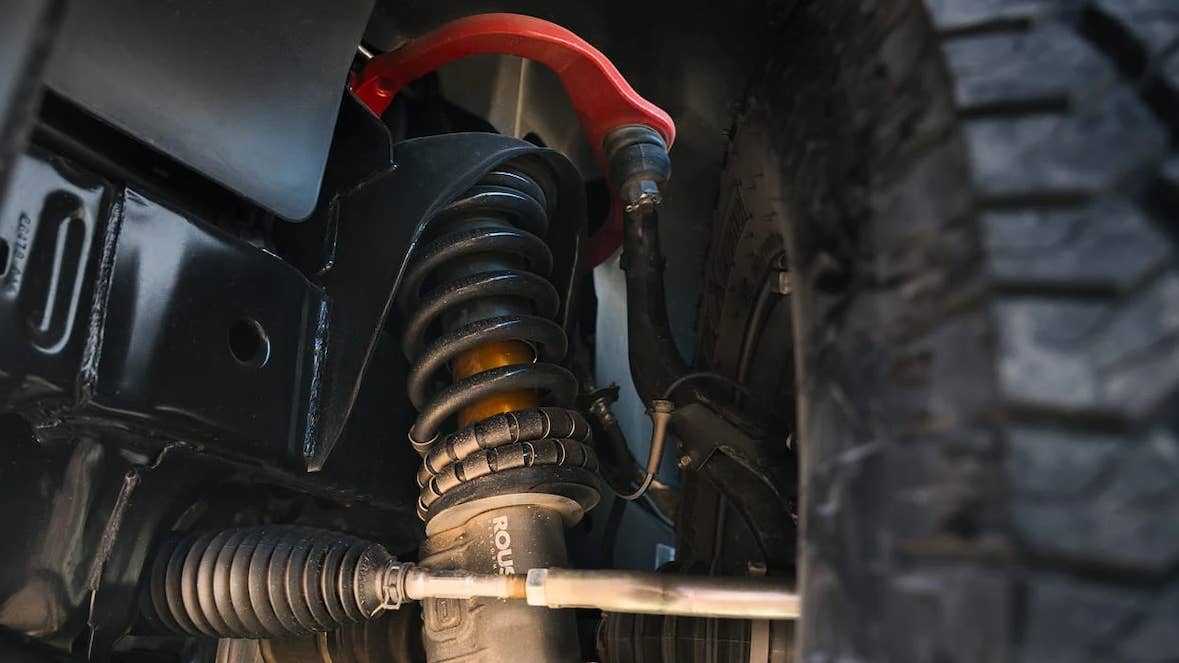
At the Roush facility, some technicians apparently missed installing cotter pins on important suspension and steering parts. These tiny pins might not look like much, but they’re what keep fasteners from working loose. Without them, things like the upper control arm ball joint or steering tie rod can start to come apart over time. There’s also a chance some bolts weren’t tightened to spec, which just adds to the risk.
The risk is simple: a loose or disconnected joint might start with odd noises up front, but in the worst case, you could lose steering and crash.
The problem first surfaced through a dealer warranty claim on March 2, 2026, when a newly delivered truck showed a separation at the upper control arm. A missing cotter pin was identified. Not long after, a second case appeared involving a disconnected steering tie rod on a low-mileage vehicle. A third incident followed days later.
Roush’s own review found that some techs didn’t follow the usual instructions, and the paperwork wasn’t clear enough to prove that everything was tightened down the way it should have been.
Nissan
What Owners Need to Do Next
Roush isn’t taking any chances. If you own one of these trucks, you’re being told not to drive it – get it towed to a Nissan dealer for a checkup.
At the dealer, techs will go over all the suspension and steering parts, add any missing cotter pins, swap out old ones, and make sure every bolt is tightened right. If anything’s damaged or missing, it gets replaced. Owners won’t pay a cent for the fix.
Roush has already tightened up its process as of March 2, 2026, with tougher checks and better paperwork to make sure every cotter pin is in and every fastener is torqued before a truck leaves the shop.
Owners should get notifications between mid-May and mid-June 2026. Until then, if you’ve got one of these trucks, it’s basically grounded until it gets checked out.
Nissan


There are no reviews to display.