


Remember last year’s Nissan Leaf U.S. recall that included nearly 45,000 vehicles posing a potential battery fire risk?
It looks like Canadian owners from the province of Quebec have grown tired of waiting for an effective fix from the automaker so they filed a class action suit against Nissan Canada.
Lawsuit Alleges Nissan's Promised Software Fix Cannot Solve the Problem
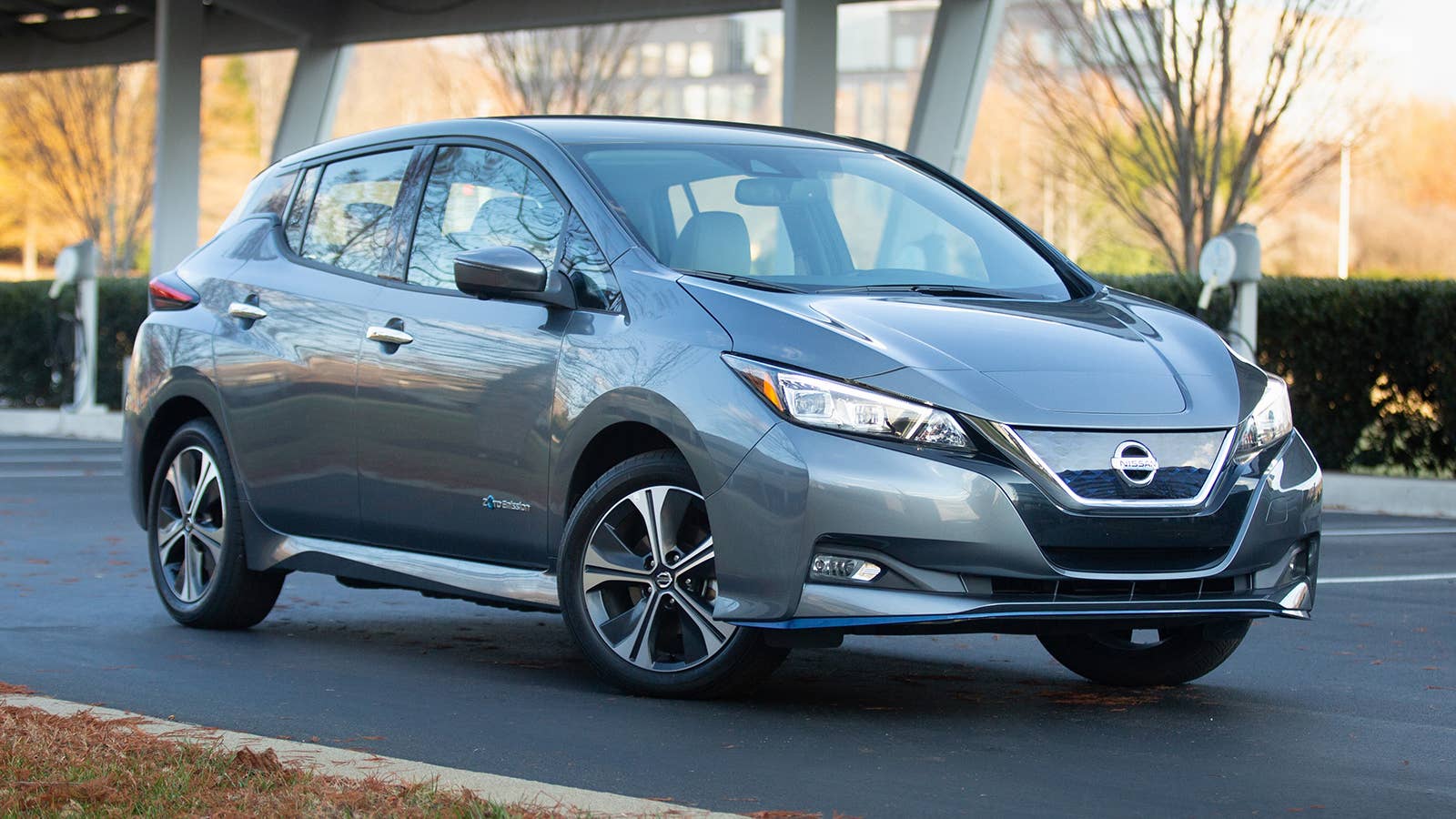
The lawsuit alleges Leaf EVs built for the 2019-2022 model years—the exact same years as those included in the October 2025 recall—are equipped with defective high-voltage batteries that can cause fires.
Despite the recall, the lawsuit alleges that the risk of melting components and battery fires remains. According to CarComplaints, the class action lawsuit includes “all persons in Quebec who own, purchased, lease and/or leased one or more of the Subject Vehicles, namely the 2019–2022 Nissan Leaf vehicles equipped with a Level 3 quick charging port.”
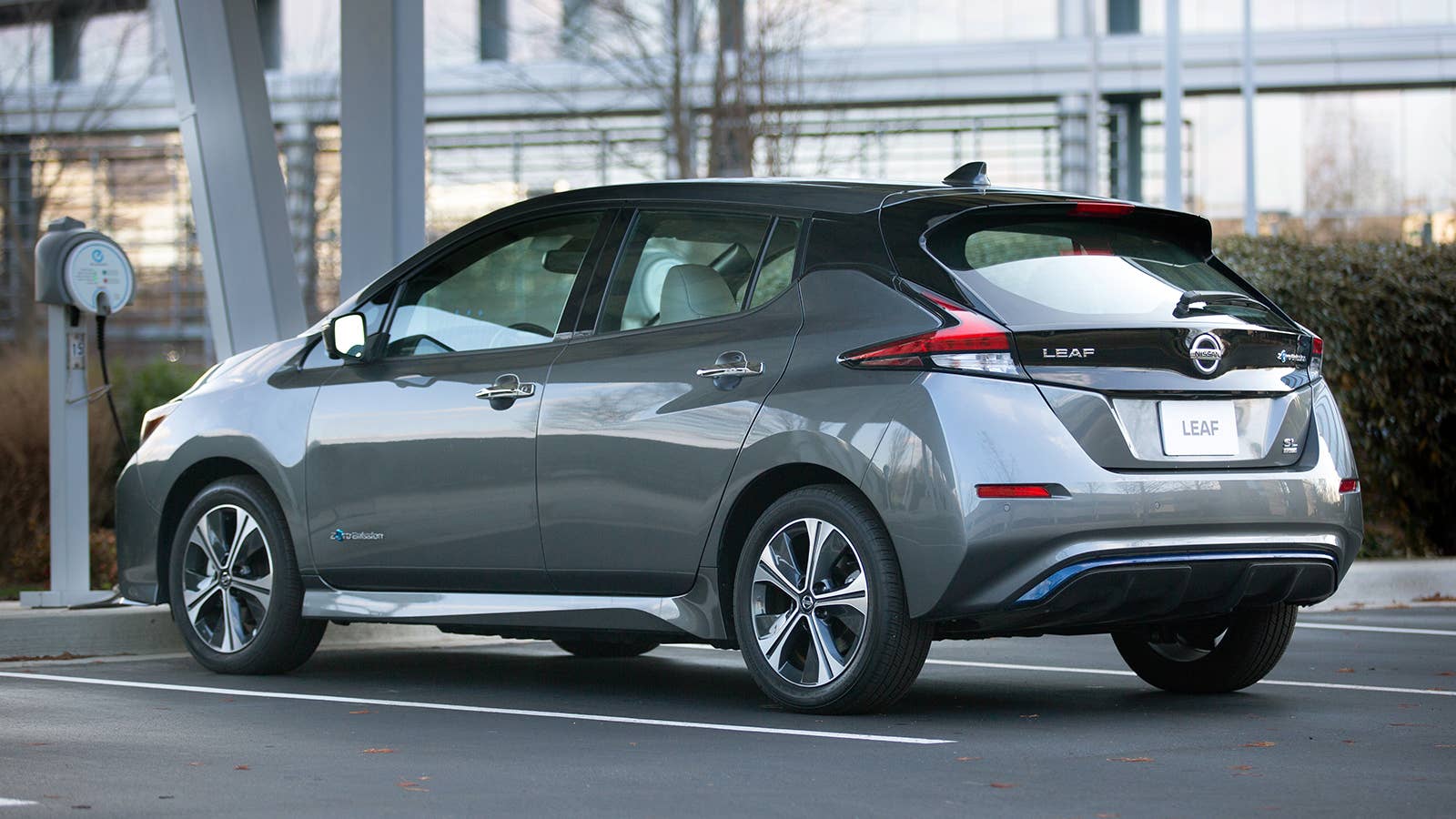
The Leaf vehicles included in the suit include 2019-2022 Nissan Leafs equipped with both the standard 40-kWh or long-range 62-kWh lithium-ion battery packs. The packs are allegedly prone to overheating and suffering short circuits, which can cause melting of the charging components, electrical damage and fires.
The problem is aggravated by Level 3 DC fast charging via the CHAdeMo connector. The class action lawsuit argues that the main problem is excessive lithium deposits on the battery’s anode, something that cannot be remedied by simple software updates Nissan has promised but is yet to deliver. Furthermore, the lawsuit alleges that Leaf high-voltage battery cells are defective and recalls issued by Nissan will not help.
Plaintiffs Calling on Nissan to Replace the Batteries or Buy Back the Cars
Nissan
According to the plaintiff who sued, Nissan offers only software updates to monitor the Leaf batteries’ state of charge and possible overheating incidents. And because Level 3 fast charging aggravates the existing problem, Nissan has warned customers not to charge the vehicles with fast charging via the CHAdeMO connectors.
But since Nissan Leaf customers paid for fast charging capability, they are obviously frustrated that they cannot use the feature until the vehicles get the promised software updates. The plaintiff complains that fast charging is a key reason why consumers purchase or lease the Nissan Leaf, and by not providing that, Nissan hasn’t kept its end of the bargain.
In conclusion, the class action lawsuit claims the only way to repair the affected Leaf EVs is to replace the defective high-voltage batteries, or for Nissan to buy back the vehicles. The class action lawsuit was filed in the Superior Court of Quebec of the District of Montreal Canada and is titled B.S. v Nissan Canada Inc., et al.
It’s worth noting that a similar class action suit was filed in California against Nissan North America over defects in the charging system of 2019-2022 Nissan Leaf vehicles. Brought on behalf of multiple owners and lessees of the affected Leaf EVs, the lawsuit (Proudfoot et al. v. Nissan North America, Inc) alleged that Nissan was aware of the battery defect before the vehicles were sold.


There are no reviews to display.