


A Familiar Shape, But a Different Playbook
Nissan previewed a new midsize SUV for China late last year, one that closely matches the Pathfinder in size. Now that the NX8 is official, it’s clear Nissan is taking a different approach compared to its global models.
The NX8, developed by Dongfeng Nissan, joins the N Series, which focuses on electrification and advanced software. Buyers can choose between a full battery-electric version and a range-extended EV with a combustion engine for added flexibility.
The range-extended version stands out, especially since most markets are moving toward either pure EVs or conventional hybrids. By offering this format, Nissan gives buyers more flexibility, which makes sense in a market as diverse as China, where charging infrastructure and driving needs can vary widely.
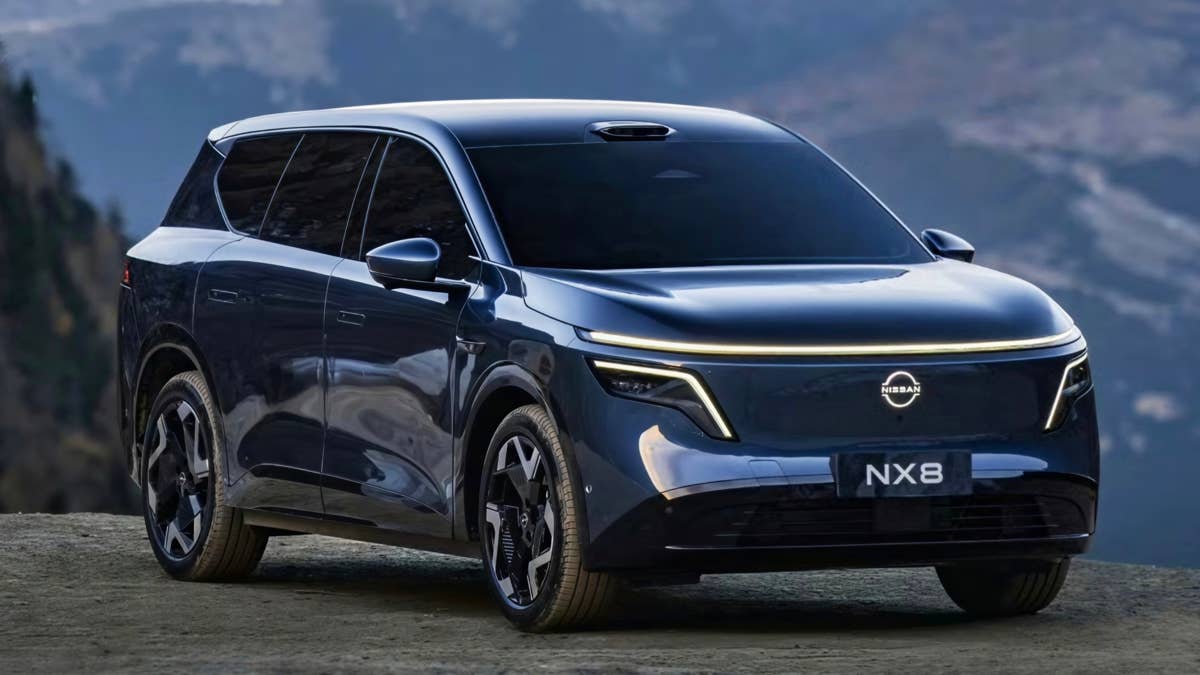
Dongfeng Nissan
Tech-Heavy, Range-Obsessed, and Built for Comfort
Looking at the numbers, the NX8 is built to compete in China’s rapidly evolving EV market. The full-electric version can go up to 404 miles on a charge, while the range-extended model can cover up to 900 miles in total, including up to 193 miles on pure electric power alone.
Charging speeds are also impressive. With an 800-volt system and 5C charging, the NX8 can add about 186 miles of range in around six minutes if conditions are right. That puts it among the fastest-charging vehicles available today.
Inside, the NX8's cabin comes with two 15.6-inch screens running Nissan OS 2.0, powered by a Snapdragon processor. There’s also an augmented reality head-up display, an AI voice assistant, and a full set of convenience features included on every model.
The NX8 offers rear seats that recline and come with heating, ventilation, and massage functions, along with Nissan’s so-called AI Zero Gravity Seats. There’s a built-in refrigerator that can both cool and warm, and a Pet Protection Mode designed to keep the cabin safe for pets left inside for short periods.
The NX8's battery uses CATL cells and is monitored in real time through cloud systems. Driver assistance features, developed with Momenta, add semi-autonomous driving capability.
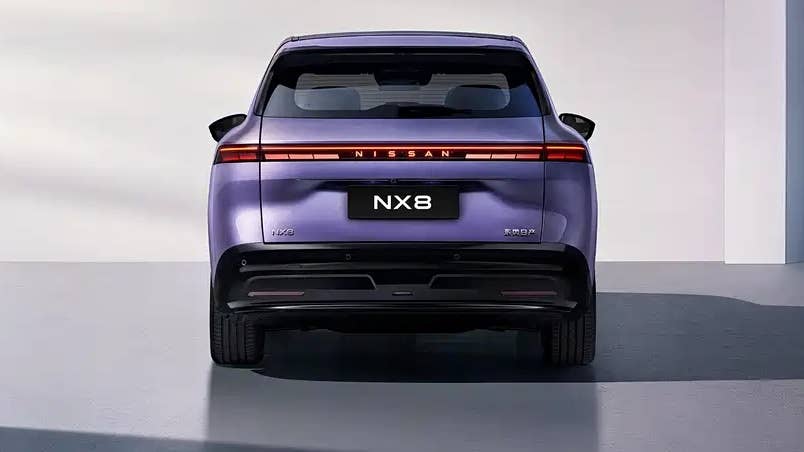
Dongfeng Nissan
Will You Ever See It in America?
Short answer: don’t count on it.
Like the N6 and N7 sedans, the NX8 is built specifically for China’s new-energy market, where buyers look for fast charging, advanced technology, and flexible powertrains. Nissan has already confirmed exports to markets outside the People’s Republic, but there’s no sign it will reach markets like the US. That last bit is a real challenge due to tariffs, but it's not impossible.
It’s a missed opportunity, since Nissan’s approach here – combining fast charging, smart packaging, and practical features – shows more forward thinking than much of its current global lineup.
At the very least, the NX8 demonstrates what Nissan can achieve when it focuses on innovation. The real question is whether this momentum will extend beyond China.
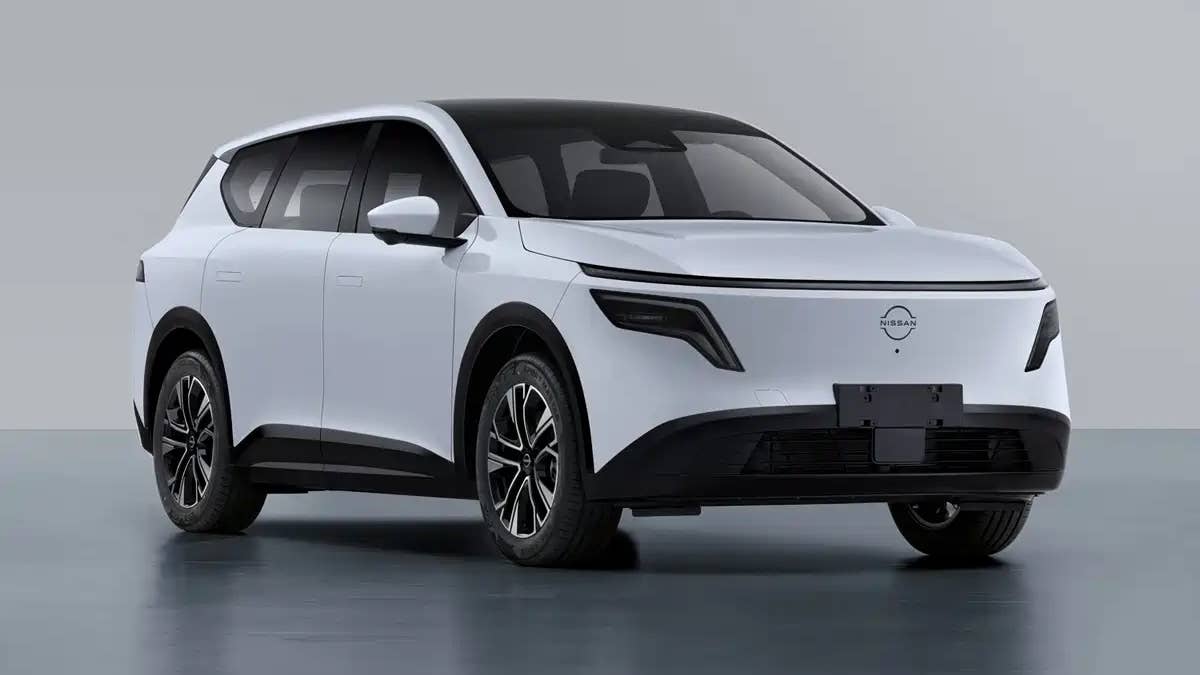
China's MIIT


There are no reviews to display.