




A Quiet Update With Lasting Effects
Toyota has rolled out a Limited-Service Campaign that covers over a million hybrid AWD vehicles sold in the US in recent years. It might look like a minor update at first glance, but for hybrid owners, this is one you’ll want to pay attention to.
The problem comes down to the rear traction motor system in Toyota’s AWD hybrids. The high-voltage floor underwire connector that powers the rear motor can end up exposed to mud, water, or road salt as the miles add up. In places with harsh winters or lots of rain, that exposure can eventually cause corrosion. In the worst cases, Toyota says you might notice things like AM radio noise or, more seriously, a no-start situation.
Instead of waiting for problems to pile up, Toyota is getting ahead of it by sealing the connector with a new wire harness protector. Yes, this is not another Toyota recall, but the goal is simple: keep moisture out and help the part last longer.
Drew Phillips
Which Models Are Affected
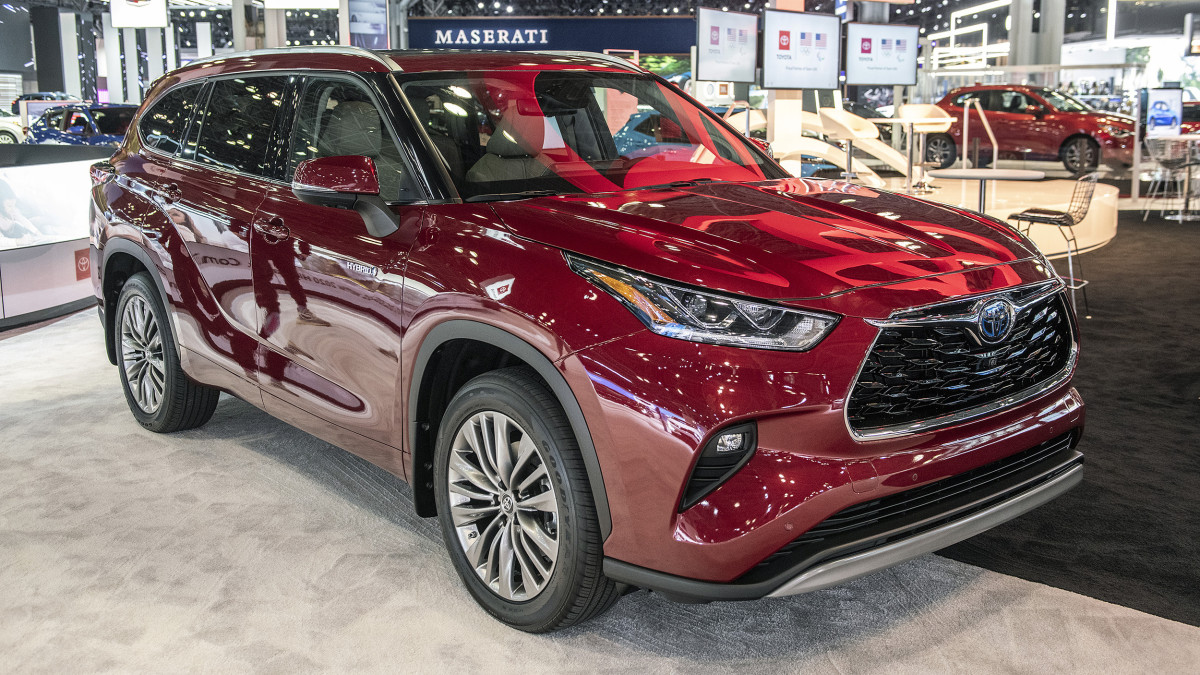
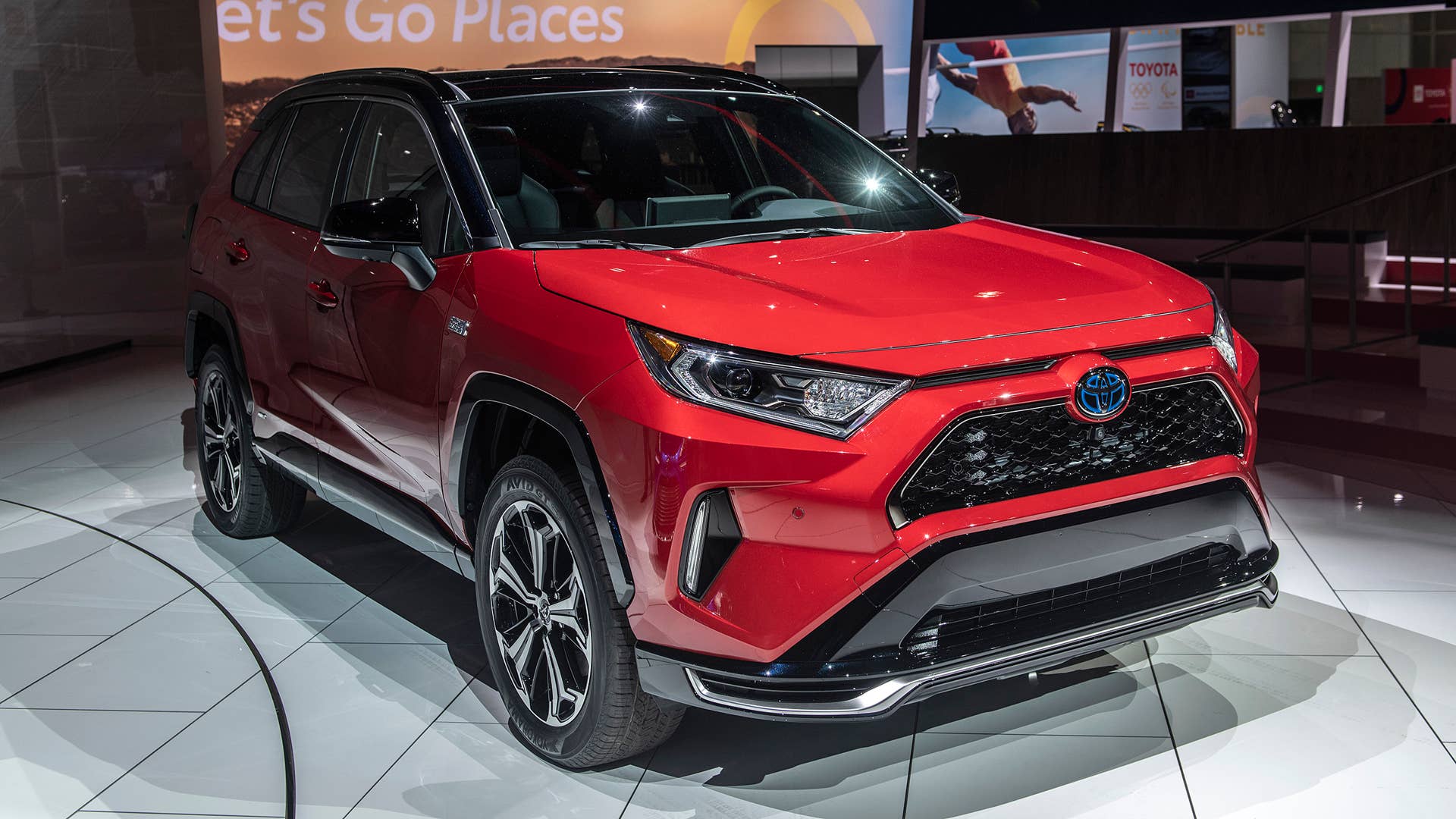
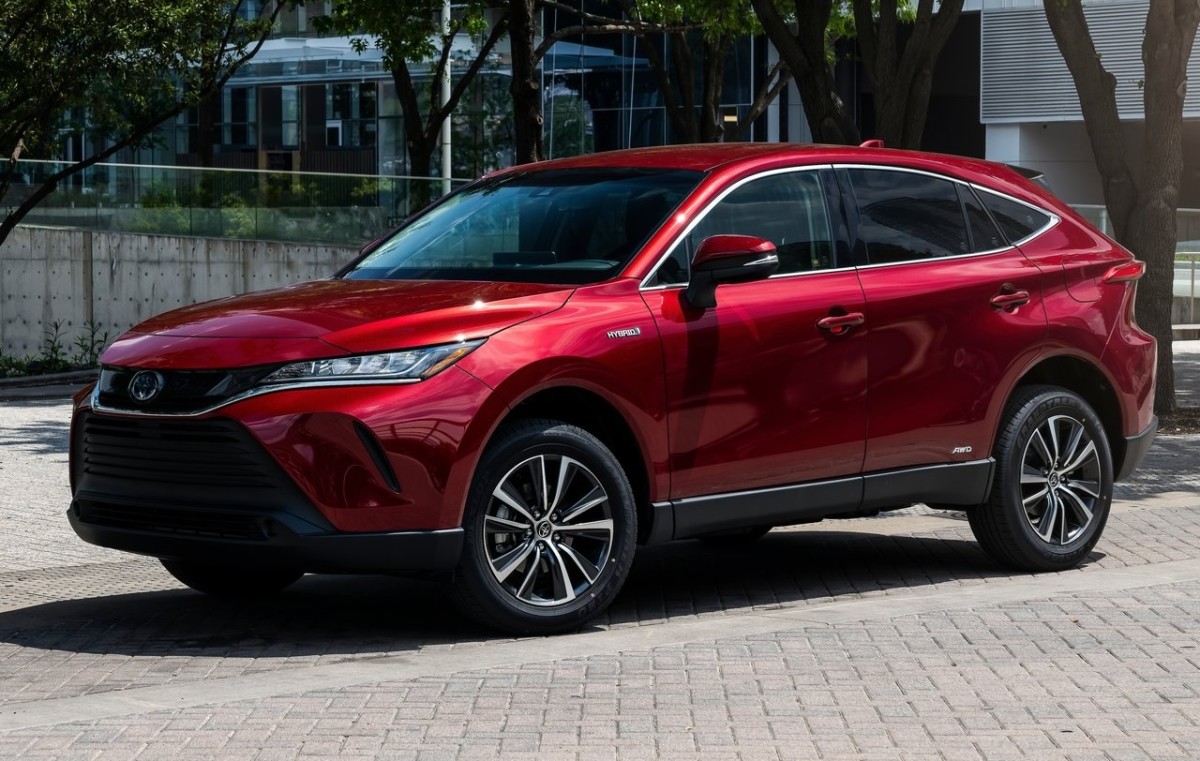
The service campaign 25TD01 covers several of Toyota’s best-selling hybrids equipped with all-wheel drivetrains. These include the RAV4 Hybrid AWD, RAV4 Prime, Highlander Hybrid AWD, Venza Hybrid, and Crown. In total, Toyota estimates around 1.08 million vehicles fall under the campaign.
Model | Model Years | Production Period | No. of Vehicles Potentially Affected |
RAV4 Hybrid AWD | 2019–2024 | Mid-Aug 2018 – Mid-Feb 2024 | 659,210 |
RAV4 Prime | 2021–2024 | Late Nov 2019 – Early Mar 2024 | 86,650 |
Highlander Hybrid AWD | 2020–2024 | Late Jun 2019 – Early May 2024 | 166,600 |
Venza Hybrid | 2021–2024 | Early Mar 2020 – Mid-Feb 2024 | 151,790 |
Crown | 2023–2024 | Late May 2022 – Early Mar 2024 | 27,020 |
Production dates run from mid-2018 to early 2024, so even newer vehicles may still need this update. Toyota started mailing out notifications last October, but you can also check with your dealer to see if your hybrid is included.
The fix is pretty straightforward. Depending on your model, the inspection and sealing usually take one to two hours. If they find corrosion, extra repairs might be needed, but those are covered, too.
Why This Matters More Than It Sounds
Here’s why this update matters more than it seems: it’s directly linked to Toyota’s hybrid component coverage. If you get the service done, you keep the extended protection for certain hybrid cables – up to 10 years with unlimited mileage. If you skip it, your coverage could drop back to the standard 8 years or 100,000 miles after September 2028.
So this isn’t just about stopping corrosion right now. It’s about making sure you keep that extra coverage for years to come, especially if you plan to hold onto your hybrid long term. The work is free at any authorized dealer, and Toyota suggests getting it done sooner rather than later. It’s a quick visit that could save you from bigger headaches (and bills) later on.
Toyota


There are no reviews to display.