




Putting the engine over the rear wheels and keeping it there has been both a blessing and a curse for Porsche and its 911. On the one hand, the challenges that come with putting an engine so far back without creating handling that makes a car unmanageable have been immense, but on the other, finding ways to overcome those challenges has created a spirit of innovation throughout the company, and Porsche's latest patent is further proof that the engineers in Stuttgart never stop trying to make their cars and the people who drive them faster. A new patent filed with the German Patent and Trade Mark Office, first noted by CarBuzz, illustrates this perfectly. Therein, the sports car manufacturer suggests a system that projects the ideal driving line into the driver's field of vision, not unlike in racing video games.
How Porsche's New Idea Works
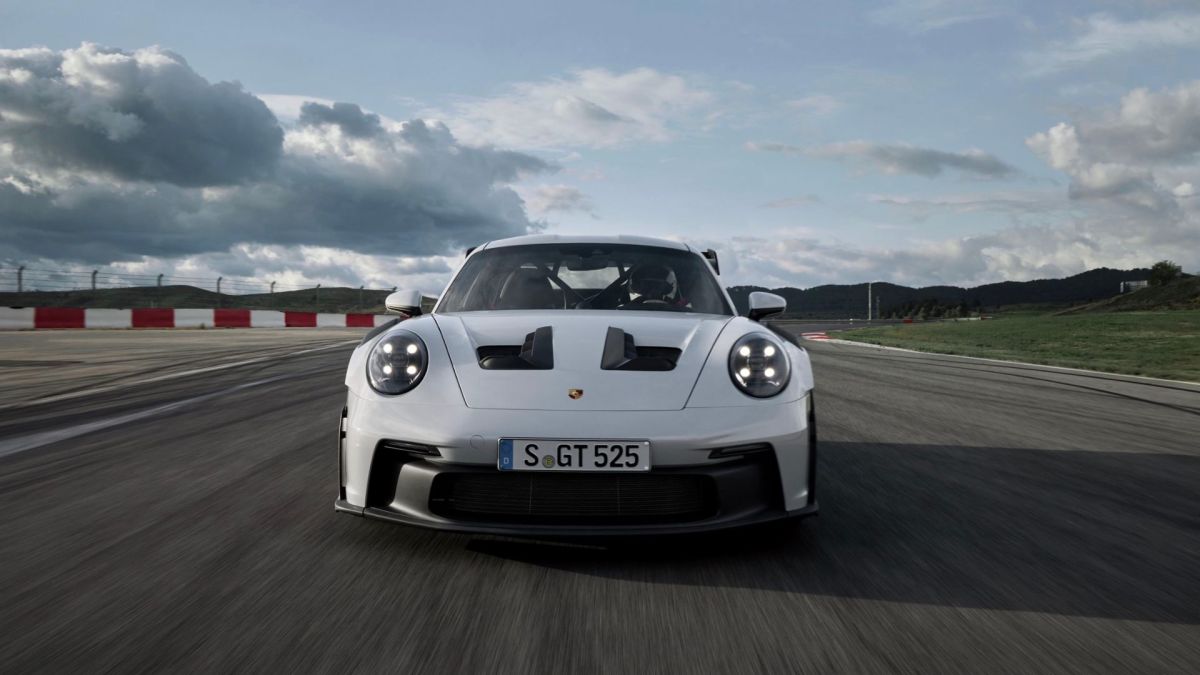
In 2022, BMW launched the M Mixed Reality experience, using virtual reality goggles to help a driver take the optimal route around a track, but Porsche's idea needs no in-car accessories, and instead of using a head-up display (or similar system) to project the ideal driving line onto the windshield, Porsche imagines having a drone flying above and ahead of the car, projecting graphic information onto the track ahead. If this system works as intended, it would not only allow seasoned drivers to improve their abilities, but it would also help novices to get faster more quickly. Learning a track that you've never driven before could also be simplified.
Related: Porsche Patents Heated Paddle Shifters That Feel More Like a Manual
The computing power required for such a system would no doubt be immense, as the patent proposes the ability to "dynamically adapt the optimal driving line to the driving behavior of the vehicle and/or/ to track conditions of the race track [...], i.e., adapted to real-time data." This means the drone would need to be very fast, know the limits of the track, and understand what the car itself is capable of on said track. But that's not the only challenge.
Numerous Obstacles to Production
RM Sotheby's
While patent applications can never be taken as official confirmation that an idea will reach production, this one seems particularly far-fetched. Not only would the drone need to be particularly quick and agile, and not only would the drone and car need to communicate with each other in real-time, but the drone would also need incredibly advanced projection technology to be able to display the ideal driving line in bright sunlight or on a lit nighttime track. There's also the question of how this drone's projection and even its presence would interfere with other drivers. Would the drone only be able to work properly when a driver is alone on the track, or would Porsche be able to find a way of ensuring that projections are partially canceled out when another driver is in their path? That's unclear, but with Ferrari introducing a similar patent back in 2023, and with cars becoming faster and more capable than ever, manufacturers are always looking for ways to allow drivers to harness optimal performance.


There are no reviews to display.