




Tesla Owners Silicon Valley wanted to see what happens when you actually shoot a Cybertruck’s “bulletproof” glass, so they brought the truck, some serious firepower and Tesla design boss Franz von Holzhausen to Taran Tactical’s range.
The twist is they did not test Tesla’s stock glass at all. Instead, the video is really a showcase for Armored CyberGlass, an aftermarket ballistic window package that finally tries to match the Cybertruck’s tank-like image.
Bulletproof Glass, But Not From Tesla
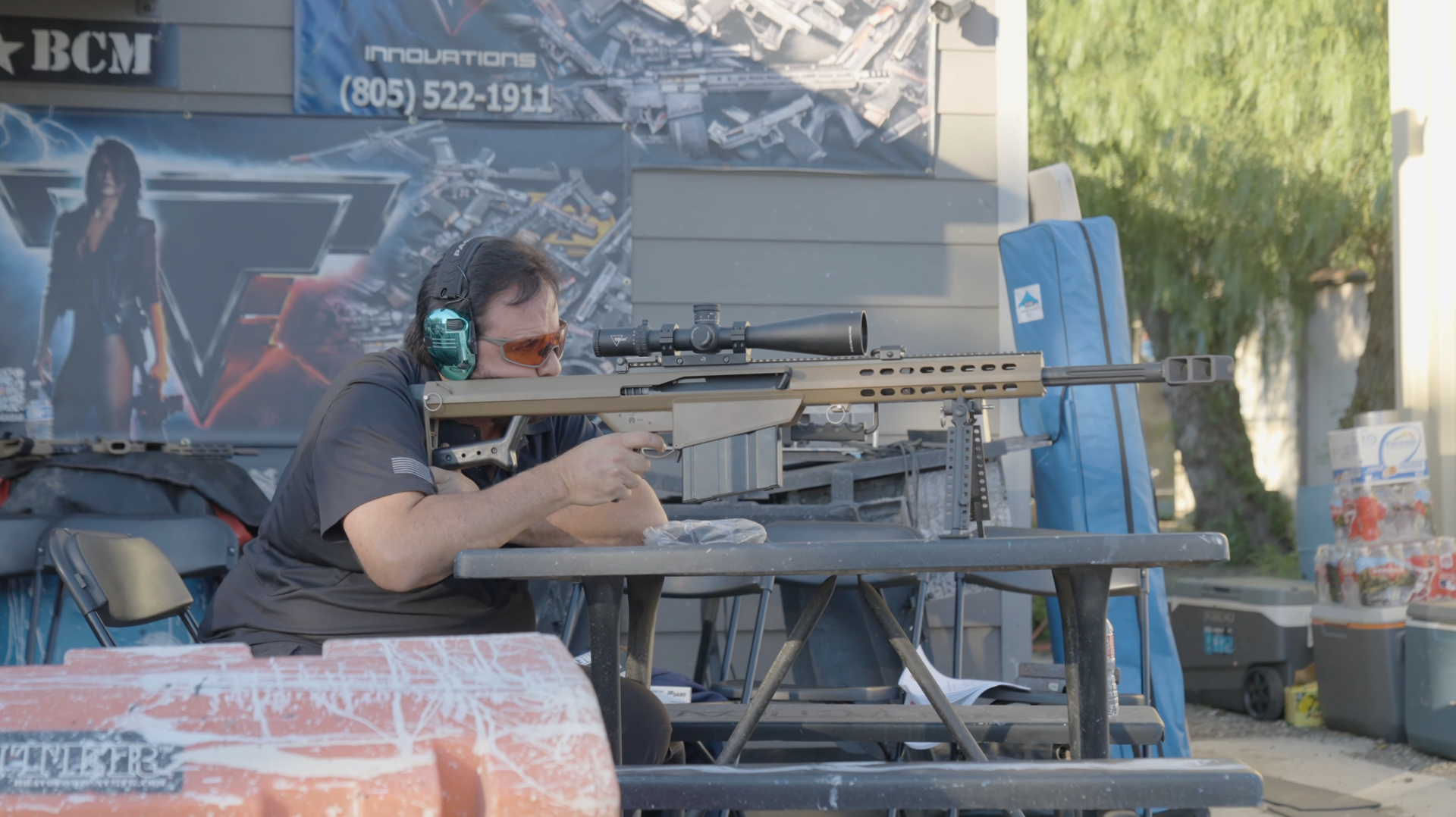
In the video, the team removes the factory Cybertruck side windows and replaces them with Armored CyberGlass units. The company sells NIJ-rated ballistic glass for the truck in multiple levels, with the main setup tested here designed to stop common handgun rounds like 9 mm while keeping the windows fully functional. The test takes place at Taran Tactical’s 20 acre private range in Simi Valley, the same facility used to train actors like Keanu Reeves and Halle Berry for John Wick style action work, with Franz von Holzhausen, Taran Butler, competitive shooter Tetiana Gaidar and gun YouTuber Colion Noir all on site.
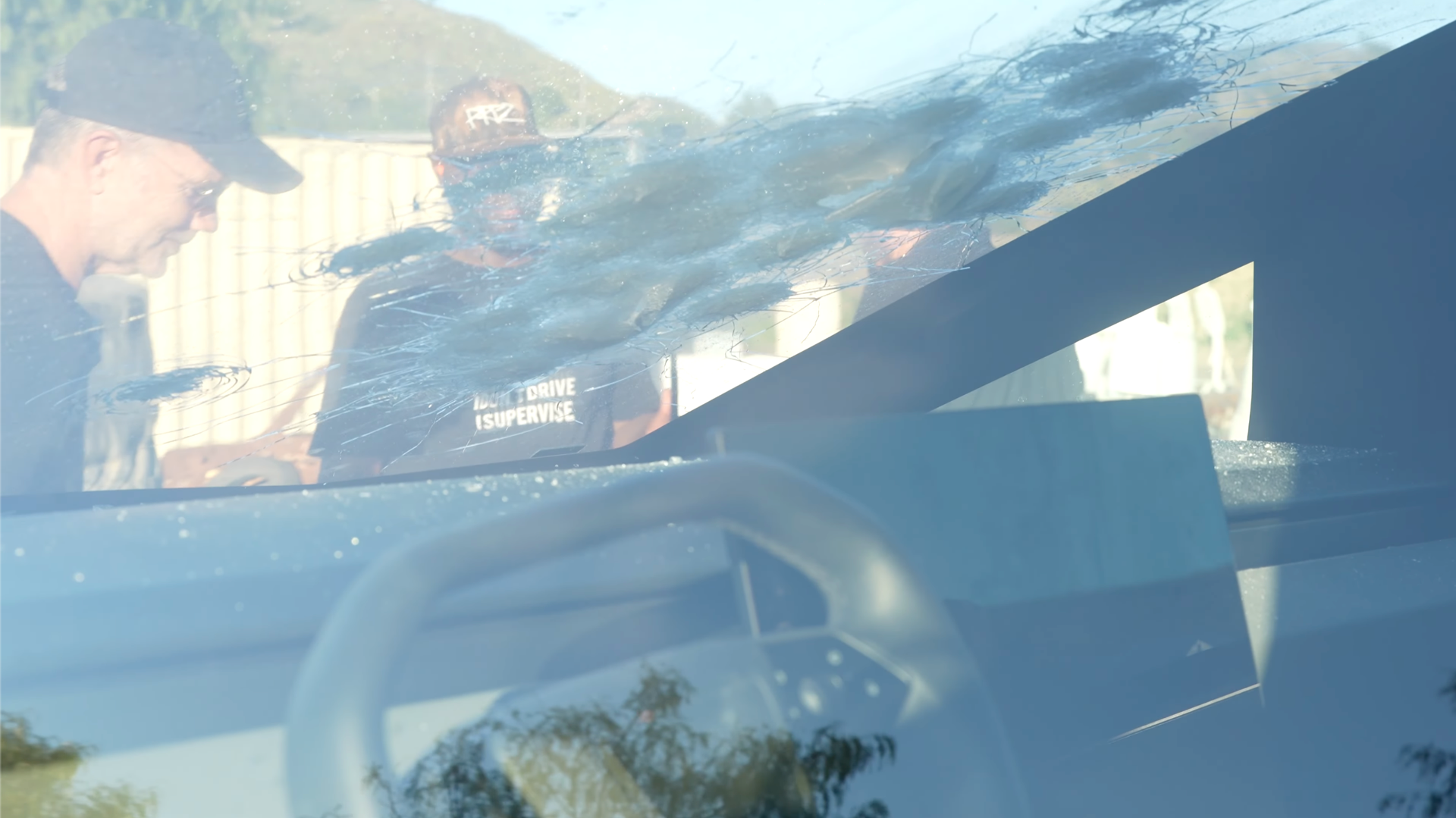
On camera, Taran Tactical’s shooters work their way up the ladder. They start with 9 mm pistols like the Pit Viper X at 07:01, a custom Glock 34 at 11:00 and the Combat Master at 11:43, then move through more TTI pistols before stepping into rifles such as the SIG MCX Spear at 21:23, an AR 10 Harbinger at 23:16 and a TR 1 Ultralight AR 15 at 24:39. Finally they hit the glass with a Barrett M82 .50 BMG at 25:42, before a windshield handgun test at 31:28. The panels star and crater, but they stay in the frame, and the windows can still be rolled up and down afterward. Related clips from the same range day show the laminate catching heavier rounds with bullets visibly lodged in the glass instead of punching through. It is a long way from the 2019 launch demo where Franz famously smashed two Armor Glass panes on stage, and you can tell he is enjoying the redemption arc.
Safety Image Vs Real-World Use
The bigger story is how this plays against the Cybertruck’s broader safety narrative. In normal trim, the truck’s glass is not rated to stop bullets, but the structure is extremely strong and Tesla has now earned a top safety score for it. Owners are also discovering that the truck can be both tough and occasionally awkward. Winter conditions have highlighted how the slabby stainless design can trap ice and slush in places you do not want it. At the same time, software keeps playing its own role in safety perception.
The Armored CyberGlass video is impressive, but it does not mean every Cybertruck suddenly shrugs off bullets. What it shows is that if you are willing to spend five figures on upgraded glass, you can bring the windows up to the same drama level as the bodywork, and you can do it in a way that keeps the truck usable day to day.


There are no reviews to display.