


Cars That Don’t Sit Still Anymore
Over-the-air (OTA) updates have changed what it means to own a car. Instead of being stuck with whatever features your car had when you bought it, modern vehicles – especially EVs – can keep getting better long after you drive them home. That might mean sharper driver assistance, new apps, better efficiency, or just a smoother interface. Of course, it also means you’ll sometimes wait for downloads, run into the odd bug, and realize your car now acts more like a smartphone than a machine you fully control.
EVs are built for this kind of thing. Their systems already run on software, from the battery to the way power reaches the wheels, and most use a central computer to make updates simple. However, another benefit is that OTA updates keep your car feeling up to date.
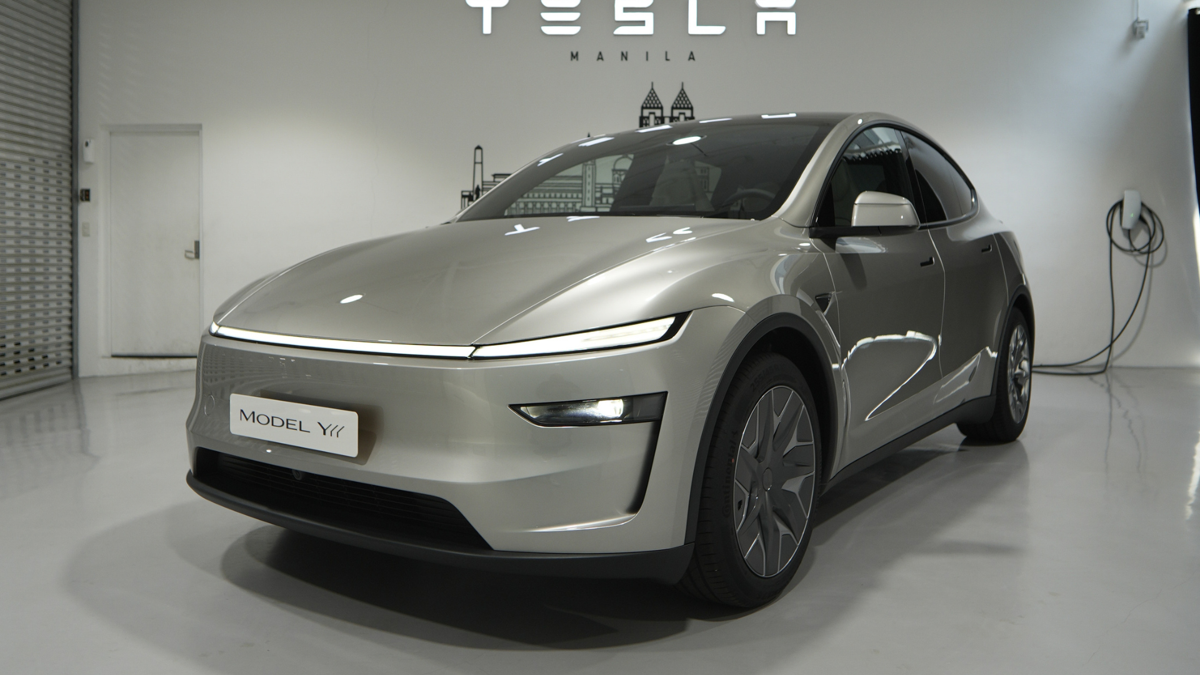
Most people would guess Tesla leads the pack here. The American automaker was first to make big OTA updates a regular thing, and it’s a big part of its image. But if you look at the numbers, Tesla isn’t the most active anymore. Right now, BYD is out in front.
Autoblog / LeRoy Marion
BYD’s Quiet Lead in the Update Race
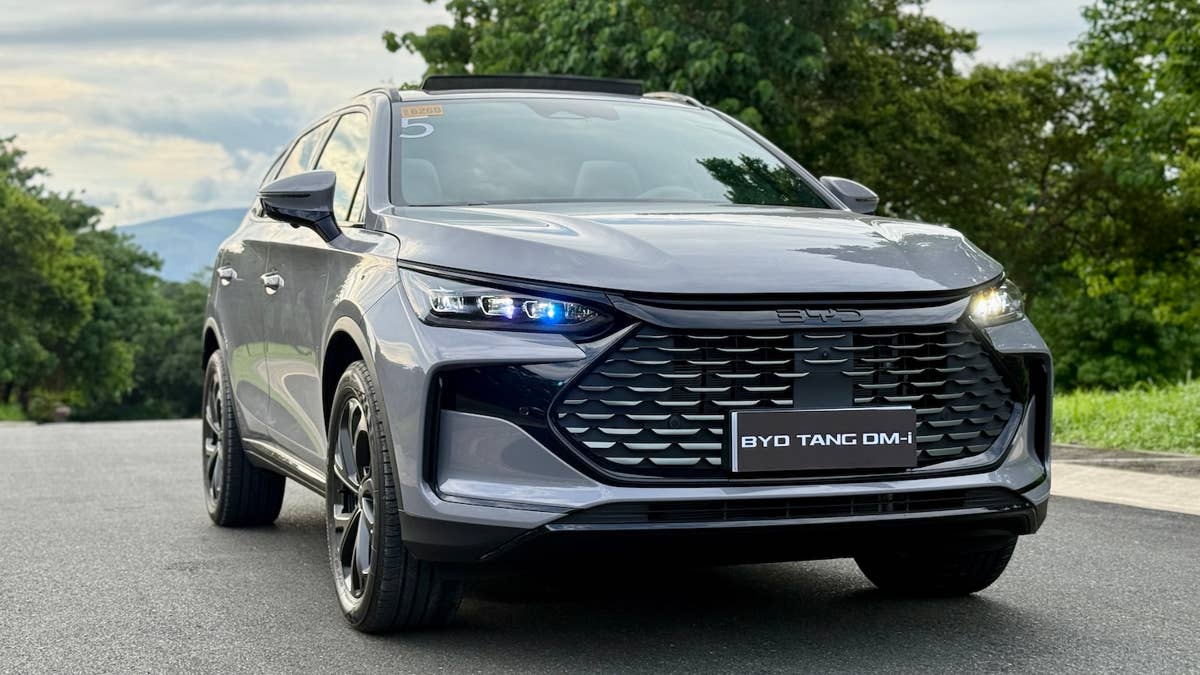
According to a report by Nikkei Asia, BYD pushed out around 200 OTA updates across its Ocean and Dynasty model lines in 2025, the highest among automakers in China – the world’s biggest auto market.
For comparison, Tesla managed just 16 updates in the same period, while Toyota and Volkswagen trailed with eight and five.
BYD can move this fast because it builds most of its own hardware, chips, and software. That means fewer outside suppliers to wait for, so updates come quicker and more often.
Some of the latest updates have improved driver assistance, especially with new AI features that help the car see and respond more effectively in challenging situations. These aren’t just small fixes – they actually let the car handle more complex driving, showing that OTA updates now go way beyond just changing the radio or adding apps.
Other Chinese brands like Aito and Leapmotor are also pushing out updates at a fast pace. It’s clear that how often you update your software is now a real way to compete.
Jacob Oliva/Autoblog
What This Means for Buyers and the Industry
Frequent updates are changing how cars age. Instead of waiting years for a major refresh, owners can get improvements continuously. That could keep a car feeling new for longer and might even help with resale value down the line.
There’s also a business side to all this. Most updates are still free, especially in China, but carmakers are starting to look for ways to charge for software. Some are testing subscriptions for features like advanced driver assistance. Tesla, for example, now offers its Full Self-Driving system as a monthly subscription.
But more updates don’t always mean a better experience. There’s a balance between real improvements and just too many changes. As cars rely more on software, things like reliability, security, and trust matter even more.
BYD’s lead shows that the OTA race isn’t about who started it, but who can keep it going at scale. Right now, the edge goes to brands that treat software as the main product, not just another feature.


There are no reviews to display.