




Days after announcing it's killing off the Model S and Model X, Tesla has launched a new version of its Model Y in the United States. At the same time, the EV manufacturer has also dropped the ‘Standard’ moniker from the base Model Y. The new variant is the Model Y All-Wheel Drive, and it means you can pick up a Model Y with AWD for $7,000 less than before; previously, the cheapest AWD trim was priced far above what rivals were charging. That’s a big deal for anyone living in a cold-weather state where AWD is a necessity, and brings the Model Y with AWD a lot closer in price to competitors like the Chevrolet Equinox EV.
Related: 2026 Tesla Model Y Vs. 2026 Chevrolet Equinox EV: 3 Key Differences
There Are Now Five Tesla Model Y Trims
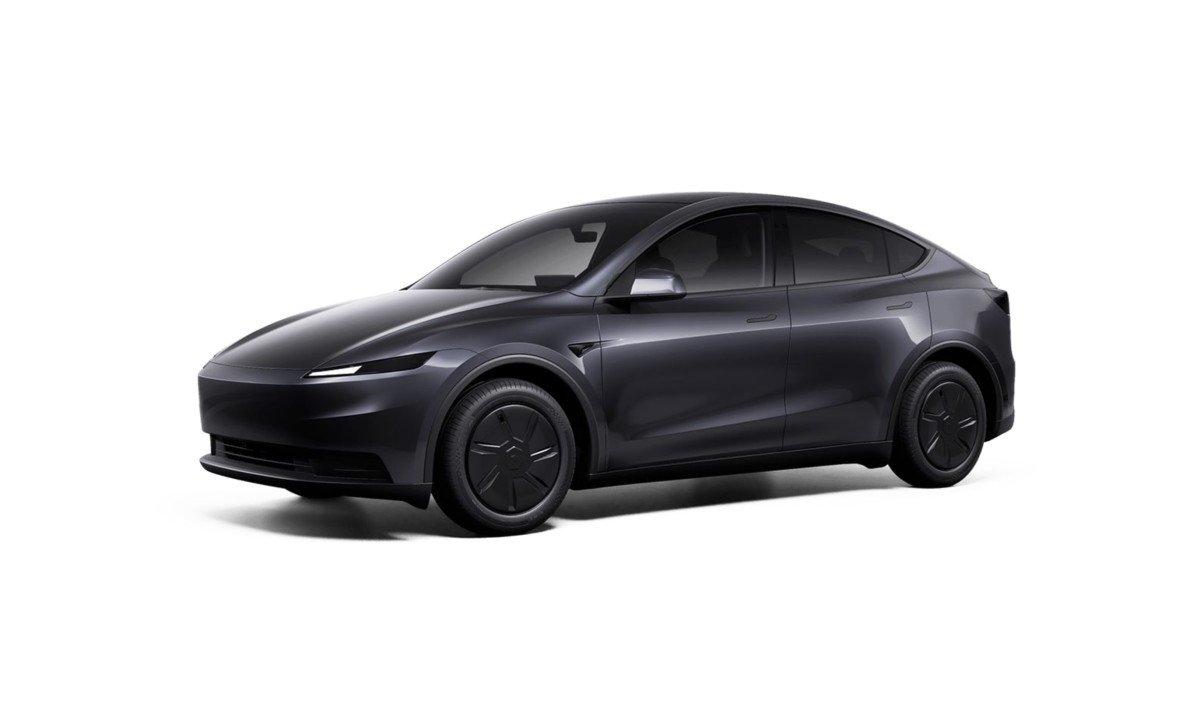
Tesla Model Y All-Wheel Drive
Tesla
The Model Y range still starts at $39,990 for the base rear-wheel-drive model, but this one is no longer called the Model Y Standard. It’s simply called the Model Y Rear-Wheel Drive. The new trim, which is the Model Y All-Wheel Drive, sits just above this at $41,990. Here’s a look at all five trims, their names, and their prices.
Trim | Price |
Rear-Wheel Drive | $39,990 |
All-Wheel Drive | $41,990 |
Premium Rear-Wheel Drive | $44,990 |
Premium All-Wheel Drive | $48,990 |
Performance | $57,490 |
The new All-Wheel Drive trim has the same stripped-down specification as the base Rear-Wheel Drive model. That means it comes with standard 18-inch Aperture wheels, a limited color palette, and a black textile interior. It likely does without extras like the exposed glass roof, too, as found on the more expensive Premium and Performance trims.
With AWD, though, the new trim gains not only another motor, but better performance. Its 0-60 mph time is down to just 4.6 seconds, which is 2.2 seconds quicker than the base trim. The range on a full charge is down to 294 miles, though, whereas the base RWD can get up to 321 miles.
Still, the new AWD model looks like the pick of the bunch in terms of value, given its all-wheel grip and much-improved performance.
Related: Why The Cheapest Tesla Might Be The Smartest Tesla
Banking On Its Best-Seller
Tesla
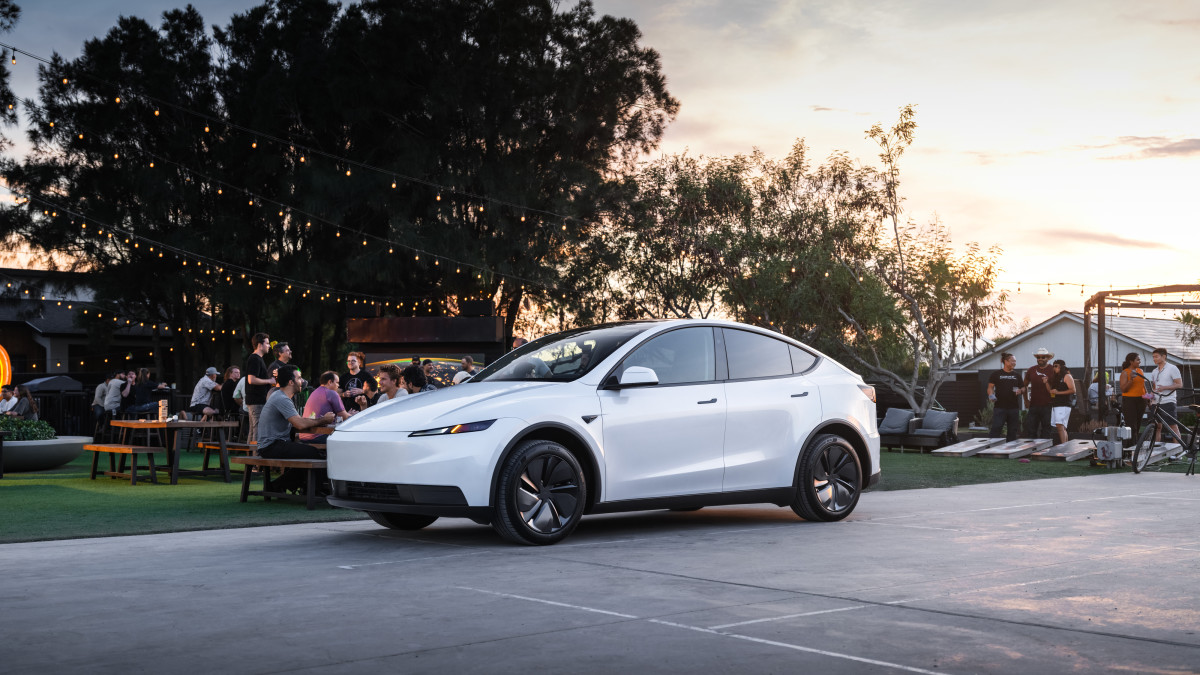
Although the larger Model X and Model S are going away as Tesla intensifies its focus on robotics, the Model Y is still a vitally important product. An estimated 317,800 examples of the electric crossover were sold in the United States last year, making it the top-selling EV by a massive (but declining) margin.
The lack of a more affordable AWD variant was a notable omission in the Model Y lineup, though. Ford charges $40,795 for the cheapest Mustang Mach-E with AWD, while Chevy has an Equinox EV AWD for just $38,395. Up until now, the Model Y had no alternative to these rival offerings.
But rejigging the Model Y lineup can only sustain Tesla for so long. It needs a fresh product at an accessible price point that will innovate just as the Model Y did when it first arrived. Competitors have improved notably, and a new trim can only hold them off for so long.
Related: BYD’s Sales Slump Explains Why Tesla Is Betting on Robots Instead of EVs


There are no reviews to display.