




Opening the Door to Entry-Level Leasing
Tesla has expanded its leasing program to include the cheapest Model 3 and Model Y trims. These lower-cost Standard variants were reintroduced in October last year as the automaker responded to softer demand following the expiration of U.S. EV incentives. In theory, adding leasing should help broaden access to its most affordable EVs.
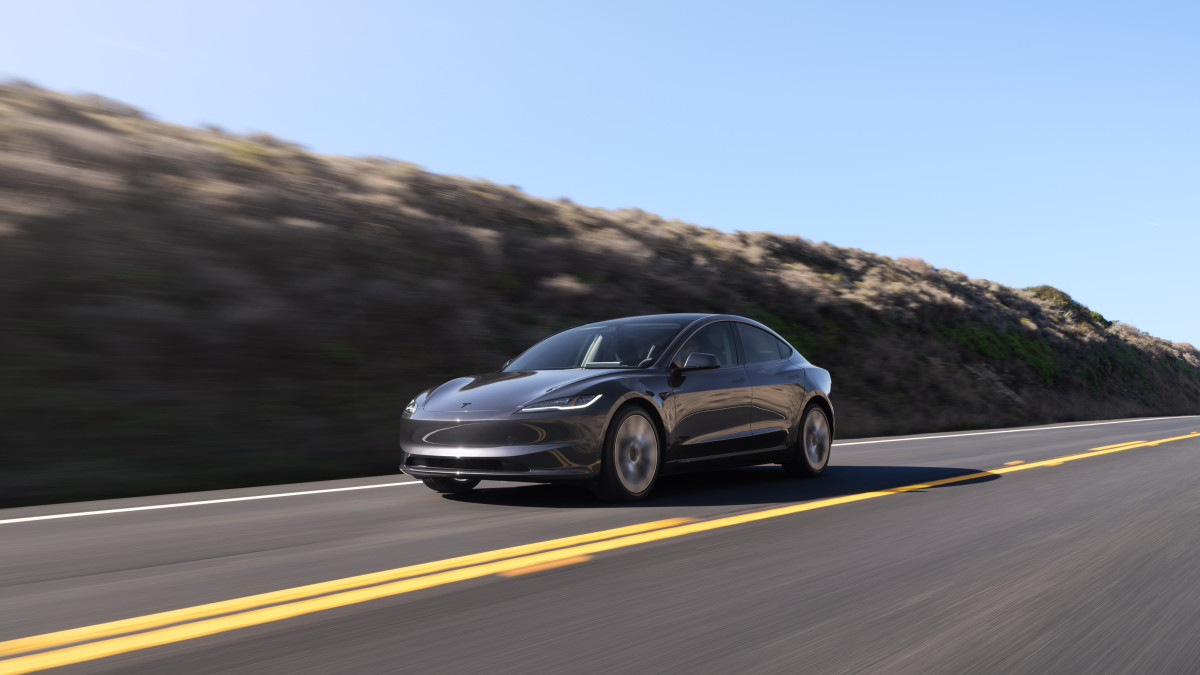
However, according to a report from CarsDirect, the newly launched lease offers are “surprisingly bad” when examined more closely. For the Model 3 Standard Rear-Wheel Drive, which carries an MSRP of $38,380 including destination, Tesla lists a lease price of $449 per month. That figure is based on a 36-month term with a 10,000-mile annual allowance and requires $4,145 due at signing. Once that upfront cost is spread across the lease term, the effective cost rises to $564 per month.
Tesla
A Stark Contrast
That effective figure is roughly 35 percent higher than the lease deal that was available on the better-equipped Model 3 Premium RWD a little over a week ago. While that promotion has since ended, the comparison highlights how sharply Tesla’s lease value proposition has shifted in a short period.
The equipment gap between the two trims adds another layer to the comparison. The Model 3 Standard omits several features found on the Premium, such as the second-row touchscreen with heated rear seats, Autosteer driver-assistance functionality, and wraparound ambient lighting. Performance and range are also affected. The Standard model’s EPA-rated driving range is 321 miles, or 42 miles less than the Premium trim, while its 0–60 mph acceleration time of 5.8 seconds is 0.9 seconds slower.
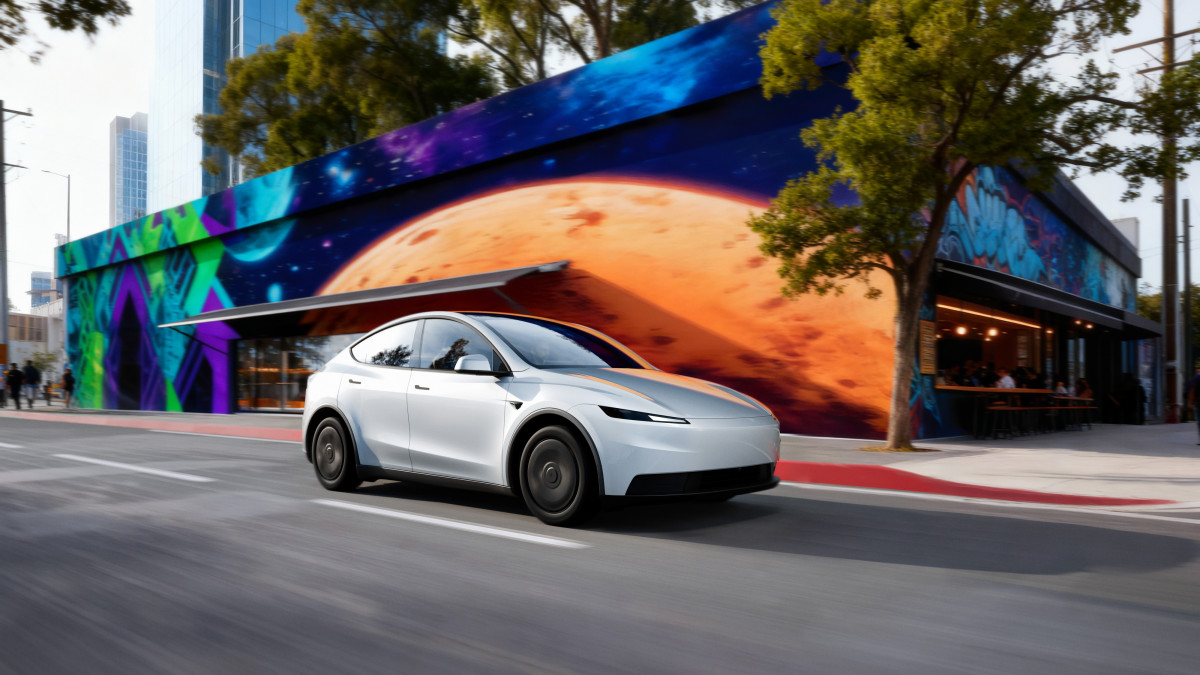
A similar pattern is observed with the Model Y. Tesla now allows the Model Y Standard to be leased for $479 per month under the same 36-month, 10,000-mile structure, with $4,174 due at signing. That results in an effective monthly cost of $595 – about 24 percent higher than the effective lease cost of the Model Y Premium offered before the recent pricing changes. CarsDirect noted that this disparity could give shoppers “a good reason to put off their purchase until better deals return.”
Tesla
Where Tesla Stands Now
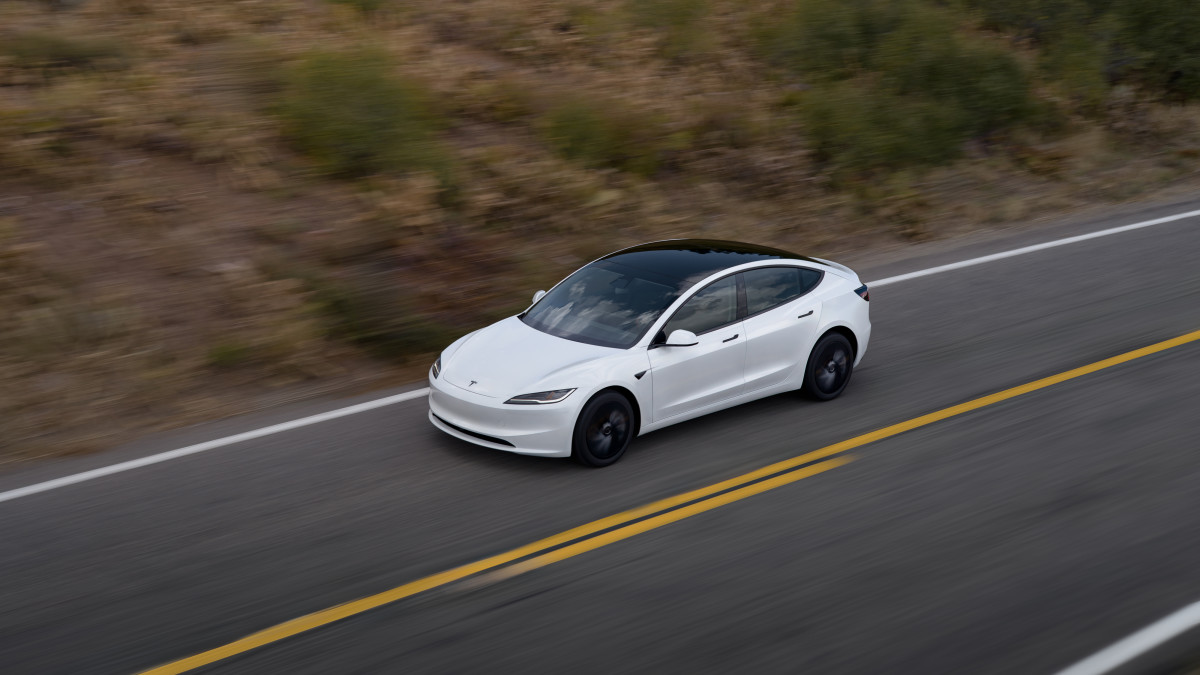
Following the holidays, Tesla raised lease prices across both models. The Model 3 Premium RWD now leases for $499 per month, the Premium AWD for $599, and the Performance AWD—which delivers a 0–60 mph time of 2.9 seconds – for $749. On the Model Y side, lease prices stand at $549 per month for the Premium RWD, $649 for the Premium AWD, and $799 for the Performance AWD.
Tesla enters 2026 with these higher lease prices in place as it looks to regain momentum following a slower year. The company delivered approximately 1.63 million vehicles in 2025, representing a 9 percent year-over-year decline. That slowdown allowed Chinese automaker BYD to overtake Tesla as the world’s best-selling EV brand.
Tesla


There are no reviews to display.