




Chevy’s Affordable EV Reenters the Market
The 2027 Chevrolet Bolt is reportedly beginning to arrive at dealerships, with build configurations visible for buyers considering the returning all-electric hatchback. What immediately stands out about the new Bolt is its pricing position. It is currently among the cheapest electric vehicles available in the U.S., carrying a starting sticker price of $28,995 (including destination fees).
As standard, the Bolt delivers an EPA-estimated driving range of 262 miles. Notably, this figure exceeds General Motors’ initial estimates (255 miles) and surpasses both the previous Bolt EV (259 miles) and the Bolt EUV (247 miles).
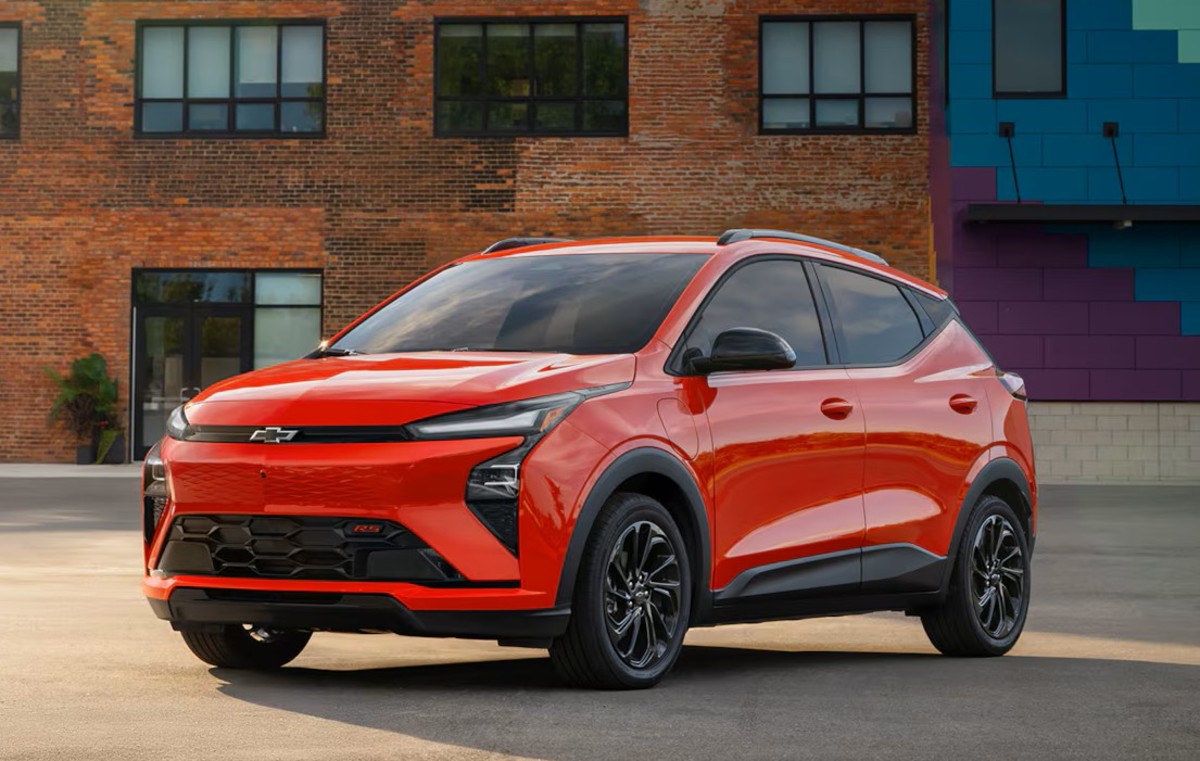
General Motors
Equipment List
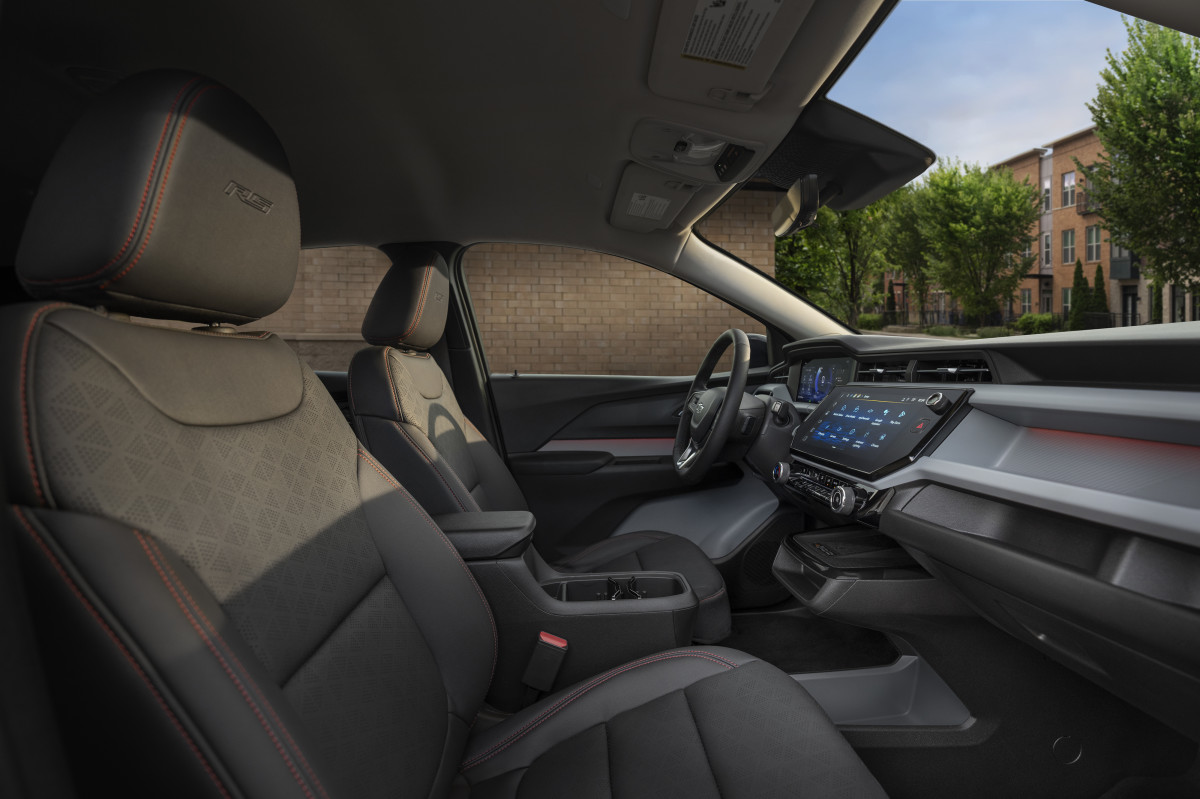
The latest-generation Bolt is also offered exclusively in front-wheel-drive (FWD). While this setup lacks the added traction of an all-wheel-drive (AWD) system, it helps keep costs down, which is one of the key reasons the model remains competitively priced. Other standard equipment across the board includes 210 horsepower, a 65 kWh battery pack, an 11-inch digital instrument cluster, and an 11.3-inch diagonal infotainment touchscreen with Google built in.
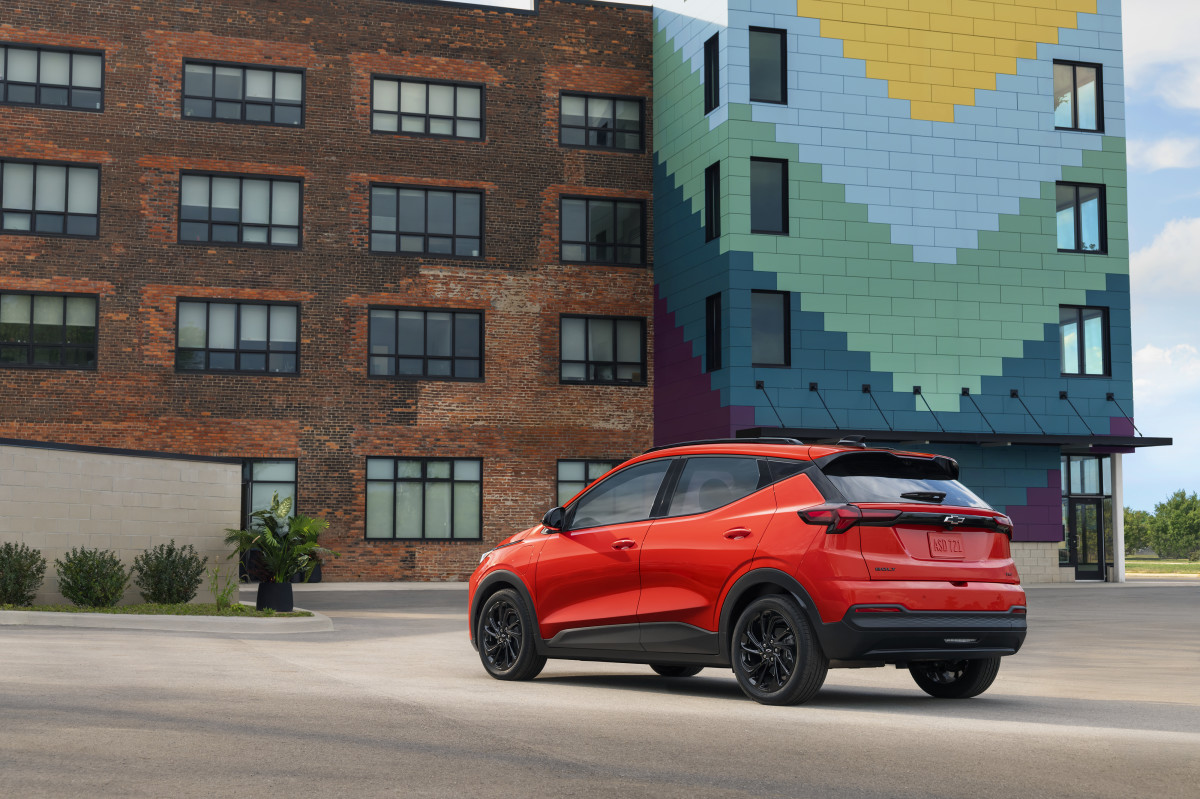
Chevrolet offers all six exterior paint options in the base Bolt LT at no extra charge, including Relic Green Metallic, which is scheduled to arrive at a later date. Meanwhile, most optional features are grouped into packages. The Technology Package ($1,695) adds upgrades such as HD Surround Vision, a wireless phone charger, and a rear pedestrian alert system. Buyers can also opt for the Dual Panel Sunroof Package ($1,695), which adds a power tilt and sliding front sunroof glass and a power sunshade.
For drivers seeking more advanced driver-assistance tech, Chevy offers the Super Cruise Package ($3,255), which enables hands-free driving on compatible highways.
Chevrolet
The Cost of Checking Every Box
At the top of the lineup sits the Bolt RS, which starts at $32,995. This trim exclusively offers the Atomic Yellow exterior color option, adding $395 to the sticker price. Standard RS features include 17-inch gloss black painted aluminum wheels, paired with a gloss black grille and roof rails that reinforce the trim's sporty theme. When fully optioned—with additions such as the PowerShift Charging Package ($2,371), All-Weather Package ($375), and 3-Year MobileService+ plan ($599) – the Bolt RS can reach a price of roughly $43,000, or roughly $3,000 more than the Tesla Model Y Standard.
In comparison, the Nissan Leaf, widely regarded as the Bolt’s closest EV rival, starts at $31,485 including destination. That affordability advantage, however, may soon be short-lived. Several automakers like Ford are actively developing new EVs aimed at sub-$30,000 price points. Slate Auto, for example, has targeted a mid-$20,000 starting price for its upcoming electric pickup, making the Bolt’s return feel well-timed.
Chevrolet


There are no reviews to display.