


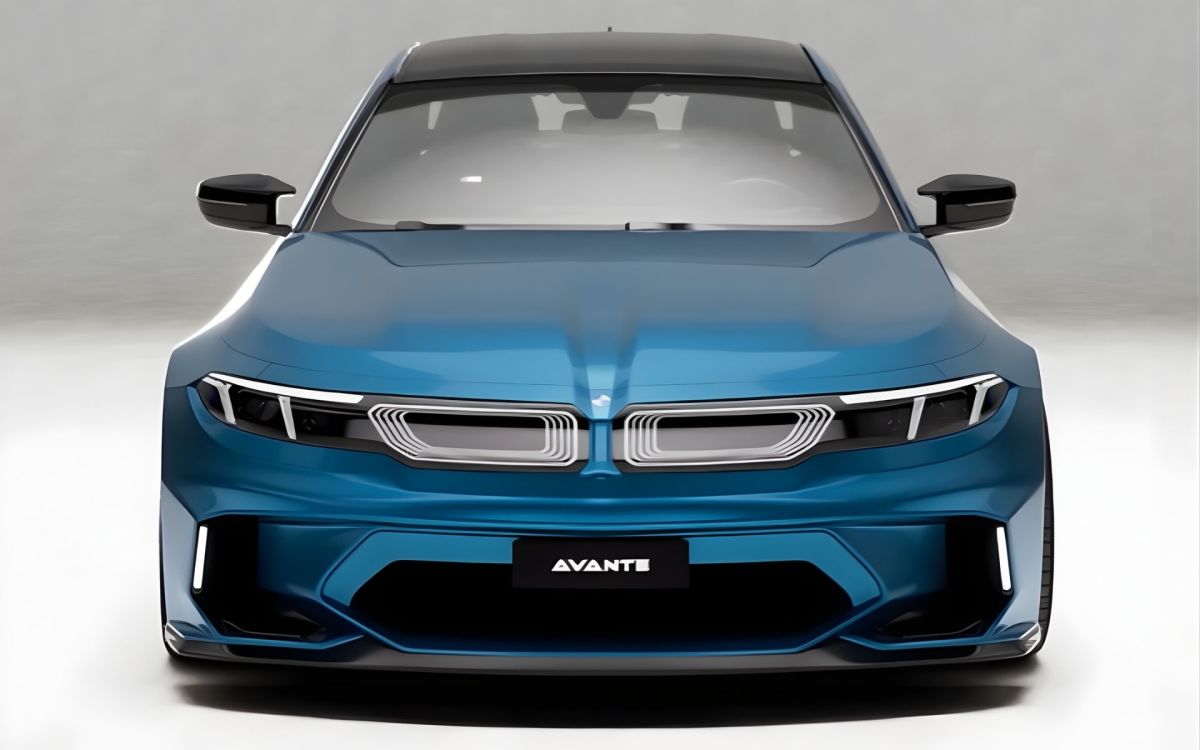
BMW has just revealed its new electric 3 Series, the i3, wearing the brand’s Neue Klasse design language. It will eventually replace the i4, marking a clear shift in design direction for the brand. The public reaction has been mixed, but a new rendering from Avante Design shows how this controversial design language could translate onto the facelifted G87 BMW M2. And we think he may understand the Neue Klasse design language better than BMW itself.
Neue Klassify the BMW M2
Instagram @avantedesigns_
Instagram @avantedesigns_
Instagram @avantedesigns_
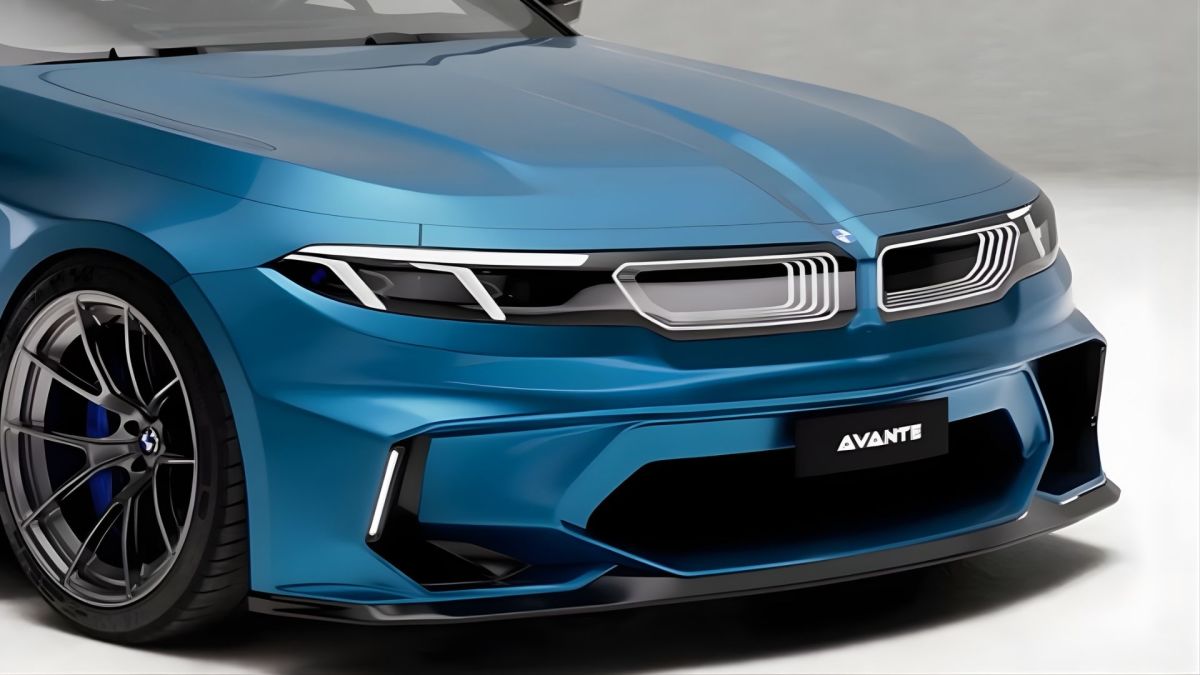
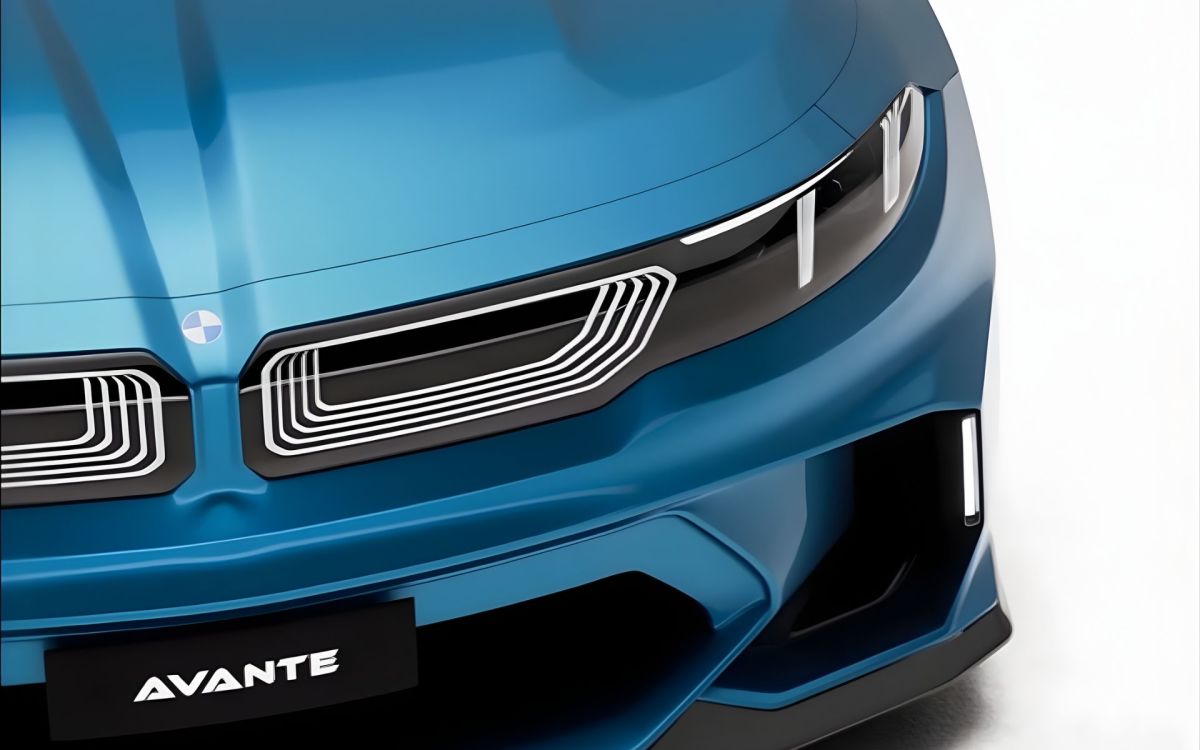
BMW's Neue Klasse design language has made its way onto two BMW models so far, the iX3 and the i3, bringing a cleaner, more minimal look. This rendering applies that same philosophy to an internal combustion M car without stripping away its identity. Up front, slim lighting strips replace the current M2’s chunky headlights, adopting a “frowning” DRL signature similar to the i3. The kidney grille seems to have a 3D LED effect, and is integrated into a gloss-black panel that houses the lights, split by a small central section that nods to classic BMW design. Lower down, the M2 retains its aggressive demeanor, with large side intakes and a central opening that sits above a pronounced splitter. Although little of the interior is visible, it seems to feature a flat screen-escque infotainment display.
Classic M2 Proportions, Cleaned Up
Instagram @avantedesigns_
Instagram @avantedesigns_
Instagram @avantedesigns_
Instagram @avantedesigns_
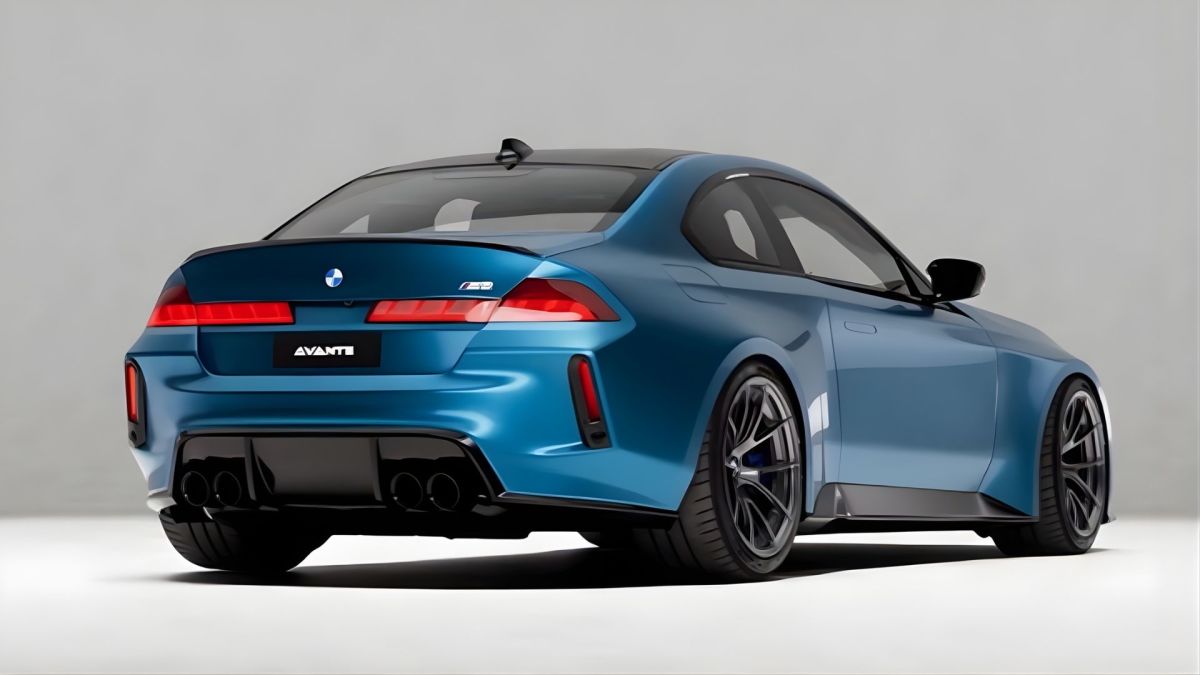
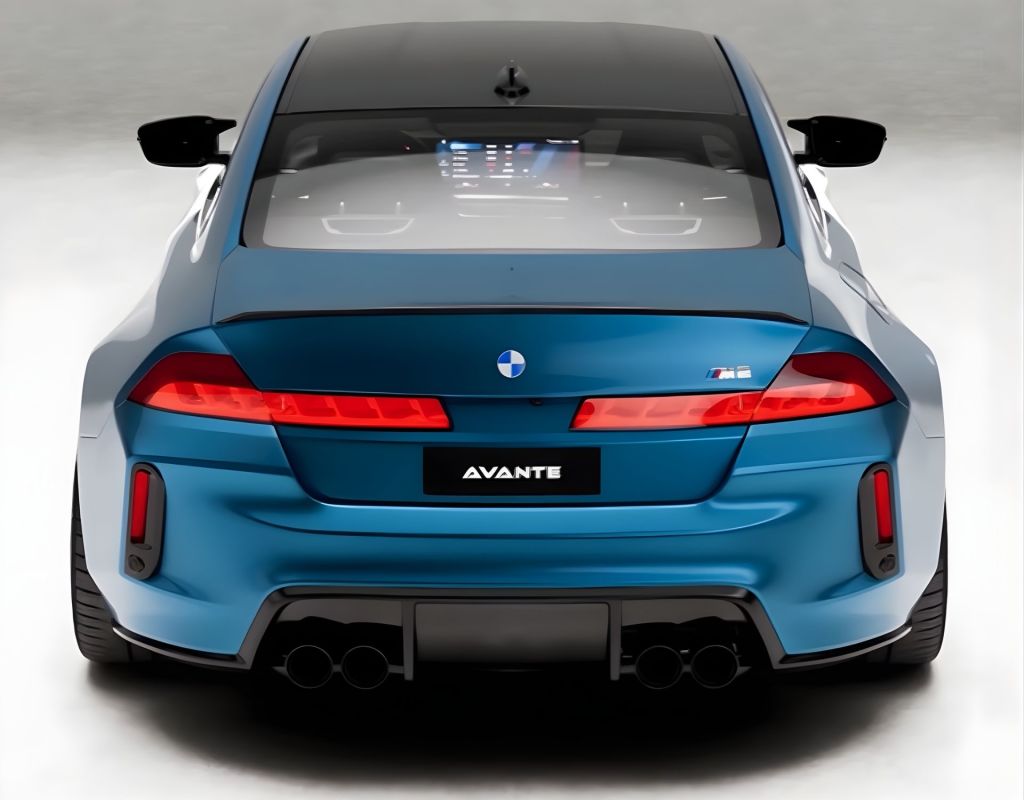
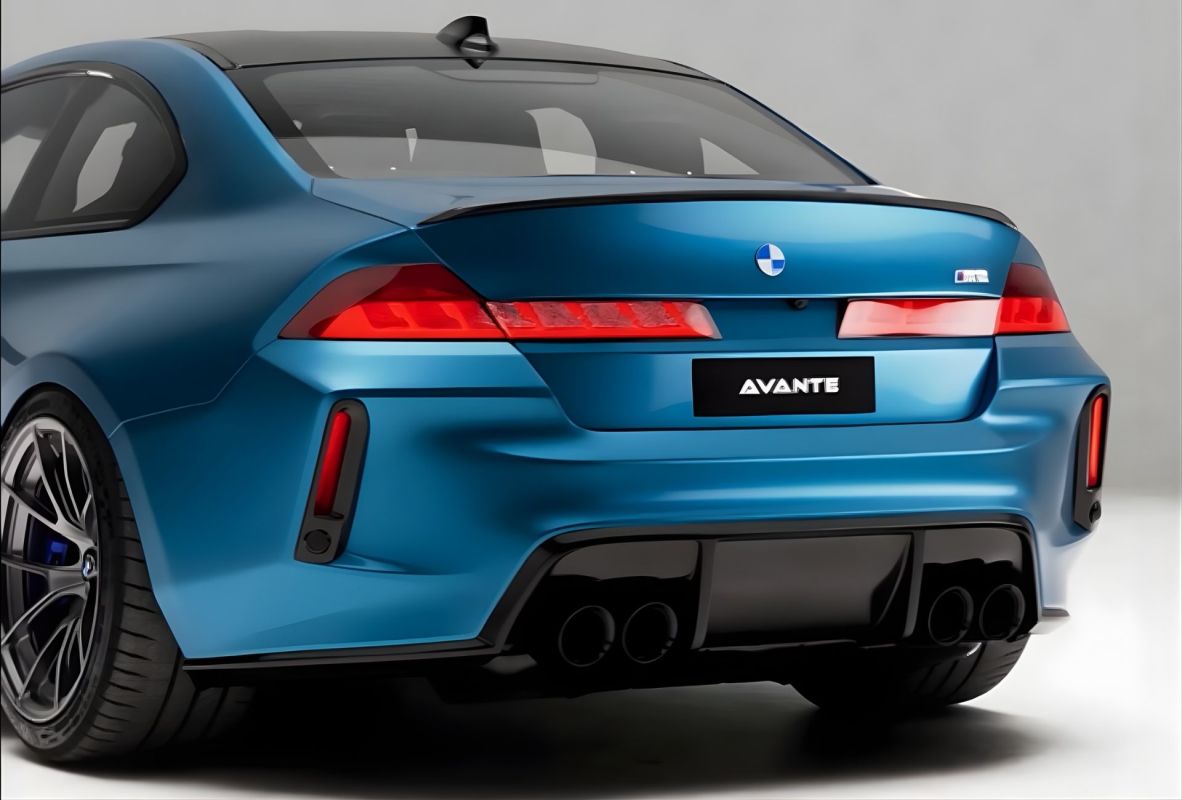
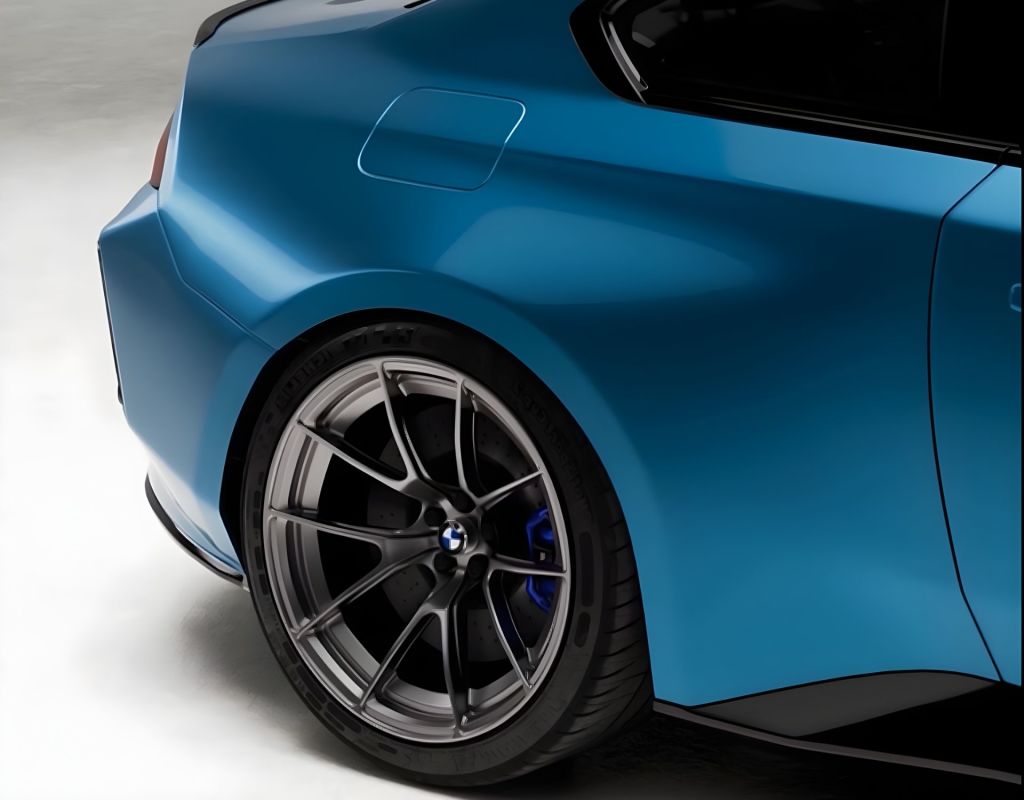
The M2 LCI retains its boxy, muscular silhouette, but appears even sharper with cleaner surfacing and flush details. It still has some elements you'd expect from a true M car, like deep-dish wheels, similar to those on the previous-gen M2 CS, finned mirror covers, a carbon fiber roof, and a chunky diffuser that highlights four exhaust tips. The blue paint isn’t a known BMW shade, but it sits somewhere just lighter than Portimao Blue. At the rear, the design has been decluttered with taillights that almost connect across the tailgate, slightly thicker than the recently unveiled i3. And a small lip spoiler on the trunk lid is the cherry on top.
A Realistic Look At BMW’s M Future?
Avante Design's rendering blends BMW's future-facing design with familiar M2 proportions in a way that BMW could realistically produce without upsetting fans. And it seems like BMW plans to roll out the Neue Klasse design philosophy across its entire lineup, with the 7 Series seemingly next in line. BMW has been disappointing fans with their designs for years on end. Now, more than ever, it's important that they nail the next generation of M cars' design. If the M2 LCI ends up looking like Avante imagines it would, we wouldn't be mad. Dare we say it looks better than today’s pig-nosed M2?


There are no reviews to display.