




Suspension Tuning, Now as Easy as Picking a Playlist
Electronically controlled suspension used to be something you’d only find on high-end nameplates or expensive sports cars. Now, it’s showing up in more mainstream vehicles, changing the way comfort and handling are balanced. KYB from Japan is taking a fresh approach – something you’d actually use every day.
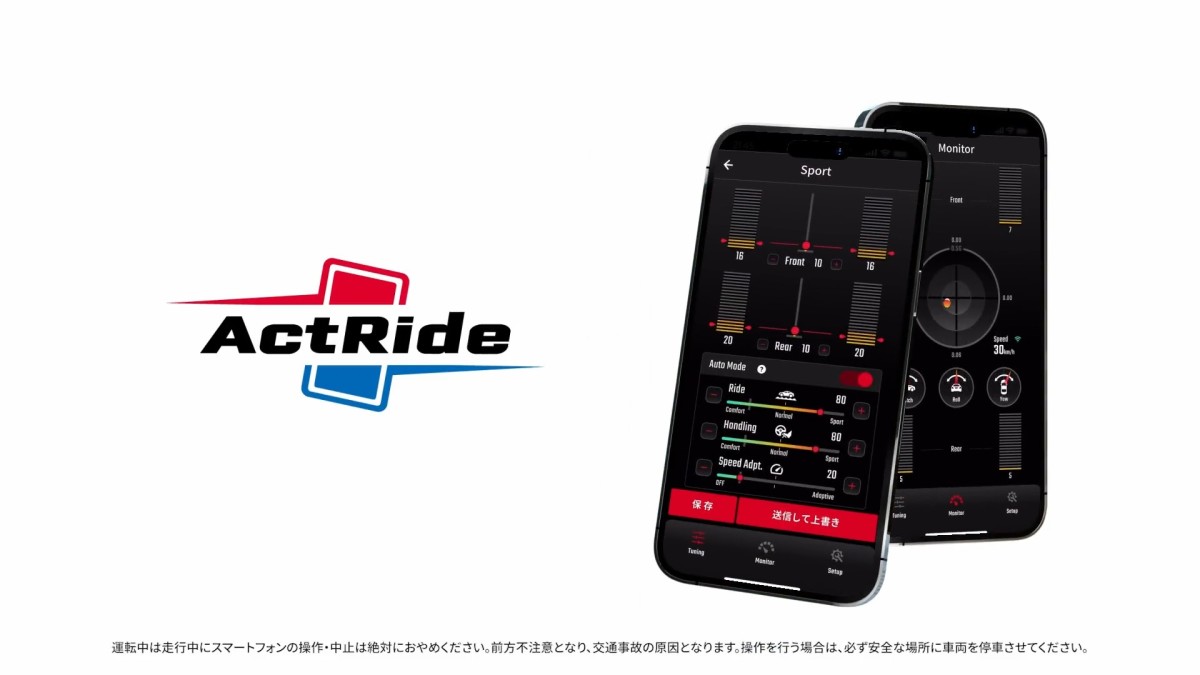
Called the ActRide, KYB’s new product is an aftermarket suspension you control straight from your smartphone. So, yes, with this new tech, you can adjust your suspension as easily as picking a playlist. No tools, no crawling under the car, no second-guessing which knob does what. Just tap, slide, and drive.
KYB
How ActRide Works
At its heart, ActRide is a semi-active suspension with solenoid-controlled dampers. The setup features a small controller with sensors that track movement and acceleration in real time. Once it’s installed, you just connect to the app over Bluetooth and register your car.
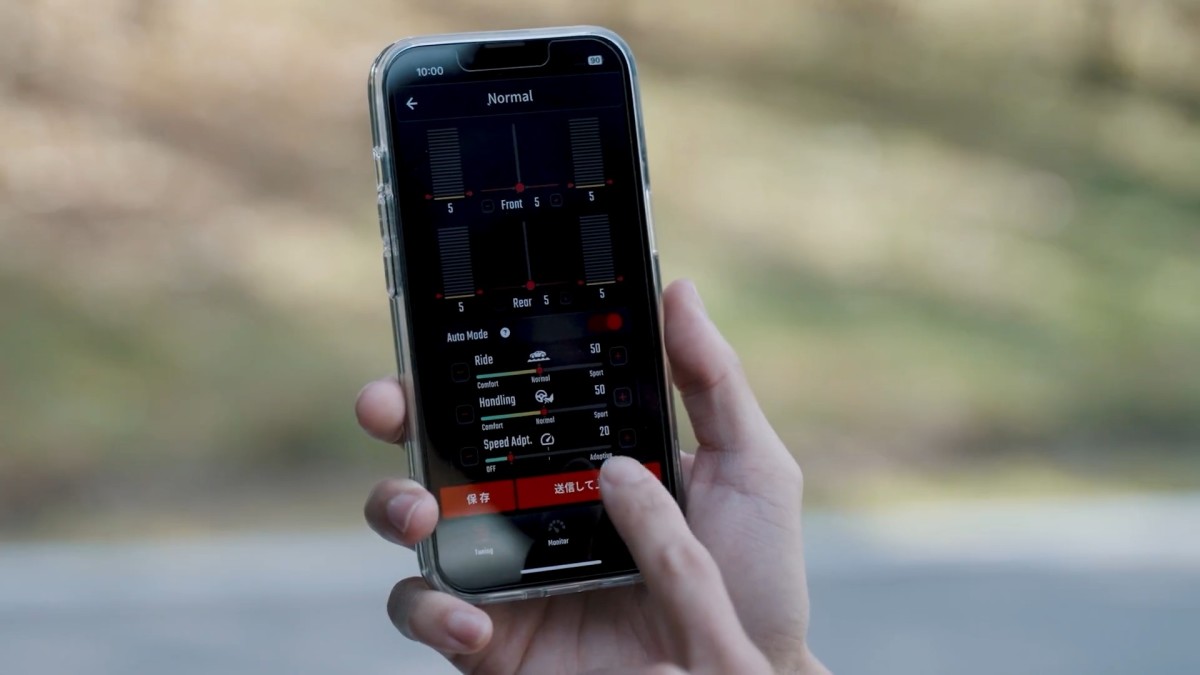
The app is your control center. You can tweak damping for the front and rear, shift the balance between comfort and handling, and even set how the suspension reacts to speed. Each setting is adjustable from 0 to 100, and changes take effect right away – even while you’re driving.
KYB also includes presets to make things easier. Comfort, Normal, and Sport are built in, plus three slots you can customize and name yourself. Whether you’re driving solo, hauling a full load, cruising on the highway, or taking back roads, you can switch the suspension to match – no tools needed.
KYB
What Sets It Apart
Most aftermarket electronic suspensions use stepper motors, but ActRide goes with solenoids and a triple-tube damper. That means adjustments are stepless and about eight times faster than the usual setups. The result is smoother changes and more accurate control, whether you’re reacting to the road or your own inputs.
ActRide uses skyhook-style logic, which acts like a virtual damper to keep the body stable over bumps and through corners. The key here is you don’t have to pick between comfort and handling. The system can stay soft over rough patches even when you’re cornering – something most fixed or manual setups can’t do.
Safety and reliability are covered, too. If something goes wrong, the system locks into a safe, medium setting. The hardware is built to the same durability standards as factory parts.
The first version is for Japan’s long-running Toyota Hiace nameplate and the Regius Ace (200 series), priced at ¥269,500 with tax (around $1,700 at current exchange rates). Deliveries start this year, and KYB says more vans, SUVs, and passenger cars will follow if there’s enough demand. It's unclear whether the US will receive this technology soon, but given the company's US arm, it's a possibility.

KYB


There are no reviews to display.