


Wanting For More
One segment that has been hit hard by the ever-changing times is the muscle car. With the advent of EV tech, emissions standards, fuel prices, and general need for practicality, pony cars have been neutered and, in some cases, killed off as a sign of the times.
Some brands continue to persevere; we have Ford still backing heavily into the Mustang nameplate (and soldiering on), and then we have Stellantis group's Dodge, which flip-flopped with the idea of an EV-only muscle car, but eventually relented and last year released an ICE-powered Charger model, called the Sixpack with a twin-turbo V6. While some rejoiced, others still felt that it didn't capture the essence or performance of a true V8 can.
A Replacement for Displacement?
Performance modifications are very much part of the muscle car lifestyle, and as such, any gains to be made on the stock output of the Charger Sixpack would be beneficial to any owner. Thankfully, there are already tuning firms and companies that have developed ready-to-use mods for the Sixpack; one of them (Burger Motorsports) recently posted a video highlighting the gains they got.
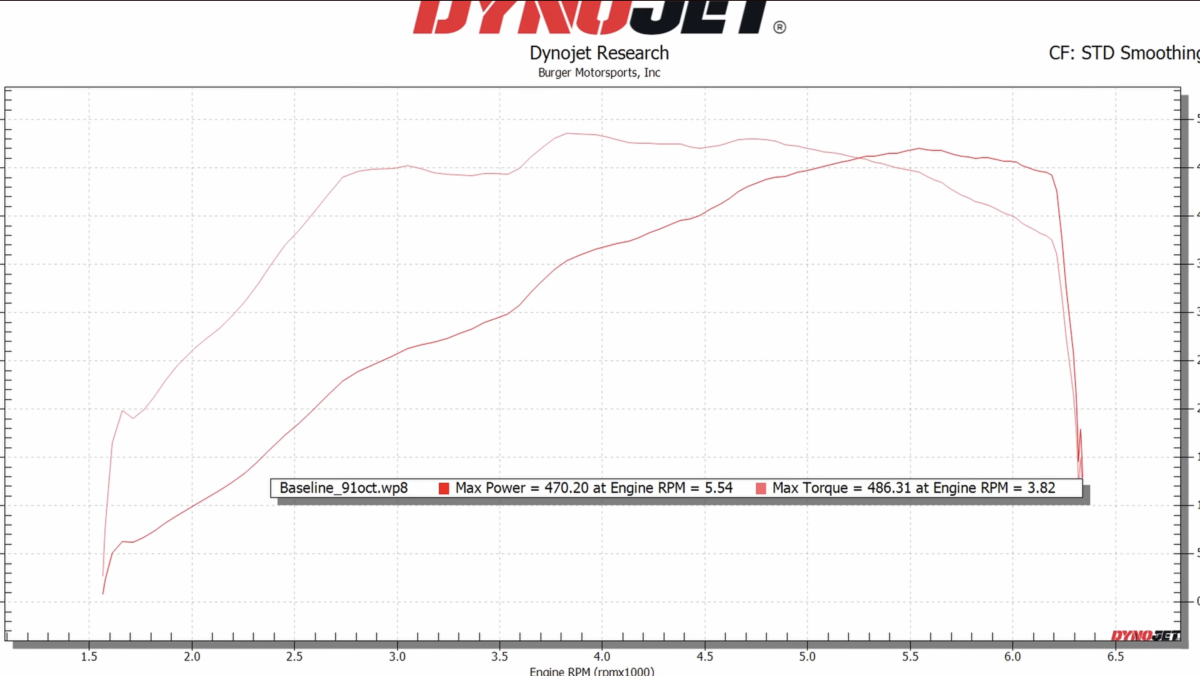
What makes this video interesting is the simplicity of the mod; Burger Motorsports has its own proprietary bolt-on piggyback tuning kit just for the Charger Sixpack. This kit doesn't require replacing the ECU, can be modified on the fly through an app you can download, and connects to the module via Bluetooth. In other words, it's a minimally invasive type of kit for those not keen on replacing stock parts just yet. In terms of gains, the folks at Burger Motorsports first set a benchmark run of the unmodified Sixpack on the dyno.
It registered a respectable 470 horsepower and 486 ft-lb of torque. It wasn't specifically mentioned what variant the Charger they tuned is, though, based on the video, the Scat Pack logo can be found on the front fenders. We also have to take into account that while the declared power of the Scat Pack is 550 hp, the dyno numbers display true wheel horsepower after drivetrain losses.
Burger Motorsports/YouTube
Beyond the Tuning Kit
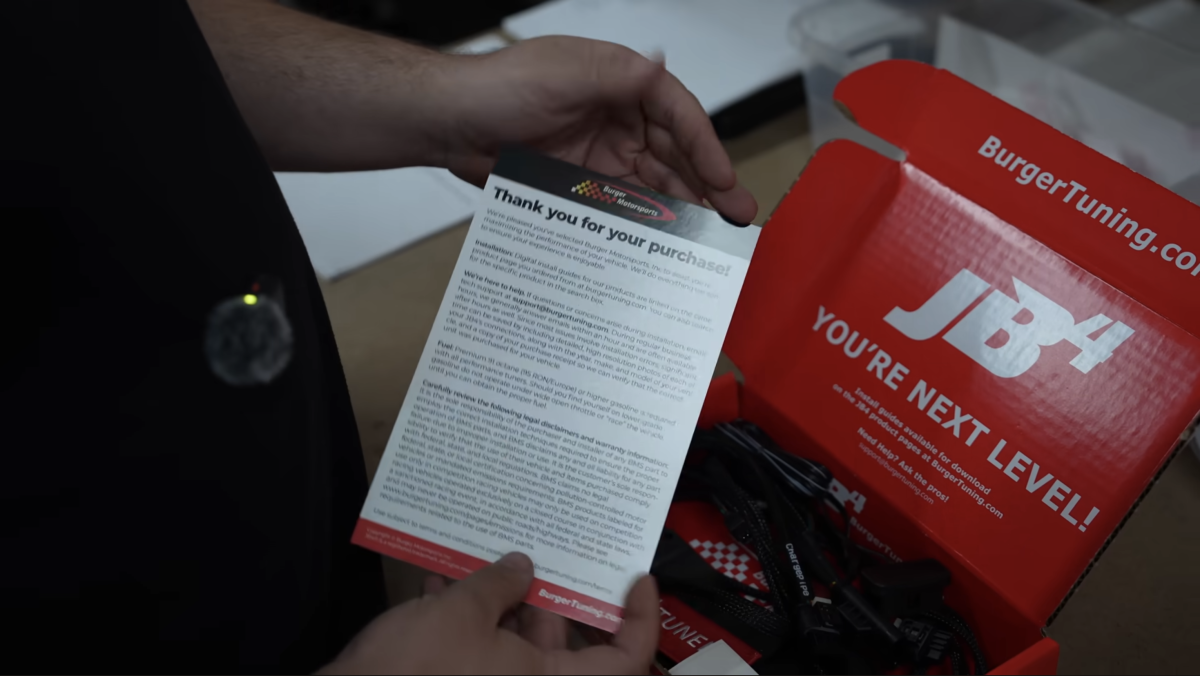
Burger Motorsports then installed the JB4 module tuning kit on the Charger. The first run after installation already yielded decent gains, with a 20 hp increase and almost 100 lb-ft of torque. The mapping parameters were set to 2 levels, with runs starting with 91 octane fuel and progressing to Ethanol. The most output they got on 91 octane and engine mapping 2 was 506 wheel hp. Using 93 octane and mapping 2 showed 513 wheel hp, and finally using ethanol and mapping 3 got the highest output of 529 wheel hp.
Considering that the JB4 is a plug-and-play kit, it's impressive how much power simple tuning and fuel mods can deliver to the Sixpack engine. Anything beyond 500 wheel hp is well into the V8 power range.
However, Burger Motorsports also offers bolt-on parts that can further enhance performance when combined with the JB4 system.
Burger Motorsports/YouTube


There are no reviews to display.