


Recalls Often Start with a Supplier Problem
Recalls can sound scary, but a lot of the time, the root cause isn’t the automaker – it’s a part from an outside supplier. Today’s vehicles are built from thousands of components, and if just one supplier has a hiccup, it can set off a chain reaction that affects more than one model.
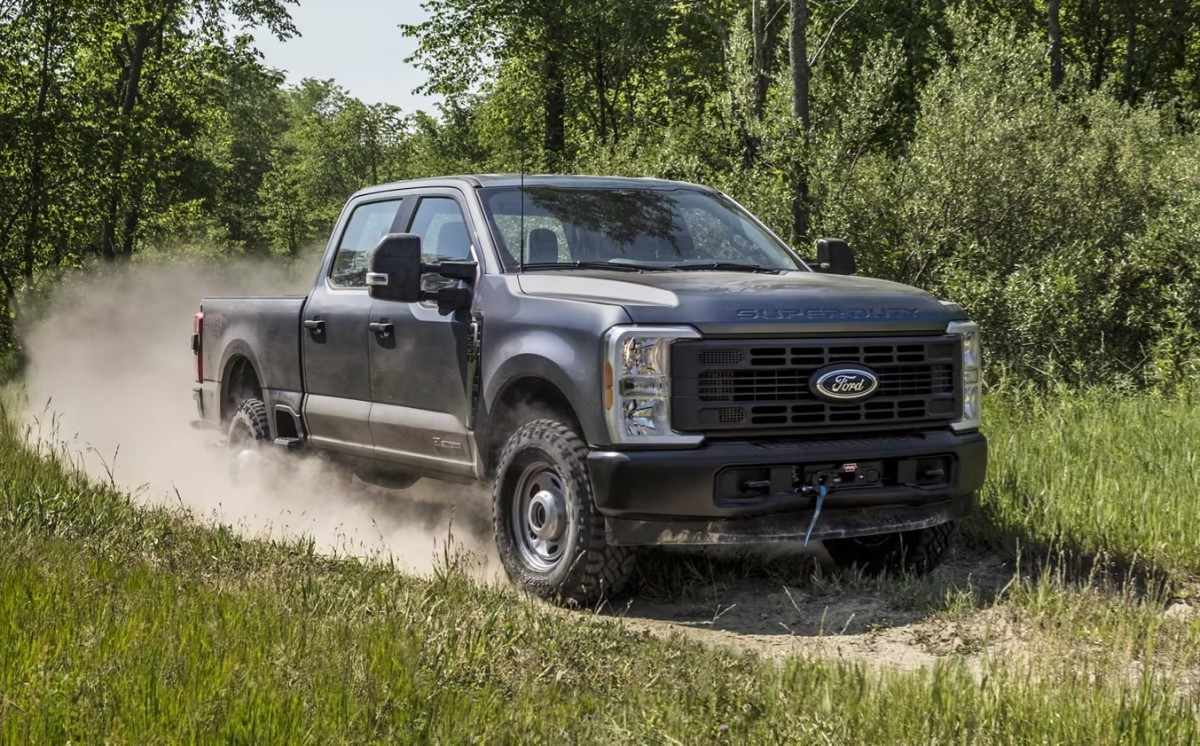
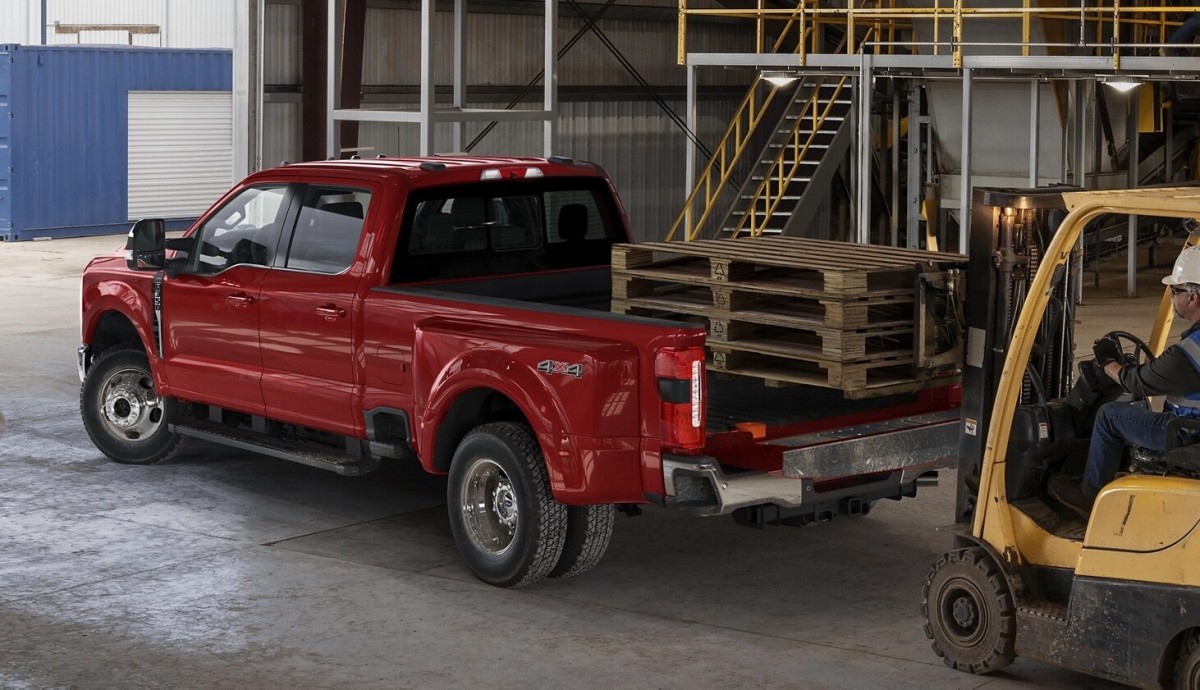
That’s exactly what’s happening with Ford’s latest Super Duty recall. This one covers 11,431 trucks from the 2025 and 2026 model years – specifically, F-250 and F-350 units built between May 31 and December 22, 2025.
According to the recall report published by the National Highway Traffic Safety Administration (NHTSA), some trucks were delivered with a rear driveshaft that doesn’t meet Ford’s specifications. Since these weren’t built in a neat VIN sequence, owners will need to check their truck’s status through Ford’s recall tool or at a dealership.
In total, 9,280 F-250s and 2,151 F-350s are affected. All of them came with specific aluminum driveshafts from Dana Incorporated.
Ford
What Went Wrong with the Driveshaft
The heart of the problem is the friction weld that connects the driveshaft tube to the end yoke. In some cases, the weld just isn’t deep enough because of a glitch during production.
Ford traced it to a worn-out spindle on one of the supplier’s welding machines. That spindle couldn’t spin fast enough to make a solid weld. If the weld fails, the driveshaft could separate while driving. That means the truck could lose power while moving, which is a serious safety risk.
There are warning signs before things get serious. Ford says you might hear a loud pop, then feel vibration, noise, or roughness if the driveshaft starts to let go.
Ford first spotted the problem late last year during final testing at the Kentucky Truck Plant. Three trucks had their driveshafts separate during inspection. Digging deeper, Ford traced it to a single production batch linked to one specific welder at the supplier.
So far, Ford has received six warranty claims and five field reports regarding this issue. The good news: no accidents, fires, or injuries have been reported. Dealers will check affected trucks and swap out the driveshaft if it matches the suspect batch. The fix is, of course, free for owners.
Ford
Another Ford Super Duty Truck Recall
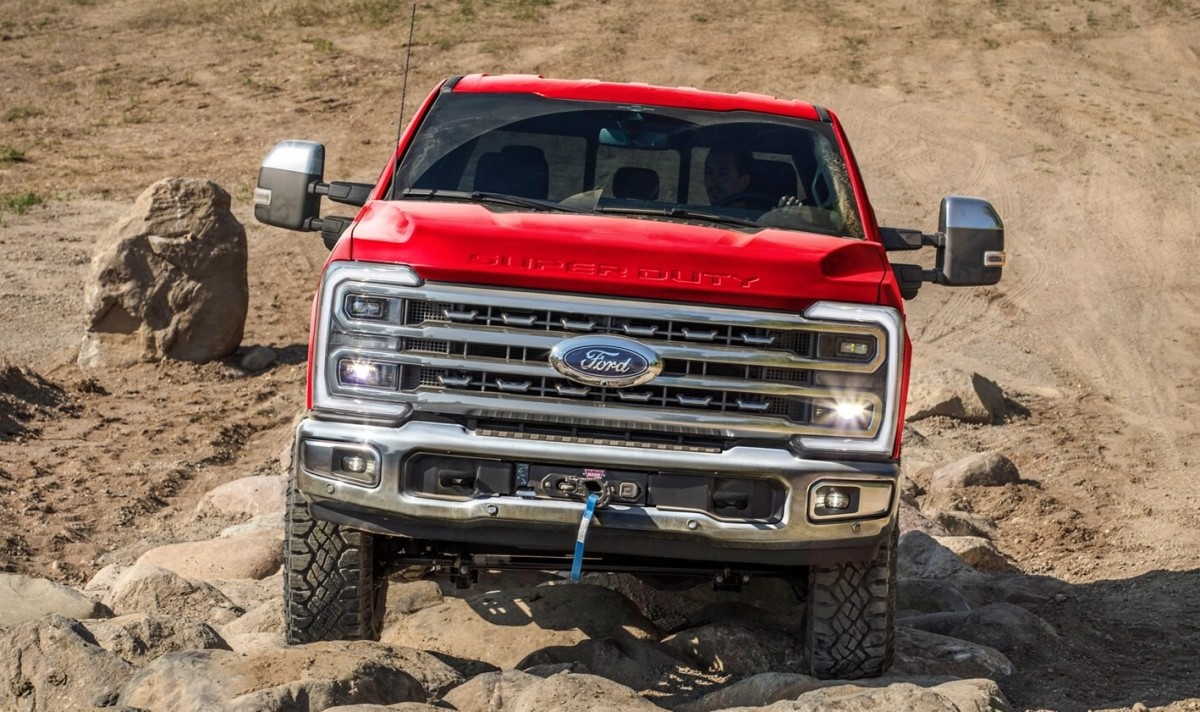
This isn’t the only recall hitting Ford’s heavy-duty pickups right now. There’s also a separate issue with axle shafts that could break under certain conditions. That earlier recall also targeted some Super Duty trucks, so it’s possible a few vehicles are affected by both issues, depending on when and how they were built.
If you own a Super Duty, your best bet is to check your VIN with Ford’s recall tool or talk to your dealer. If your truck is on the list, the fix should be quick once parts are in stock.
Ford


There are no reviews to display.