


All Senses Engaged
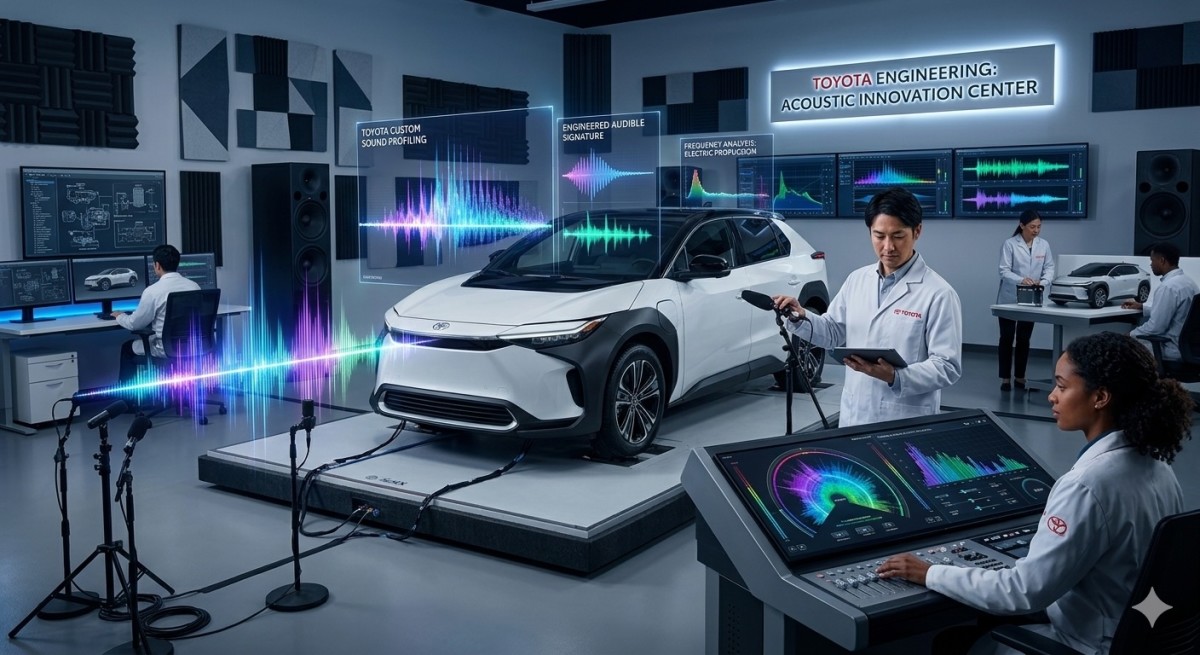
The roar of an internal combustion engine has been an intrinsic part of the driving experience until now. As the shift to electric mobility accelerates, engine noise is being replaced by near-silent performance, much to the dismay of enthusiasts. Toyota, however, believes that cars are to be experienced with all five senses, and is paying special attention to EV sound design in an effort to keep drivers engaged by engineering a complete sensory experience.
Crafting Sound Without an Engine
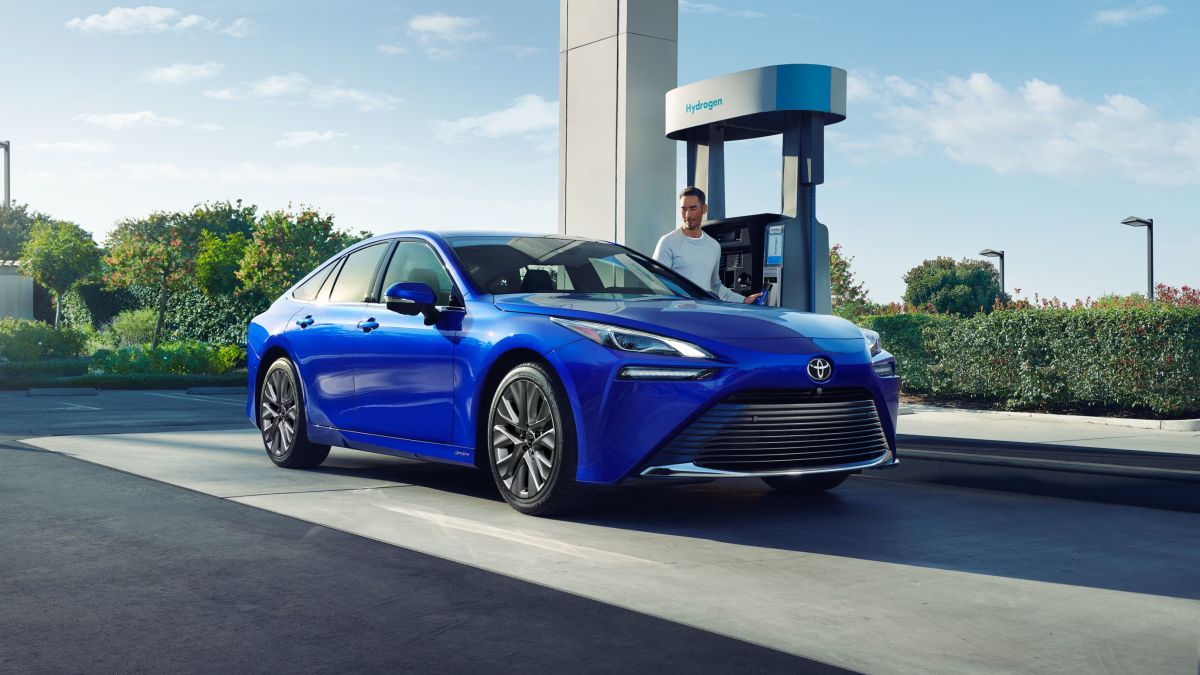
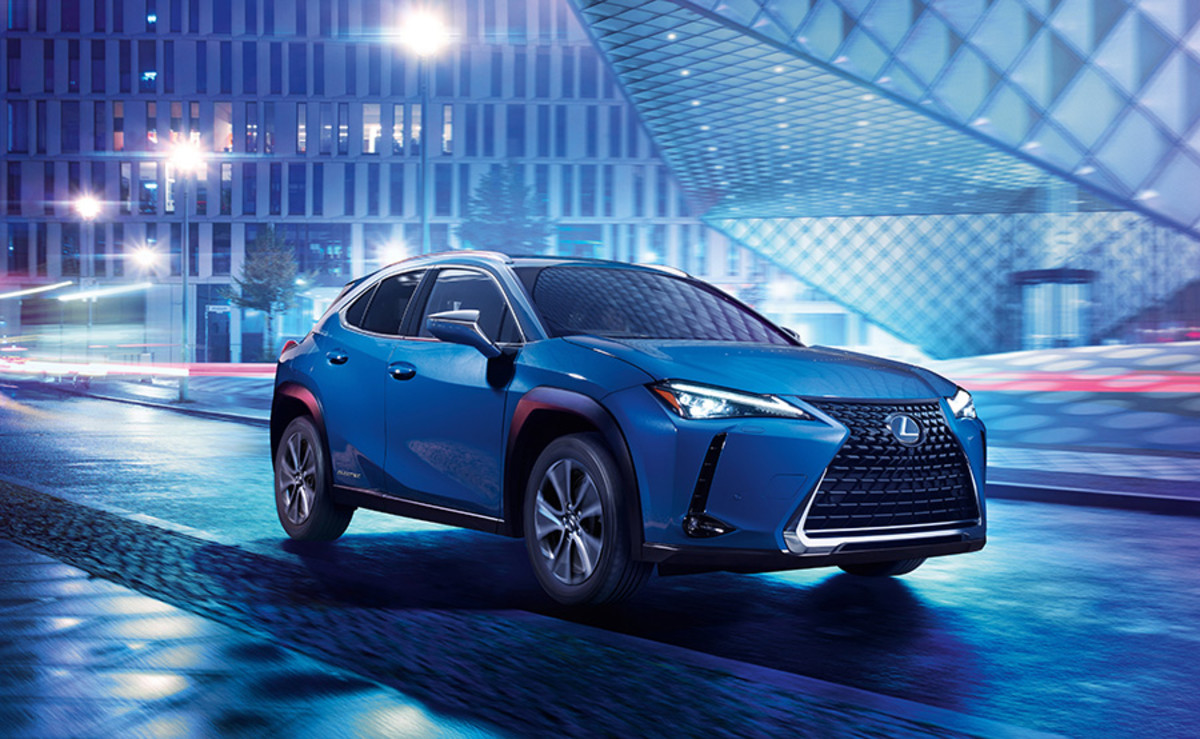
In an effort to create a sound that matches each vehicle’s character while feeling authentic rather than artificial, Toyota’s engineers have taken to crafting acoustic profiles from the ground up. According to Shinichi Sano, assistant manager of Lexus’ Vehicle Performance Development Department No.1, who worked on sound design for the Toyota Mirai fuel-cell vehicle and the Lexus UX300e BEV, Toyota’s approach goes far beyond simply adding noise. Sano’s team conducted extensive sound tests in actual vehicles across various global markets to determine which frequencies would appeal to drivers, and which may be considered unpleasant or fatigue-inducing. Almost all the participants in these trials agreed that sounds at a frequency of 3kHz and higher were annoying, while sounds at 2kHz and under were deemed acceptable. As a result, only sounds below this mark were incorporated.
Toyota
Speed and Sound
One of the key objectives of the team behind Toyota’s EV sound engineering was to create an audio experience that allowed drivers to intuitively sense the vehicle’s speed, establishing clear communication between car and driver. To achieve this, three sound profiles were created based on the vehicle’s speed: a smooth and linear tone up to 50 mph that built up to a crescendo up to about 75 mph, above which the sound would level out, indicating that the vehicle was nearing its top speed. By layering these sound profiles together, engineers were able to simulate a natural sense of acceleration, much like that of a car with a traditional, internal combustion engine and transmission.
Lexus
Mythological Inspiration
Toyota also experimented with different sounds for different vehicles, such as looking to Fujin, the wind god, for the Mirai, and engineering a whooshing sound for that car as it breathes in air and creates electricity from hydrogen and oxygen. The team also considered incorporating thunderous booms and crackles for the UX300e, inspired by the thunder god Raijin, but this did not make it past the prototype stage.
Lexus
The Sound of the Future
As EVs take major strides in performance and refinement, Toyota is highlighting how sound can remain a core part of the driving experience, even without a traditional engine. By blending science, creativity, and cultural inspiration, the brand isn’t just replacing engine sounds but creating a new language for us to interact with our cars.


There are no reviews to display.