


Volvo Says the EX60 Won’t Repeat Past Mistakes
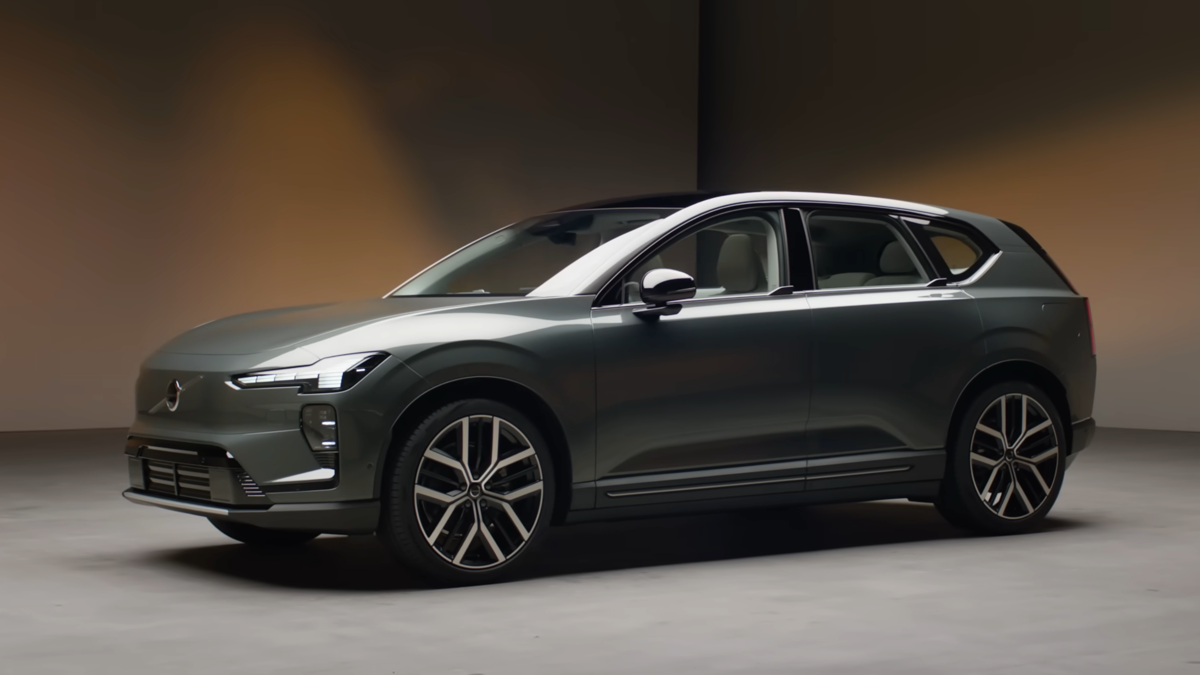
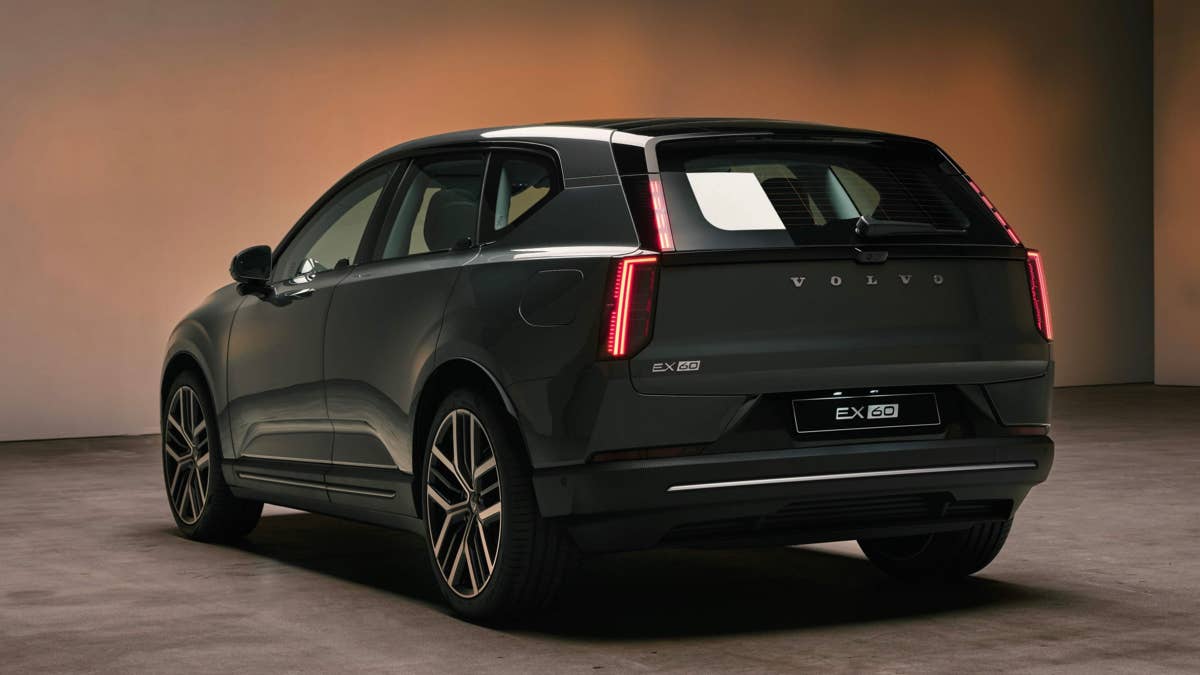
The Volvo EX60 is finally making its presence felt in the US, and the starting price is aggressive – lower than the BMW iX3 and not far off a regular gas XC60. However, after the software issues with the EX30 and EX90, we won’t be surprised if you’re wary. Volvo insists things will be different this time.
Speaking to Drive, Volvo executives openly admitted the company struggled during the rollout of its earlier electric models. Lorina Gewargis, Product Manager for the EX60, said Volvo learned “tremendously much” from the EX90 and EX30, adding that the EX60’s software has been developed with far more stability and quality control in mind.
The EX60 sits on Volvo’s new SPA3 platform, with overhauled electrical systems and Google Gemini AI baked in. Volvo says this setup lets the car’s systems and infotainment actually talk to each other, which should cut down on the bugs and hiccups that tripped up earlier models. Gewargis also pointed out that winning back customer trust is now a top priority.
Volvo
What Went Wrong With the EX30 and EX90
Volvo’s last couple of EV launches were rocky. The EX30 drew flak for buggy infotainment, spotty keycard access, and some issues with the electric motor. The EX90 had it even worse, with software delays pushing the launch back by as much as nine months in some markets.
According to Volvo’s Head of Product and Connected Experience, Anders Lindbom, the company simply underestimated how difficult the transition to becoming a software-defined car maker would be. He admitted Volvo “was not completely there in the first phase,” but said the company has since evolved its testing and validation process significantly.
Volvo says it’s now running a much bigger automated software testing setup to catch bugs and integration problems earlier in the process. Lindbom explained that they’ve worked on making sure the car’s main systems and infotainment actually play nice together – something that clearly tripped them up with the EX30 and EX90.
Volvo knows its reputation is at stake here. Lindbom said they’re being extra careful with the EX60, since earning back customer confidence is key if they want to keep growing EV sales worldwide.
Volvo
What Americans Can Expect From the EX60
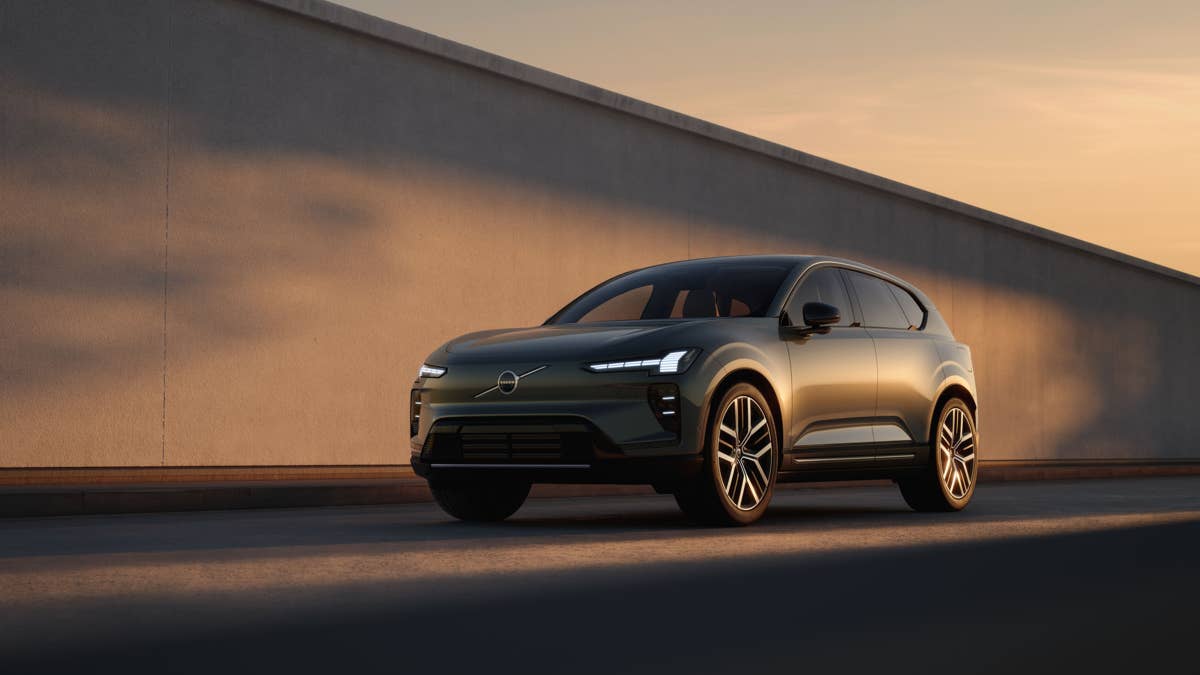
Volvo expects the EX60 to attract both loyal XC60 owners ready to go electric and newcomers who’ve been waiting for an EV in this size and price range. For a lot of buyers, the EX30 was just too small and the EX90 too pricey – so the EX60 could be the Goldilocks option.
Volvo is also zeroing in on the three things that still make buyers hesitate about EVs: range, charging speed, and price.ty.
Unlike some of Volvo’s other EVs that come from China, the EX60 is set to be built in Sweden. That could make a difference for American buyers who care about where their car comes from. As for whether the software finally delivers on Volvo’s promises, that’s something only real-world owners will be able to say. But at least this time, Volvo seems ready to own up to its past missteps.
Volvo


There are no reviews to display.