


It’s a strange time to be a Volvo fan. The Swedish automaker still produces refined, safe, and quietly handsome vehicles, but its reputation for reliability has come undone in recent years. Much of this has to do with Volvo’s switch to software-defined vehicles, many of which have been riddled with glitches and usability issues. It’s now led to a new class action lawsuit against the automaker, alleging that the infotainment system in multiple models is faulty to the point of many key functions being inaccessible—not to mention a distraction to the driver. Here’s everything we know.
Related: How Volvo Went From the Most Reliable Cars to Near the Bottom
Volvo Infotainment Lawsuit Detailed
Zac Palmer
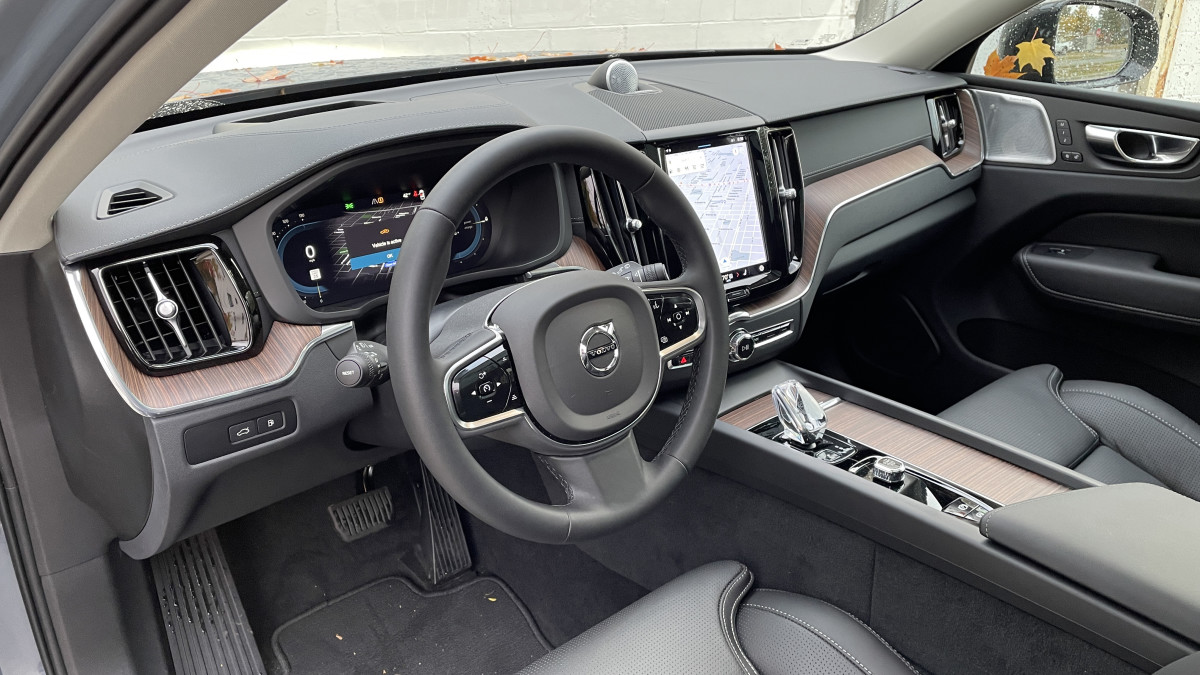
The lawsuit was filed by Pennsylvania plaintiff Lydia Leonberg, who purchased a new 2023 Volvo XC60. It wasn’t long before she experienced multiple infotainment faults, including the following:
- Frozen infotainment display
- No backup camera image
- Bluetooth and audio connectivity issues
- Turn signal problems
- Flashing headlights
- Loss of window defrosting functionality
- Inadvertent automatic folding of side mirrors
Many of these are safety issues, not merely annoyances. Backup cameras are federally mandated, which is why the plaintiff’s vehicle was involved in a recall for this fault. However, multiple workshop visits and software updates failed to resolve the issues.
“The infotainment system continued to malfunction despite the software update,” states the lawsuit. “After the update, the rear-view camera still fails to consistently activate when reversing, turn signal indicator sound and audible alerts intermittently stop working, and on some occasions, the key fob failed to unlock the vehicle.”
The plaintiff claims her vehicle is still malfunctioning despite being repaired, with workshop visits persisting beyond the 20,000-mile mark. She first experienced issues with her XC60 before it reached 1,000 miles.
Related: Volvo Sued Over Rearview Camera Defect Affecting Over 400,000 Cars
Affected Volvo Models
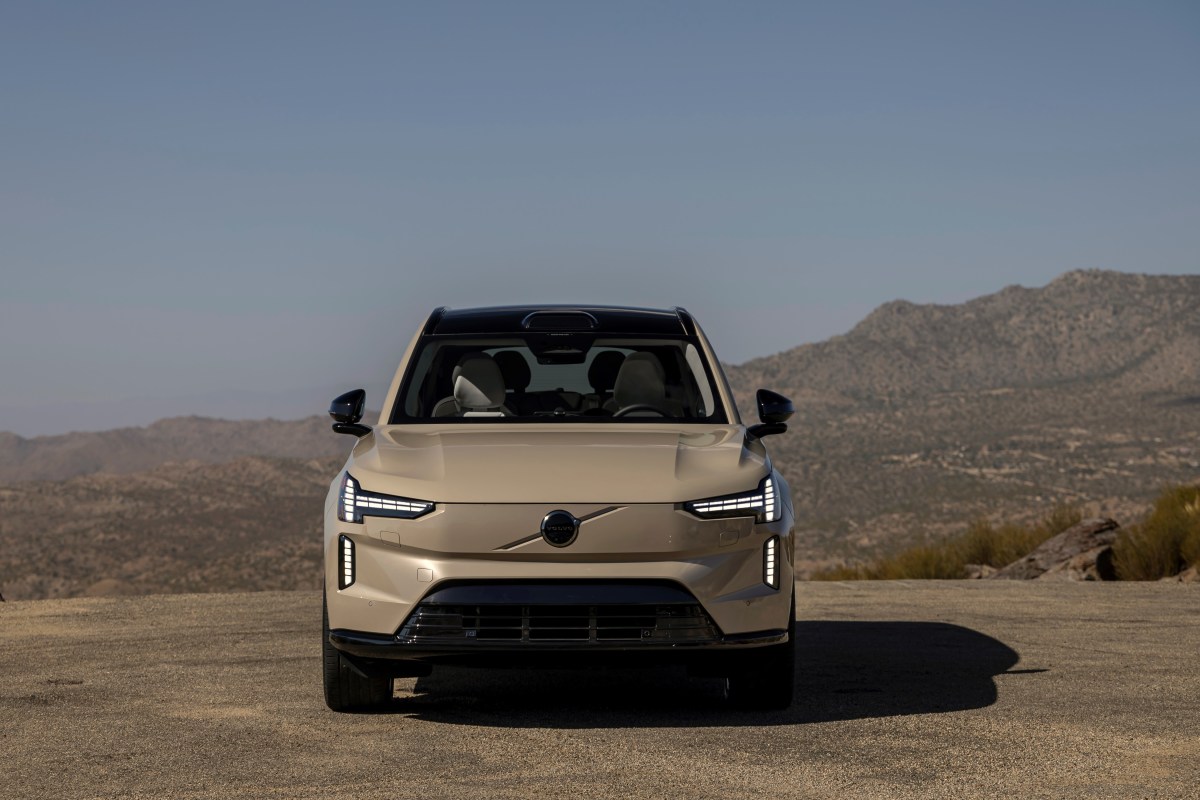
The class action lawsuit encompasses all persons or entities in Pennsylvania that purchased or leased one of the below Volvo models:
- 2021-2025 Volvo XC40
- 2022-2025 Volvo C40
- 2022-2025 Volvo XC60
- 2022-2025 Volvo XC90
- 2022-2025 Volvo S60
- 2022-2025 Volvo S90
- 2022-2025 Volvo V60
- 2022-2025 Volvo V90
- 2025 Volvo EX30
- 2025 Volvo EX40
- 2025 Volvo EX90
In the smaller EX30, many testers have experienced problems with the user interface. Even when everything is working well, Volvo’s decision to embed key controls like mirror adjustments in the touchscreen left us frustrated. It was easily the least impressive aspect of the otherwise competent EX30.
What It Means
Volvo
The new lawsuit is another blow for Volvo’s traditionally dependable image. The automaker’s software troubles are overshadowing all that’s good about the brand’s latest range of vehicles, simply because the cars rely so heavily on their infotainment systems to access key functions. It also underlines the risks of software-defined vehicles for consumers, who can find themselves visiting the workshop far more often—even with a brand-new vehicle.
Related: 2026 Volvo EX90 Gets Faster Charging, Smarter Tech After Rocky First Year


There are no reviews to display.