


From Tire Pressure to Tire Wear
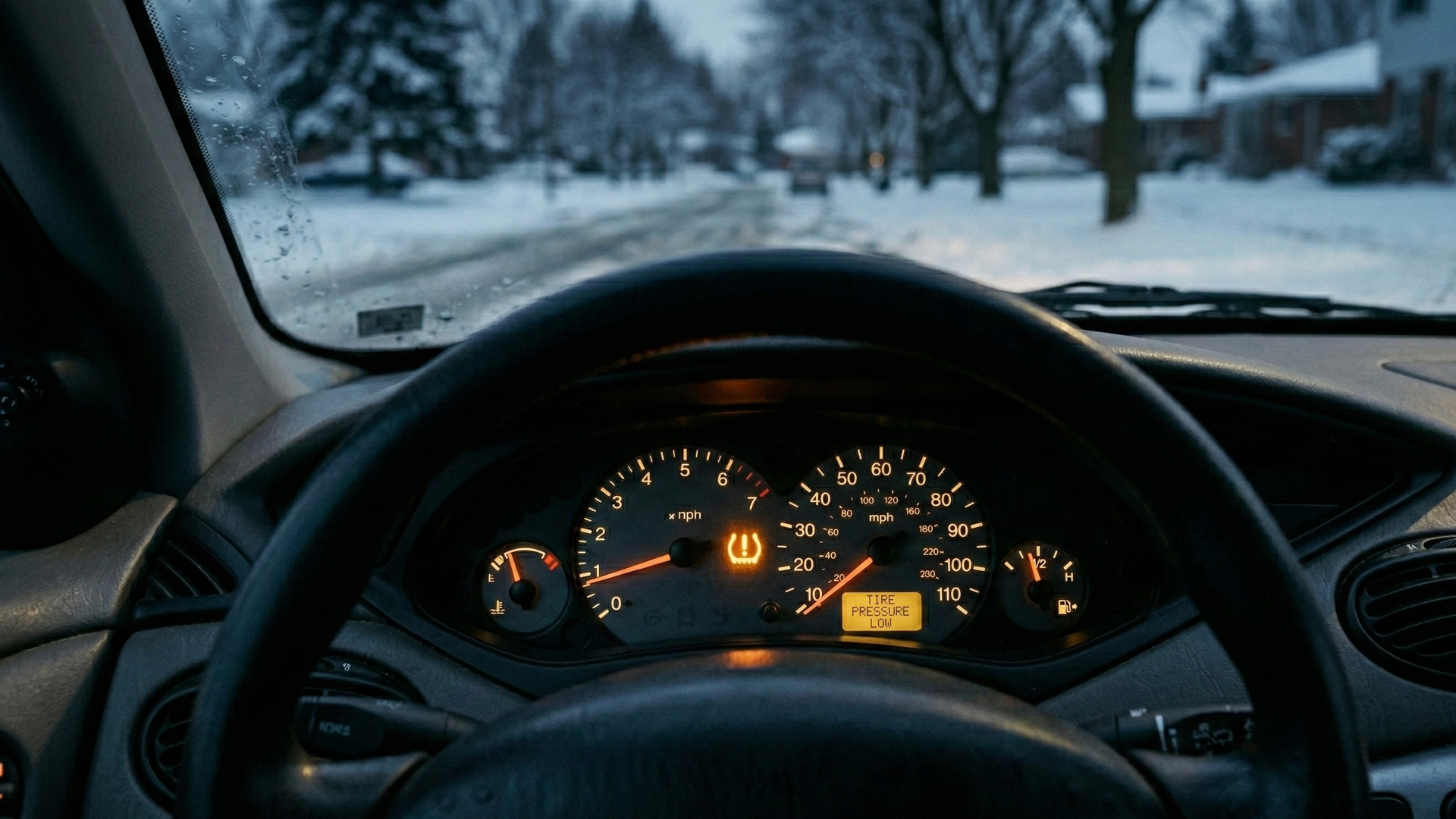
Depending on how long you’ve been driving, tire pressure monitoring systems (TPMS) are either convenient or annoying. Don’t get us wrong – TPMS is a great idea on paper. Imagine being told your tire pressure is low without having to step out of the car. Very convenient, right?
But then again, convenience only really counts when the system behaves without fault. Anyone who’s driven with a TPMS warning light that refuses to disappear after proper inflation knows how quickly “helpful” tech can turn into a stubborn dashboard nanny.
Now, General Motors is turning its attention to tire wear rather than just air pressure. The company has patented a system that alerts drivers when their tires are worn and need replacement – without embedding sensors in the tires.
GM filed the patent with the United States Patent and Trademark Office (USPTO) in August 2024 – if you’re curious, it’s patent no. 20260054528 – and it was published just last week. The system skips physical tread sensors entirely, instead using cameras to keep an eye on your tires. In practice, that means your car could nudge you to buy new tires when the time comes, even if you weren’t planning on it.
How GM’s Sensor-Free System Works
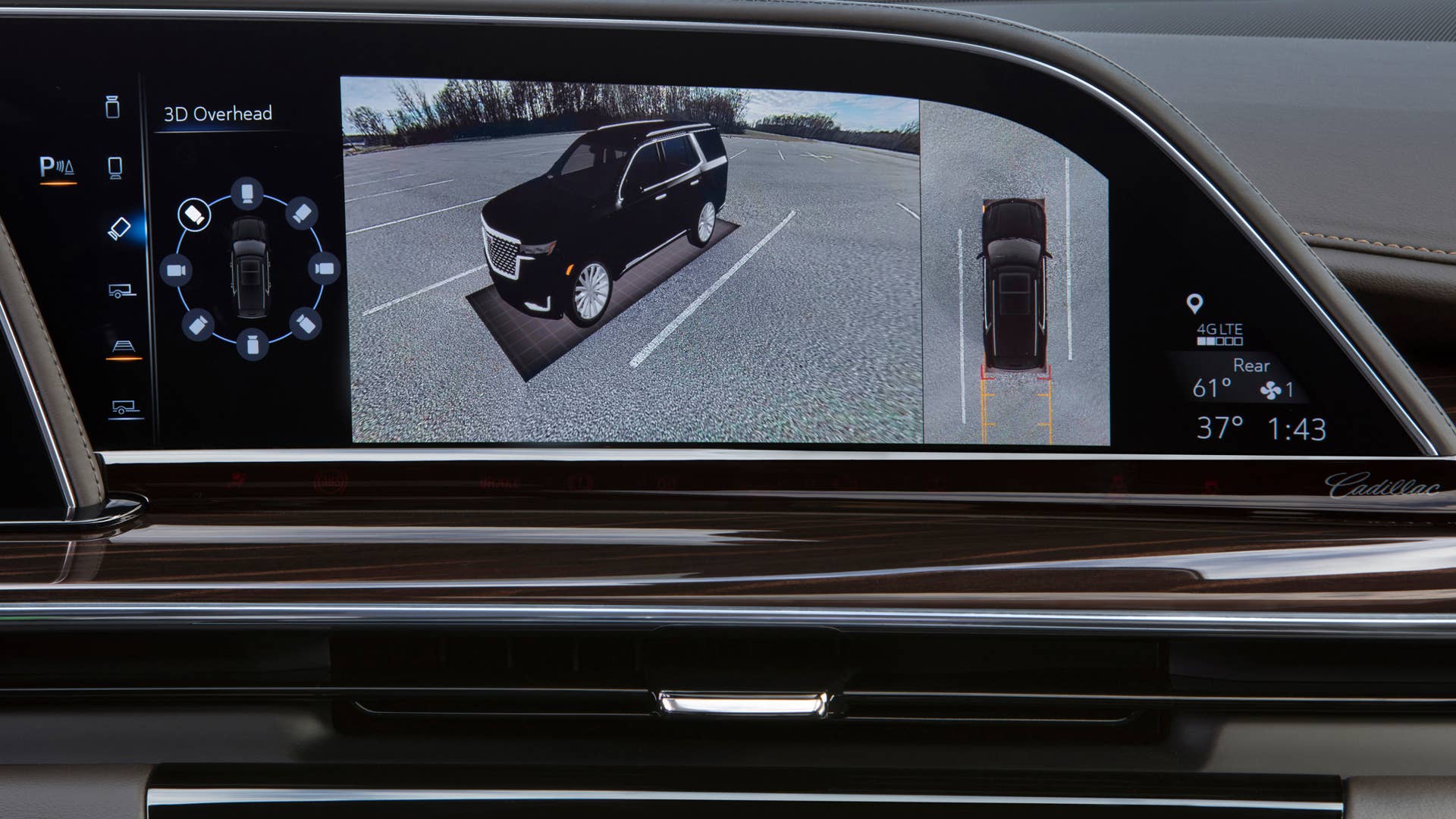
Rather than putting electronics inside the tire, GM’s approach uses cameras already mounted on the vehicle – likely the same ones that handle parking, surround-view, or driver assistance duties.
These cameras snap images or video of your tires as you drive. The software then checks the tread pattern against reference data from new or barely worn tires. From there, it estimates tread depth, spots uneven wear, and keeps tabs on how quickly your tires are wearing down.
Since it’s all handled by software, the system could, in theory, keep an eye on your tires all the time – not just during scheduled checks. It could even flag odd wear patterns that hint at bigger issues, like alignment, suspension, or inflation problems, instead of just warning you when the tread is low.
The best part is that you wouldn’t need special tires or built-in electronics. As long as the camera gets a clear look at the tread, any compatible tire should work. Or at least that’s what GM intends to happen.
Convenient Only When It’s Working
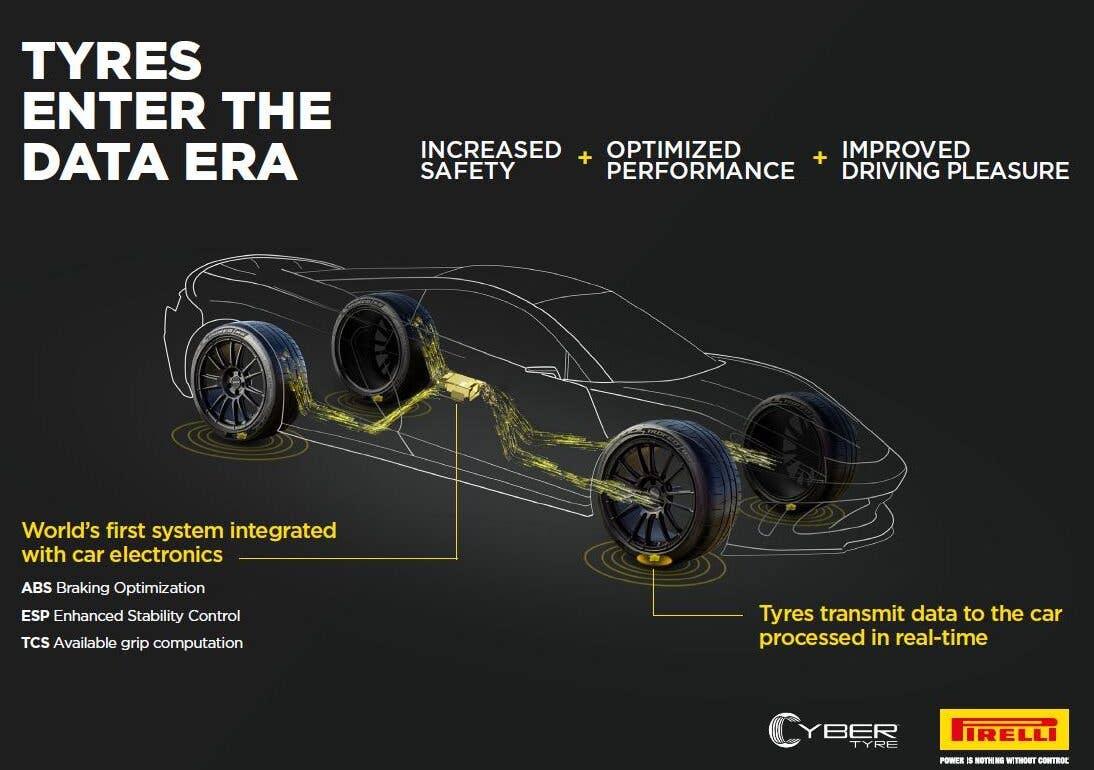
Tire wear monitoring itself isn’t a new idea. Some brands and tire makers have introduced embedded sensors, and plenty of dealerships use drive-over scanners during service. What sets GM’s system apart is that it keeps everything on the car, without adding hardware to parts you’ll eventually replace.
That should make things more convenient – at least in theory. There’s no sensor inside the tire to fail, and no need for special replacements. But as with TPMS and every other bit of in-car tech, it all comes down to how accurate and reliable the system really is.
If the system throws false warnings, misses real wear, or gives inconsistent readings, the promise falls apart fast. And as with any patent, just because GM filed the paperwork doesn’t mean it’ll ever see production. Automakers patent plenty of ideas that never leave the drawing board.
For now, it’s a glimpse into how GM is rethinking maintenance tech – but as always, convenience only counts if the system works exactly as promised.


There are no reviews to display.