

Skip to content
View in the app

A better way to browse. Learn more.

Gear Crushers

A full-screen app on your home screen with push notifications, badges and more.

To install this app on iOS and iPadOS
  1. Tap the Share icon in Safari
  2. Scroll the menu and tap Add to Home Screen.
  3. Tap Add in the top-right corner.
To install this app on Android
  1. Tap the 3-dot menu (⋮) in the top-right corner of the browser.
  2. Tap Add to Home screen or Install app.
  3. Confirm by tapping Install.

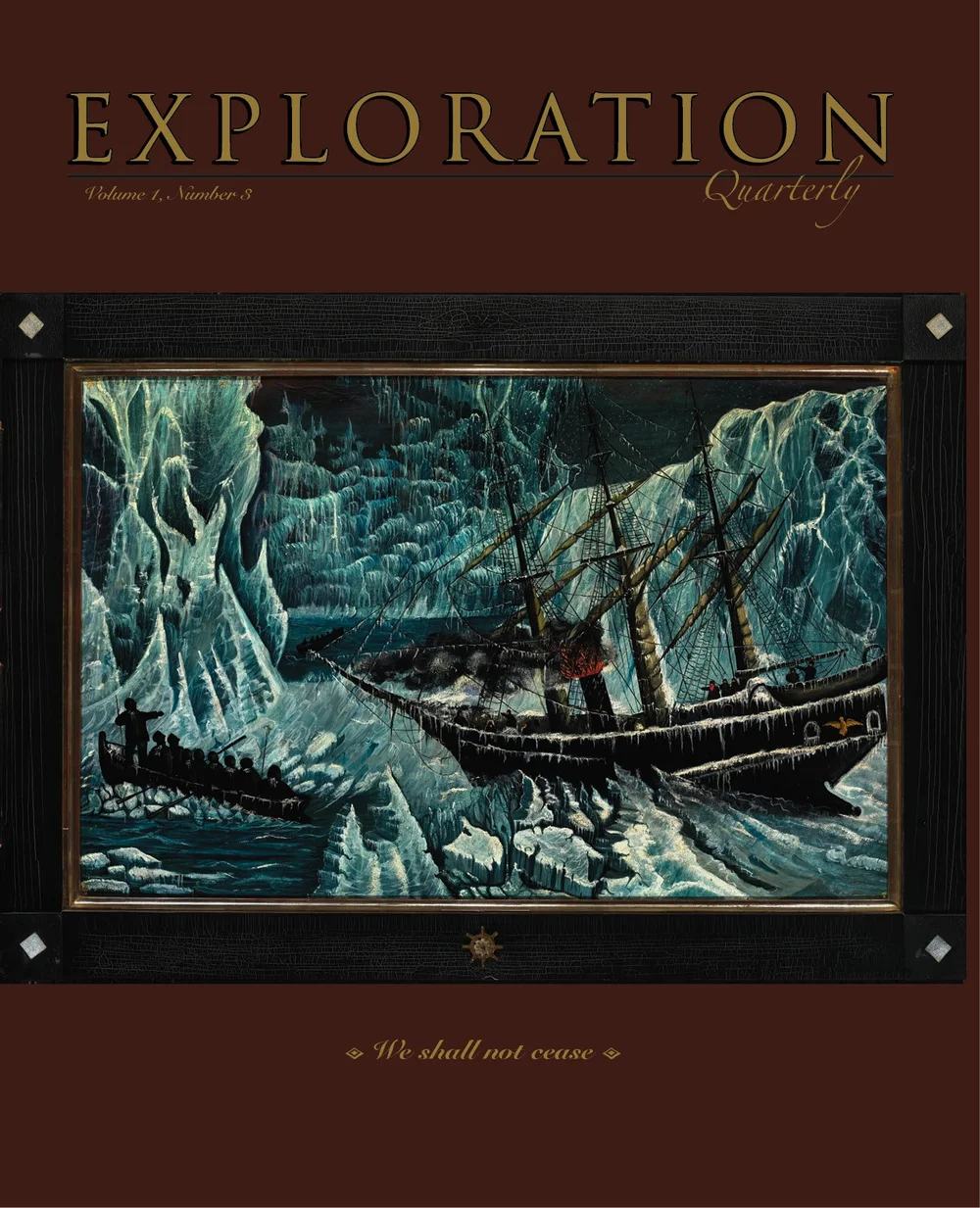
Exploration Quarterly Vol. 1, No. 3

Number 3 is at the printer and will be mailing out in mid- and late-January. And we are really pleased with the content. It’s packed full of adventure, equipment, history, field arts, and much more. And there is a slight nautical theme as well. Below is a sneak-preview of some of the content.

A reminder of our publication schedule:

  • July (print issue with digital version)

  • October (all-online content)

  • January (print issue with digital version)

  • April (all-online content)

If you subscribe now, your subscription will begin with the October online-only issue, Vol. 1, No. 2 (but you will have digital access to No. 1 as well, so it’s a nice bonus).

All-digital subscriptions are $39, and 2 print + 2 online are $49 (we also offer international rates).

Join us today, and never cease exploring.

candeleros+2.JPG?format=1000w

A family sets sail around the world thirty years (and on the same boat) after their first circumnavigation—this time with the third generation in tow. (Dito Abbot)
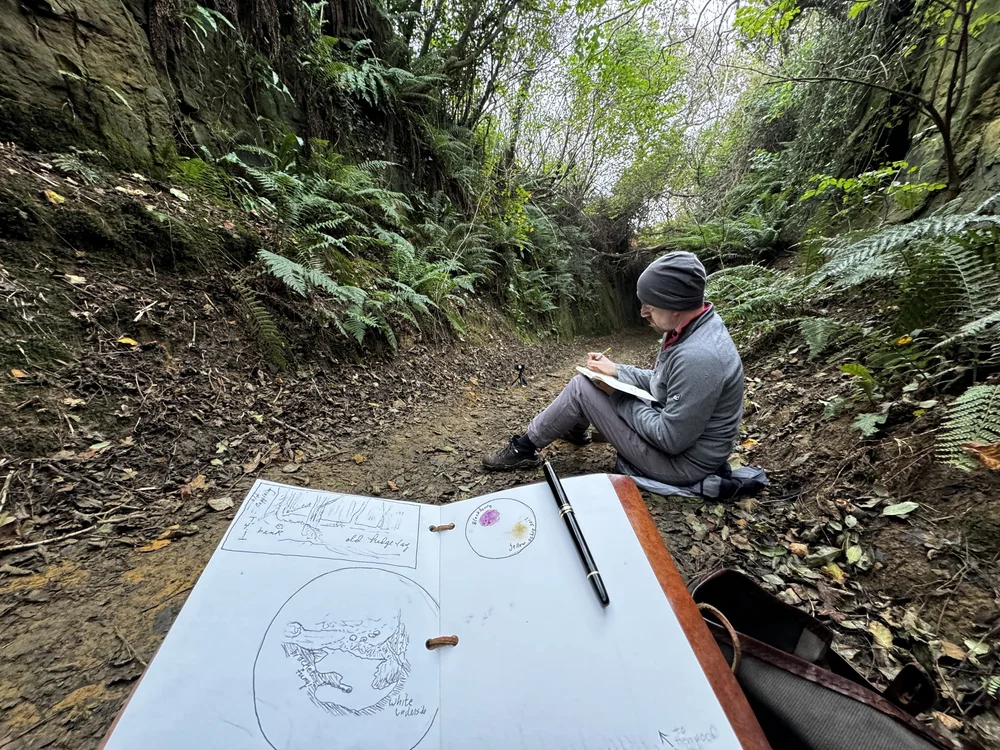
IMG_9284.JPG?format=1000w

Seeking sunken treasure in Dorset. (Roseann Hanson)
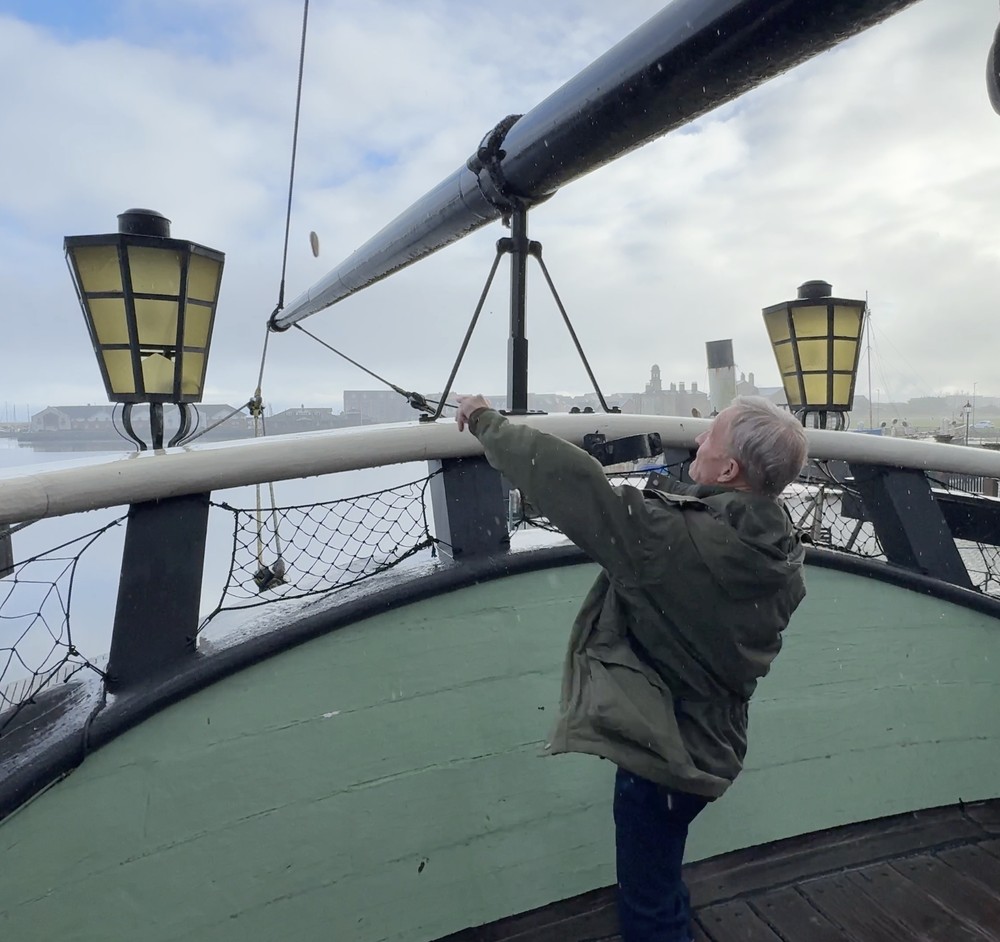
Biscuit+Toss+2.png?format=1000w

Why is Jonathan tossing a ship’s biscuit?
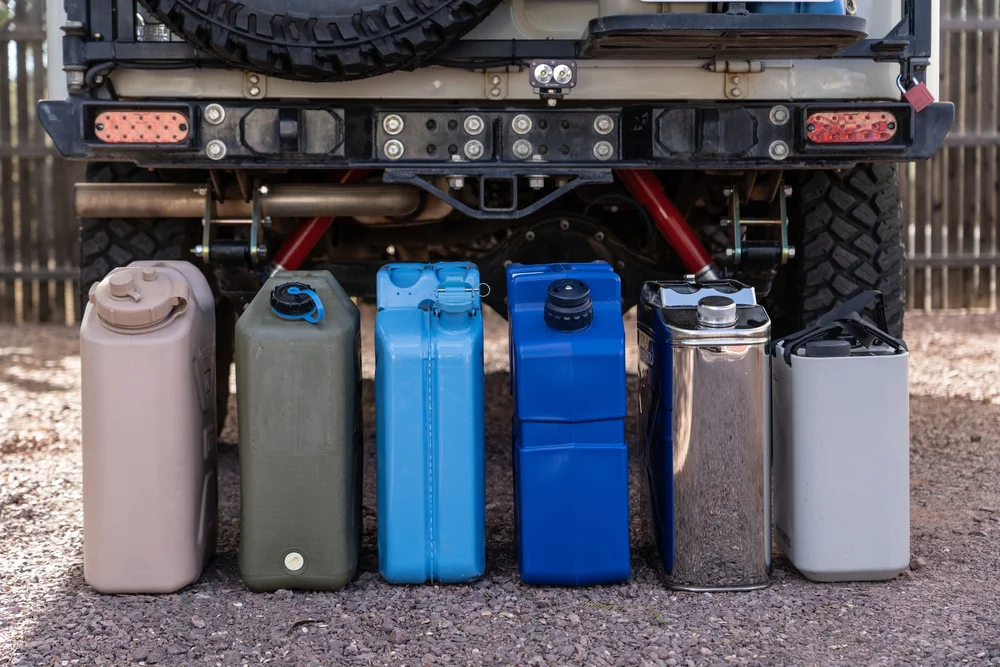
 
DSC00108+copy.jpg?format=1000w

Which is the best portable water container?
VOL_01_NO_+03_Exploration_Quarterly-COVE

View the full article

User Feedback

Recommended Comments

There are no comments to display.

Create an account or sign in to comment

Latest Offroad Posts

Important Information

By using this site, you agree to our Terms of Use.

Account

Navigation

Search

Search

Configure browser push notifications

Chrome (Android)
  1. Tap the lock icon next to the address bar.
  2. Tap Permissions → Notifications.
  3. Adjust your preference.
Chrome (Desktop)
  1. Click the padlock icon in the address bar.
  2. Select Site settings.
  3. Find Notifications and adjust your preference.