



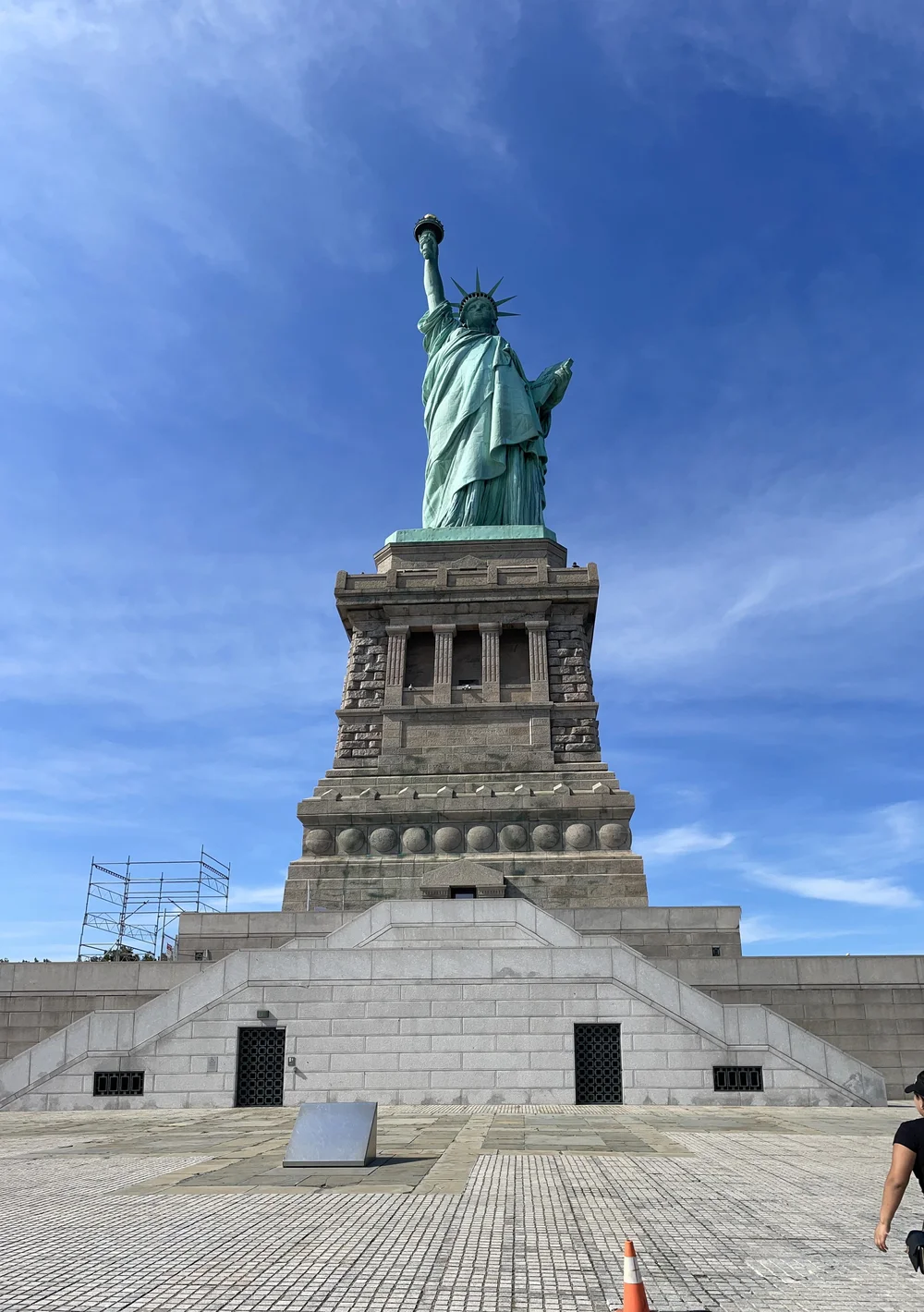
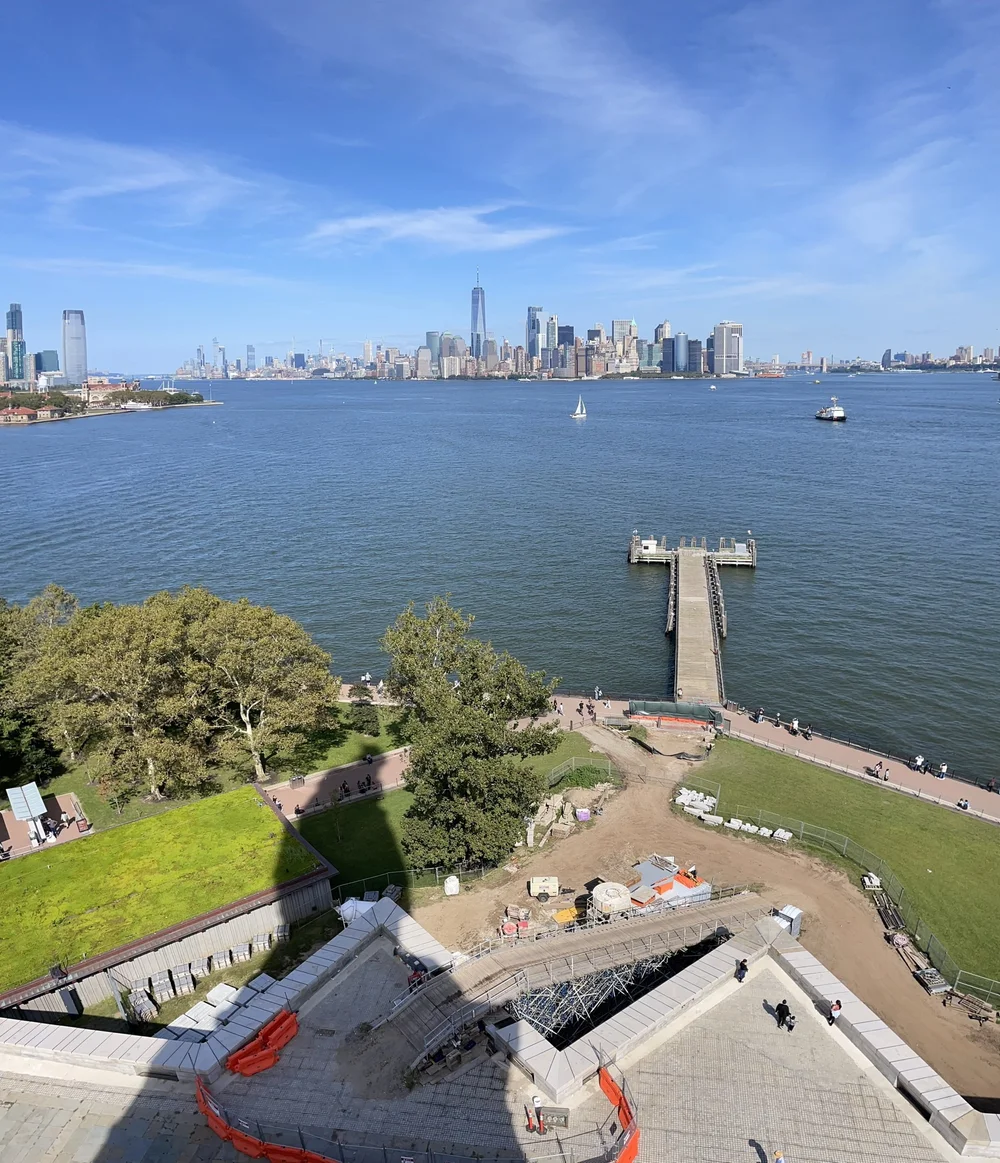
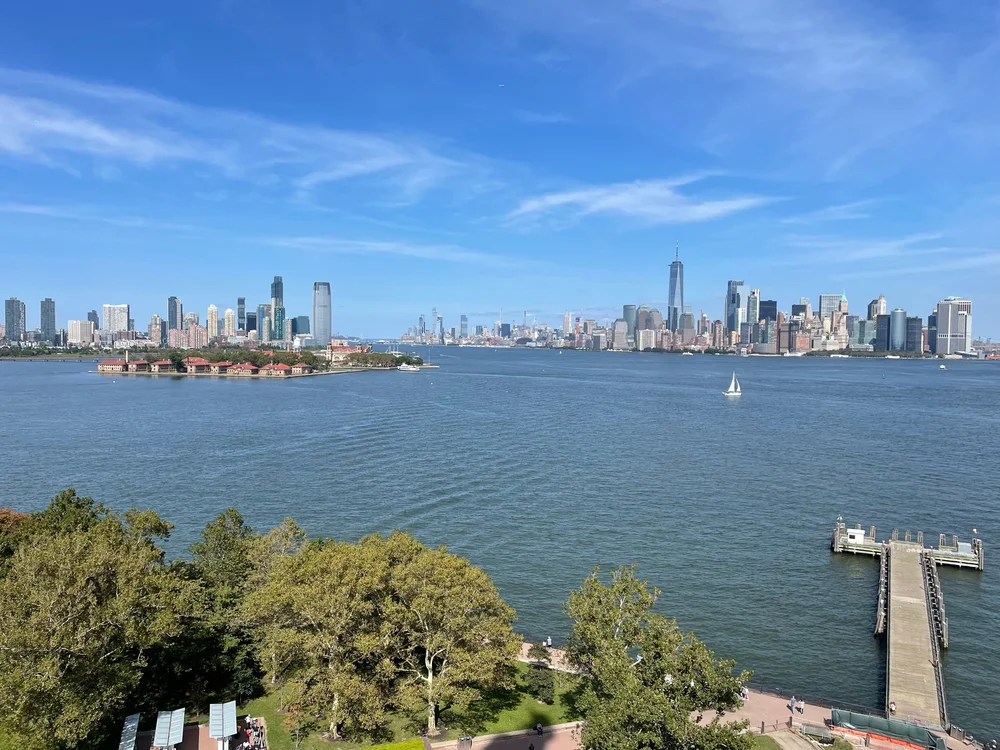
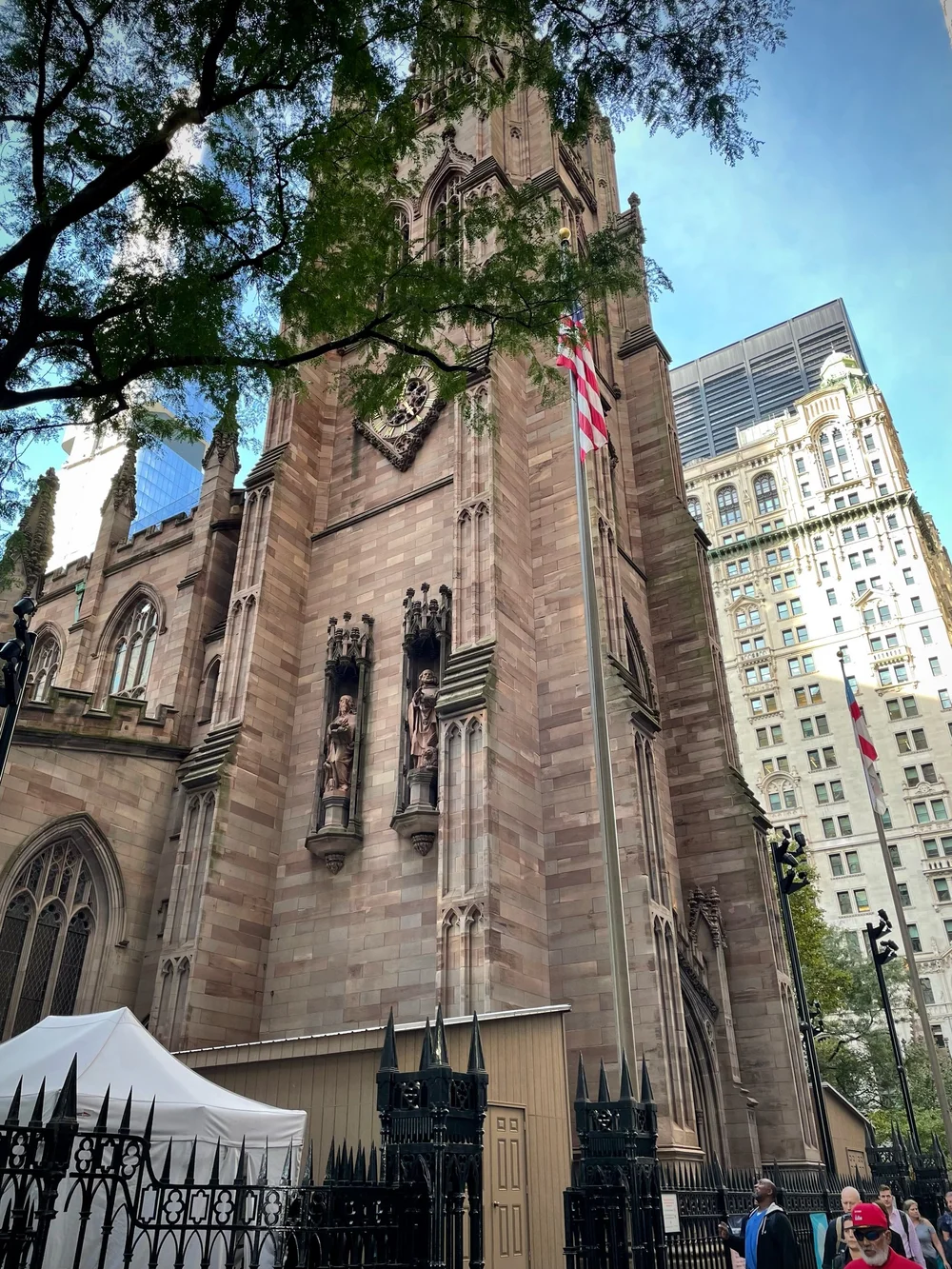
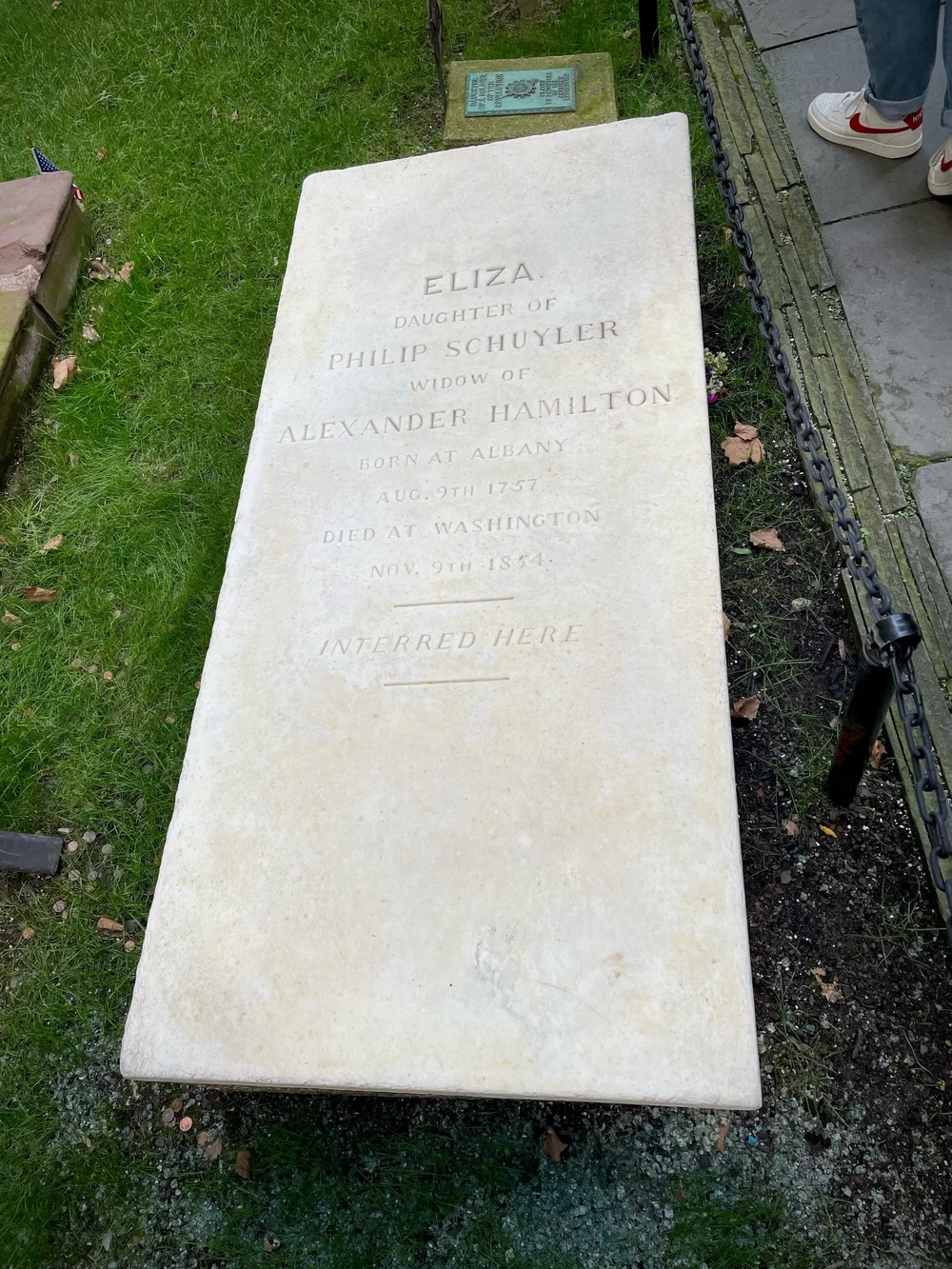
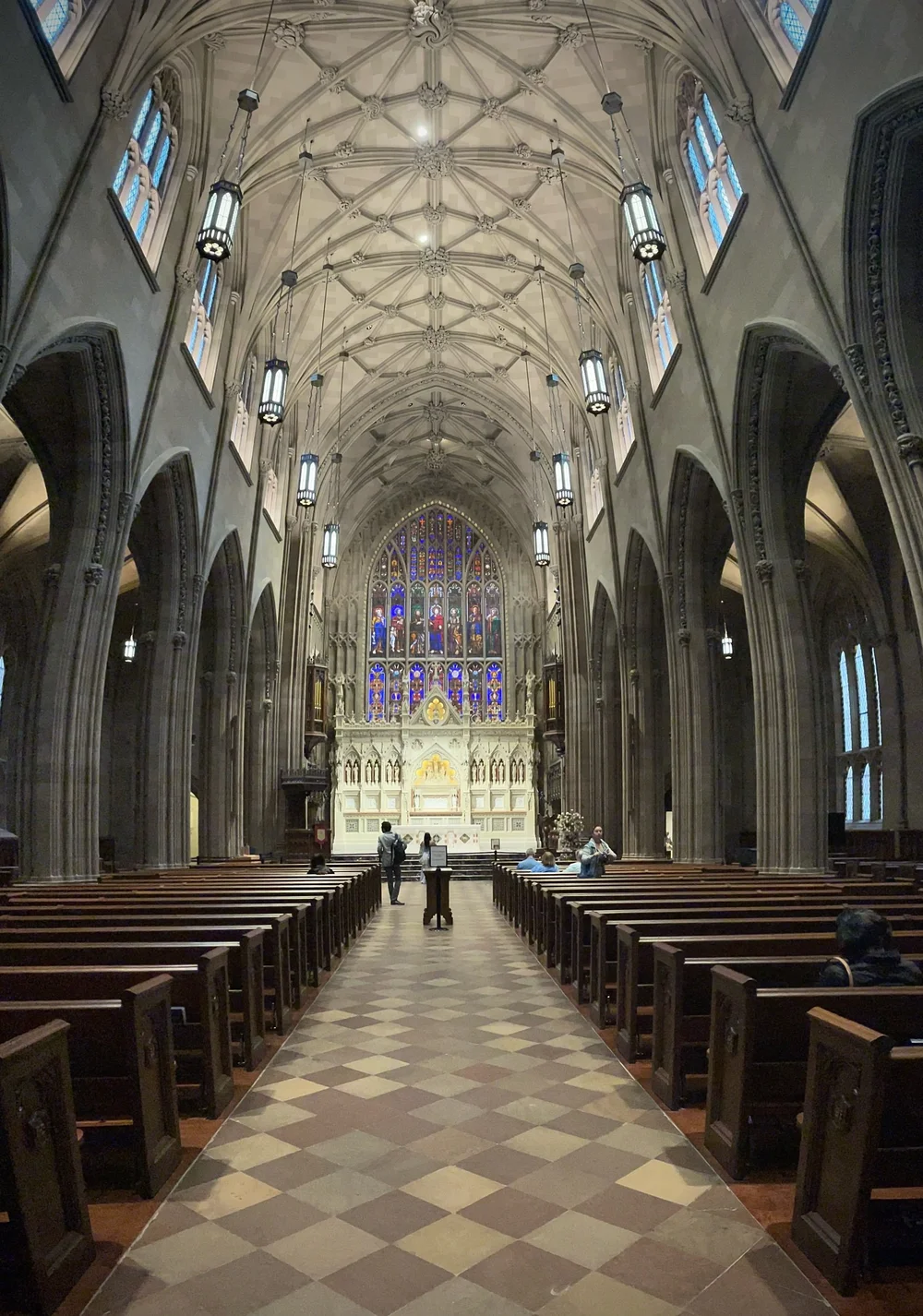
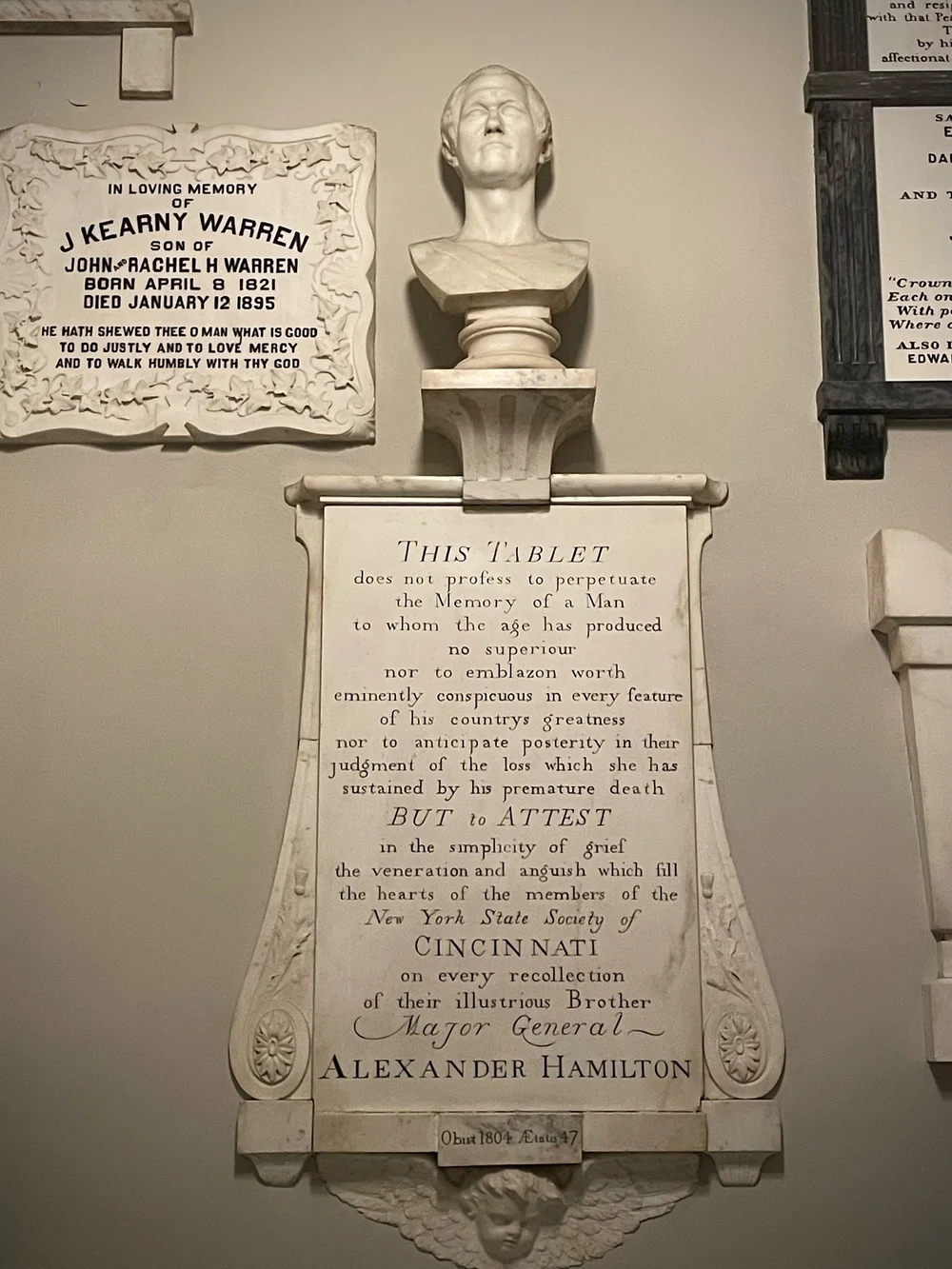
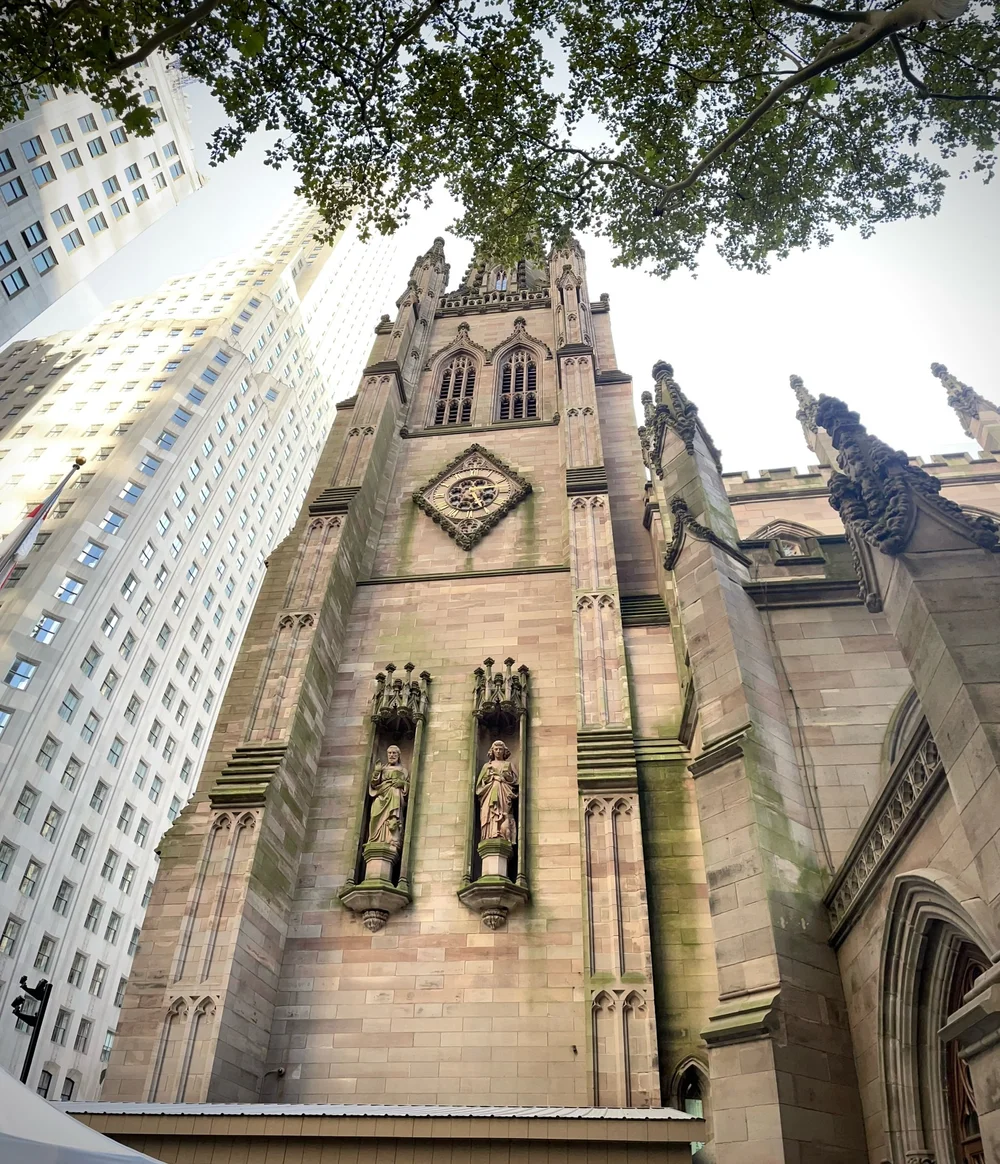
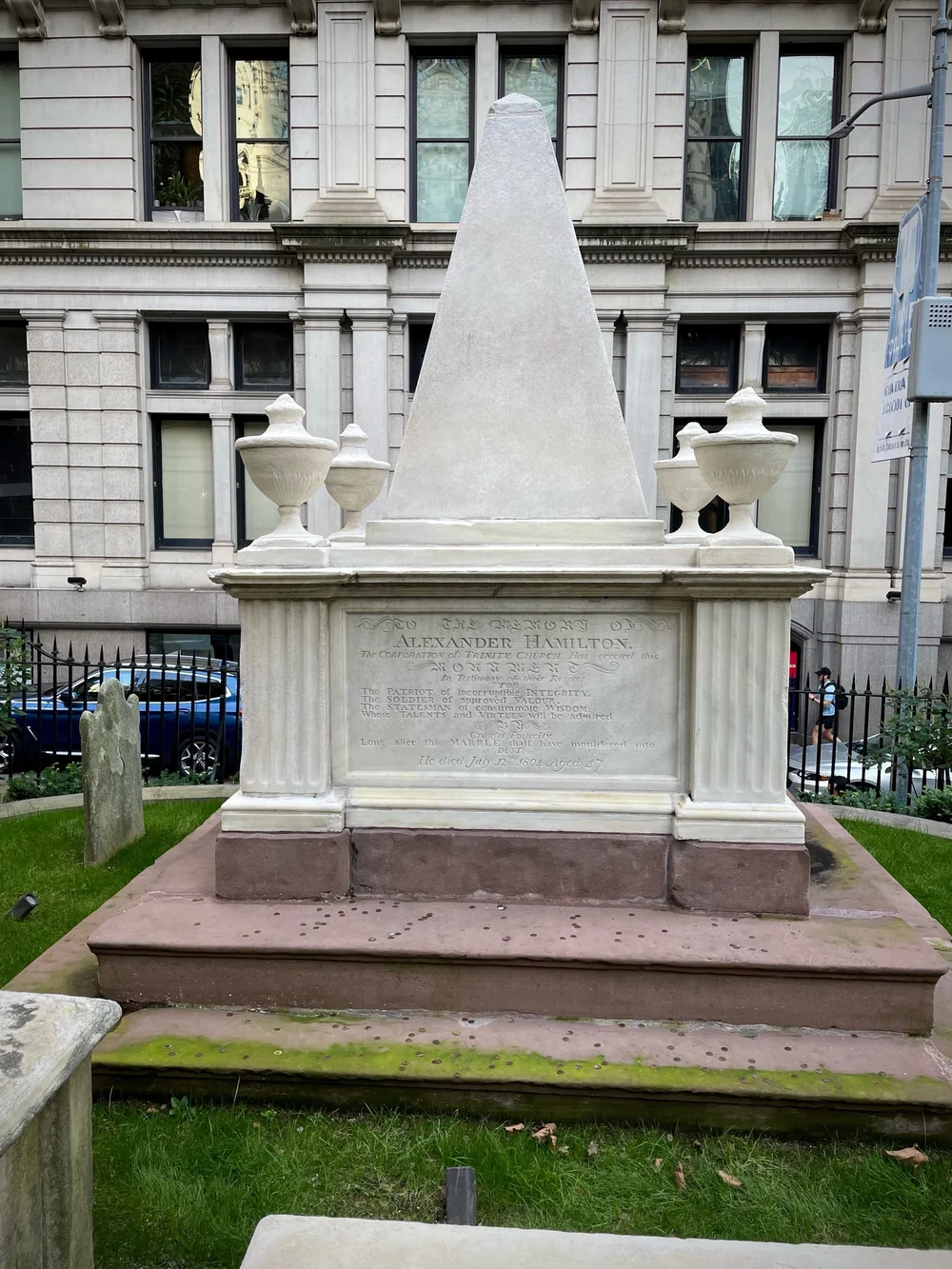
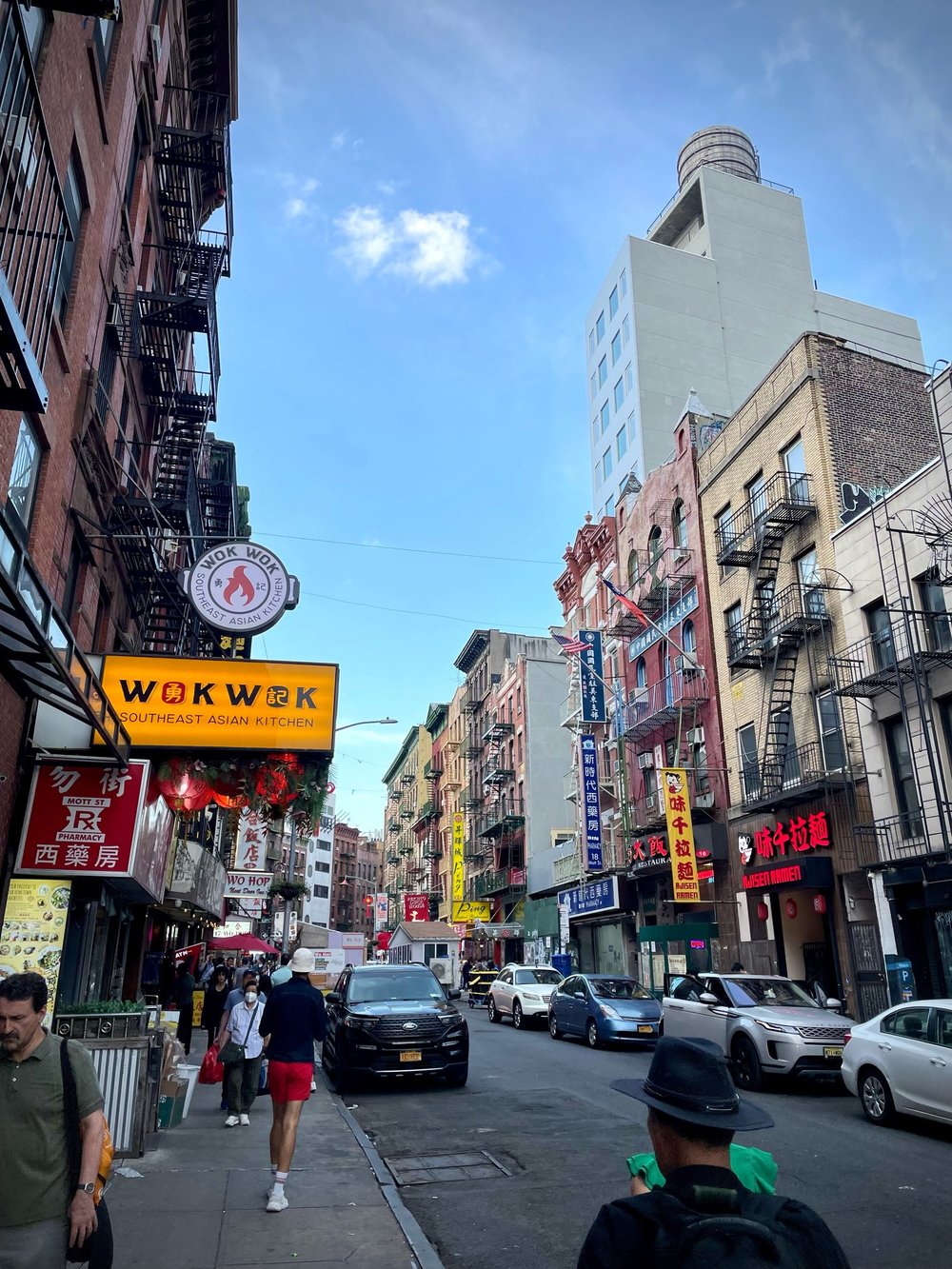
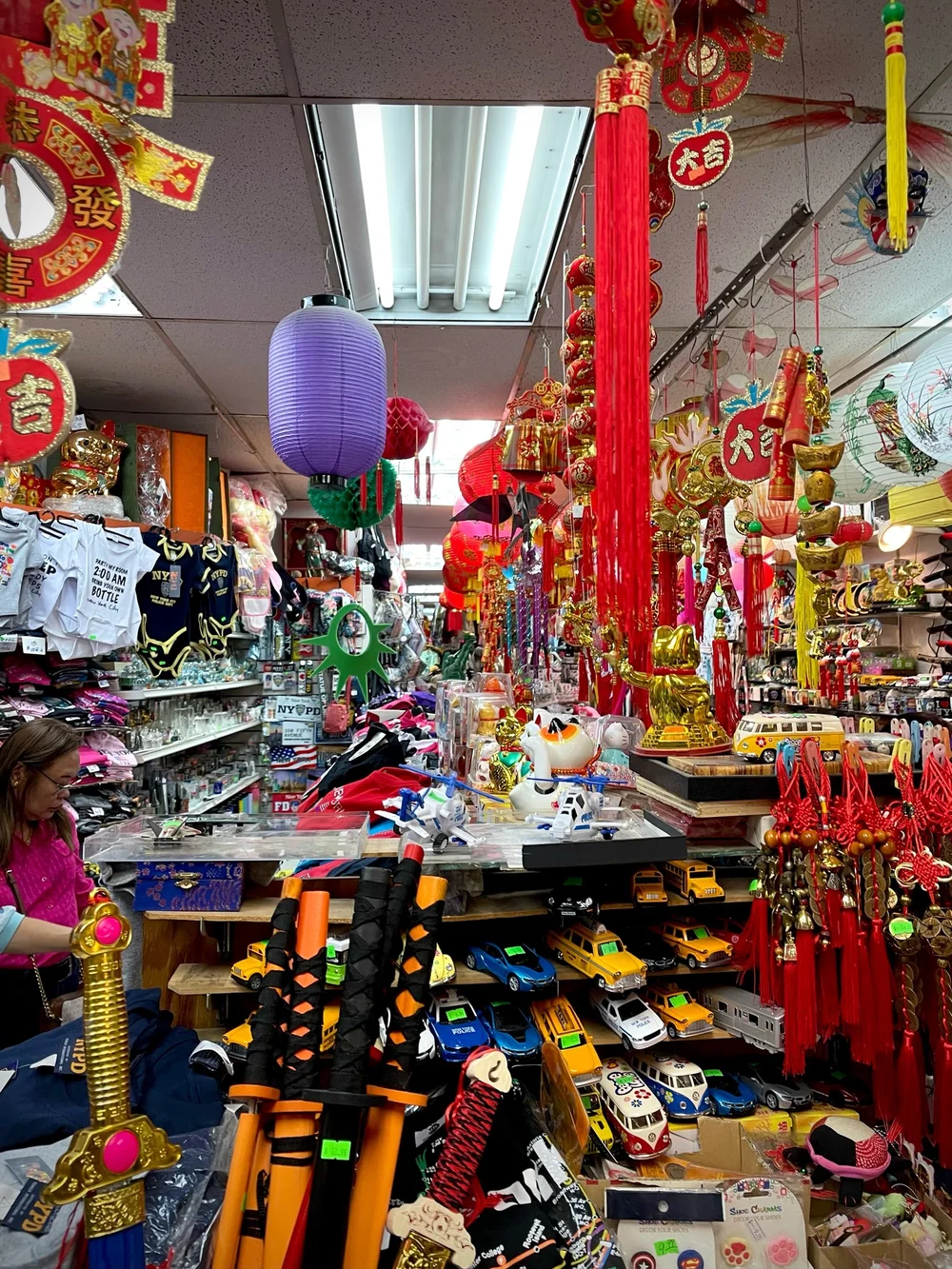
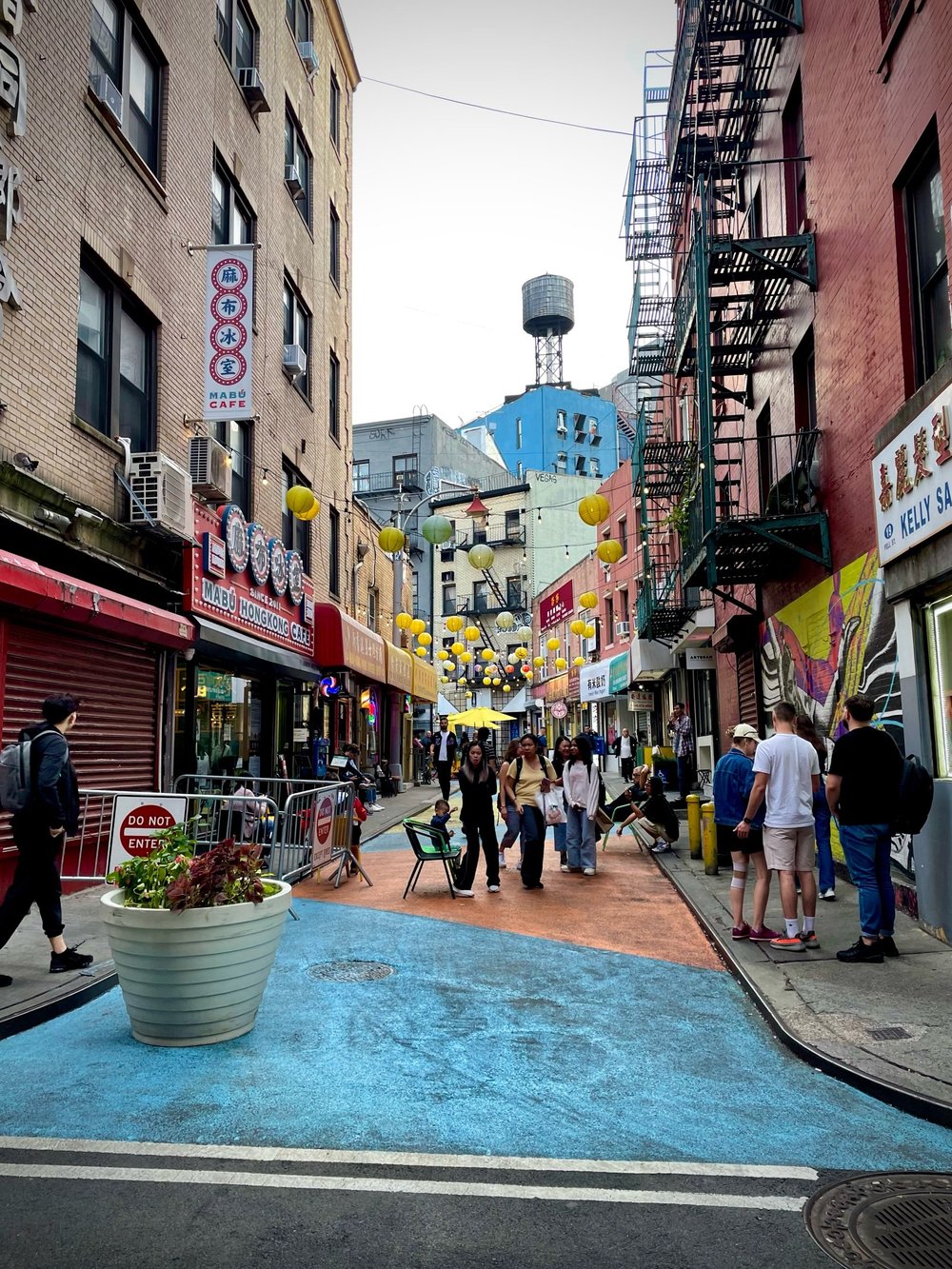
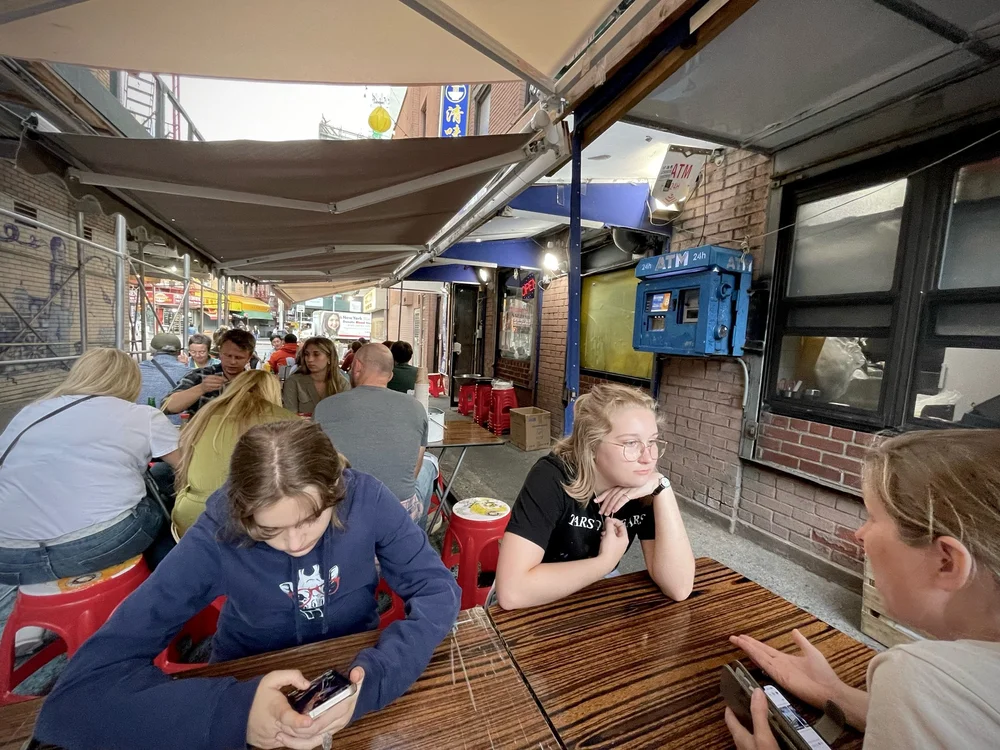
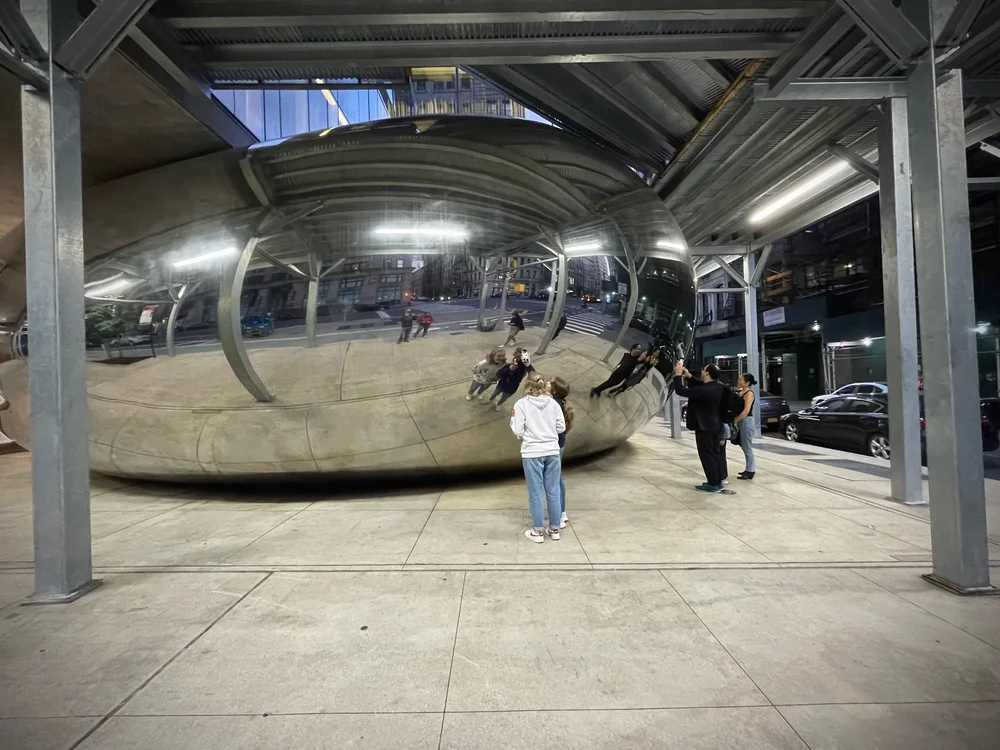
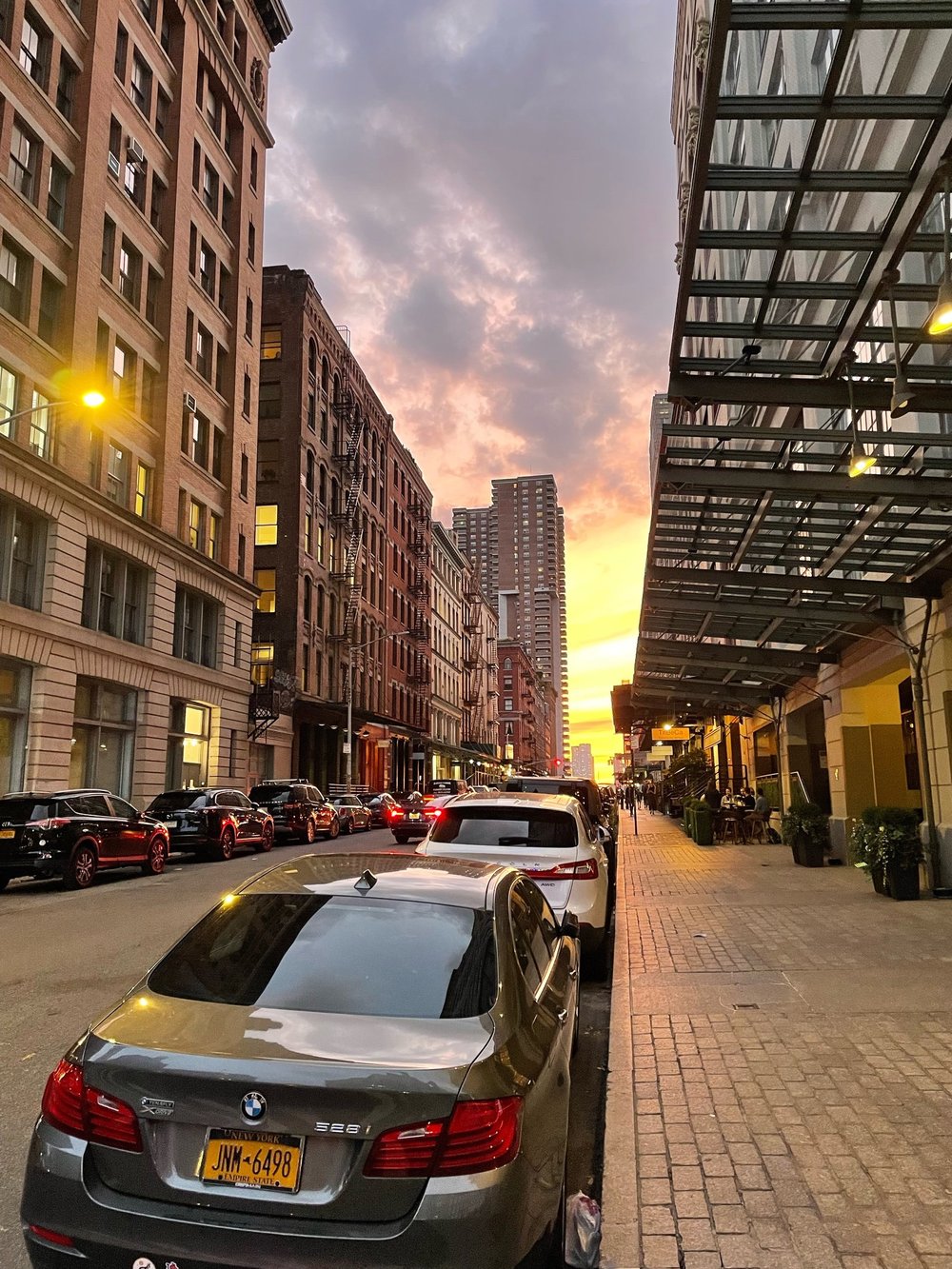
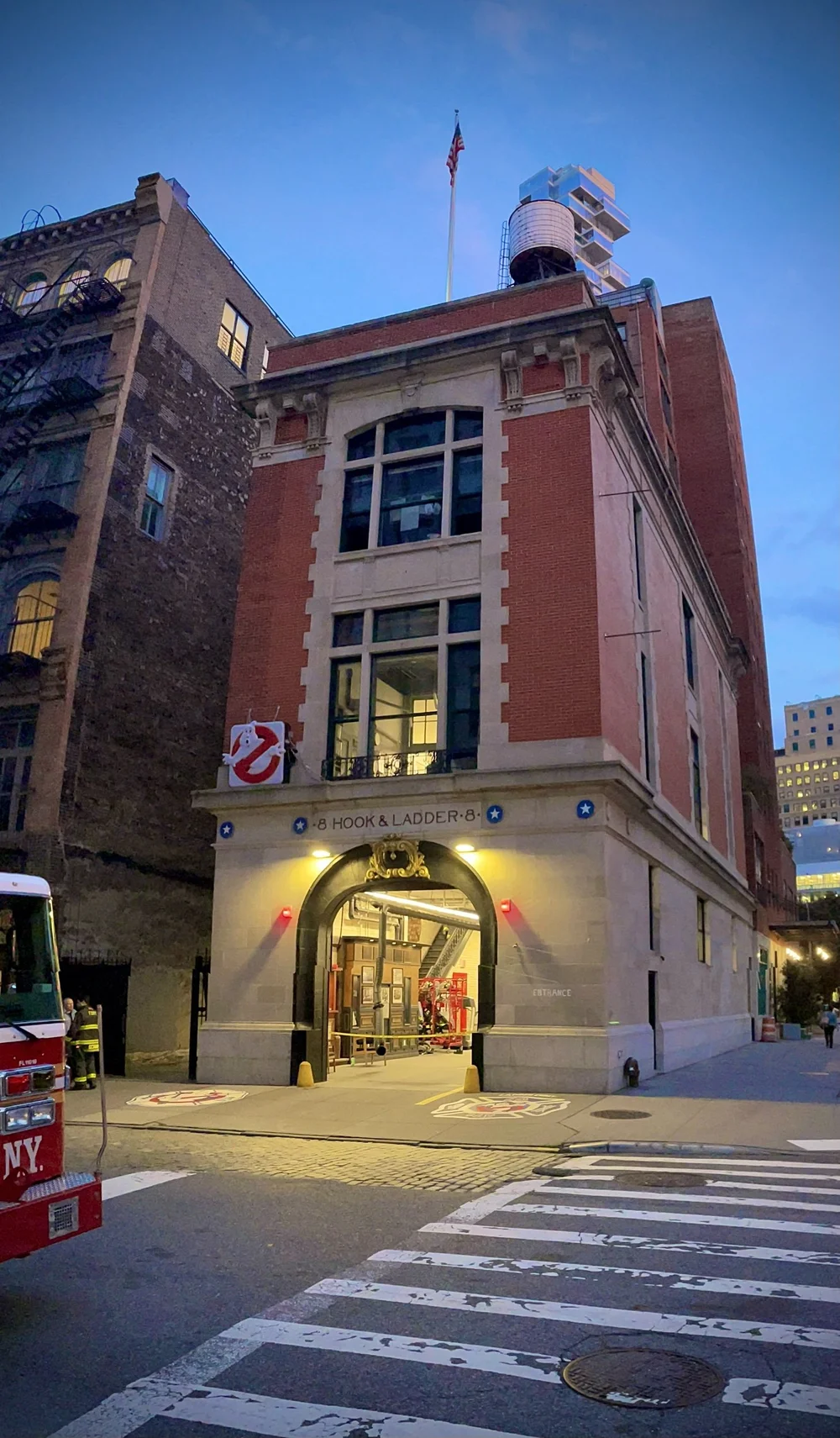
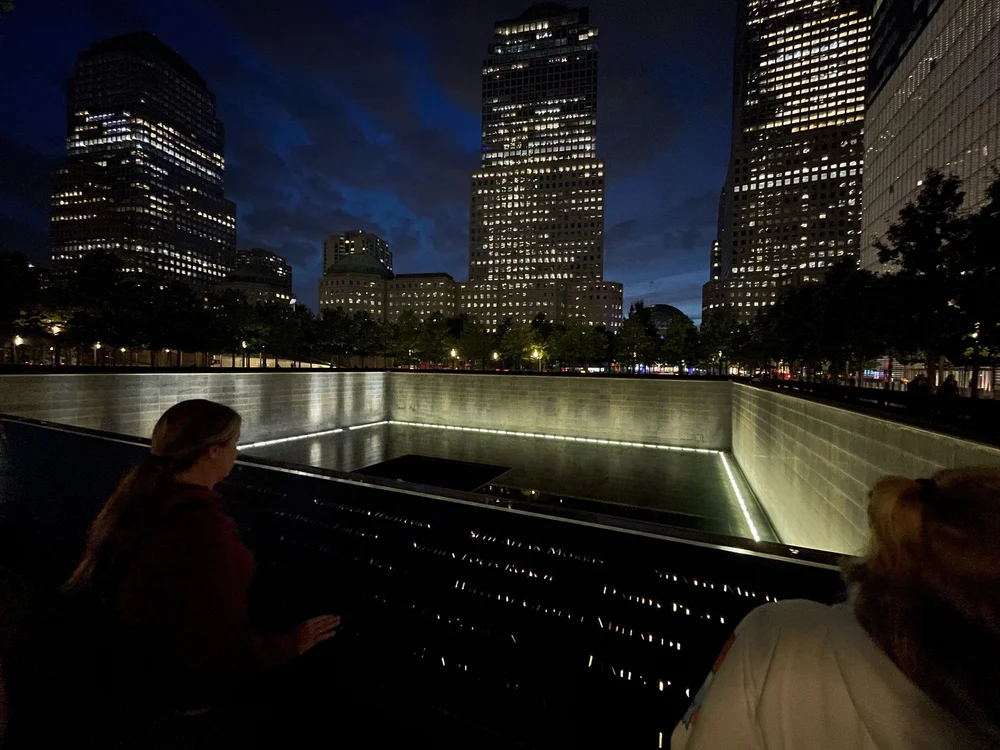
Braving the masses, we took in the sights at Liberty Island and then made our way over to Castle Garden in the Financial district of NYC. Making our way through Wall Street, we stopped and explored the history at Trinity Church. This is by far one of my favorite destinations in NYC. The history of these hallowed grounds is unbelievable. Taking a stroll through the grounds, you’ll quickly understand why. Leaving Trinity, we made our way to Chinatown in search of Hello Kitty memorabilia for Bailey. Dinner was had in a tiny little alleyway next to a row of small restaurants and it was absolutely amazing! After dinner we made our way toward Hook & Ladder #8 and stumbled upon The Bean, which Bailey was ecstatic about as she still hasn’t stopped talking about the Bean we visited in Chicago on a previous trip. With the sun setting, we finally made it to Hook & Ladder #8 to see the home of, you guessed it, The Ghostbusters. While we were there we did get to meet some of the awesome people of FDNY too. With the sun fully set we made one final stop for the evening at the 9/11 Memorial Pools. I have visited these both in the day and at night and it hits in a completely different way at night. It truly is a spectacle to behold and a fitting memorial to all of those who lost their lives that day and in the years to come….


Recommended Comments
Create an account or sign in to comment