



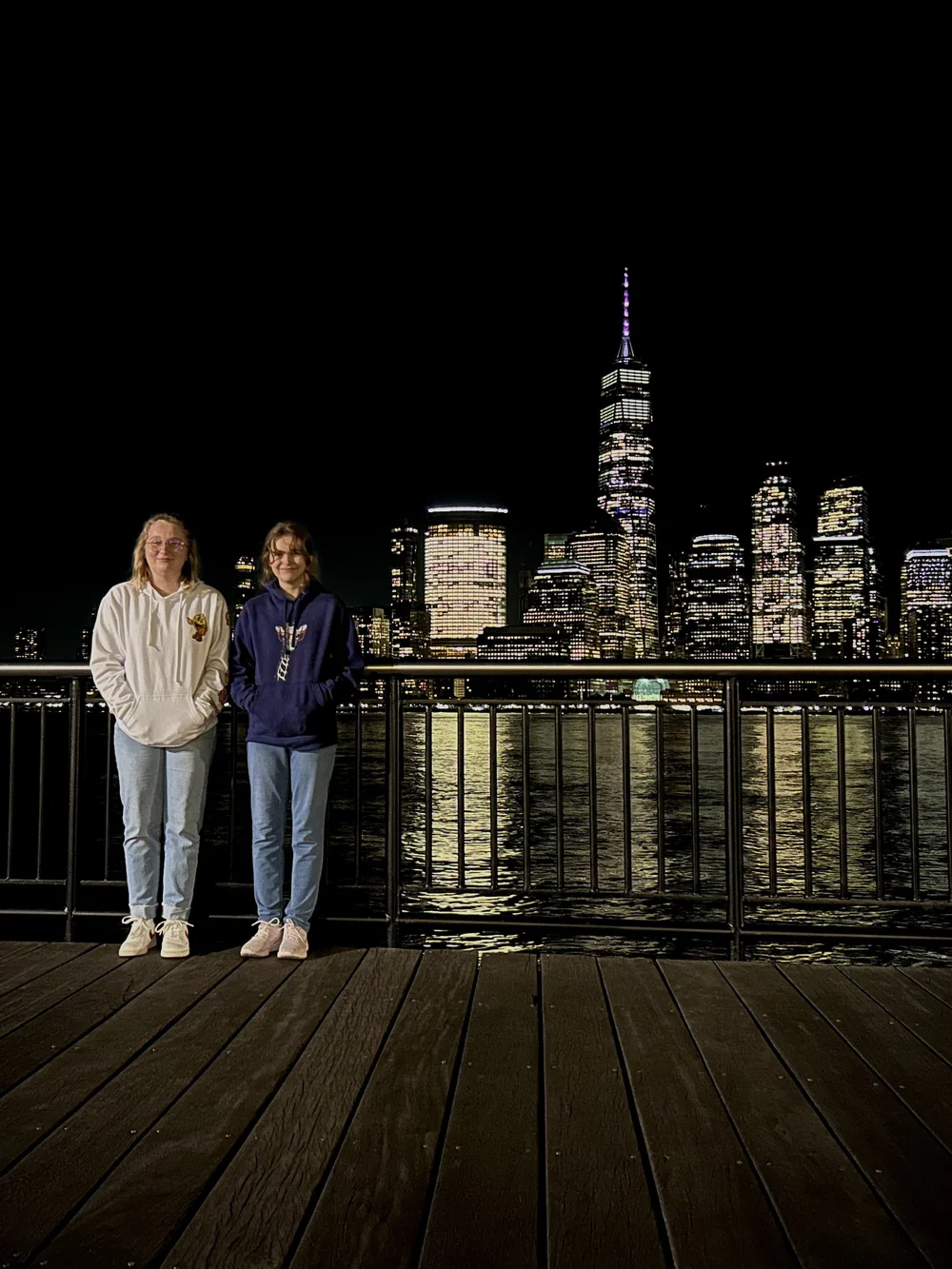
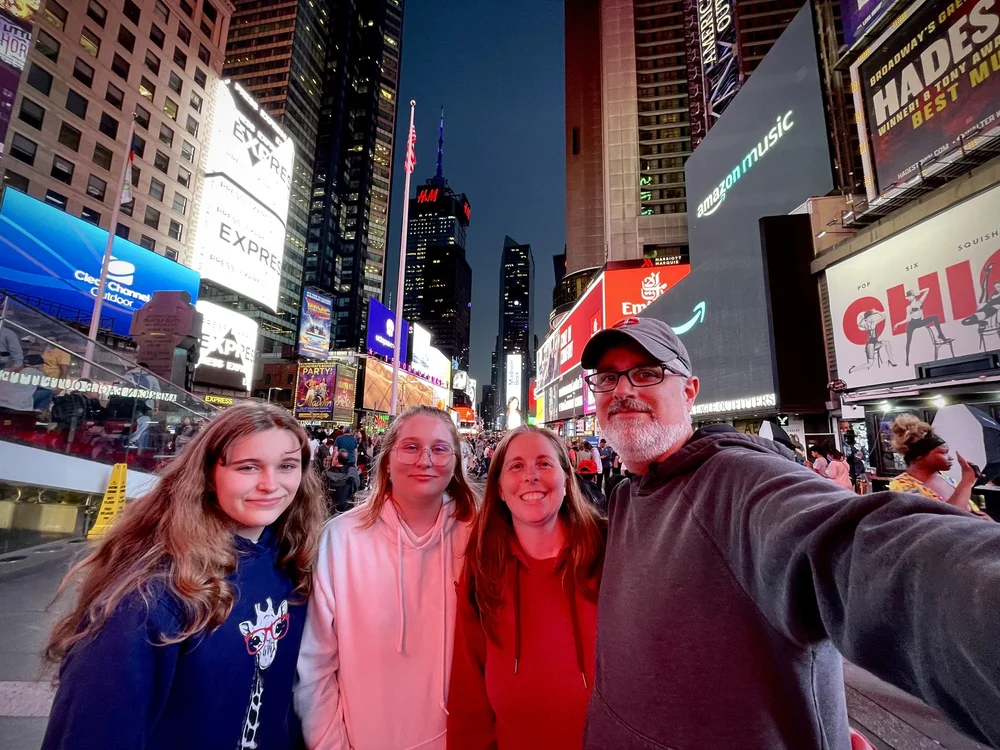
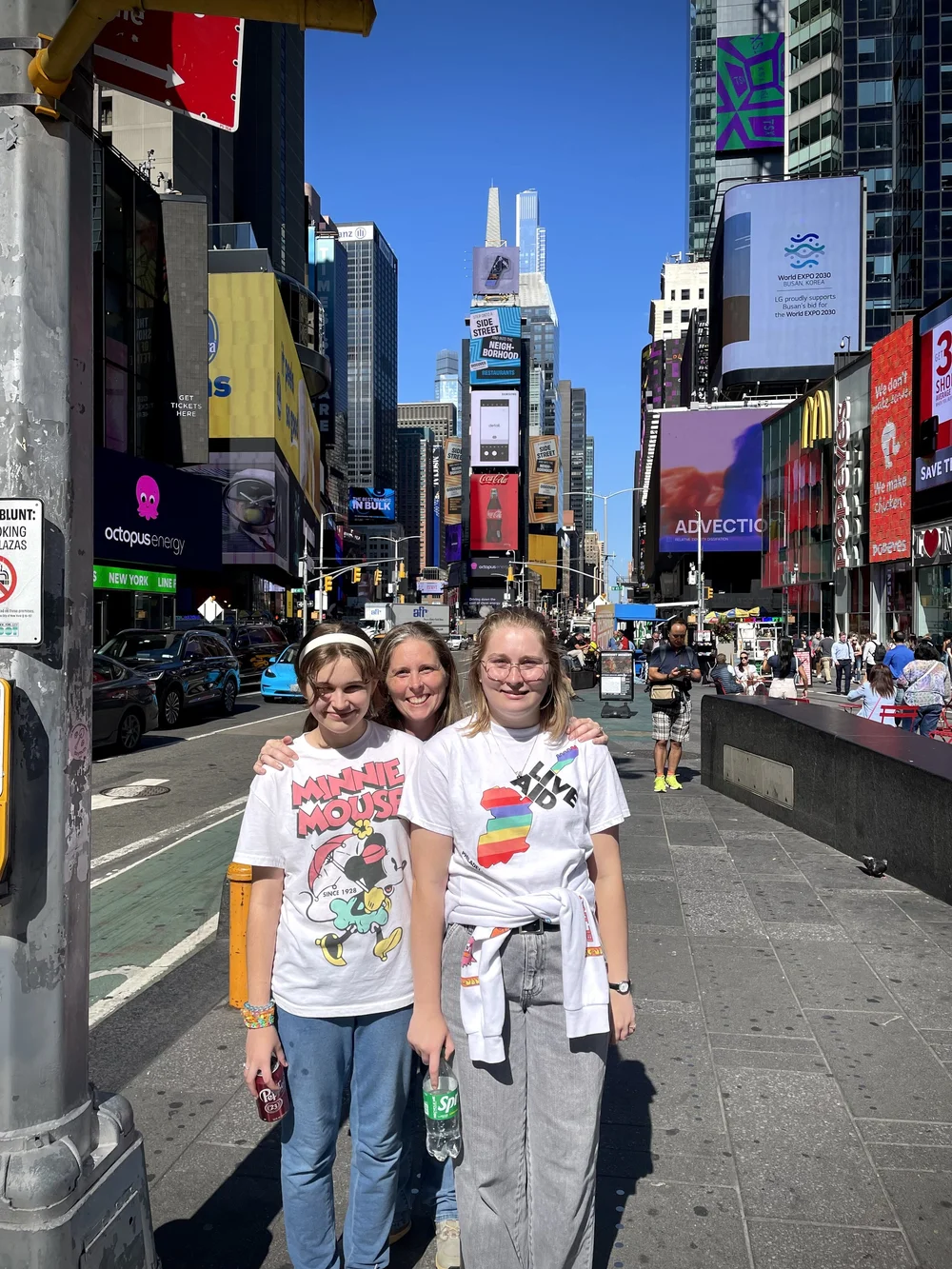
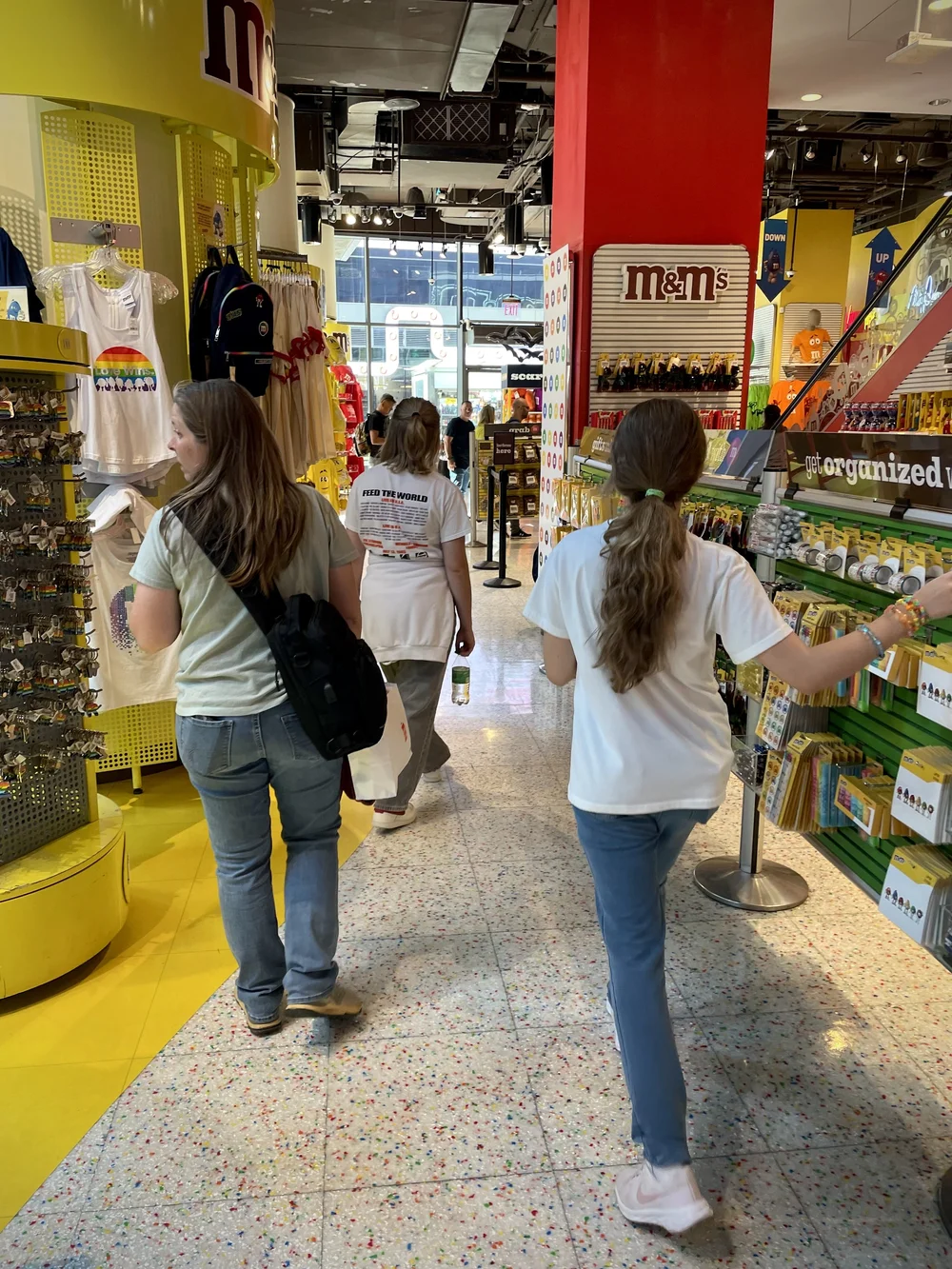
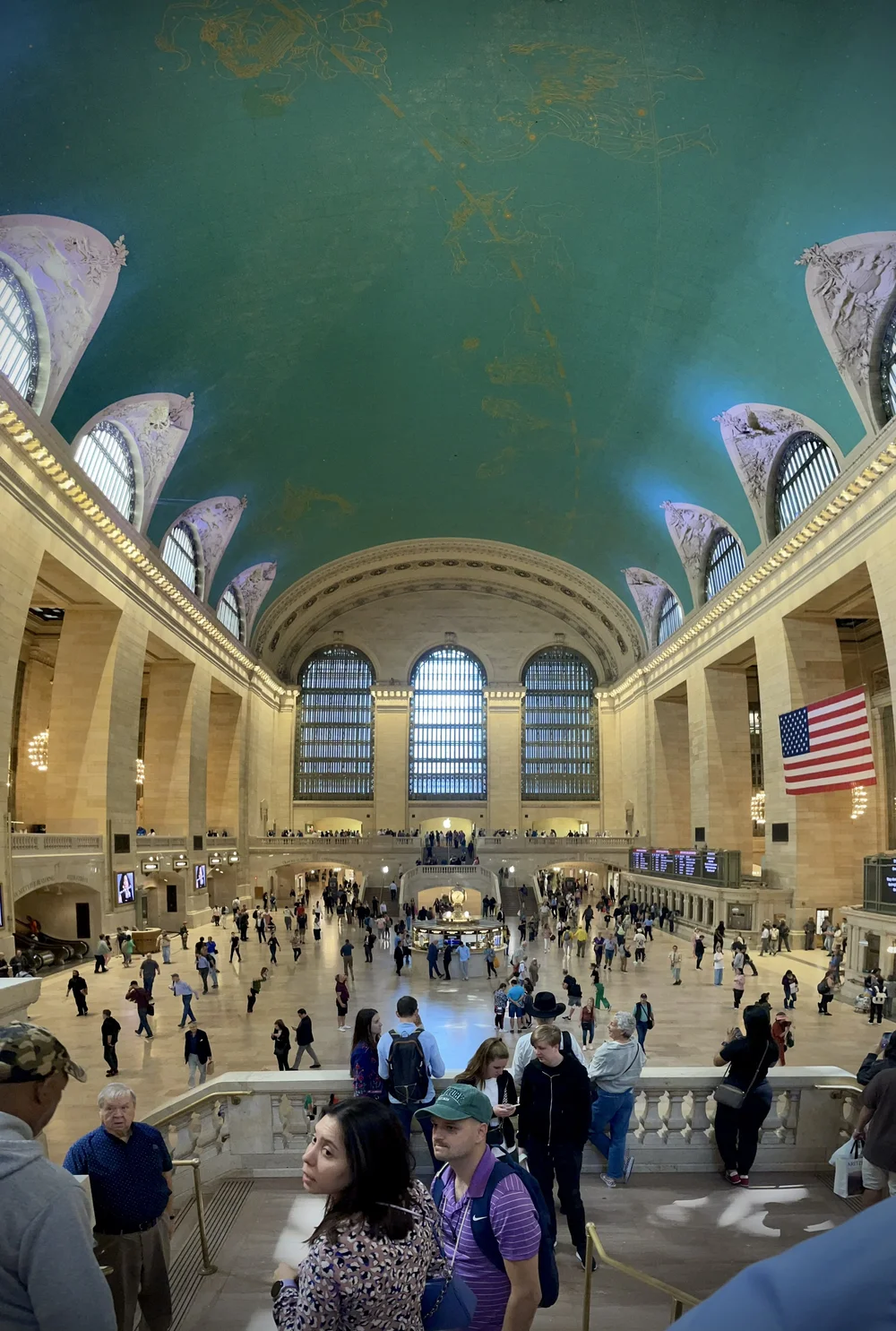
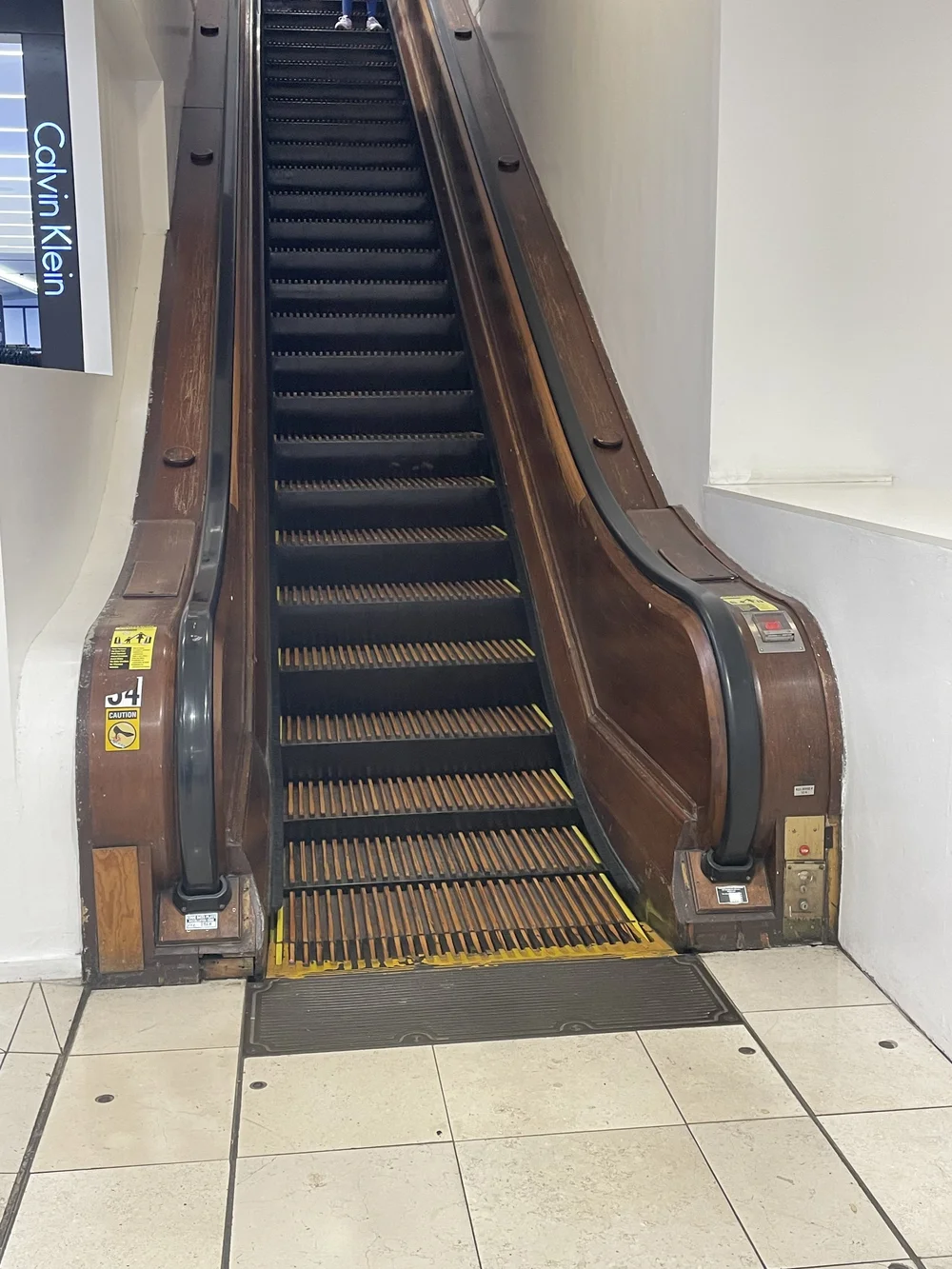
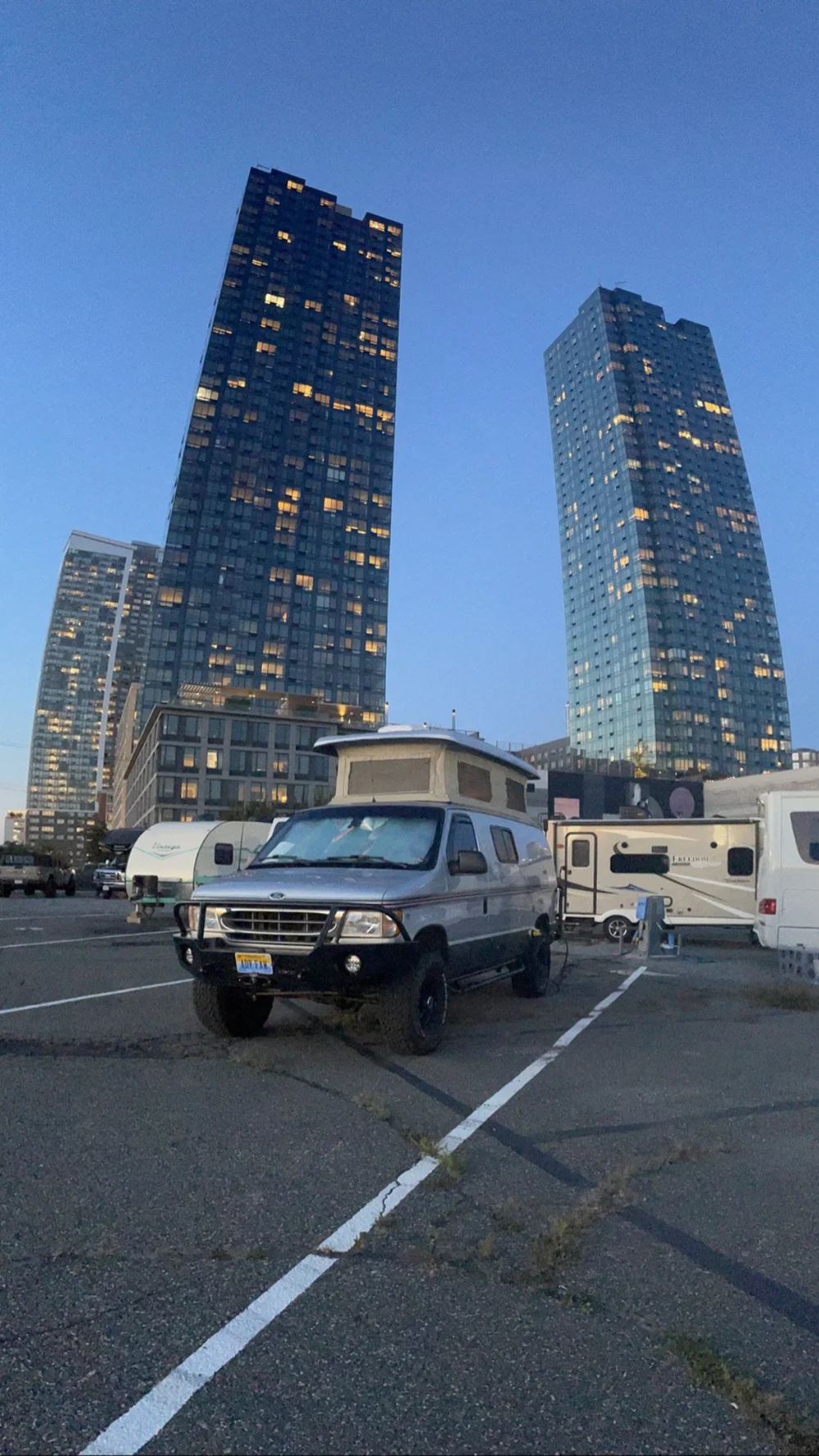
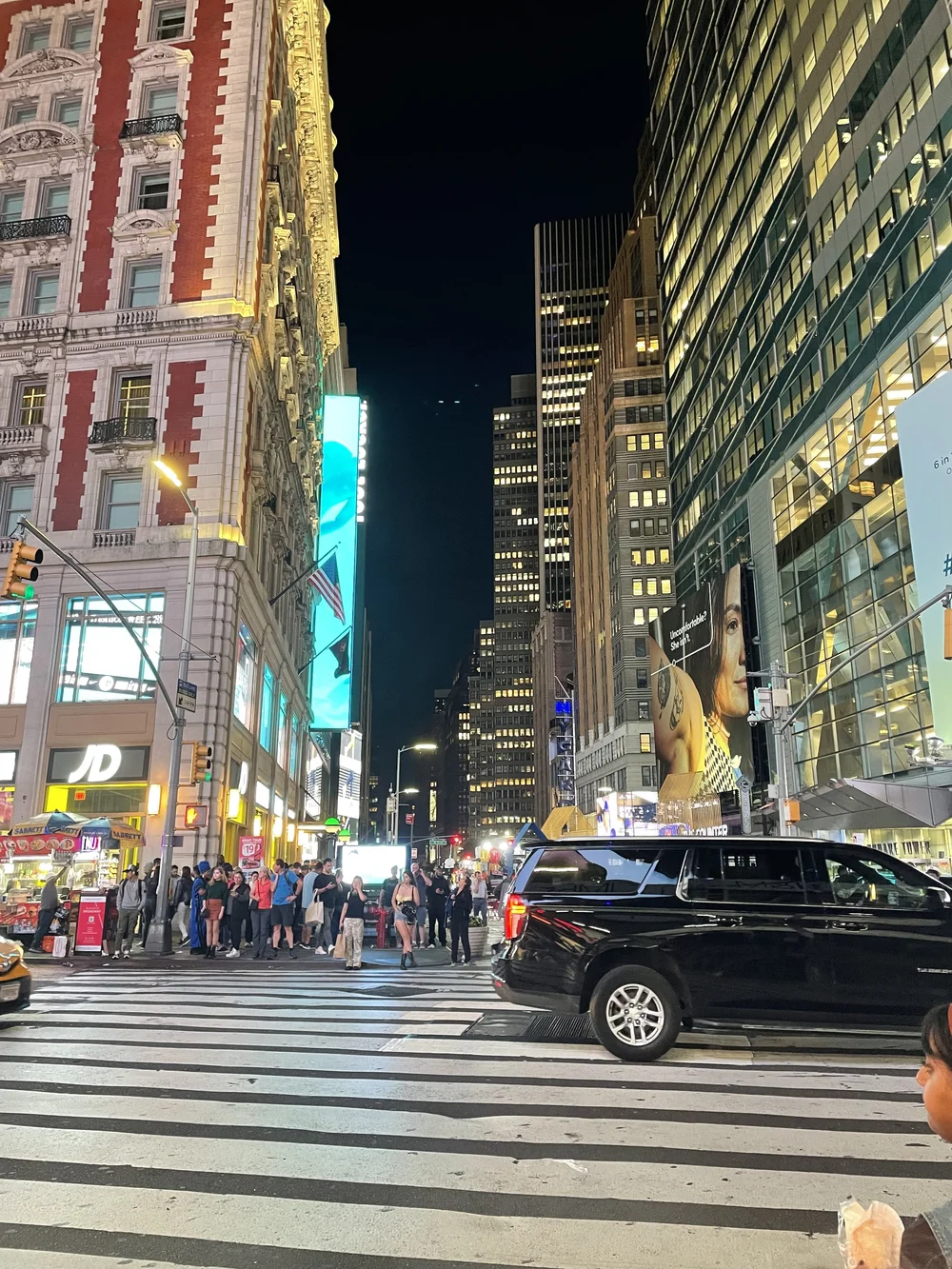
After a quick reset at home, we were back on the road to our next destination. New York City! The girls have been excited about this trip for a long time and we were finally able to put some time aside to make it happen. In our normal fashion, we had to do things differently and we chose to camp at the Liberty Harbor Marina & Rv Park across the Hudson River in Jersey City. We were surrounded by the typical motorhomes that you’d expect in a campground, but there were also a Jeep and a beautiful Landy 110 rocking some rooftop tents. The word “Campground” should be used lightly here as it’s a paved parking lot with water and electrical hookups. There is 24/7 security, bathrooms with showers and a laundry facility on site as well. The best part about this “Campground” is the location. You’re blocks away from the Path train to go over to NYC and you can see Ellis Island and the Statue of Liberty right from the campground. Our first day in NYC consisted of hitting the big items on the girl’s list, just to help calm them down a bit.😂 Times Square, Grand Central Station and all 10 floors of Macy’s. Not to mention experiencing the NYC subway system. Once the “big must see” items were checked off the list, we were able to move onto the more experience oriented locations. Be on the lookout for our next post where we delve a little deeper into those……


Recommended Comments
Create an account or sign in to comment