
Skip to content
View in the app

A better way to browse. Learn more.

Gear Crushers

A full-screen app on your home screen with push notifications, badges and more.

To install this app on iOS and iPadOS
  1. Tap the Share icon in Safari
  2. Scroll the menu and tap Add to Home Screen.
  3. Tap Add in the top-right corner.
To install this app on Android
  1. Tap the 3-dot menu (⋮) in the top-right corner of the browser.
  2. Tap Add to Home screen or Install app.
  3. Confirm by tapping Install.

The Ghost Town of Union Level

B81653AC-5B96-4BEF-96B1-BD32338F0768.jpe
5B716A59-A0DA-4C42-B548-E02D6BCDD921.jpg

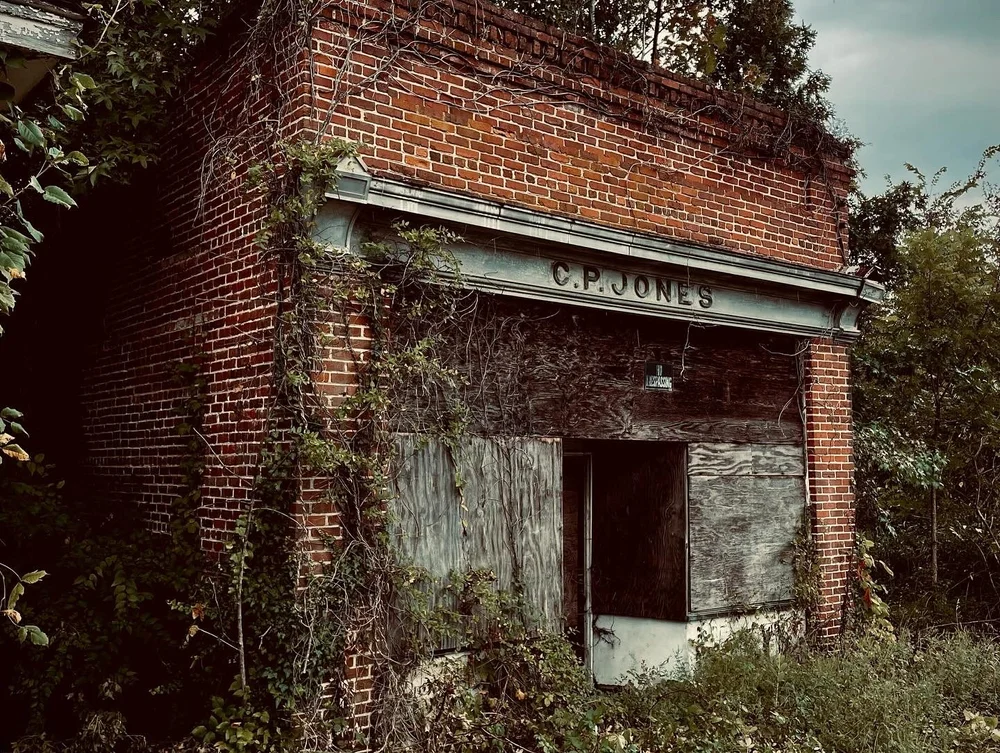
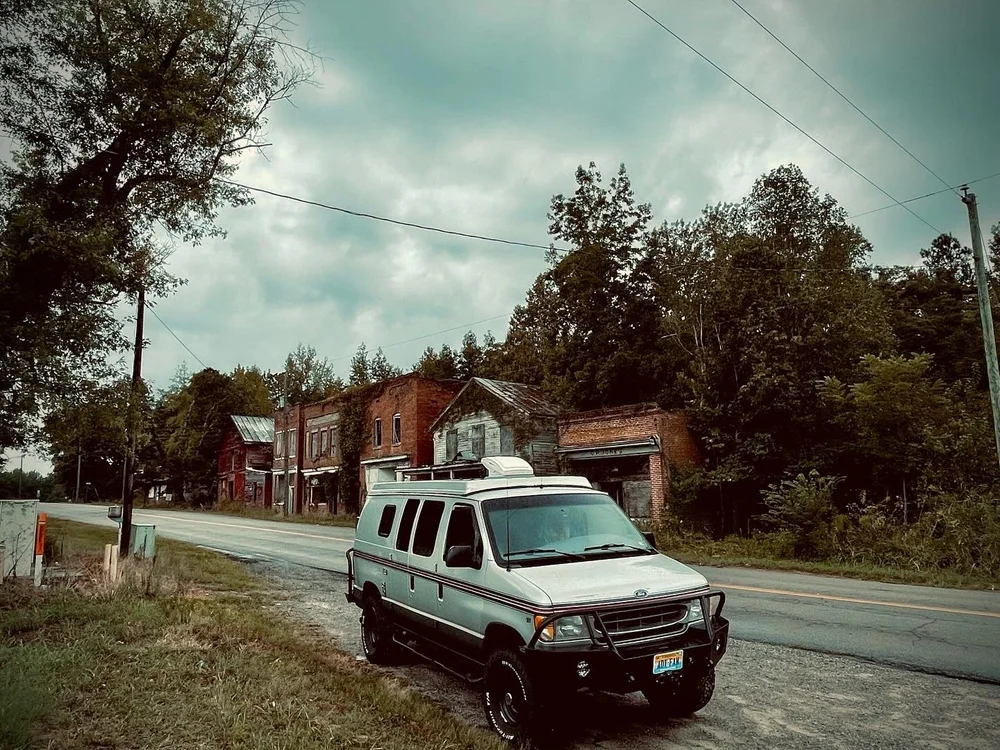
Union Level, Va “The Most Visited Ghost Town in Virginia”, or so the sign on the building across the street would have you believe. We’re not entirely sure how true that statement is as there were only a few passerby’s when we visited. Nevertheless, it was a very interesting place to visit and if you’re willing  to make the journey we’d say that it’s worth it.
A90829BF-362A-495C-BE23-FC9154FEEDD0.jpg
57AD8173-3A7C-4CD5-B03F-1BEF596C8B5D.jpg

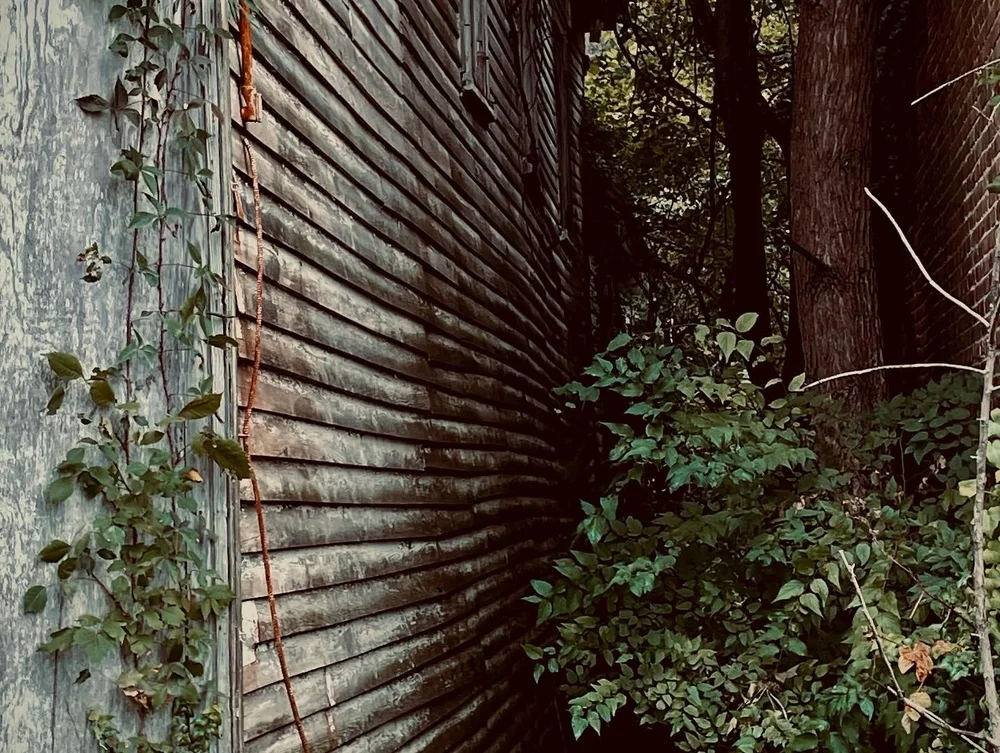
I grew up in a small town much like this one, in the Midwest, and I’ve always been fascinated and yet disheartened by what events led to the demise of these small communities. Researching, you’ll find that a lot of them were merely blips on the countryside where others were economic epicenters. Each one of them with their own unique story to tell. If you want to discover more about this one in particular, we highly recommend checking out the BLOG we found on the “Forgotten South” webpage.


Here’s a web link if you’d like to visit it.

https://theforgottensouth.com/union-level-virginia-ghost-town-history/


View the full article

User Feedback

Recommended Comments

There are no comments to display.

Create an account or sign in to comment

Latest Offroad Posts

Important Information

By using this site, you agree to our Terms of Use.

Account

Navigation

Search

Search

Configure browser push notifications

Chrome (Android)
  1. Tap the lock icon next to the address bar.
  2. Tap Permissions → Notifications.
  3. Adjust your preference.
Chrome (Desktop)
  1. Click the padlock icon in the address bar.
  2. Select Site settings.
  3. Find Notifications and adjust your preference.