



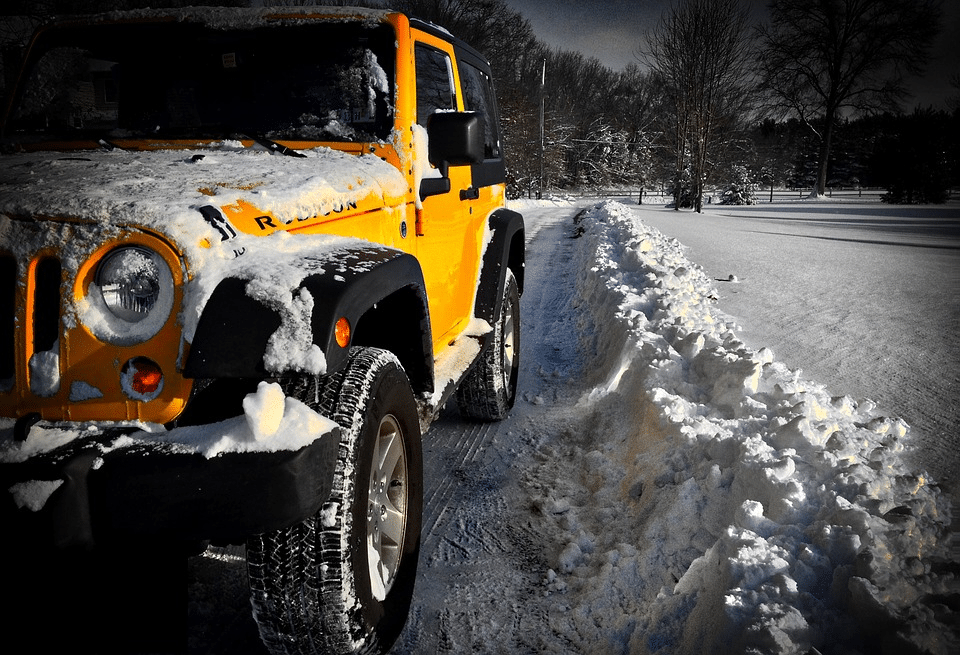
Winter weather is knocking at our doors here in St. Louis, and now is the time to mod out your Jeep to prepare. Just because the snow is falling, doesn’t mean your adventures should stop! Here are the top winter Jeep mods our team recommends to get ready.
Safety First
Before we dive into our recommendations, it’s important to know that even the greatest winter Jeep mods aren’t a substitute for safe driving. Brush up on the basics before you head out into a winter wonderland.
Now For The Mods
Tires
Solid skill is one pillar of safe winter driving, but without the right tires in place, those skills won’t mean much. Bald, worn tires won’t have the traction you need to stop carefully and safely. Look for winter-specific (and not just off-road) tire replacements with thicker, studded treads. This allows you to stop your jeep safely, improve turning, and create better acceleration.
Hard Top
Who wants to be stuck in a freezing-cold Jeep with just a soft top to protect you from the elements? (Spoiler alert: nobody.) Upgrade to a high-quality hardtop that keeps the cold and moisture out, and inspect it before every seasonal installation. If you notice any cracks or damage to the weather stripping, get in touch with a professional to have it repaired.
Grille Guard
Regardless of the season, modding your Jeep with a grille guard can go a long way to protect it from front-end damage. That’s especially true in snow, where it’s much easier to slip and slide. Grill guards will add another layer of strong protection between your Jeep and anything you may run into should you lose control and end up hitting something head-on.
Chains
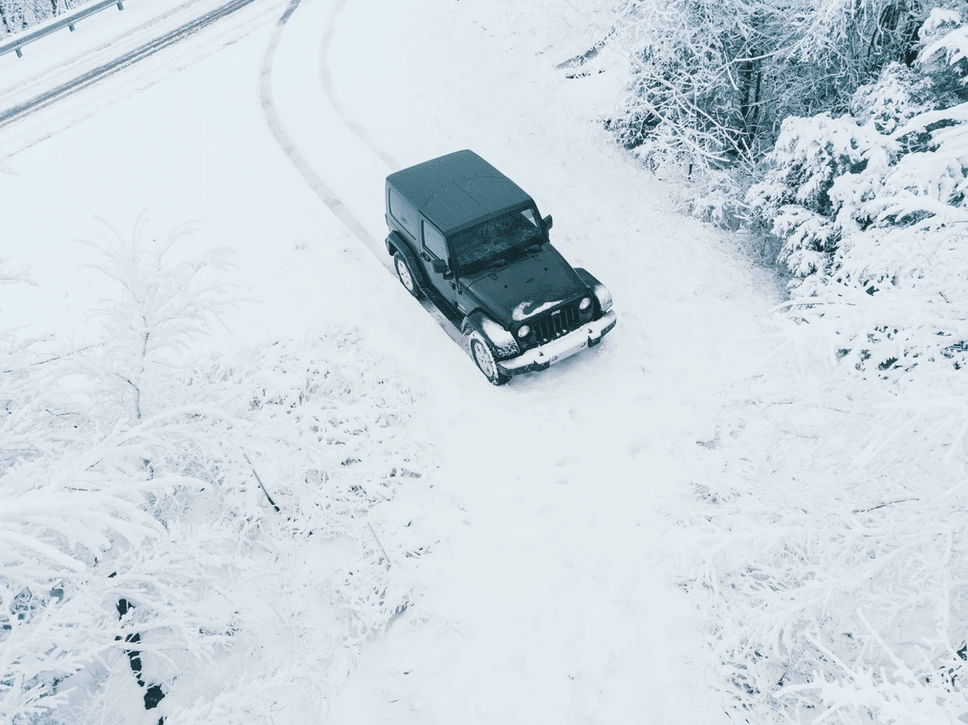
Tire chains are a low-tech mod that hasn’t been innovated in decades — and for good reason. Heavy semi-trucks and tractor-trailers use them, so why shouldn’t your Jeep? Your local Jeep mechanic will show you how to use them, and in many cases it’s quite easy to do. Chains provide even more traction beyond a good set of tires. recommend
Winch
Again, this is an all-season mod that shows its muscle during the winter. Winches allow you to slowly and carefully get your Jeep unstuck, something that a two-strap can’t do without causing significant damage. Winches also offer adjustable length (often up to 100 feet) which allows the recovery vehicle to stay on solid land (or snow) while helping to pull you out of a jam.
Tune-Up
You already know regular maintenance helps a Jeep last forever, but you should take special care to have it checked over before going out in the snow. Ask your experienced Jeep mechanic to take a close look at your 4WD, especially if it’s been a while since you’ve used the feature. Having your vehicle lock up on the trails is a bummer.
Ready to head out into the snow, slush, and ice? Don’t do anything without bringing your Jeep to us here at Axleboy. We’ll let you know which winter Jeep mods you’ll need to max out on off-road (and on-road) fun and make sure you get the best quality at the best price. We’ll tune up your Jeep to make sure all systems are a go — call us for an appointment before the snow gets too deep!
The post Top Jeep Mods for Winter Weather appeared first on Axleboy Offroad - St Louis .


Recommended Comments
Create an account or sign in to comment